Set Up an Xbox Series Console
Xbox Series X or S setup is mostly waiting: unbox, connect, sign in, update, install. The two places people get stuck are the long day-one update and storage filling instantly on the Series S. Do it in the right order with the Xbox phone app nearby and the whole thing takes about an hour of mostly passive time.
TL;DR / Quick Fix
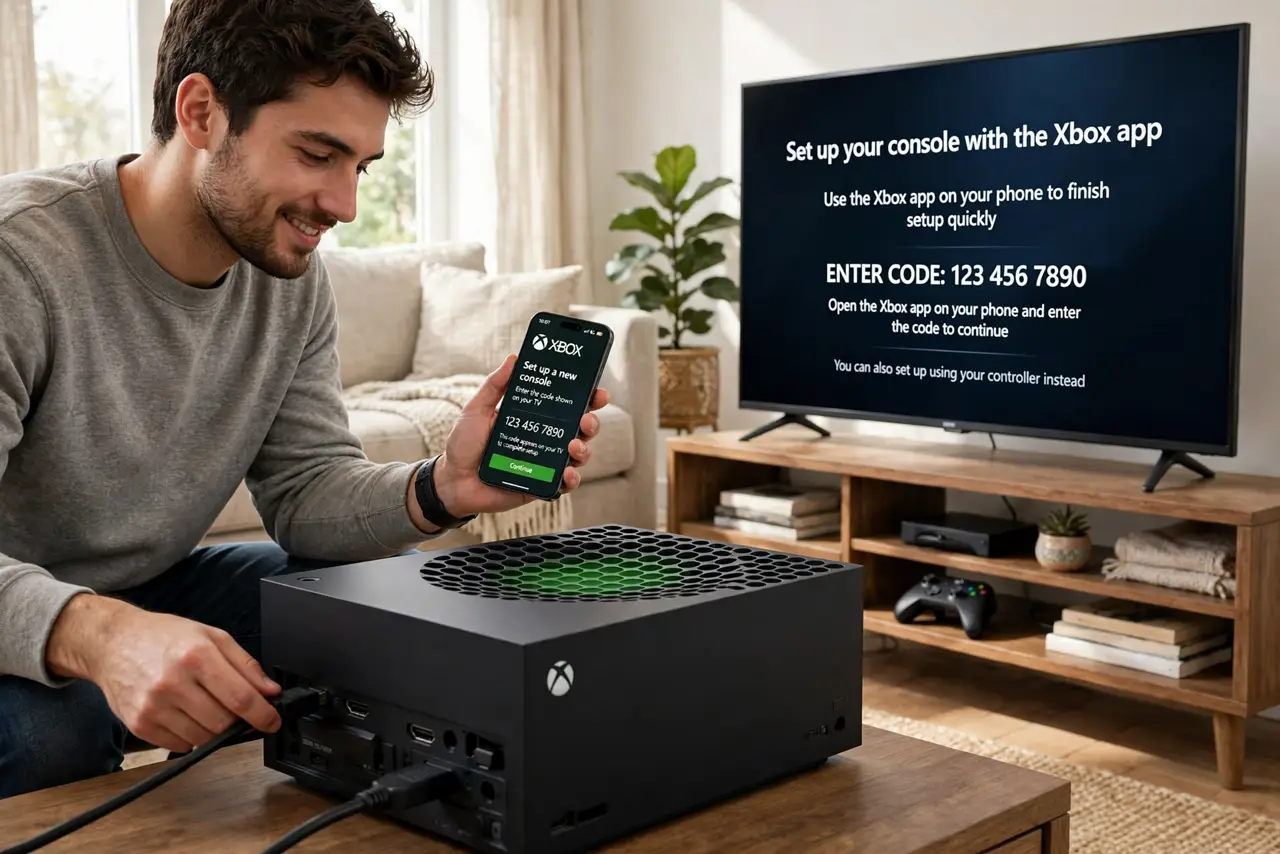
Connect your Xbox Series console to the TV and network, then use the Xbox mobile app to speed through sign-in and settings. Let the system update finish before installing games, secure your Microsoft account with two-step verification, and check storage. A strict NAT type is the usual online-play culprit.
Follow these steps
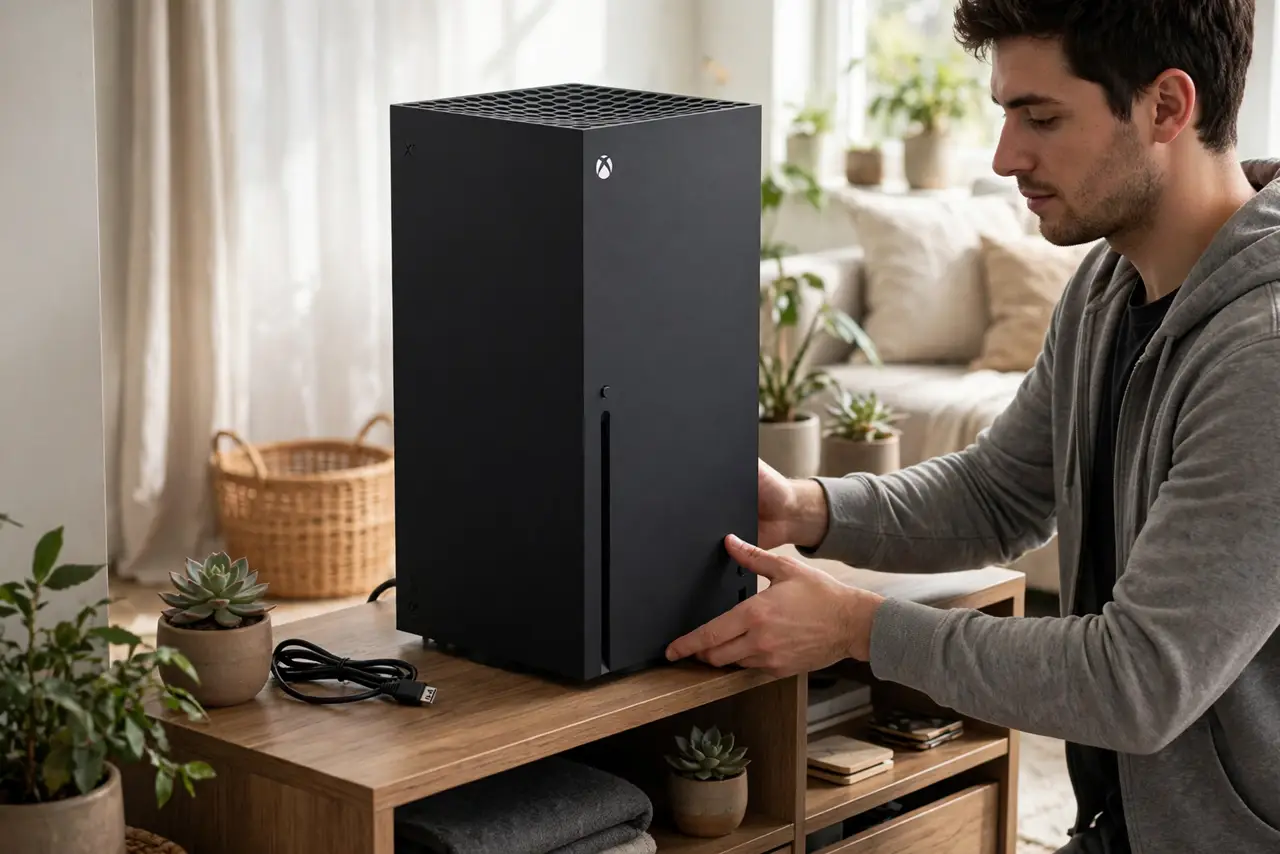
- Place the console with airflow. Stand it vertically or lay it flat with clear space around the vents. The Series X vents out the top — blocking that circle chokes the whole cooling system.
- Connect to the TV and network. Use the included HDMI cable on a TV HDMI port, then connect Wi-Fi or ethernet. Wired is steadier for big game downloads, which can run to 100 GB.
- Use the Xbox app for setup. Install the Xbox app on your phone first — it handles sign-in, settings, and Wi-Fi transfer far faster than typing passwords with a controller.
- Let the system update complete. The day-one update is large and mandatory for online play. Start it, walk away, and do not install games until it finishes — interrupted updates cause the weirdest errors.
- Sign in and secure the Microsoft account. Use your existing Microsoft account (or create one), then enable two-step verification. Game libraries and payment methods live here — lock it down.
- Install one game and check storage. Install a single game first to verify everything works. On the Series S especially, check remaining space before buying more — expansion cards are the only upgrade path.
What NOT to do
- Do not install games during the system update. Competing downloads corrupt installs and the update will demand a restart anyway.
- Do not block the top vent on a Series X. That black circle is the exhaust — covering it is the fastest route to overheating.
- Do not buy a random external drive expecting Series games on it. Only certified expansion cards run optimized Series titles; USB drives hold last-gen and media.
- Do not skip two-step verification on the Microsoft account. Game libraries get targeted; the extra step is cheap insurance.
Frequently asked questions
Xbox Series X or S — which should I get?
X for 4K disc gaming and maximum power; S for digital-only budget gaming at lower resolution. Both play the same games — the difference is fidelity and storage.
Can I transfer games from an old Xbox One?
Yes — network transfer or an external drive moves them over, and many titles get free Series upgrades. Sign in with the same account to keep your library.
Why is the download so slow?
Day-one server congestion and Wi-Fi distance are the usual causes. Ethernet and off-peak hours help; the console also throttles downloads while a game runs.