Start a YouTube Channel
Starting a YouTube channel feels like it needs a studio, a logo, and a perfect niche — it does not. What it needs is a clear topic, a way to record, and a sustainable upload rhythm you can keep for months. The channels that grow are the ones that keep publishing, not the ones that launch perfectly.
TL;DR / Quick Fix
Quick fix: pick one topic you can talk about for a year, record with your phone and a quiet room, and commit to a schedule you can actually keep — weekly beats daily-if-you-burn-out. Upload your first five videos before judging anything; the algorithm needs data, and so do you.
Follow these steps
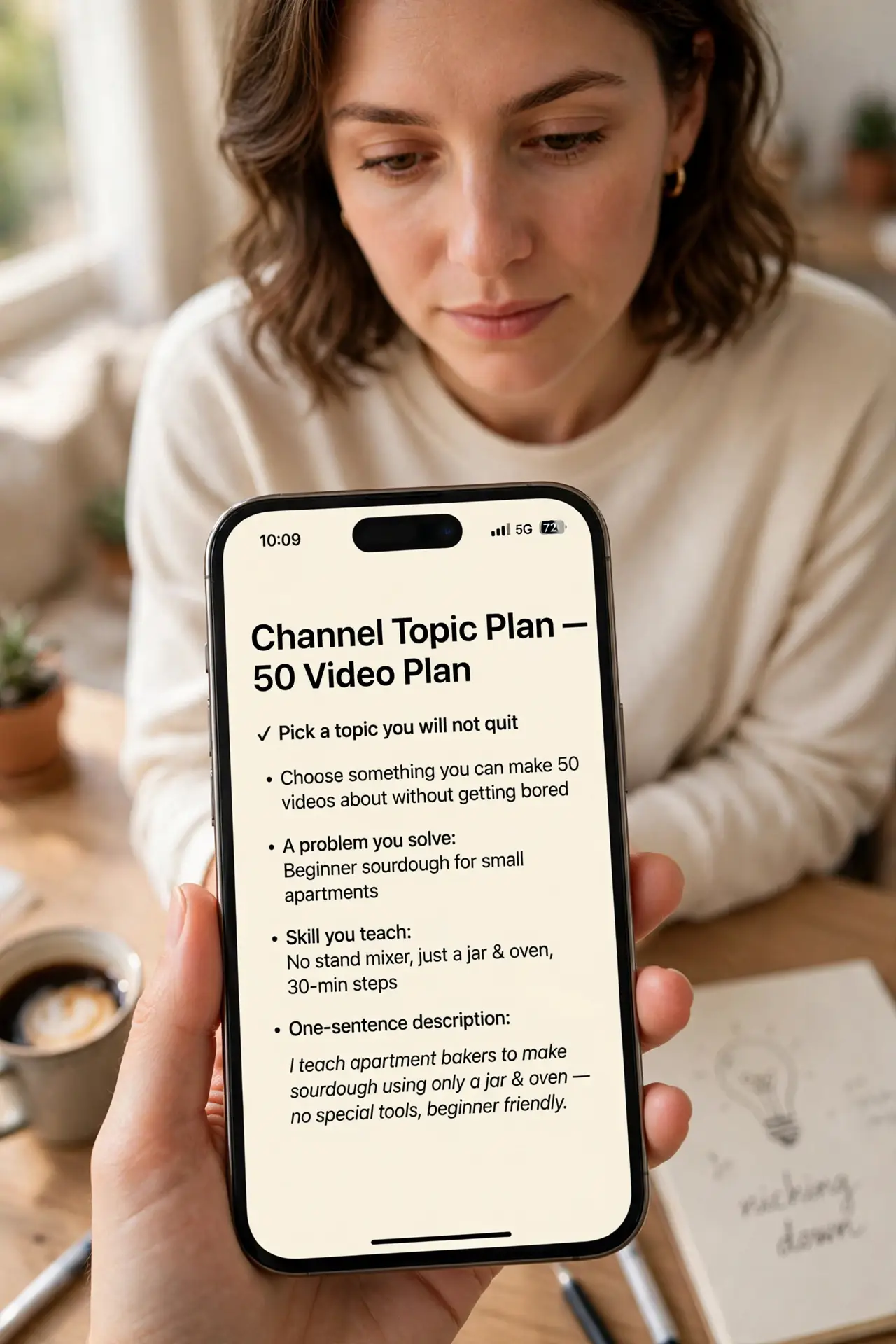
- Pick a topic you will not quit. Choose something you can make 50 videos about without getting bored — a problem you solve, a hobby you know, a skill you teach. Niche down enough that a stranger can describe your channel in one sentence.
- Set up a channel properly. Create the channel with a clear name, write a one-line description of who it is for, and add a simple profile picture. Skip the fancy banner for now — nobody subscribes for a banner.
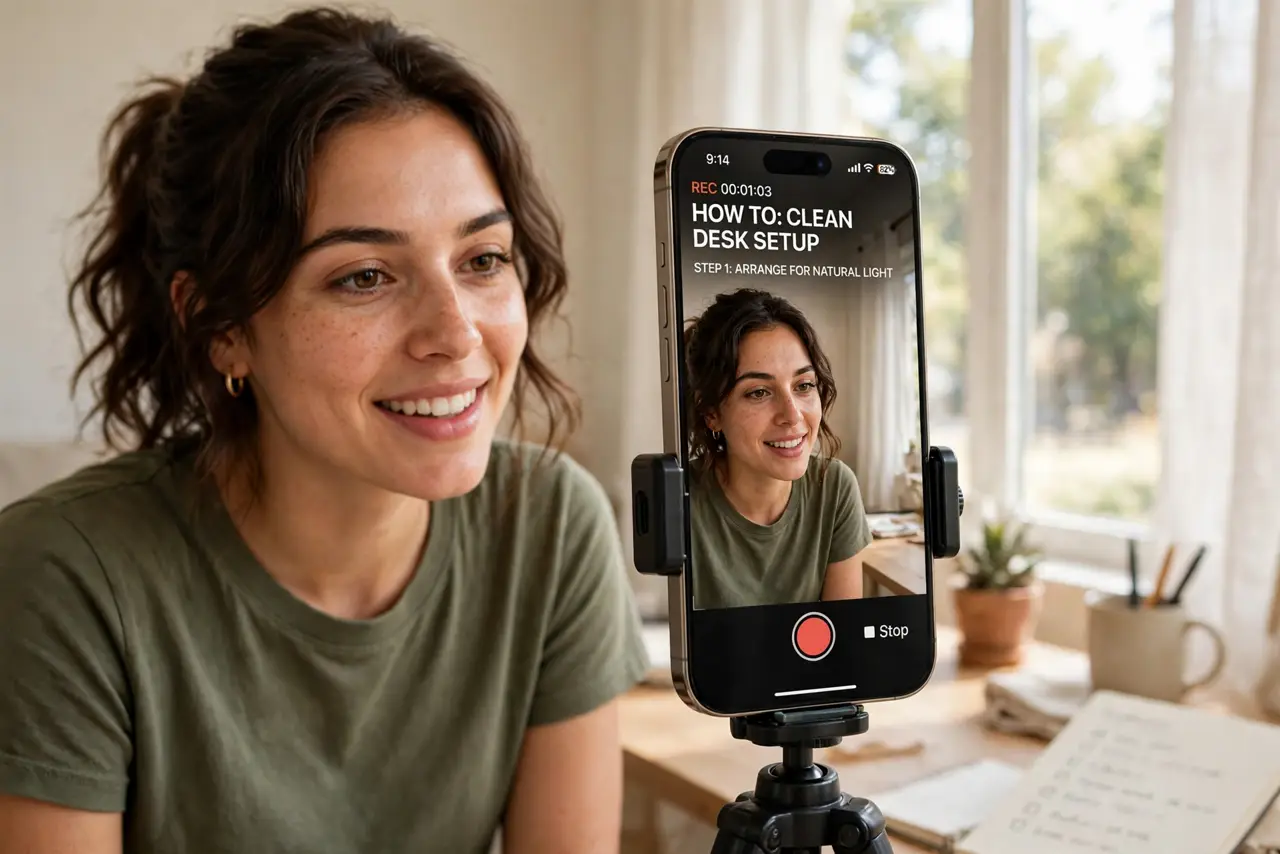
- Record with what you have. A modern phone in a quiet room beats a fancy camera in an echoey one. Face a window for light, keep the phone at eye level, and record a short test to check the audio before committing to a full video.
- Learn the bare-minimum edit. Cut the dead air, the ‘ums,’ and the long pauses — that is 80% of editing. Free editors handle this fine; your first videos should teach you pacing, not software. See video editing basics when you are ready for more.
- Publish on a schedule you can keep. One video a week for six months beats a burst of daily uploads followed by silence. Consistency trains both the algorithm and your audience — and, honestly, trains you.
- Read the comments and the retention graph. After a few uploads, check where viewers drop off in YouTube Studio’s retention graph. That graph is free coaching — the dips tell you exactly what bored people. Adjust the next video, not the whole channel.
What NOT to do
- Do not buy gear before your tenth video. A microphone is the only early purchase worth considering — audio quality matters more than camera quality.
- Do not copy another channel’s format wholesale. Study what works, then adapt it to your voice — clones stall, originals compound.
- Do not obsess over subscriber counts early. Watch time and retention are the metrics that actually drive growth.
- Do not delete underperforming videos in a panic. They cost nothing to keep and sometimes find an audience months later.
Frequently asked questions
How many videos before I see growth?
There is no fixed number, but most creators see patterns only after 20-30 uploads. Treat the first stretch as practice that happens to be public.
Do I need to show my face?
No — screen recordings, voiceovers, and hands-on demos all work. What matters is whether the video answers something people search for.
When can I earn money from the channel?
YouTube’s partner program requires 1,000 subscribers and 4,000 watch hours (or Shorts equivalents) in the last year. Focus on content worth watching first — the thresholds follow.