Set Up a YubiKey
A YubiKey is a little USB stick that proves it is you — tap it to log in, and phishing, password theft, and SIM-swapping all bounce off. Setup takes ten minutes per important account: register the key, save backup codes, and add a second key if you can. Start with your email, because email unlocks everything else.
TL;DR / Quick Fix
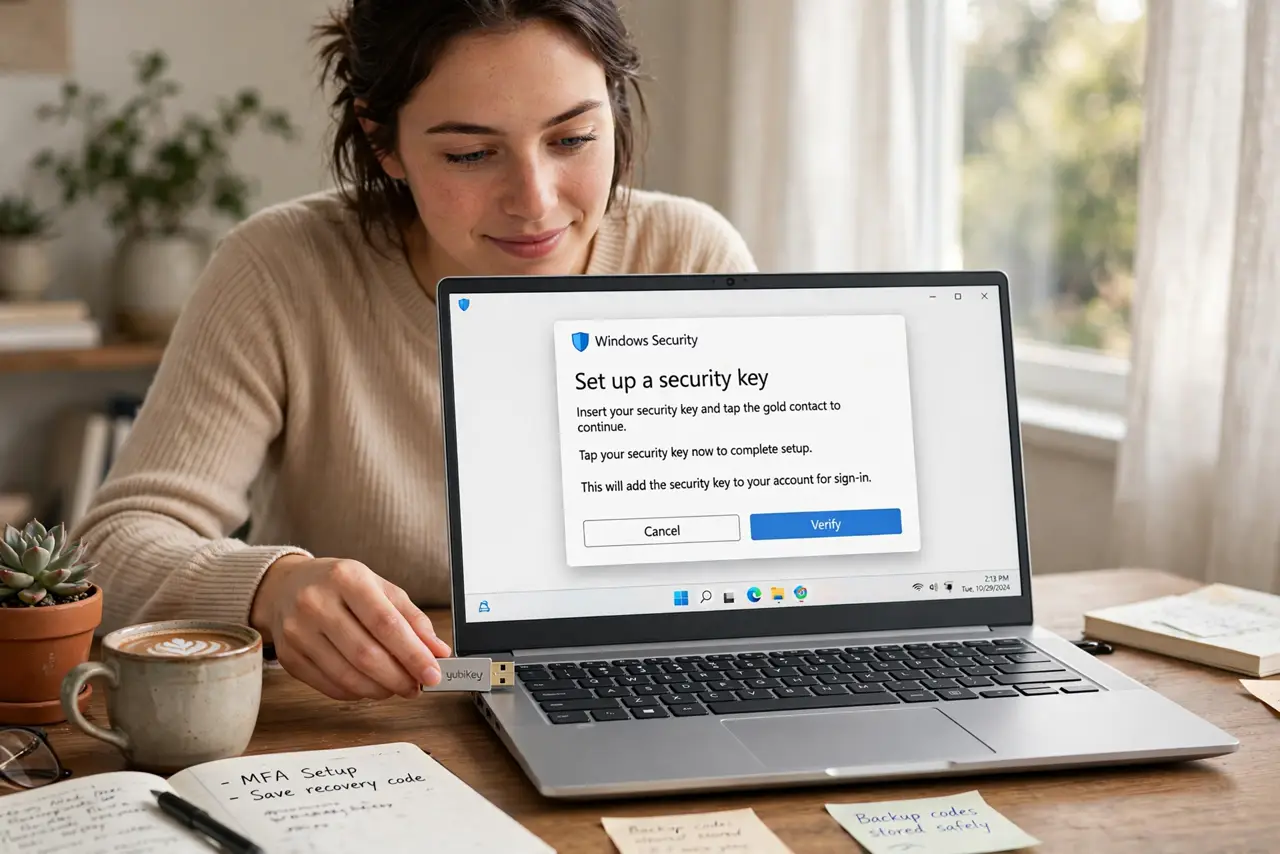
Buy a FIDO2-certified YubiKey, then register it on your important accounts starting with email: open each account's security settings, add a security key, and tap the YubiKey when prompted. Save the backup codes, and consider a second key as a spare. The hardware security key guide explains daily use.
Follow these steps
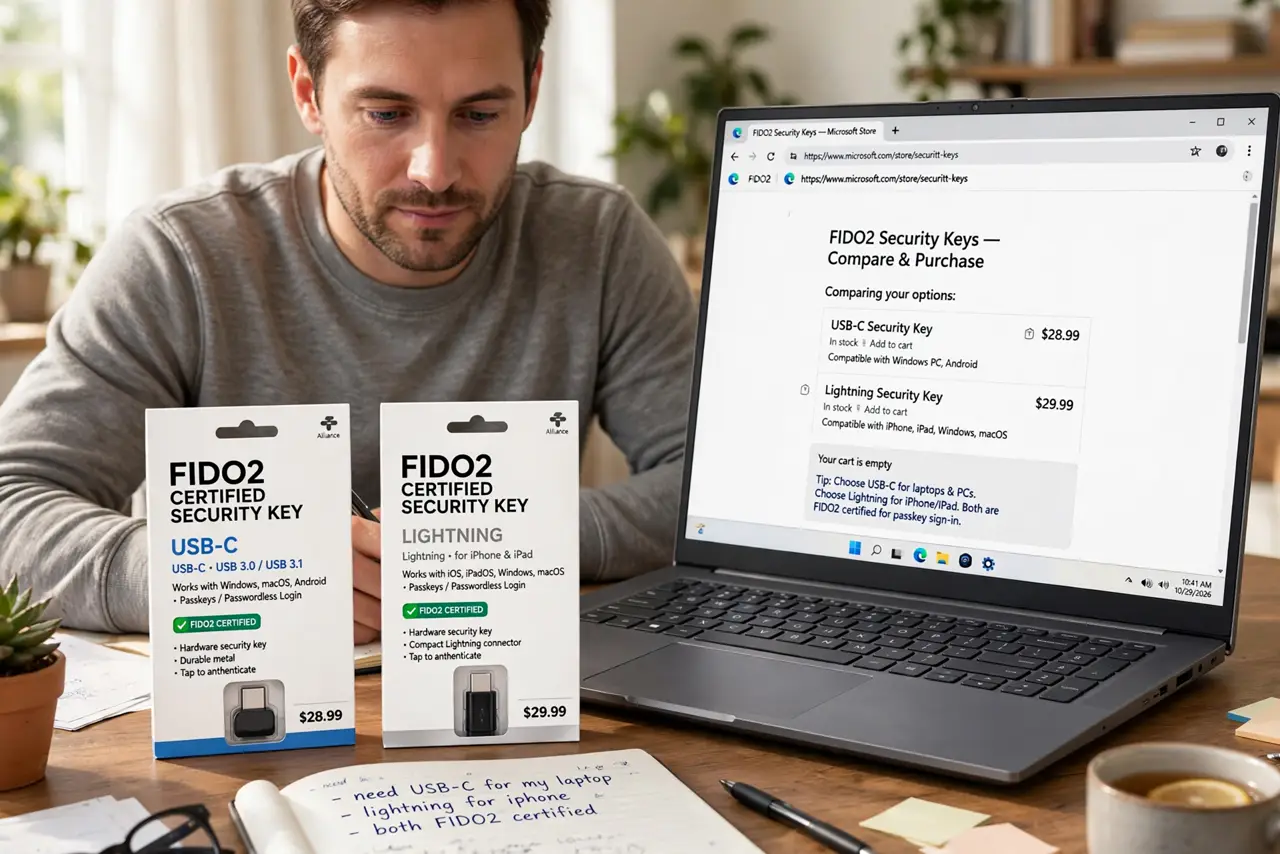
- Buy a FIDO2-certified key that fits your devices. Check the FIDO2 certification label and pick the connector your devices use (USB-C, Lightning, or NFC for phones). One key works across accounts — you do not need one per site.
- Start with your email account. Email is the master key to password resets everywhere. Register the YubiKey there first, following the account's 'add security key' flow in its security settings.
- Register it on each important account. Open security settings, choose security key or passkey registration, insert or tap the key when prompted, and give it a recognizable name like 'YubiKey - keychain.'
- Save every backup code you are given. Each site issues recovery codes during setup. Store them somewhere other than the device you log in from — printed or in a password manager you can reach another way.
- Add a second key as a spare if you can. Two keys registered everywhere means losing one is an errand, not an emergency. Register both keys on each account during the same session.
- Test a login with the key. Sign out and back in using the YubiKey to confirm the flow works. Discovering a registration glitch now beats discovering it during travel.
What NOT to do
- Do not register only one key with no backup codes. A single lost key plus no codes equals account recovery purgatory.
- Do not buy an uncertified bargain key. The FIDO2 label is the compatibility and quality signal — no-name keys have flaky firmware.
- Do not skip email. People secure social accounts first and leave email — the actual master key — on a password alone.
- Do not leave the key plugged in permanently. A key always inserted is only slightly better than no key; keep it on your keychain and plug in to authenticate.
Frequently asked questions
What is the difference between a YubiKey and an authenticator app?
A YubiKey is phishing-proof hardware — the login only works on the real site. Authenticator codes can still be phished. The comparison guide details the tradeoffs.
Can I use one YubiKey for everything?
Yes — a single key can be registered on hundreds of sites. A second key is recommended purely as a backup.
What if I lose my YubiKey?
Use your backup codes or second key to sign in, then remove the lost key from each account. Without codes or a spare, you face each site's manual recovery.