3D Printer Basics
You have seen the videos: a machine slowly building a phone stand, a toy, a replacement part, out of thin air. A 3D printer melts plastic and stacks it layer by layer into real objects. The beginner learning curve is real — failed prints, stringy messes — but the basics are simpler than the hobby looks. Here is the honest starting guide.
TL;DR / Quick Fix
Quick fix: a 3D printer builds objects layer by layer from melted plastic. Start with an affordable FDM printer, PLA filament, and free models from reputable sites. Level the bed, slice in free software, and print small first. Expect failed prints while learning — and never leave it running unattended.
Follow these steps
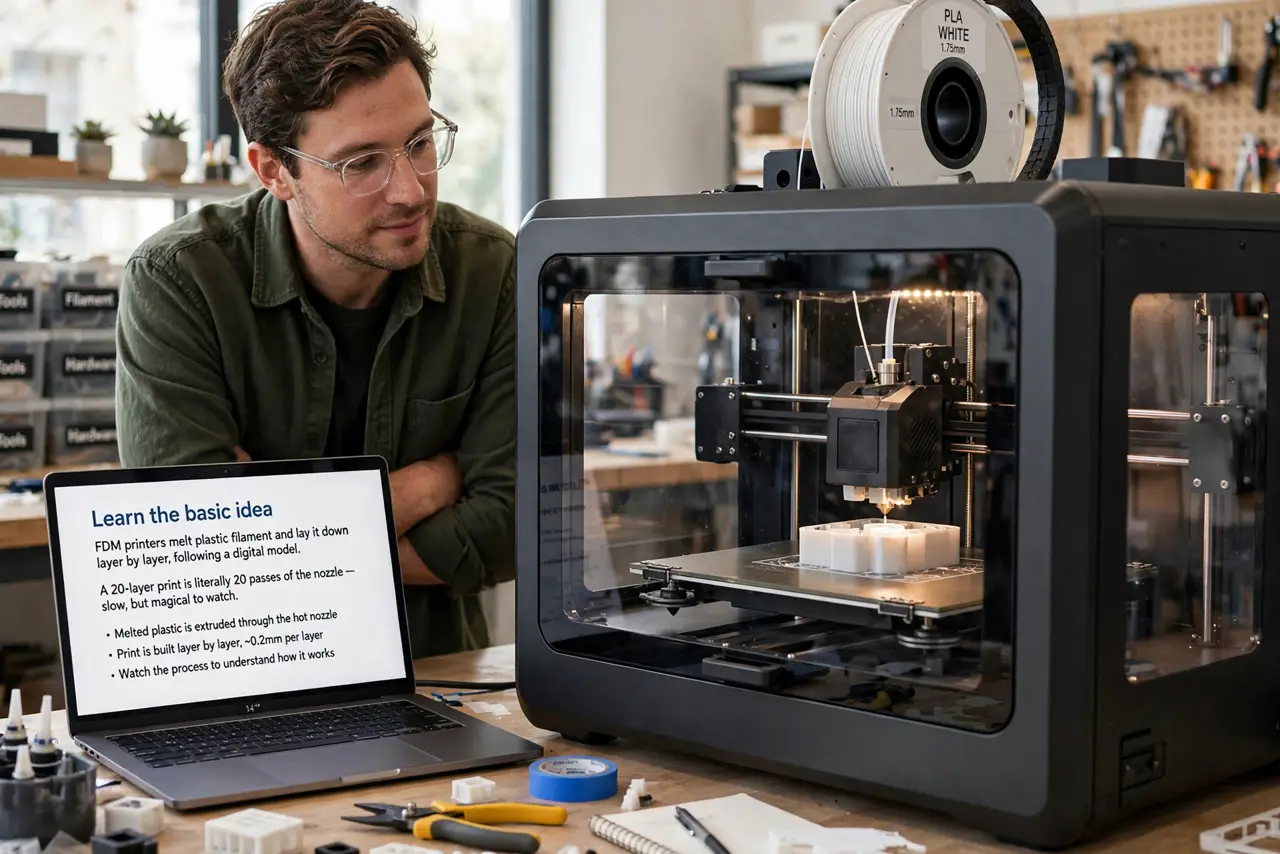
- Learn the basic idea. FDM printers melt plastic filament and lay it down layer by layer, following a digital model. A 20-layer print is literally 20 passes of the nozzle — slow, but magical to watch.
- Start with PLA filament. PLA is the beginner plastic: easy to print, low odor, no heated chamber needed. Skip exotic materials until you have mastered the basics — the filament guide covers the rest when you are ready.
- Level the bed — seriously. An unleveled bed causes 90% of beginner failures: prints that will not stick or nozzles that drag. Follow your printer's leveling routine before every few prints, not just once.
- Slice with free software. A slicer converts the 3D model into printer instructions. Free options handle everything beginners need — import the model, pick standard settings, export, print.
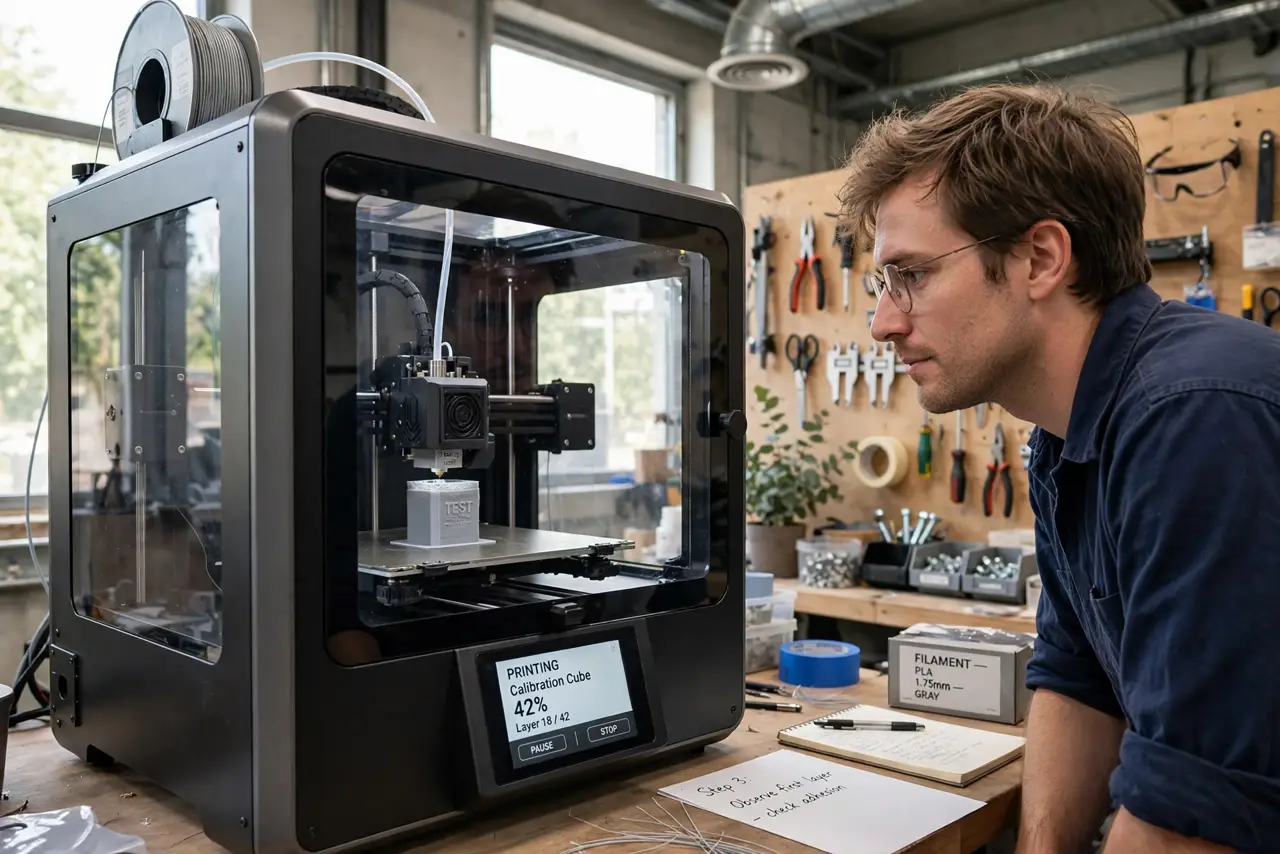
- Print something small first. A calibration cube or a simple hook, not a helmet. Small prints fail fast and teach fast; a 20-hour print that fails at hour 18 teaches only patience.
- Ventilate and supervise. Print in a ventilated room — melted plastic fumes are not great to breathe. And never leave a printer running overnight or while you are out; thermal failures, while rare, are real fire risks.
What NOT to do
- Do not start with ABS or exotic filaments. They need enclosures, ventilation, and experience — PLA first, always.
- Do not leave the printer running unattended. The fire risk is small but real; a cheap smart camera lets you monitor from the couch.
- Do not print in a bedroom or unventilated closet. Fumes and ultrafine particles are a genuine concern — ventilate the room.
- Do not buy the cheapest printer with no community. A popular budget model with forums and spare parts beats a no-name machine every time.
Frequently asked questions
How much does it cost to get started?
A decent beginner FDM printer plus PLA filament typically costs less than a mid-range smartphone — the hobby is genuinely affordable now.
Do I need to know 3D modeling?
No — thousands of free ready-to-print models exist online. Modeling is a separate skill you can learn later if the bug bites.
FDM or resin — which should I start with?
FDM for beginners — simpler, safer, cheaper. Resin gives finer detail but involves messy chemicals and curing. See resin vs filament for the full comparison.