Password Changed by Someone Else? Recover It Fast
Losing access because someone changed your password feels urgent, and speed matters. Work through official recovery only, and check recovery settings and sessions once you are back in, because an intruder may have changed more than the password.
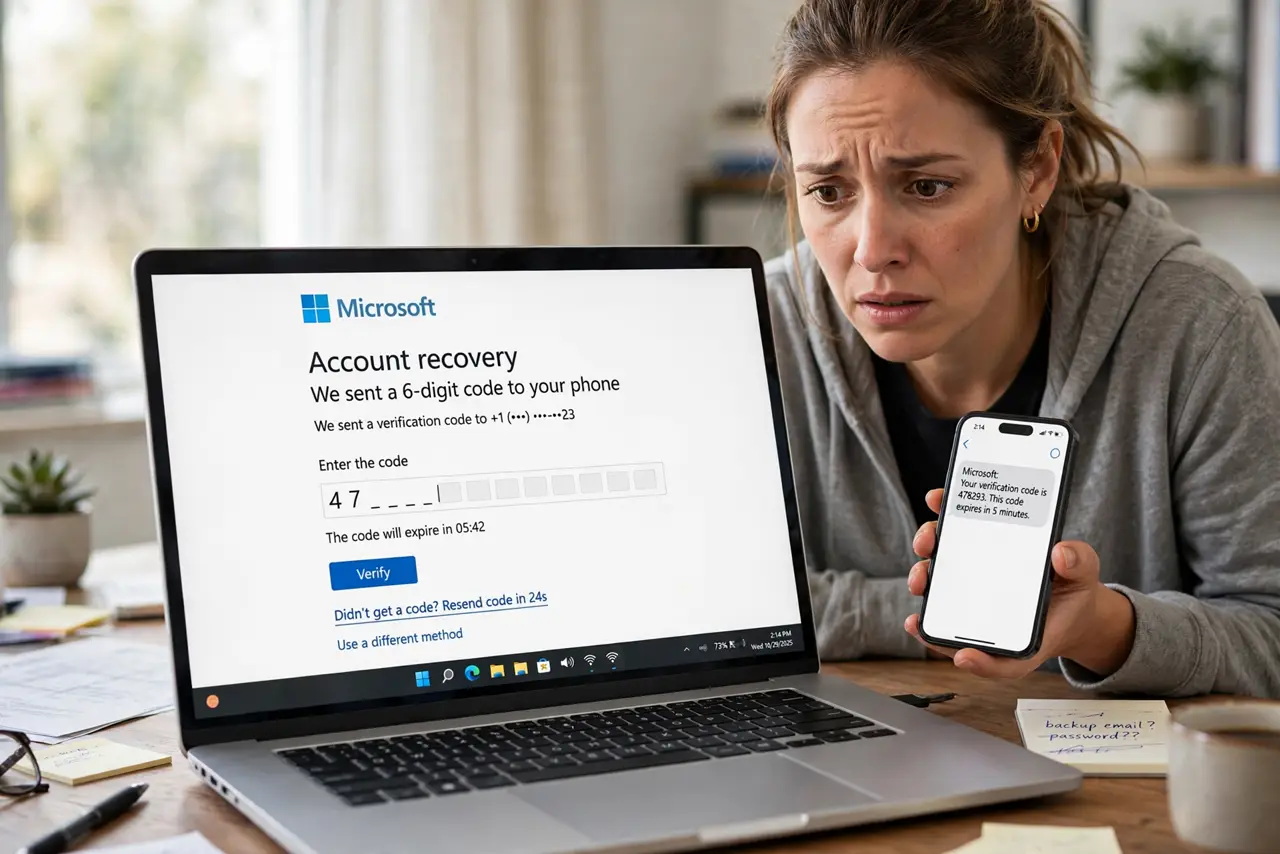
TL;DR / Quick Fix
Quick fix: start official account recovery from the real site, not from a message link. Once back in, change the password, remove unknown recovery details and sessions, and turn on two-factor authentication before anything else. Start now, and check every account afterwards.
Follow these steps
- Start official recovery at once. Go to the real site or app yourself and choose the forgot password or account recovery option. Follow its identity checks, and do not pay anyone who offers faster recovery.
- Use a recovery email or phone you control. Choose a recovery method you still control. If the intruder changed your recovery email, use the other recovery options the service offers, such as backup codes or identity verification.
- Set a fresh, unique password. Once back in, set a password you have never used anywhere else. A reused password is how many accounts get taken a second time.
- Remove unknown recovery details. Check recovery email, recovery phone, and security questions. Delete anything you did not add, and add back only details you control.
- Sign out every other session. Use the sign out of all devices option. This ends sessions the intruder may still hold, even after the password change.
- Turn on two-factor authentication. Turn on two-factor authentication and save backup codes in a safe place. Then check recent activity for posts, purchases, or messages you did not make.
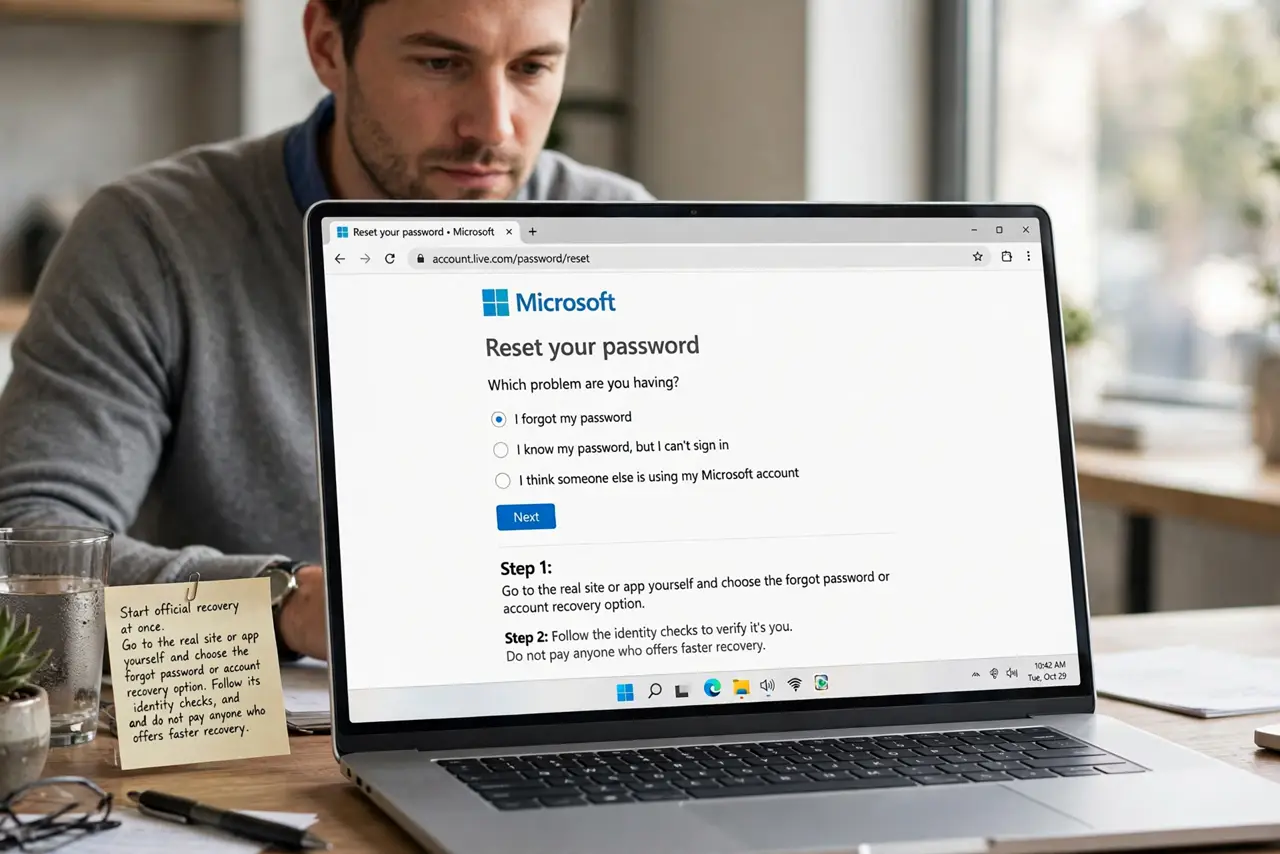
What NOT to do
- Do not click a recovery link sent to you unexpectedly. Start recovery from the real site yourself.
- Do not pay a stranger who claims they can recover the account faster. That is a second scam.
- Do not reuse the old password, or a password you use on another site, after a takeover.
- Do not skip checking recovery details. A password change alone leaves an intruder a way back in.
Frequently asked questions
What if recovery says my email is not recognized?
The intruder may have changed it. Use the service help pages for hacked accounts and its identity verification steps, and be patient with the review.
What if the intruder posted or messaged as me?
Delete posts you did not make once back in, warn contacts that messages during that period were not from you, and check sent items.
How do I stop it happening again?
Use a unique password, two-factor authentication, and recovery details only you control. Review sessions and connected apps regularly.