Set Up Apple Recovery
Your Apple ID is the key to everything — iCloud photos, purchases, the phone itself — and people discover their recovery options only after getting locked out. Apple offers recovery contacts and a recovery key, but both must be set up while you still have access. Ten minutes now prevents the nightmare later.
TL;DR / Quick Fix
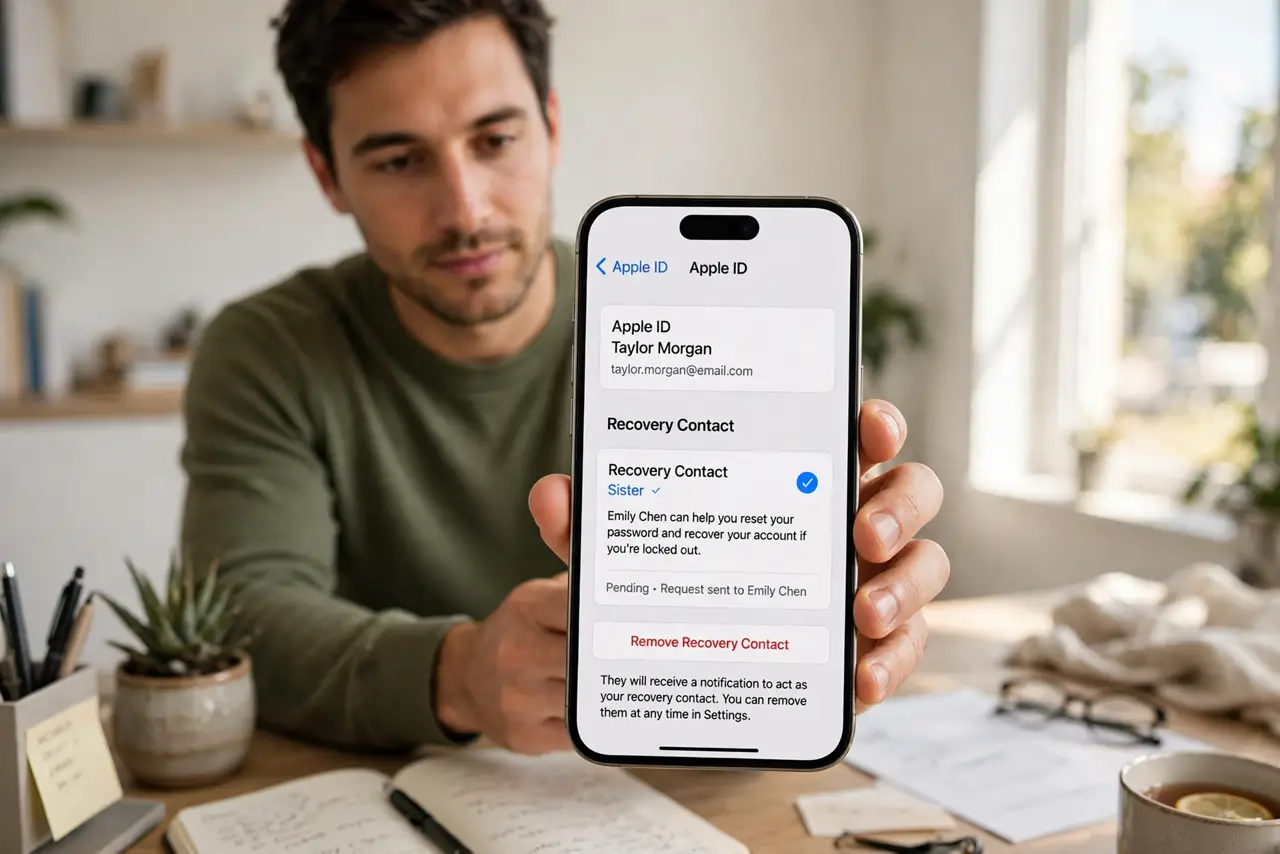
Quick fix: on your iPhone, go to Settings, tap your name, then Sign-In and Security, and add a recovery contact — a trusted person who can vouch for you. Consider the recovery key too, but know it replaces other recovery methods. Do this while logged in, not after a lockout.
Follow these steps
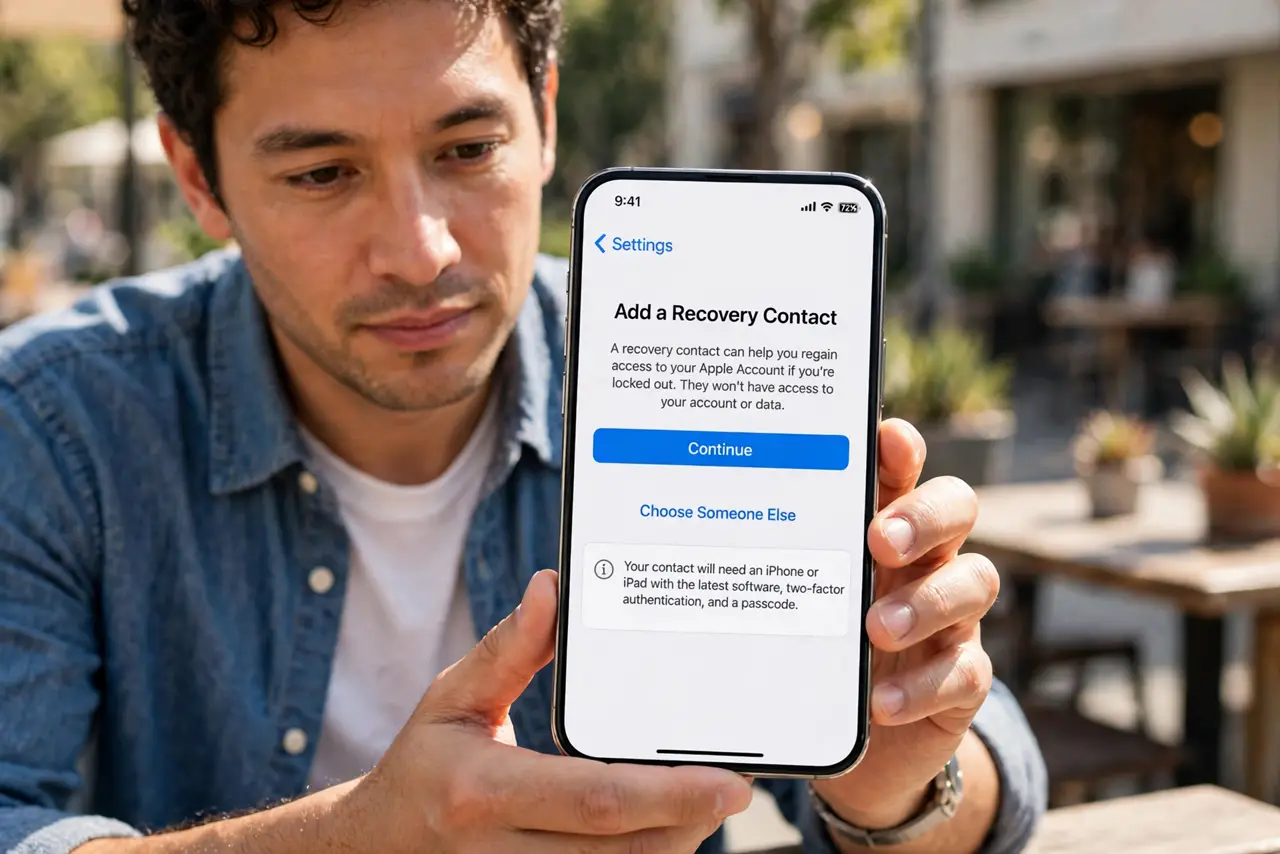
- Add a recovery contact. Go to Settings, tap your name, then Sign-In and Security, then Account Recovery. Add a trusted person — a family member or close friend with an Apple device — as your recovery contact.
- Tell them what it means. Your contact can generate a recovery code for you if you are locked out — they cannot access your account themselves. Explain it now so a future crisis call makes sense.
- Consider the recovery key. The same screen offers a 28-character recovery key — the strongest option, but it disables other recovery paths. Lose the key and even Apple cannot help you; only choose this if you will store it impeccably.
- Verify your trusted number. Confirm your trusted phone number is current in the same settings area. Apple's verification codes go there — an old number silently breaks the whole recovery chain.
- Keep devices signed in. A second signed-in Apple device — an old iPad, a Mac — is itself a recovery path. Do not sign out of spare devices 'to be tidy'; they are your safety net.
- Test your memory now. While calm and logged in, confirm you know your Apple ID password — or store it in a password manager. Most lockouts start with a forgotten password nobody admitted to forgetting.
What NOT to do
- Do not set up recovery after a lockout. Every option here requires being signed in — afterward is too late by design.
- Do not choose a flaky recovery contact. Pick someone reachable, reliable, and unlikely to lose their own phone the same week.
- Do not lose a recovery key. With the key enabled, losing it means permanent lockout — Apple genuinely cannot override it.
- Do not ignore the trusted number. An outdated number breaks code delivery silently; update it the day your number changes.
Frequently asked questions
What is a recovery contact?
A trusted person whose device can generate a recovery code for you. They never see your data — they just vouch that you are you.
Recovery key vs recovery contact — which?
The contact is safer for most people — human backup with no code to lose. The key is stronger but unforgiving; choose based on your storage discipline.
I am locked out right now. What do I do?
Start account recovery at Apple's recovery site from any browser. It takes days by design — and afterward, set up everything on this page.