Recovery Email You Did Not Request? Stay Calm
An unexpected password-reset email usually means someone typed your address into a reset form, or someone is testing whether you will click. Either way, do not click the reset link unless you asked for it. Check the account yourself instead.
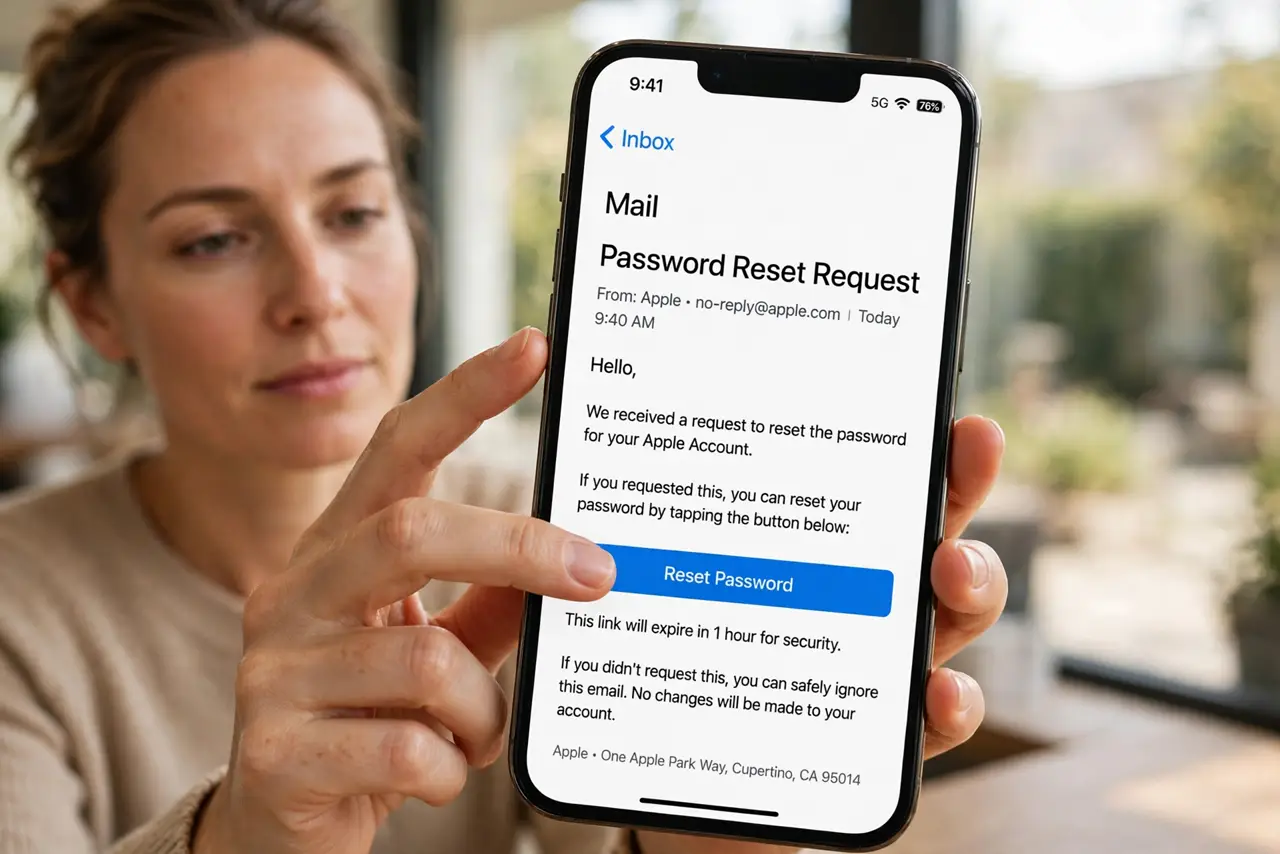
TL;DR / Quick Fix
Quick fix: do not click the reset link in an unexpected recovery email. Sign in through the official app or a bookmark, confirm your password and two-factor authentication still work, and delete the email. If you cannot sign in, start recovery yourself.
Follow these steps
- Do not click the reset link. If you did not request a reset, the link is not for you. Clicking it can hand control to someone testing your address, or lead to a fake page.
- Check the sender carefully. Look at the real sender address, not just the display name. A message from an unrelated domain, with odd wording or urgent threats, is a fake to delete.
- Sign in yourself to check the account. Open the official app or type the address yourself, and sign in normally. If your password works and nothing looks changed, your account is likely still yours.
- Change the password if anything feels off. If you see unknown sessions, changed settings, or other reset emails, change the password to a fresh, unique one from the real site.
- Confirm two-factor authentication is on. Check that two-factor authentication is still enabled and that recovery details still belong to you. These are the controls that stop a reset attempt from succeeding.
- Delete the email and watch for patterns. Delete the unexpected message. If several arrive at once, it may be a flood meant to hide a real alert, so check recent activity before deleting everything.
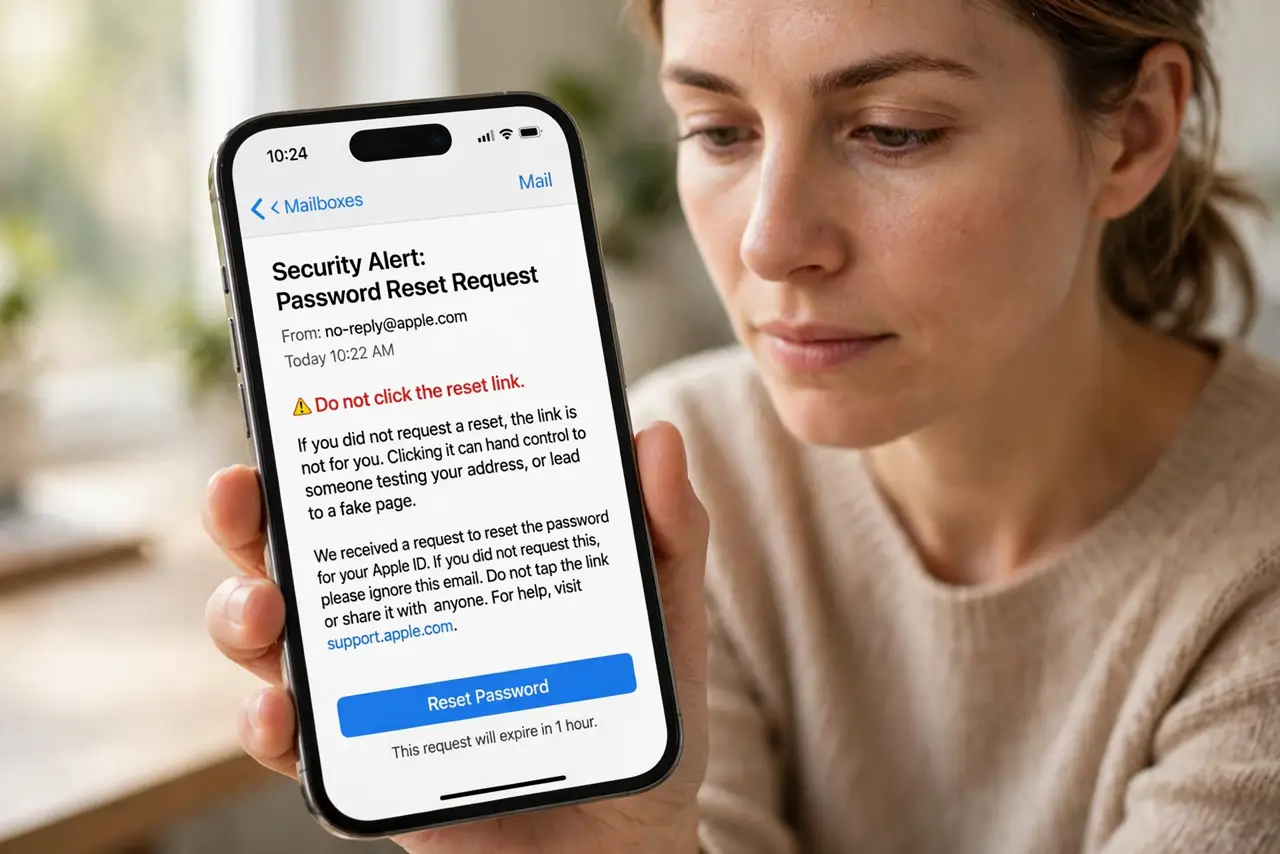
What NOT to do
- Do not click a reset link you did not request, even to cancel it. Use the official app or site instead.
- Do not forward the reset link to anyone, including someone offering to check it for you.
- Do not reply to the email asking who requested the reset. A reply can confirm your address is active.
- Do not ignore repeated reset emails. Check your account activity and strengthen the password and second factor.
Frequently asked questions
Does one reset email mean someone has my password?
Not necessarily. Anyone can type your address into a reset form. It becomes serious only if they can also pass the second factor or recovery checks.
What if I clicked the link by mistake?
Close the page, do not enter details, and change your password from the real site. Then confirm two-factor authentication is still on.
Should I request a reset myself now?
Only if you want a new password anyway. Request it from the real site yourself, and use a fresh, unique password.