Act on Breach Alerts
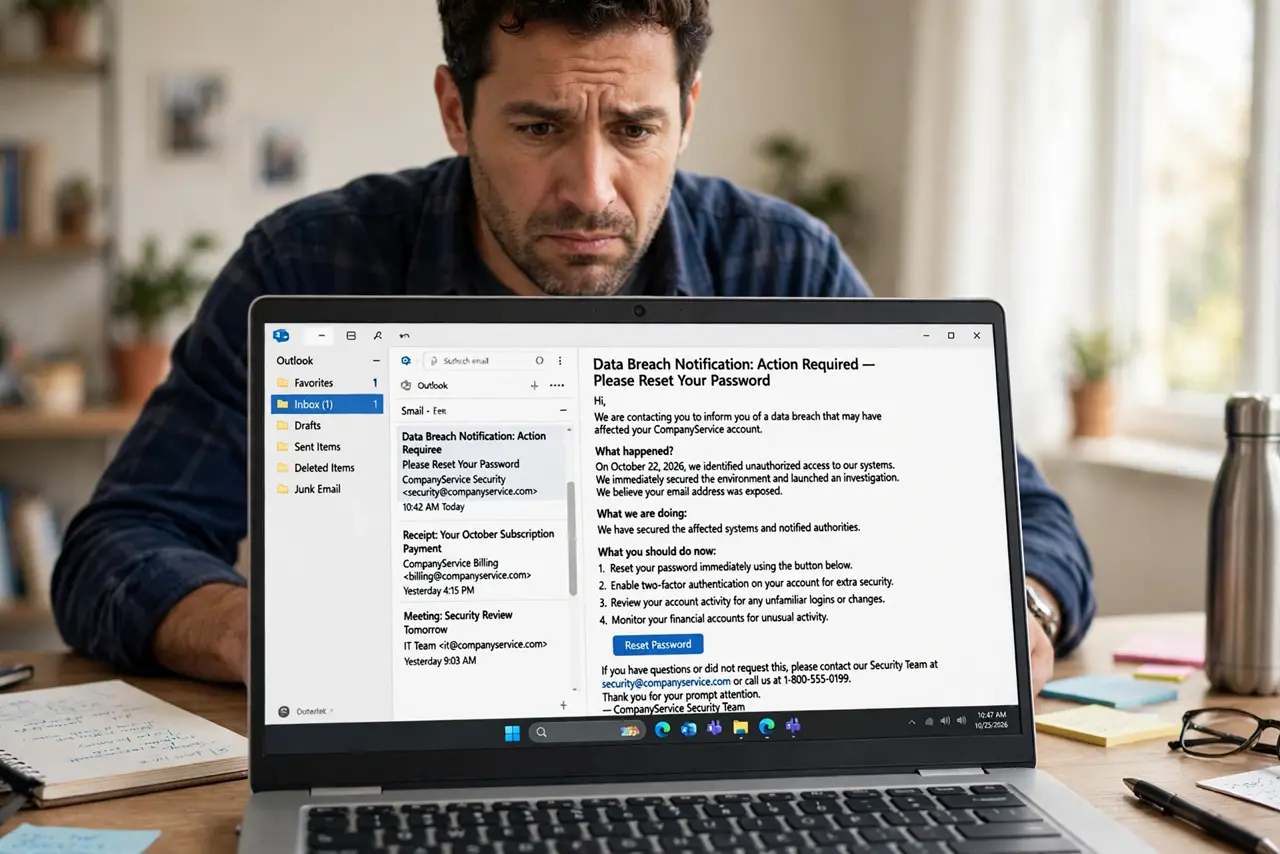
The email says your data was in a breach. You skim it, feel a flicker of worry, and archive it — because changing passwords is annoying and 'it probably doesn't matter.' It matters: breached credentials are tried automatically against banks, email, and shopping sites within hours. Acting in the first day is what separates an inconvenience from an identity theft case. This guide is the exact checklist.
TL;DR / Quick Fix
Quick fix: when a breach alert email arrives, do not ignore it — change that account's password immediately, and change it anywhere else you reused it. Turn on two-factor authentication on the affected account. Then run your address through a breach-checking site to see what else leaked.
Follow these steps
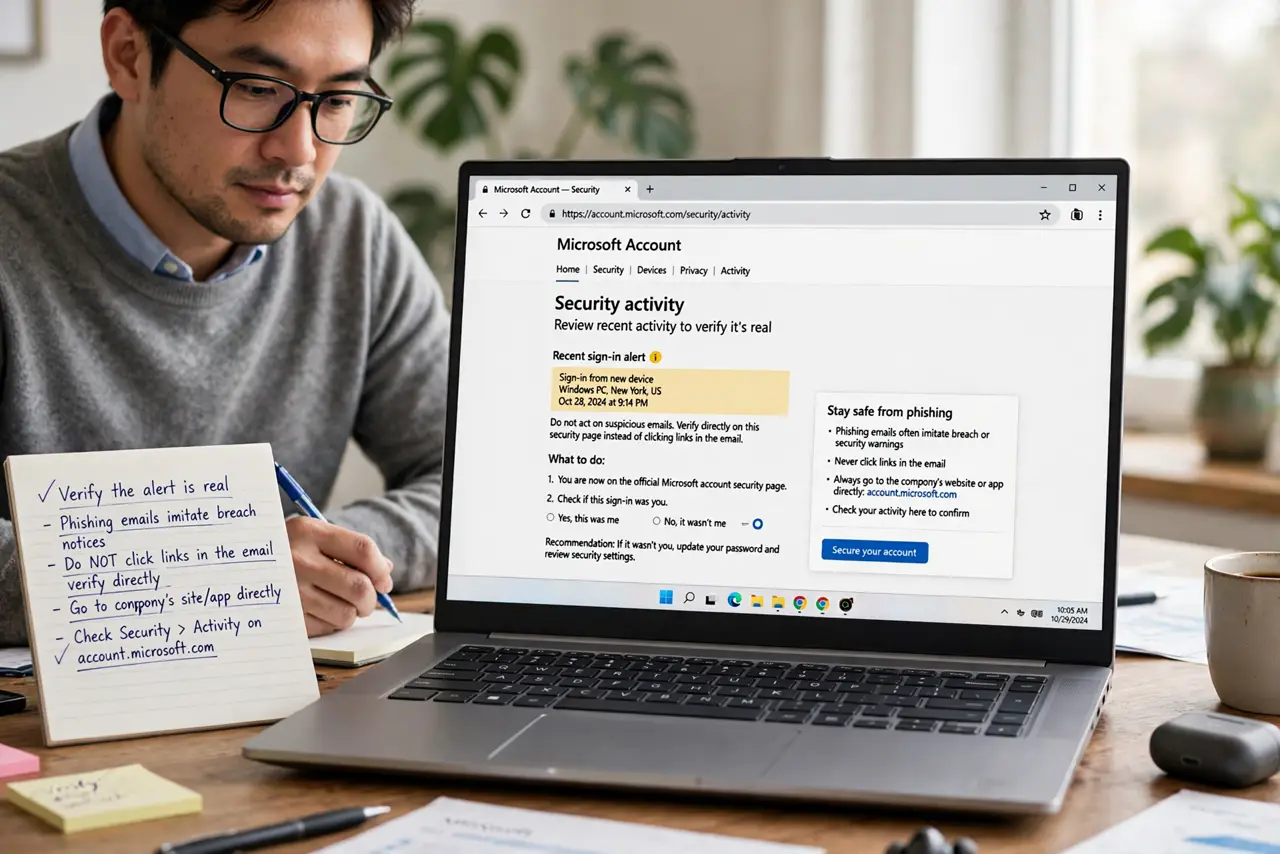
- Verify the alert is real. Phishing emails imitate breach notices. Do not click links in the email — go to the company's site or app directly and check for a security notice there. A real alert will be visible in your account.
- Change the breached password immediately. Log in to the affected account and set a new, unique password. Do this first, before anything else — every hour of delay is an hour attackers can use the old one.
- Change it everywhere you reused it. This is the critical step most people skip. If that password was reused on email, banking, or shopping sites, change each one — attackers automate credential-stuffing tries across hundreds of sites within hours of a leak.
- Turn on two-factor authentication. Enable 2FA on the breached account and on your email account especially. Even if a password leaks again, the second factor blocks most automated break-ins.
- Check what else leaked. Run your email through a reputable breach-checking service to see every known breach involving your address. Treat each hit as a password to change, not trivia.
- Watch for follow-up fraud. In the weeks after a breach, watch for password-reset emails you did not request and odd account activity. Breached data gets traded and reused for months — stay alert, not paranoid.
What NOT to do
- Do not click links in the breach email. Go to the site directly — phishing thrives on the panic that breach news creates.
- Do not just change the one password. Reused passwords are the real prize; the breached site is often just the starting point.
- Do not assume 'I have nothing worth stealing.' Email access alone lets attackers reset passwords everywhere else — your inbox is the master key.
- Do not wait for the weekend. Automated attacks start within hours of a public breach; same-day action is what actually protects you.
Frequently asked questions
I got a breach alert for a site I barely use. Does it matter?
Yes, if you reused that password anywhere important. The forgotten account is harmless; the reused password is the risk. Change the password everywhere it was used.
How do I know which passwords I reused?
A password manager's security audit or duplicate-password report shows reuse instantly. Without one, prioritize email, banking, and shopping accounts first.
Should I delete the breached account?
If you no longer use the service, deleting the account reduces future exposure. Change the password first, then delete — in that order.