Act Fast on Breach Alerts
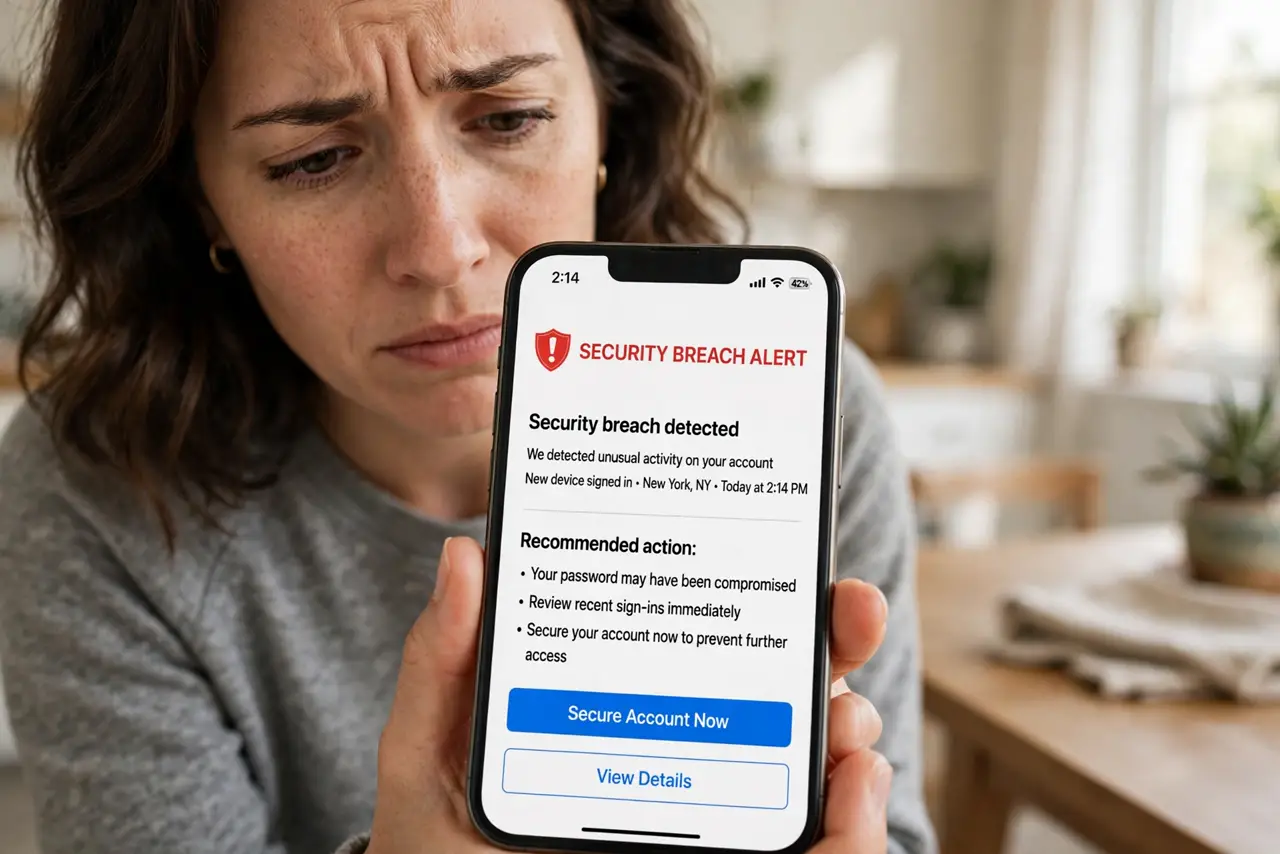
Your password was found in a data breach. The alert spikes your heart rate — but panic is the wrong response and ignoring it is worse. A breach alert means one password is burned; the fix is a calm, ordered response within the hour. Here is the playbook.
TL;DR / Quick Fix
Quick fix: change the breached password immediately to something unique, then change it anywhere else you reused it. Turn on two-factor authentication for that account. Check a breach-lookup service to see your full exposure. Act within the hour, not the week.
Follow these steps
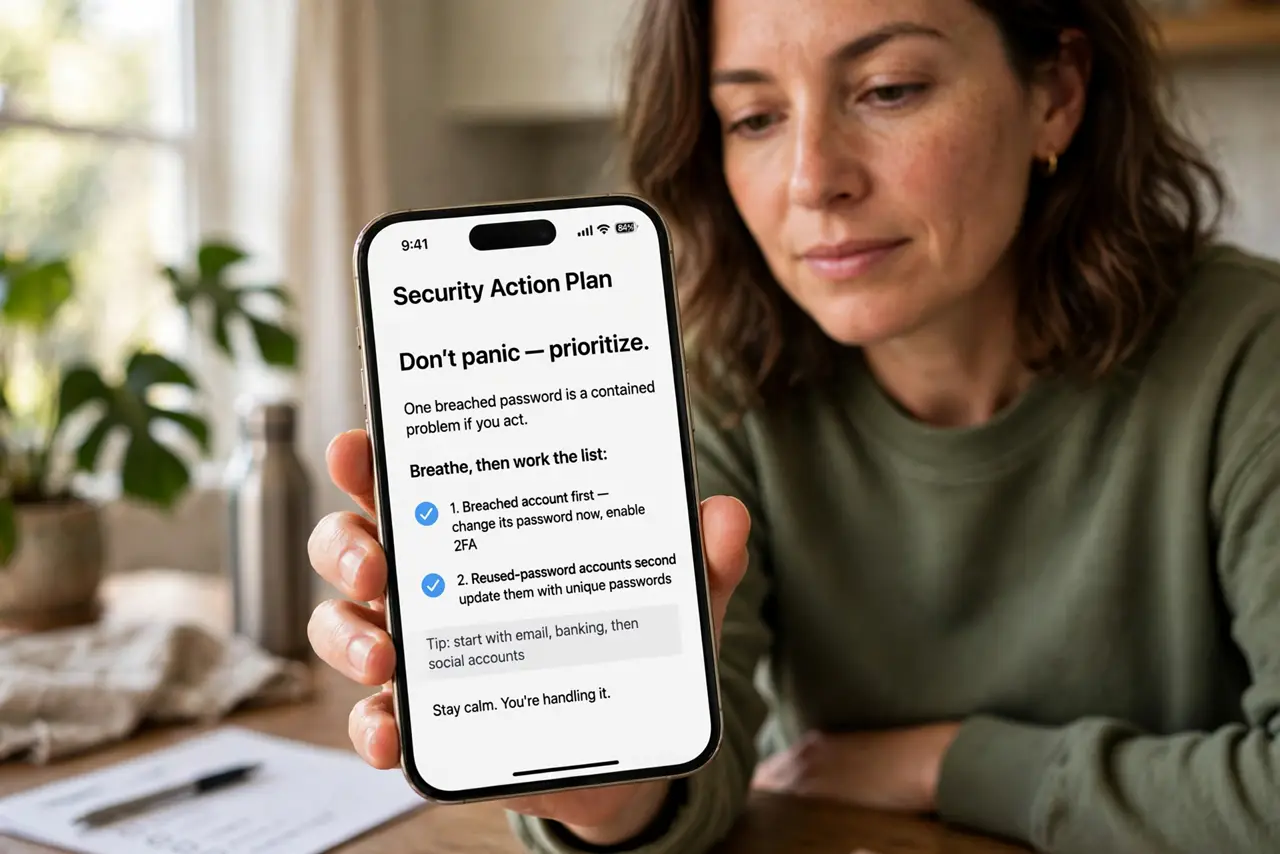
- Don't panic — prioritize. One breached password is a contained problem if you act. Breathe, then work the list: breached account first, reused-password accounts second.
- Change the breached password now. Log in and set a new, unique password — generated by your password manager, not invented on the spot. Do this before reading another word of the alert.
- Change it everywhere you reused it. This is the critical step. Attackers try breached passwords on every major site — follow the post-breach checklist account by account.
- Turn on two-factor. Add an authenticator app to the breached account and every important one. 2FA makes the stolen password useless on its own.
- Check your full exposure. Look up your email on a breach-checking service to see which breaches include you — the email breach check shows the scope.
- Watch for follow-up phishing. Breaches trigger targeted phishing using your leaked data. Treat unexpected security emails with fresh suspicion for weeks.
What NOT to do
- Do not ignore the alert. Probably fine is how breached passwords get used months later.
- Do not just tweak the old password. Password1 to Password2 fools no one — generate a truly new one.
- Do not forget the reused-password accounts. The breached site is the least of it if you reused the password.
- Do not click links in breach-notification emails. Go to the site directly — phishing loves to impersonate breach alerts.
Frequently asked questions
How do I know the alert is real?
Check by logging into the service directly or using a reputable breach-lookup site. Never trust links inside the alert email itself.
What if I reused the password everywhere?
Then treat it as a multi-account incident: change the important accounts first (email, bank), then work down the list.
Should I delete the breached account?
Only if you do not need it. Changing the password plus 2FA is usually sufficient — deletion is for accounts you have abandoned.