Add Bias Lighting to TV
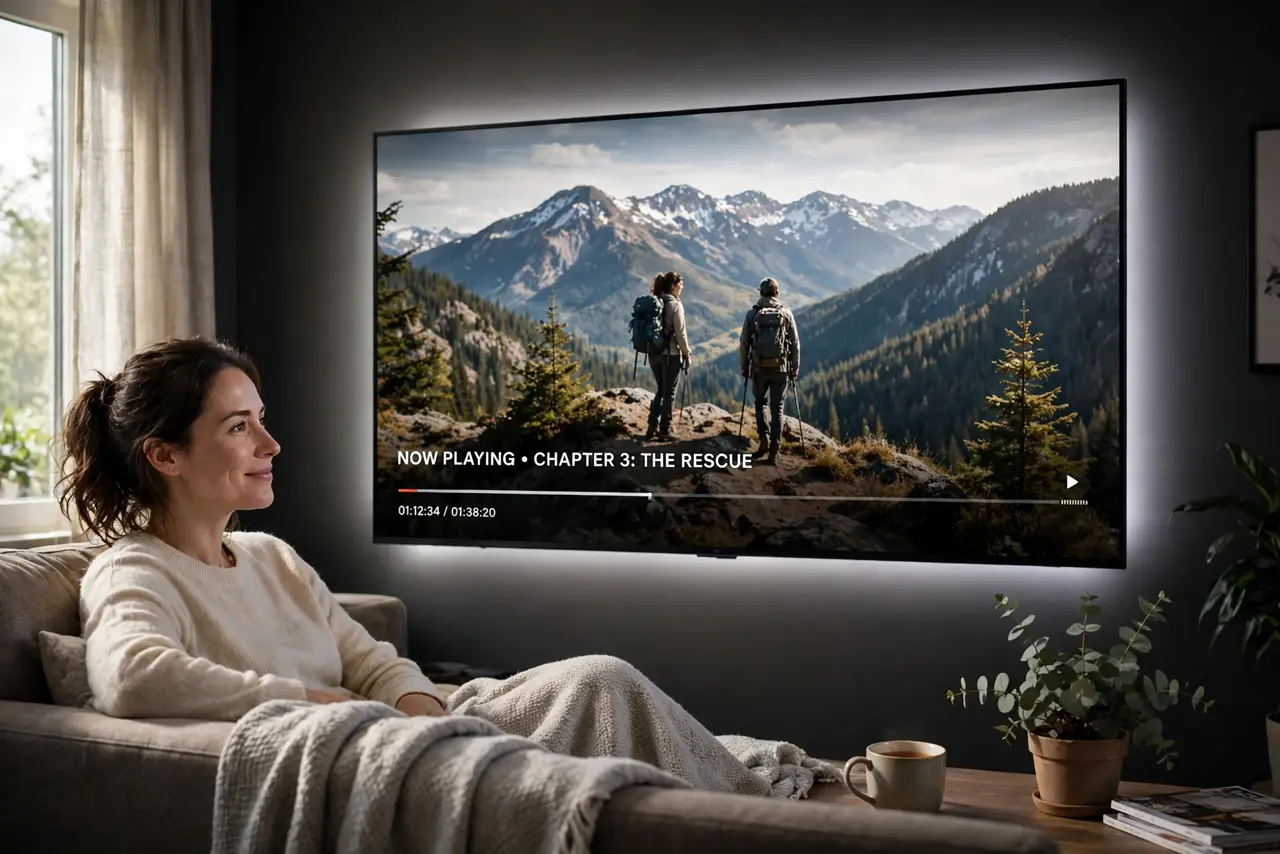
Watching TV in a dark room feels cinematic — until your eyes ache from the contrast between the bright screen and the black walls. Bias lighting fixes it: a soft glow behind the TV that raises the ambient light without washing out the picture. It is a cheap strip of lights and ten minutes of work, and it makes night viewing far more comfortable. It also makes wall-mounted setups look properly finished.
TL;DR / Quick Fix
Quick fix: put a soft neutral-white light strip behind your TV to shrink the brightness gap between screen and dark room, which eases eye strain. Power it from the TV's USB port so it switches with the TV. Keep it dim and subtle — a halo you barely notice.
Follow these steps
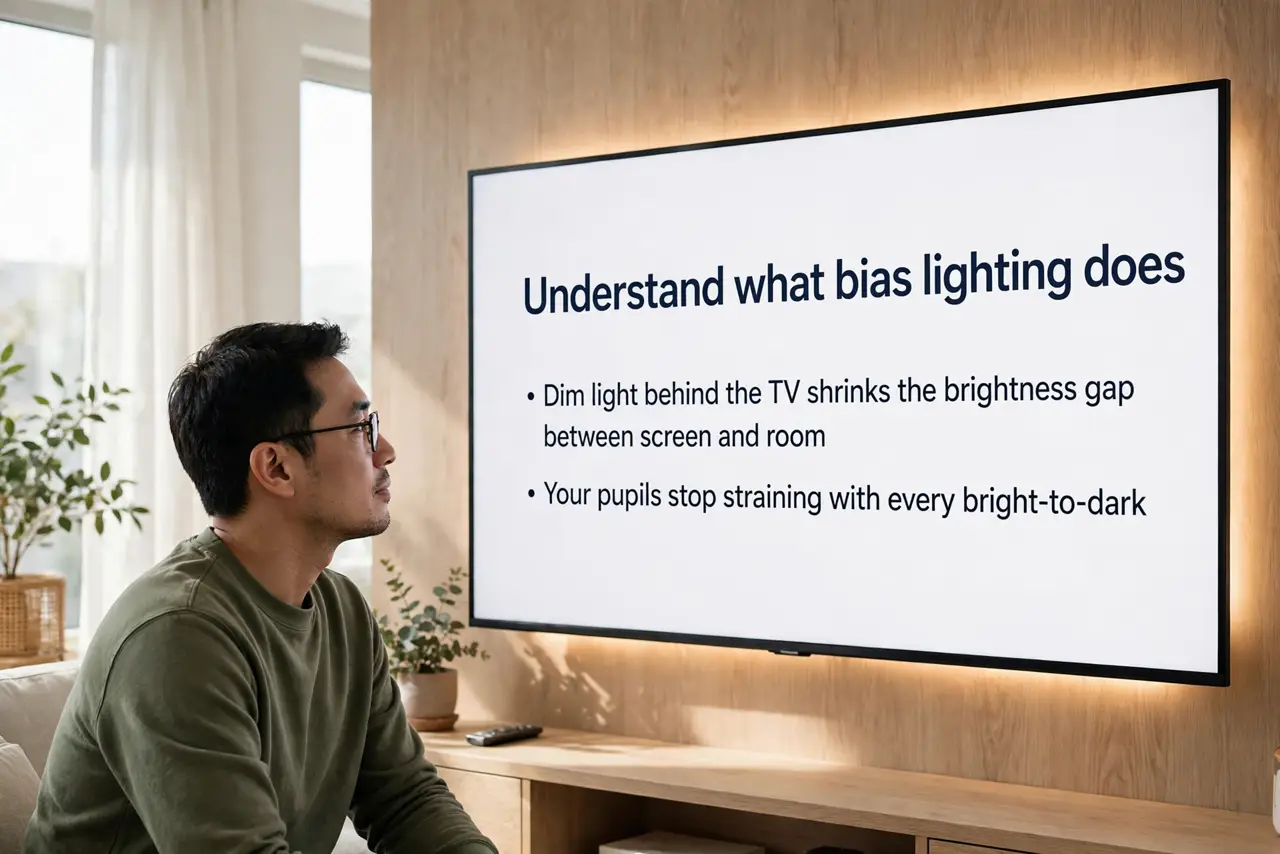
- Understand what bias lighting does. A dim light behind the TV shrinks the brightness gap between screen and room, so your pupils stop straining with every bright-to-dark cut. It does not light the room — it frames the screen.
- Get a simple USB-powered strip. A basic white LED strip with adhesive backing is enough; you do not need smart features or color effects. Match the length to your TV size — too short leaves dark corners.
- Stick it to the back of the TV. Run the strip around the rear edges, a few inches in from the border, so the light washes the wall evenly. Clean the surface first or the adhesive will fail in a month.
- Power it from the TV's USB port. Plug the strip into the TV's USB port so it turns on and off with the TV automatically. No separate switch, no forgetting it on all night.
- Set it to neutral white. Use a warm-to-neutral white — colored modes are fun for a night but distracting for regular viewing and tint your perception of the picture.
- Dim it until it disappears. The goal is a subtle halo you barely notice, not a light show. If you are aware of the glow while watching, turn it down — comfort comes from subtlety.
What NOT to do
- Do not use bright or flashing colors for regular viewing. They distract the eye and skew how the picture's colors look.
- Do not stick the strip where it shines directly at you. The light belongs on the wall behind the TV, never in your line of sight.
- Do not skip cleaning the TV's back panel first. Dust kills adhesive, and a strip peeling off mid-movie is annoying.
- Do not expect it to fix a bad picture. Bias lighting eases eye strain; it cannot fix wrong settings or a dim panel.
Frequently asked questions
Does bias lighting really reduce eye strain?
For most people, yes — the reduced contrast between screen and surroundings means less pupil adjustment. It is comfort, not medicine; take breaks too.
Can I use it with any TV?
Yes. The strip sticks to any flat back panel and powers from any USB port. It works the same on LCD, Mini-LED, and OLED.
Will it affect picture quality?
No — it does not touch the screen. If anything, perceived contrast improves because the black surroundings no longer compete with dark scenes.