Prevent OLED Burn-In
That gorgeous OLED picture comes with one famous worry: burn-in, the faint ghost of a static image left behind after hundreds of hours. Taskbars, channel logos, and news tickers are the classic culprits. The good news is that modern OLEDs defend themselves — and a few habits make the risk tiny for normal use. For the full breakdown, see the burn-in explainer.
TL;DR / Quick Fix
Quick fix: OLED burn-in comes from bright static images shown for hundreds of hours — not normal varied use. Auto-hide the taskbar, use a dark theme, vary your content, leave pixel-shift and refresh cycles on, and avoid maximum brightness for static elements.
Follow these steps
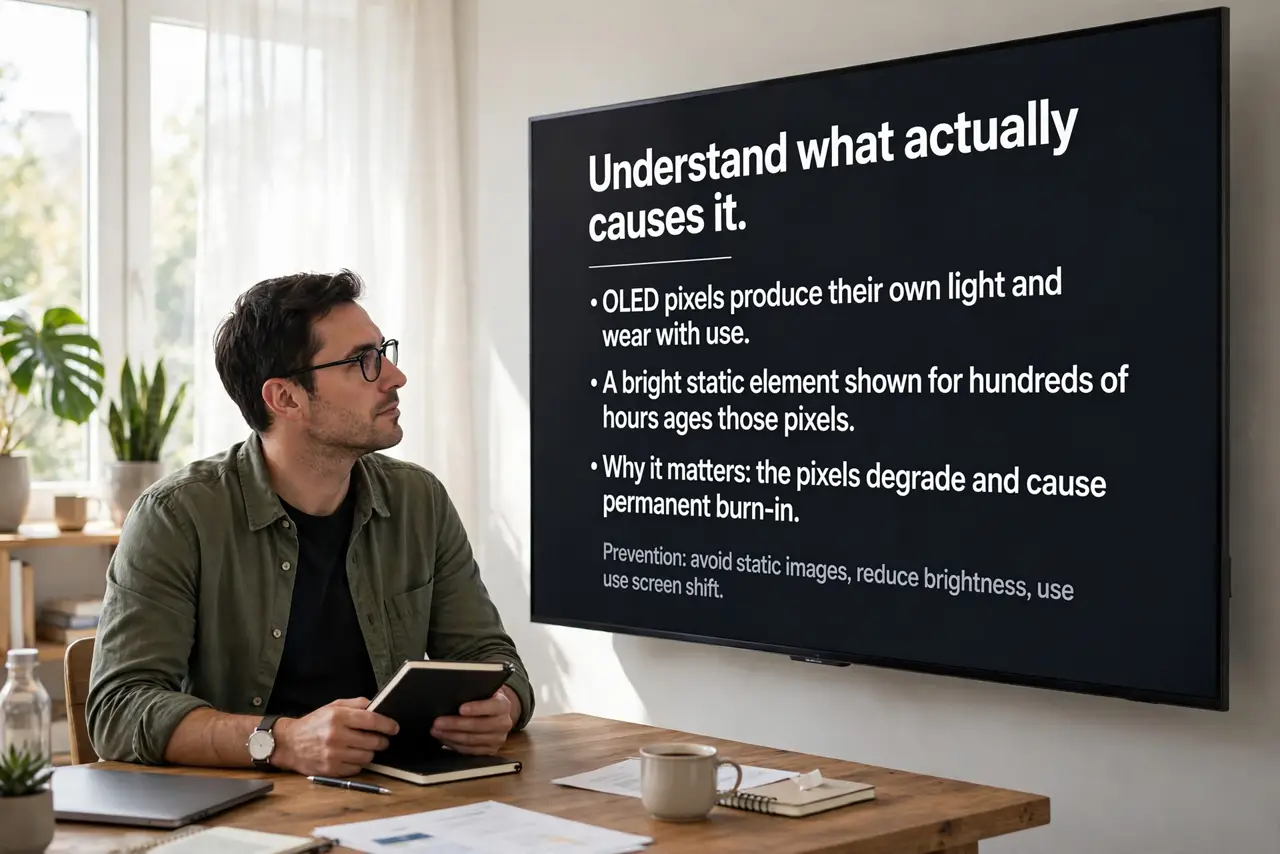
- Understand what actually causes it. OLED pixels produce their own light and wear with use. A bright static element shown for hundreds of hours ages those pixels unevenly, leaving a ghost. Varied content does not do this.
- Auto-hide the taskbar and desktop icons. On a PC, the taskbar is the number one static element. Set it to auto-hide, use a dark theme, and let the wallpaper rotate — the biggest risks are the ones on screen all day.
- Vary your content. Mix movies, games, and browsing instead of parking one channel or app for days. Burn-in is a marathon of sameness, not a sprint of variety.
- Let the TV's defenses run. Keep pixel shift, logo dimming, and the automatic pixel-refresh cycle enabled, and do not unplug the TV at the wall every night — it needs standby power to run maintenance.
- Avoid maximum brightness for static content. High brightness accelerates pixel wear. Moderate brightness looks great in most rooms and ages the panel far more slowly.
- Know when to choose differently. If the screen will show one news channel or one game's HUD for most of its life, a Mini-LED set has zero burn-in risk and is the saner pick.
What NOT to do
- Do not disable pixel shift or logo dimming. They are invisible in normal viewing and are your main automatic protection.
- Do not leave a static image paused for days. Hours are fine; days of the same frame are how ghosts form.
- Do not unplug the OLED nightly at the wall. The maintenance cycle runs in standby — cutting power blocks it.
- Do not run torch-mode brightness constantly. It accelerates wear for no visible benefit in a normal room.
Frequently asked questions
Is burn-in still a problem on new OLEDs?
Much less than it used to be. Built-in defenses plus normal varied use mean most owners never see it — the risk concentrates in extreme static-content use.
Does gaming cause burn-in?
Varied gaming is fine. One game with a bright static HUD played for months on end is the risk case — vary your games or hide HUD elements when possible.
Can burn-in be fixed?
Mild image retention fades with varied content or a refresh cycle. True burn-in is permanent — which is why prevention is the whole strategy.