Check for Stalking AirTags
An AirTag is the size of a coin, costs little, and can report its location to a stranger's phone — which is why they sometimes get planted on people. Apple and Google both built detection into your phone: alerts when an unknown tracker travels with you. Here is how to check, what the alerts mean, and what to do if you find one.
TL;DR / Quick Fix
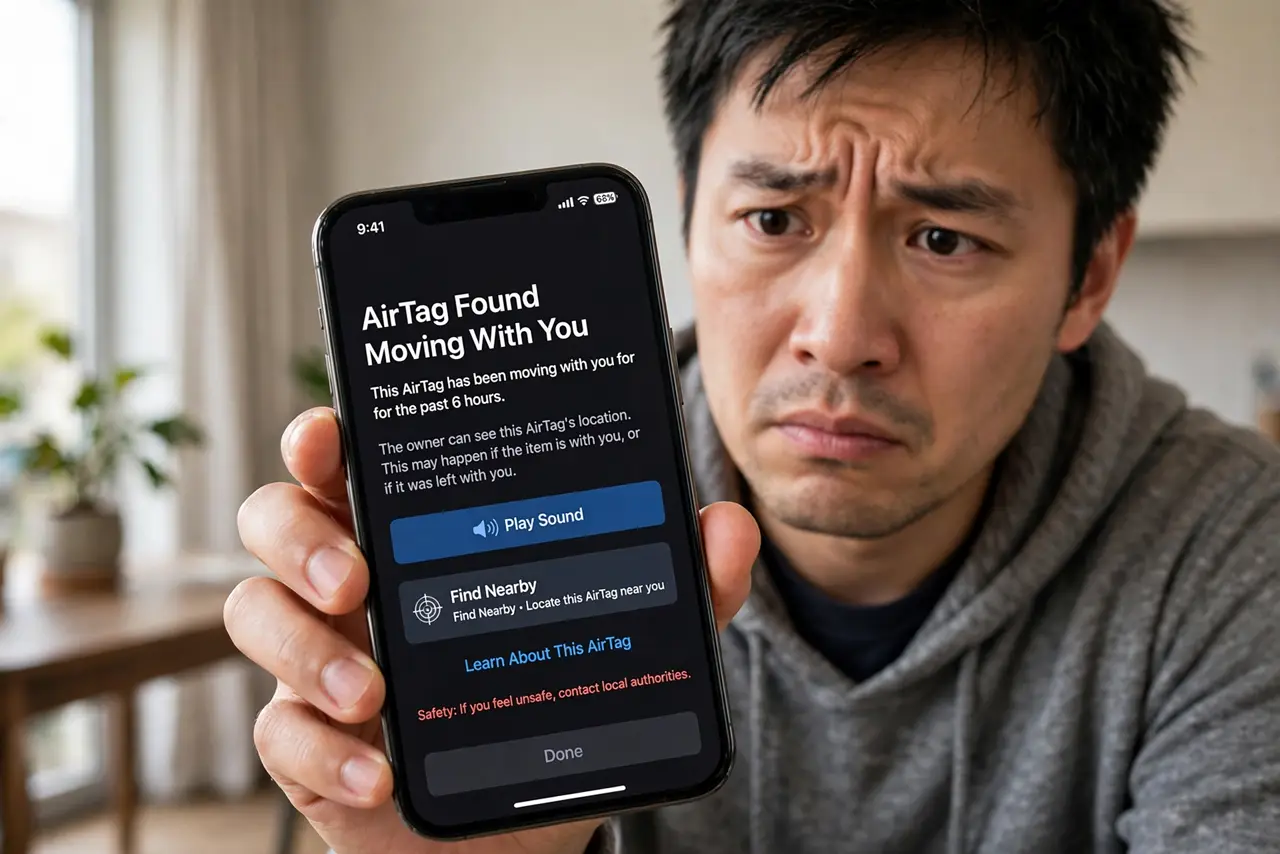
Quick fix: suspect an AirTag is tracking you? Listen for its separation chirp, check Find My for unknown items, and use a Bluetooth scanner to hunt it down. iPhone alerts appear automatically; Android gets tracker alerts. Found one planted? Document it, disable it, and contact police — never confront anyone.
Follow these steps
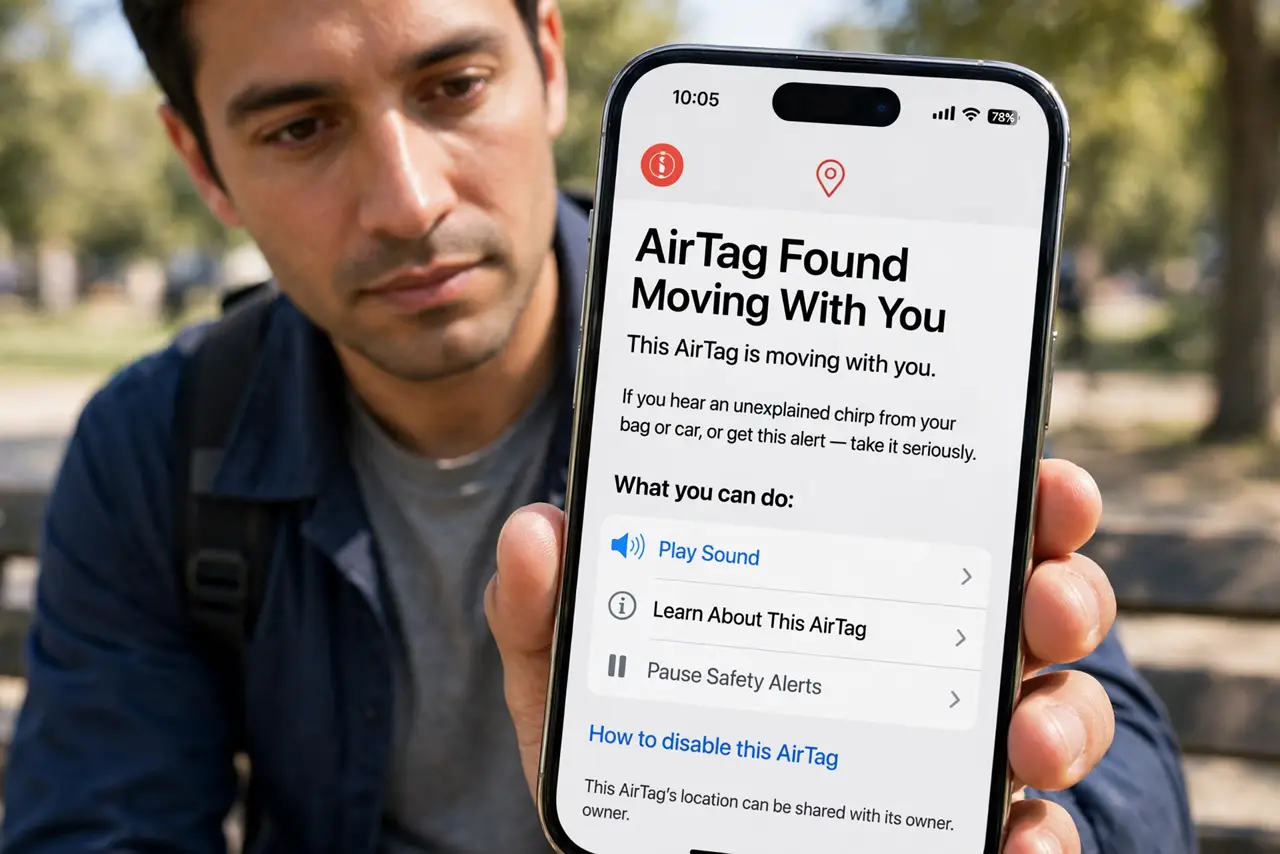
- Know the signs. An AirTag separated from its owner chirps periodically and triggers phone alerts. If you hear an unexplained chirp from your bag or car, or get an AirTag Found Moving With You alert — take it seriously.
- Check Find My on iPhone. Open Find My > Items tab — unknown AirTags traveling with you appear here with a map of where they have been. This is Apple's built-in detection; no extra app needed.
- Check on Android too. Android's unknown tracker alerts do the same job — the notification lets you play a sound on the tracker and see its travel history.
- Play the sound to locate it. Both platforms offer a play sound option that makes the AirTag chirp. Search methodically: bag linings, coat pockets, car seats, bumpers, wheel wells.
- Document before disabling. Screenshot the alert, the map, and the tracker's serial number (shown when you hold the phone to it via NFC). Then remove the battery to disable it — documentation first, always.
- Contact police if it was planted. A tracker hidden in your belongings is a criminal matter in most places. Bring the tracker (battery removed) and your screenshots to local police — Apple can identify the owner for law enforcement.
What NOT to do
- Do not ignore the chirp or the alert. They are designed to be noticed — dismissing them as a glitch wastes the protection they offer.
- Do not confront someone you suspect. Document, disable, and let police handle identification — confrontations escalate dangerously.
- Do not destroy the AirTag. The serial number inside is how police identify the owner — keep it intact with the battery removed.
- Do not assume it is always malicious. Borrowed cars, shared bags, and family luggage cause most alerts — verify before escalating.
Frequently asked questions
How long before an AirTag starts chirping?
An AirTag separated from its owner plays a sound after a period of time — the delay has shortened over the years as Apple tightened anti-stalking measures. Alerts on phones arrive based on time traveling together.
Can someone track me with an AirTag without me knowing?
Not silently for long — the chirp and the phone alerts are specifically designed to prevent that. Determined stalkers can remove the speaker, which is why the phone alerts matter most.
What if I cannot find it after the alert?
Keep Bluetooth on and re-scan periodically; the tracker may be in a rarely-checked spot (spare tire, jacket you seldom wear). If the alert persists for days, consider a sweep with help.