Unknown Tracker Alerts on Android
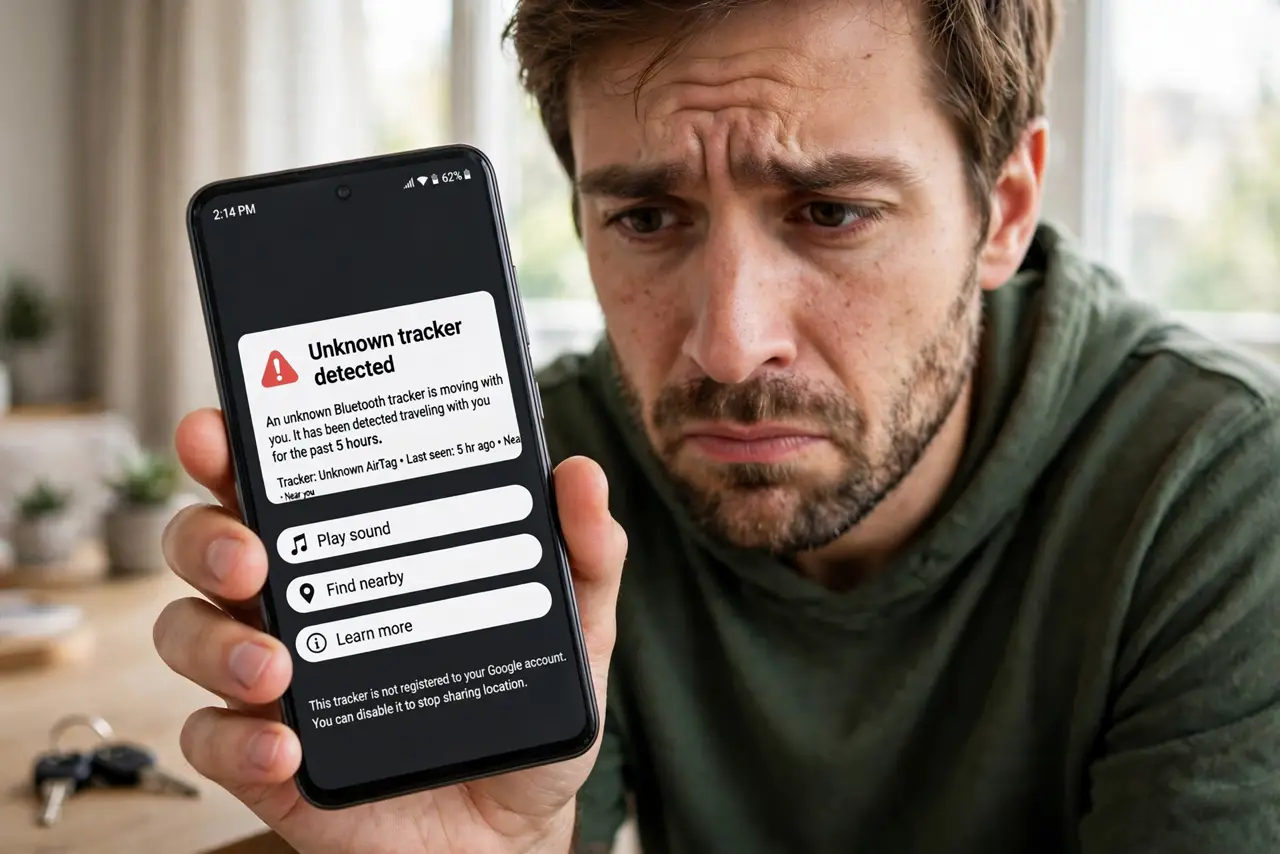
A notification pops up: an unknown tracker is traveling with you. Your heart jumps — is someone tracking you? On Android, unknown tracker alerts come from Google's built-in protection that detects Apple AirTags and compatible Bluetooth trackers moving with you. Most alerts turn out to be innocent — a borrowed bag, a family member's luggage. But the alert exists because the scary cases are real. Here is how to read it, verify it, and stay safe.
TL;DR / Quick Fix
Quick fix: Android's unknown-tracker alerts warn you when an AirTag or compatible tracker is moving with you. Check whether it belongs to someone nearby, tap the alert to play a sound and find it. If it looks planted, screenshot the details, follow the disable instructions, and consider contacting local police.
Follow these steps
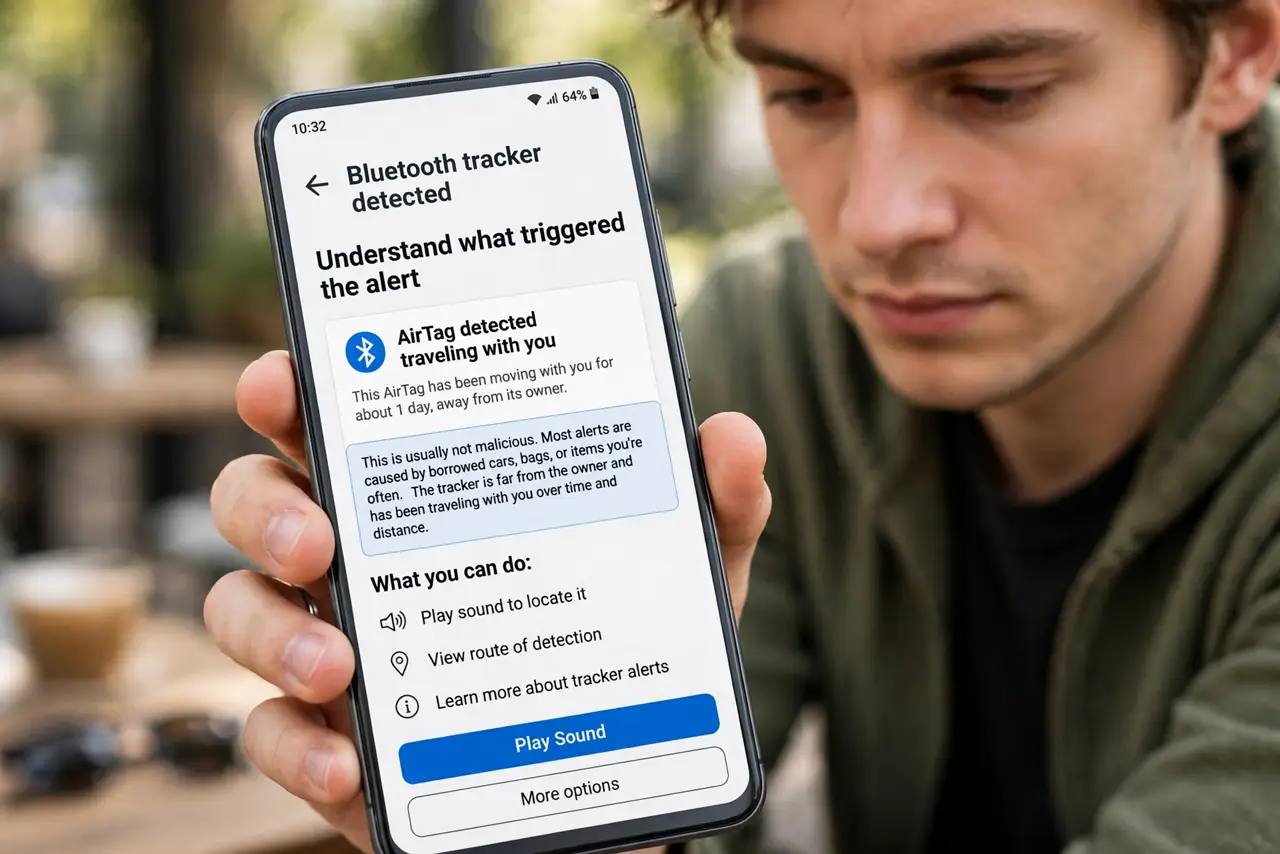
- Understand what triggered the alert. Android detects a Bluetooth tracker — usually an AirTag — that has been traveling with you over time and distance without its owner nearby. It does not mean the tracker is malicious; borrowed cars and bags cause most alerts.
- Rule out the innocent explanations. Think: did you borrow a bag, jacket, or car today? Is a family member's luggage in your trunk? Ask people around you before worrying — most alerts resolve right here.
- Tap the alert to see the details. The notification shows when the tracker was first seen with you and a map of where it traveled. Take screenshots of this screen now — they are useful evidence if things turn serious.
- Play a sound to find it. The alert offers a play-sound option that makes the tracker chirp. Walk around slowly and listen, checking bag seams, pockets, and under car seats.
- Disable the tracker. Instructions on the alert walk you through stopping it — for an AirTag, that means removing or twisting off the battery. Do this only after you have documented everything.
- Know when to involve others. If the tracker appears deliberately planted — hidden in your car or bag — contact local police and share your screenshots. Apple and Google can identify the tracker's owner for law enforcement. See the AirTag stalking check guide for the iPhone side of this.
What NOT to do
- Do not ignore the alert hoping it goes away. If a tracker really is planted on you, waiting gives the other person more location data.
- Do not confront someone you suspect. Document first, disable the tracker, and let police handle the identification.
- Do not throw the tracker away immediately. Keep it (battery removed) as evidence — destroying it can erase the serial number investigators need.
- Do not assume every alert means stalking. A friend's AirTag in a shared car is far more common than a malicious tracker; check first, panic never.
Frequently asked questions
Why did I get the alert hours after picking up the tracker?
Android waits to confirm the tracker is actually traveling with you — not just passing by on a bus. The delay avoids false alarms from strangers' luggage in public places.
Can Android detect trackers other than AirTags?
Yes — Google's network covers AirTags and trackers compatible with the unknown-tracker-alerts standard. Not every brand participates yet, so the feature is not universal.
What if the alert stops appearing?
The tracker may have gone out of range, its battery may have died, or the owner may have marked it as found. If you are still worried, manually scan from Settings > Safety & emergency > Unknown tracker alerts.