Delete Your Alexa Recordings
Every 'Alexa' request gets stored as a voice recording — by default, forever. You can review them, delete them in bulk, and set them to auto-expire. It takes five minutes in the Alexa app, and it's the single highest-value privacy chore for any Echo owner.
TL;DR / Quick Fix
Quick fix: open the Alexa app, go to More, then Activity and Privacy, and open Review Voice History. Delete recordings by date range or all at once, then turn on automatic deletion so future recordings expire on their own. You can also mute the microphone with the button on top.
Follow these steps
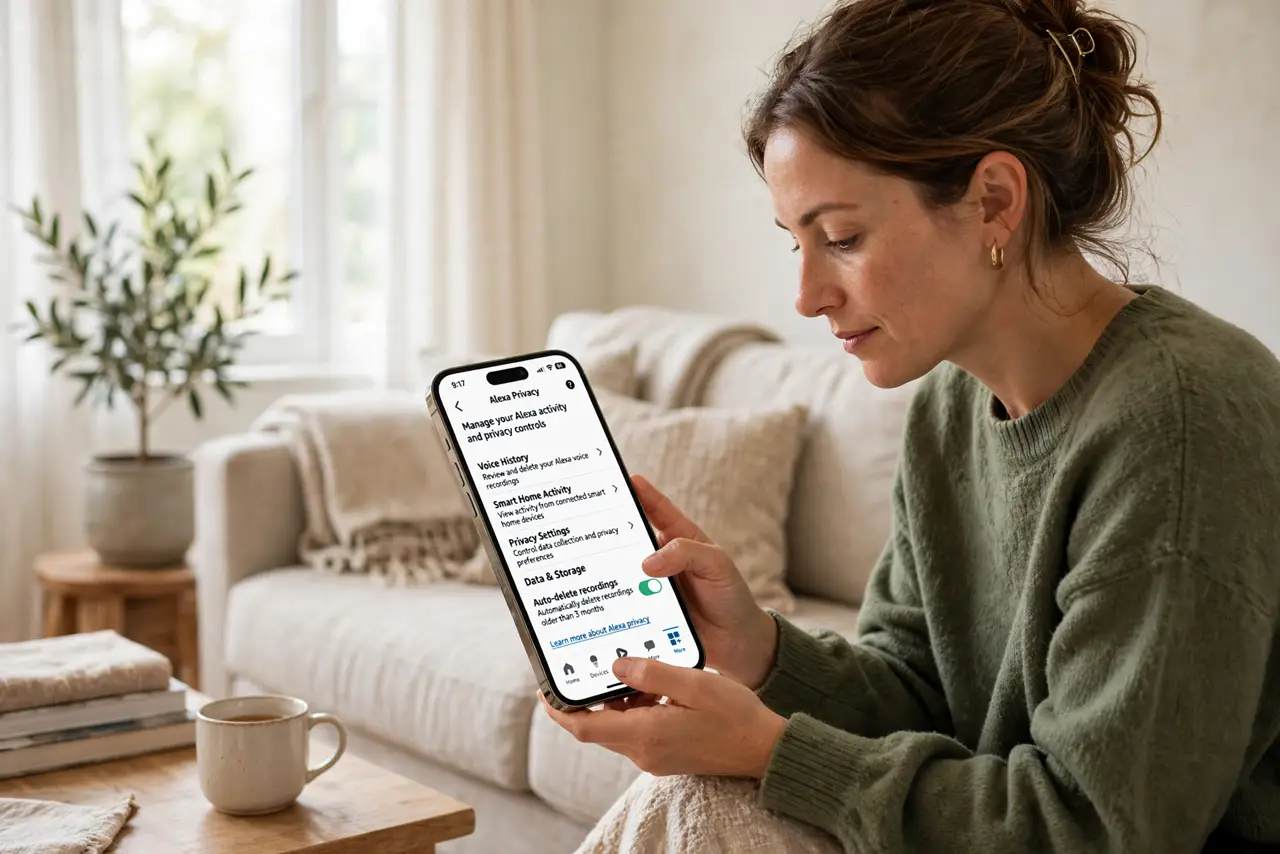
- Open the Alexa app's privacy section. Tap More, then Activity and Privacy. This is command central for everything Alexa remembers about you — recordings, more than you'd guess.
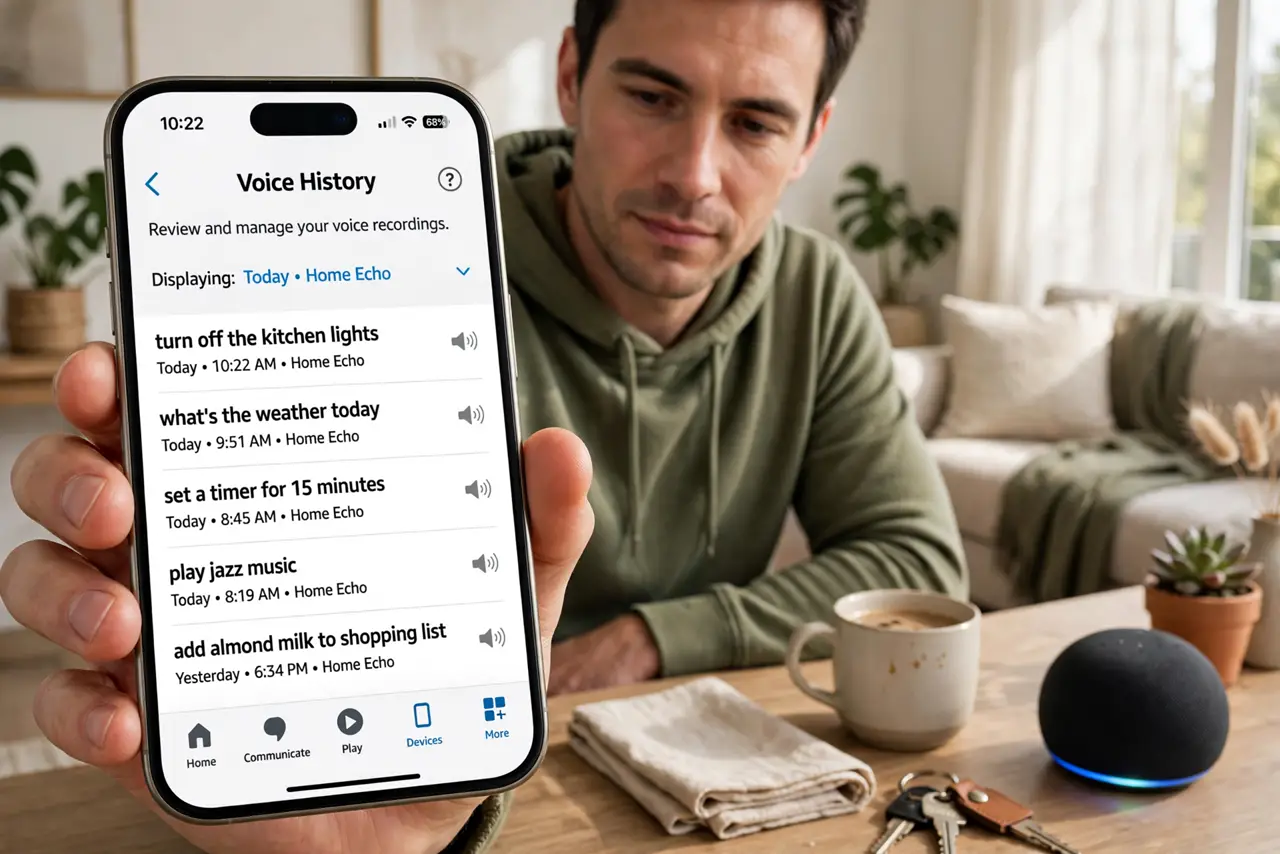
- Open Review Voice History. Here you'll see your actual voice requests, playable. Browsing a few is eye-opening — most people have no idea how much is stored. Compare with the Alexa privacy settings for the full picture.
- Delete by date range — or everything. Filter by date and delete in bulk, or wipe it all. Deleting doesn't break Alexa; it just forgets the past.
- Turn on automatic deletion. Set recordings to auto-delete after 3 or 18 months. This is the real fix — a one-time setting that handles the future forever.
- Know the mute button. The microphone-off button on top of the Echo physically disconnects the mics. Use it during sensitive conversations — no software setting beats a hardware mute.
- Review what else is stored. While you're in the privacy section, check the other data categories. Voice history is the headline, but it's not the only thing saved.
What NOT to do
- Do not assume 'delete' erases everything Amazon inferred. It deletes the recordings; treat derived insights as a separate, murkier category.
- Do not forget to enable auto-delete after a bulk wipe. One cleanup without the setting just restarts the collection clock.
- Do not leave the mic live if it genuinely bothers you. The mute button exists for a reason — privacy peace of mind beats convenience.
- Do not delete then wonder why personalization reset. Forgetting means relearning — that's the tradeoff you chose, and it's fine.
Frequently asked questions
Does deleting recordings break Alexa?
No. It keeps working normally — it just loses the history. Personalized answers may get slightly less personal until it relearns.
What's the best auto-delete setting?
The shortest you're comfortable with. Three months is a good balance for most people; eighteen if you like longer memory.
Do my kids' requests get stored too?
Yes — every voice request on the device. Set up kid profiles and consider shorter auto-delete if that matters to you.