Delete Google Assistant History
Every 'Hey Google' is saved to your Google Account — by default, indefinitely. You can review the recordings, delete them, and set auto-delete so the history expires on its own. Five minutes in your Google Account settings, and the endless archive stops growing.
TL;DR / Quick Fix
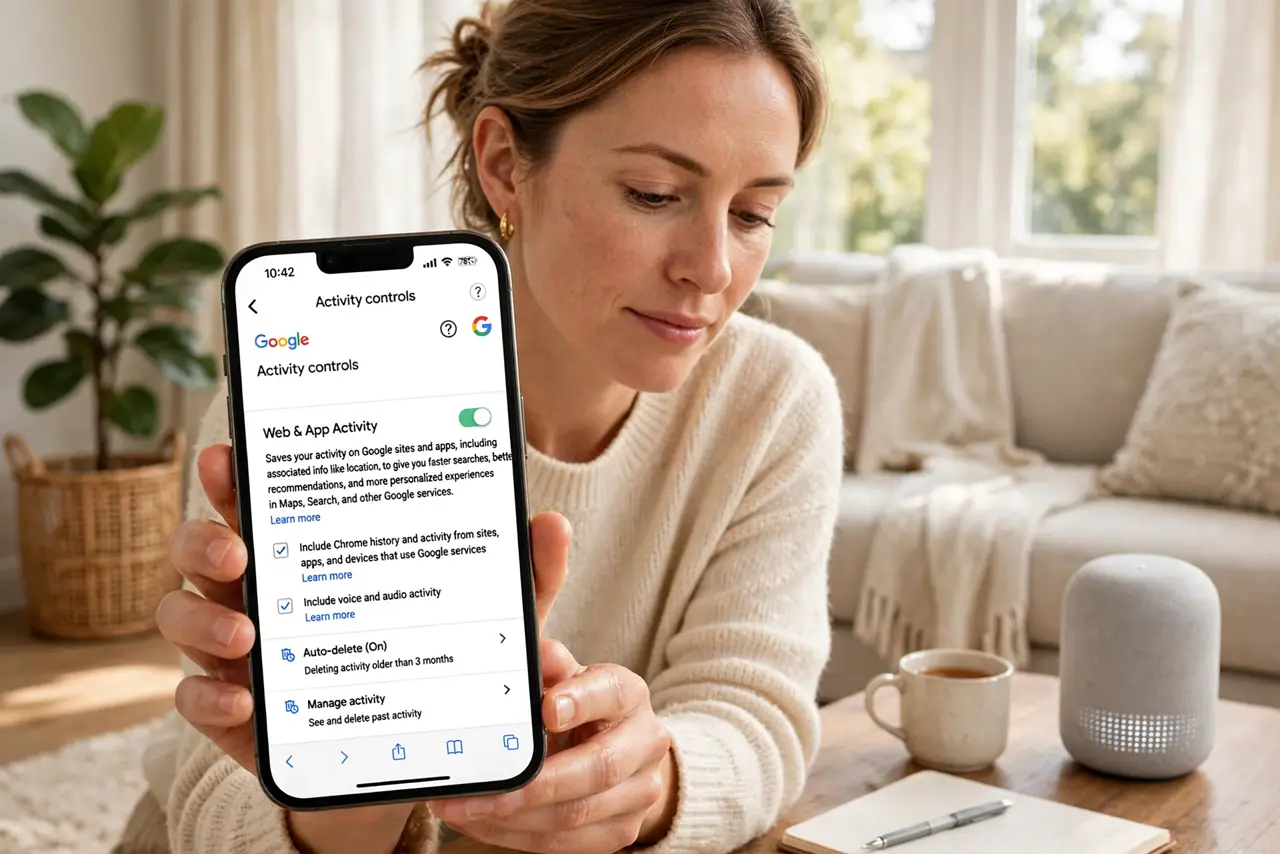
Quick fix: open your Google Account, go to Data & privacy, then Web & App Activity, and filter for Assistant to review and delete requests. Turn on auto-delete so old requests expire automatically. If you pause the setting entirely, expect less personalized responses — that's the tradeoff.
Follow these steps
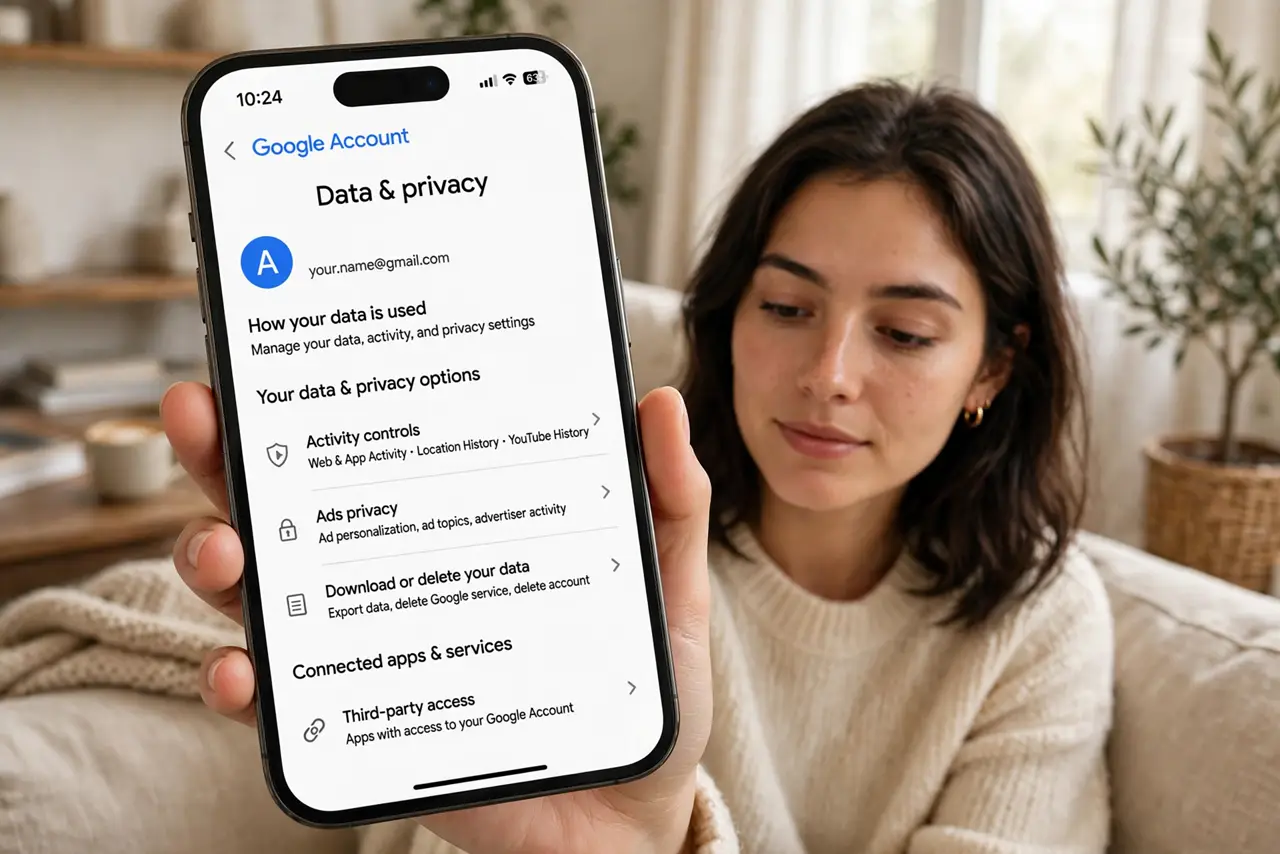
- Open your Google Account's Data & privacy. On the web or in the Google app, open your account and go to Data & privacy. This is where Google centralizes everything it remembers.
- Open Web & App Activity. Assistant requests live under Web & App Activity. Open it to see the timeline of everything you've asked — it's usually longer than people expect.
- Filter for Assistant and delete. Filter the activity to Assistant, review what's there, and delete by date range or everything. Deleting is safe — Assistant keeps working.
- Turn on auto-delete. Set activity to auto-delete after 3, 18, or 36 months. This one setting stops the archive from growing forever — the real fix.
- Consider pausing — knowing the tradeoff. You can pause saving entirely, but expect less personalized responses. That's the honest exchange: memory for personalization.
- Check the assistant-specific privacy settings. Review the assistant privacy controls too — voice match, personal results, and speaker settings all live in their own corners.
What NOT to do
- Do not assume deleting is instant everywhere. It clears your account history; treat anything already used for personalization as already learned.
- Do not forget auto-delete after a manual wipe. One cleanup without the setting just restarts the collection from zero.
- Do not confuse Assistant history with search history. They're related but separate — check both if you're doing a full cleanup.
- Do not delete then wonder why suggestions reset. Forgetting means relearning — that's the tradeoff, and it's a reasonable one.
Frequently asked questions
Does deleting history break the Assistant?
No — it works the same, just with less memory of you. Answers get slightly less personalized until it relearns.
What's the best auto-delete period?
Three months suits most people. Longer keeps more personalization; shorter keeps less history — pick your comfort point.
Are my voice recordings stored too?
Audio may be stored depending on your settings — the same delete and auto-delete controls cover it. Check what's actually saved.