Screen Distance Alerts? Explained
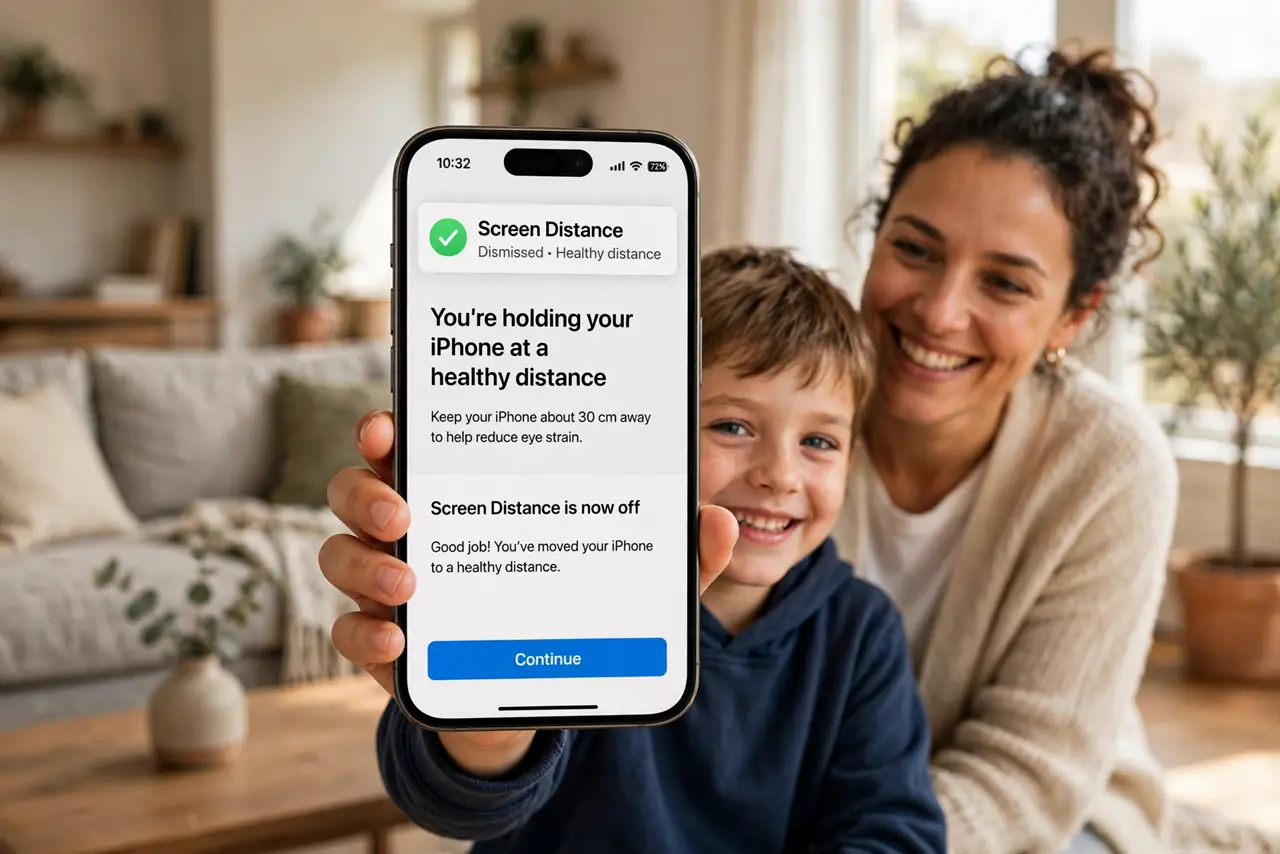
Holding the phone six inches from your nose for hours is rough on eyes — especially young ones. Screen Distance watches how close the iPhone is to your face and flashes a friendly full-screen reminder to hold it farther away. Built for kids, genuinely useful for adults who read in bed.
TL;DR / Quick Fix
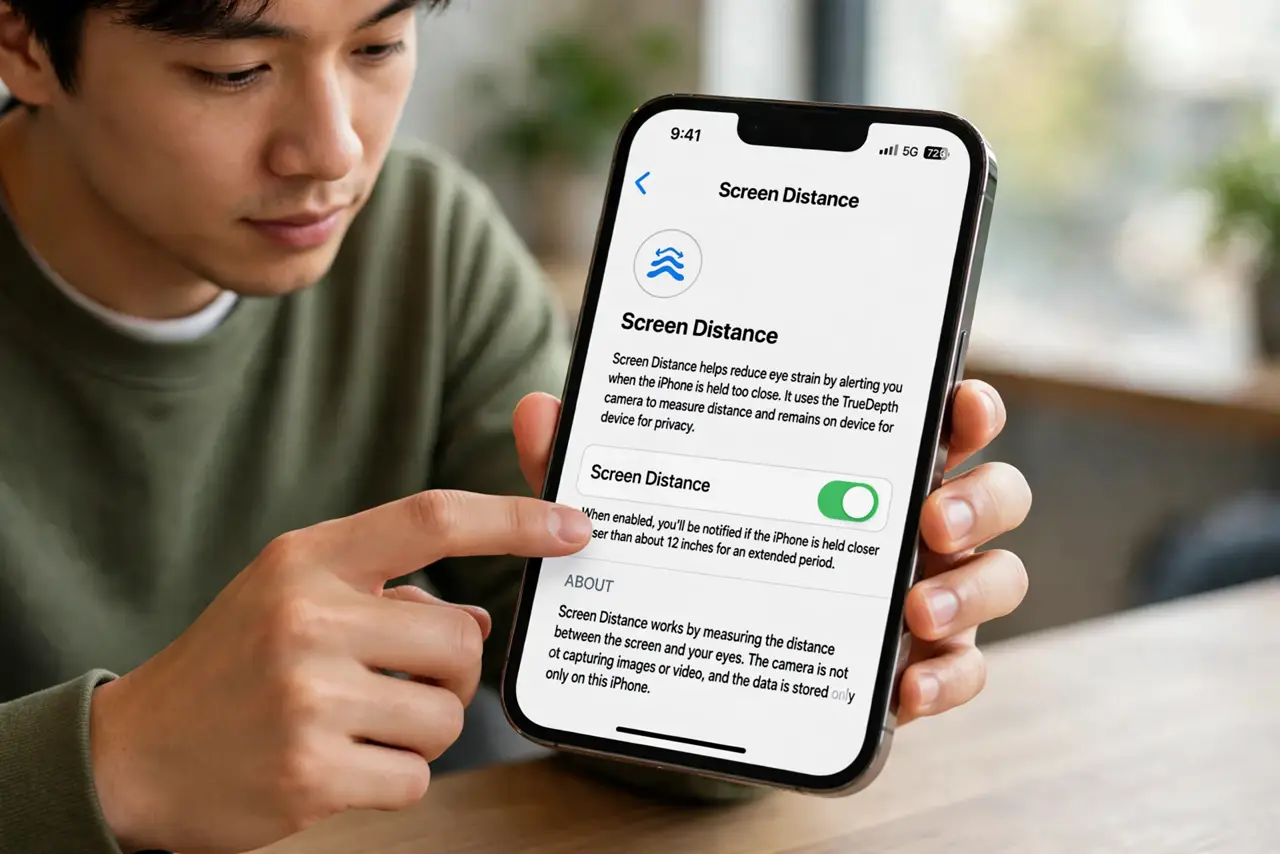
Quick fix: open Settings > Screen Time > Screen Distance and turn it on — hold the iPhone closer than about 12 inches and an alert tells you to move it away. It's aimed at kids' eye health but works for adults too. Distance is measured with the TrueDepth camera.
Follow these steps
- Turn it on. Open Settings > Screen Time > Screen Distance and enable it. Face ID iPhones only — it needs the TrueDepth camera.
- Understand the trigger. Hold the phone closer than roughly 12 inches for a sustained while and the full-screen alert appears: move the device farther away.
- Dismiss it properly. Move the phone back and tap Continue. The alert is a nudge, not a lock — it trusts you after the reminder.
- Set it up for kids. On a child's iPhone, enable it alongside the other Screen Time protections. Kids adapt faster than adults do.
- Know it is not a diagnosis. Screen Distance encourages healthier habits; it does not measure or protect vision medically. Eye concerns still need an optometrist.
- Pair it with text size. If you hold the phone close because text is tiny, enlarge text in Display settings instead — fix the cause, not just the symptom.
What NOT to do
- Do not enable it and then rage-dismiss forever. If the alert annoys you, the distance is the problem — move the phone.
- Do not expect it on iPads or older iPhones. It needs the TrueDepth camera system — Face ID models only.
- Do not treat it as parental surveillance. It nudges the holder; it does not report distances to the parent.
- Do not hold the phone close 'to test it' repeatedly. It triggers on sustained closeness — a quick peek will not demo it.
Frequently asked questions
How does it measure distance?
The TrueDepth camera system estimates face distance continuously while the screen is on. All processing stays on-device.
Why doesn't it trigger immediately?
It waits for sustained close holding, not momentary glances — otherwise every quick check would nag you.
Does it work for adults?
Yes — the alert triggers regardless of age. Adults who read in bed are the surprise power users.