Shoot RAW Photos on Android
A JPEG is a finished print — convenient, but the editing room already threw away half the data. A RAW file keeps everything the sensor saw: shadow detail, highlight recovery, white balance freedom. The files are huge and look flat at first, but for shots worth editing, RAW is the professional starting point.
TL;DR / Quick Fix
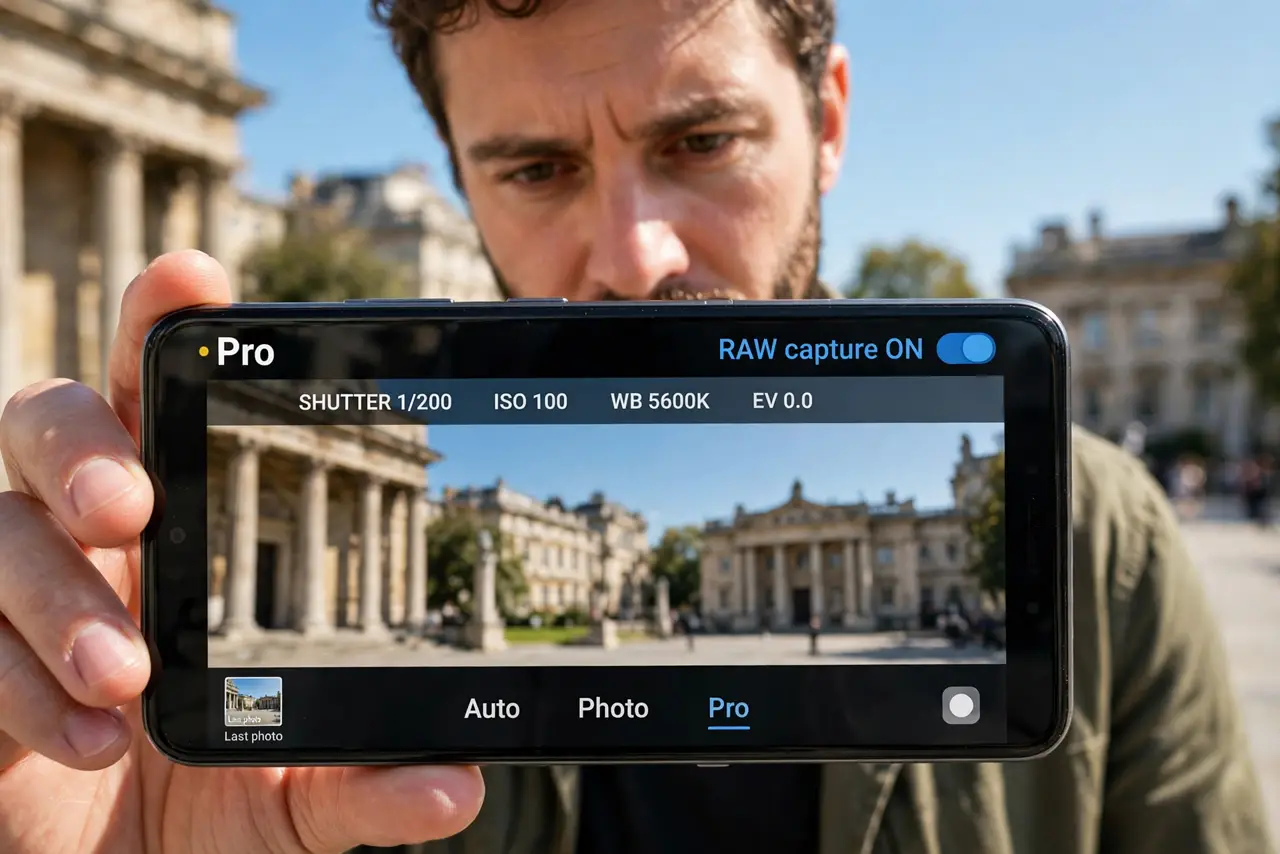
Quick fix: in the camera's Pro mode, look for the RAW or RAW+JPEG capture option and enable it. RAW files hold more editing data but run 20–75 MB each — bring storage or an SD card. Edit them in Lightroom or Snapseed; the default gallery app won't do them justice.
Follow these steps
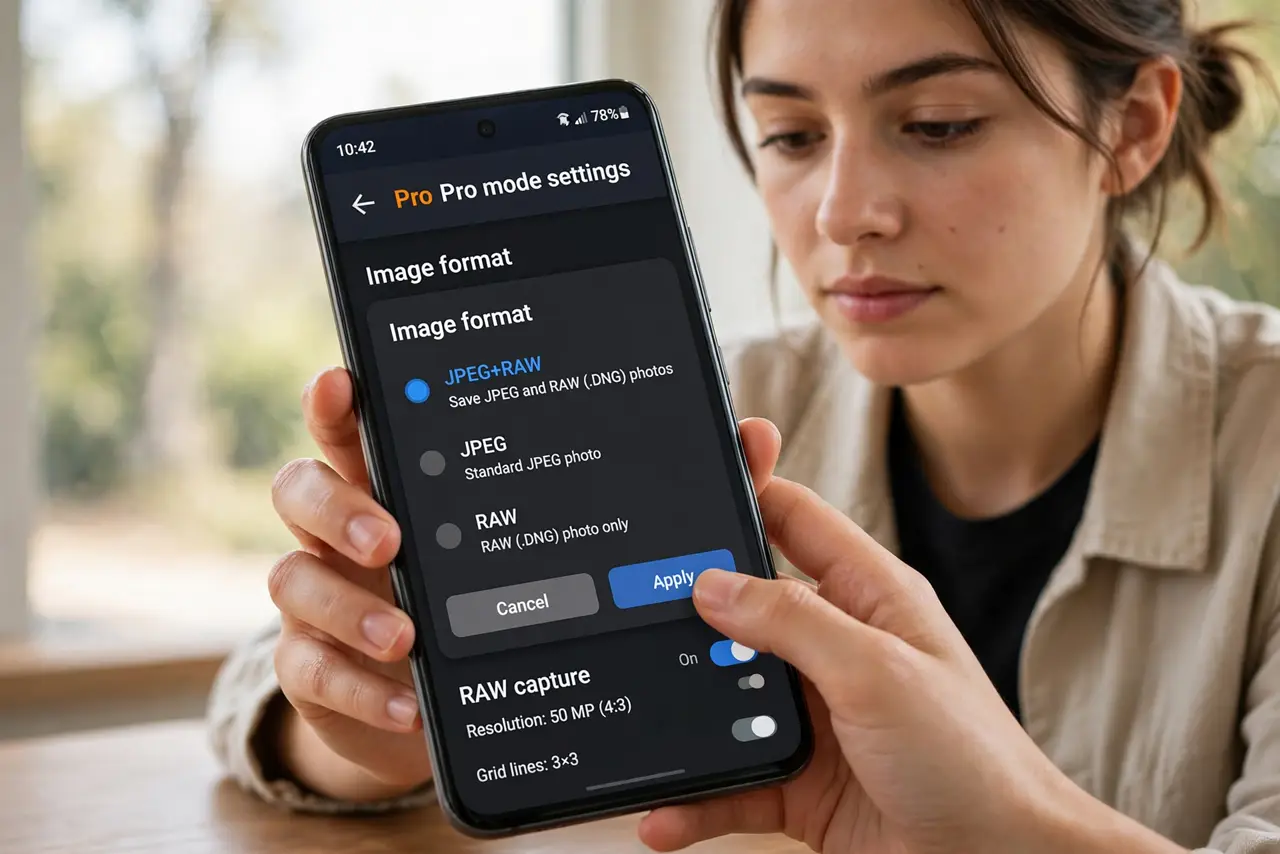
- Enable RAW capture. In Pro mode settings, find the image format option and choose RAW or RAW+JPEG. The JPEG gives you an instant shareable; the RAW is the editing master.
- Budget the storage. RAW files run 20–75 MB each versus 3–5 MB for JPEG. A photo walk can eat a gigabyte — check space first or use an SD card.
- Expect flat-looking files. RAW skips the phone's color processing, so files look dull gray at first. That flatness is headroom, not a defect.
- Edit in a real RAW editor. Lightroom Mobile and Snapseed develop RAW properly — exposure, white balance, and highlight recovery sliders come alive. The stock gallery's auto-fix wastes the format.
- Shoot RAW+JPEG while learning. The JPEG shows what the phone intended; the RAW is your safety net for the shots that matter. Compare the two as you learn.
- Know when JPEG is enough. Everyday snaps, messages, social posts — JPEG wins on size and speed. Reserve RAW for landscapes, portraits, and tricky light.
What NOT to do
- Do not shoot everything in RAW. A thousand RAW files will bury your storage and your workflow.
- Do not judge RAW by the thumbnail. The flat preview is unprocessed data — develop it before deciding it failed.
- Do not edit RAW in apps that ignore it. Some editors silently develop the embedded JPEG preview — use Lightroom or Snapseed.
- Do not forget to turn RAW off after the special shoot. Months of accidental RAW will fill any phone.
Frequently asked questions
What's the difference between RAW and JPEG?
RAW keeps all sensor data for maximum editing freedom; JPEG is processed, compressed, and finished. RAW is the negative, JPEG the print.
Why are my RAW files so big?
No compression, full bit depth, all color data — 20–75 MB is normal. That data is what lets you rescue shadows and highlights.
Can I convert RAW to JPEG later?
Yes — exporting from any RAW editor produces a finished JPEG. Keep the RAW as the archival master.