Change Chrome's Download Folder
Chrome on Android drops every download into one shared Download folder, and finding anything later becomes archaeology. You cannot set a brand-new default folder, but you can make Chrome ask where to save each file — and you can reorganize what is already there with the Files app. Here is the practical setup.
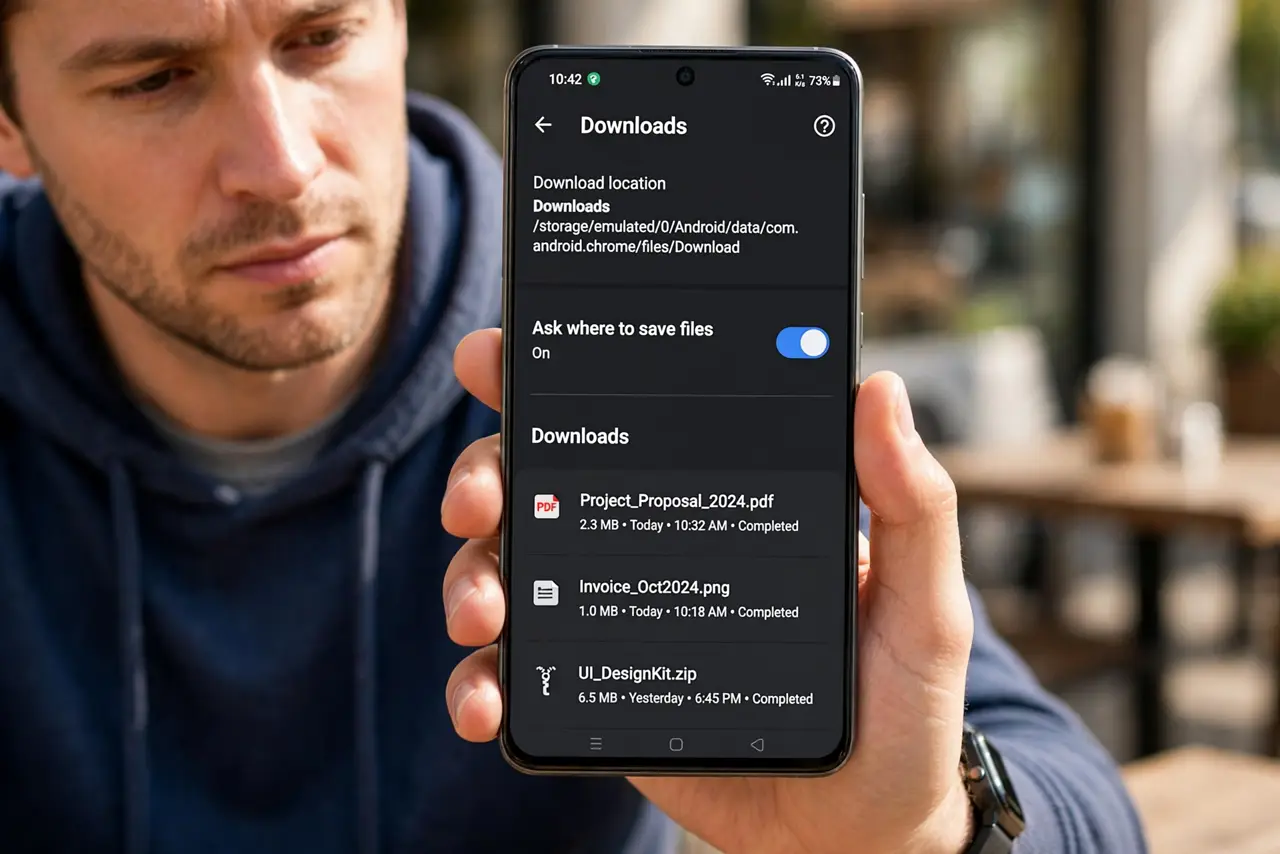
TL;DR / Quick Fix
Quick fix: open Chrome, tap the three dots, go to Settings > Downloads, and turn on 'Ask where to save files' so every download lets you pick a folder. Files still land in the main Download folder otherwise. Use the Files by Google app to move downloads into folders afterward.
Follow these steps
- Open Chrome's download settings. Tap the three dots > Settings > Downloads. Two switches live here: the save location prompt and the download location display.
- Turn on Ask where to save files. With this on, every download opens a picker — choose a folder per file instead of everything piling into Downloads.
- Understand the default behavior. With the prompt off, all Chrome downloads land in the device's shared Download folder, mixed with files from every other app.
- Move finished downloads with Files by Google. Open Files by Google > Downloads, select files, tap Move to, and file them into folders. See the cleanup guide for the full tidy-up.
- Check storage before big downloads. Downloads fail quietly when space runs out. Glance at Settings > Storage first — a full phone aborts large files mid-way.
- Find a 'lost' download in Chrome. Tap the three dots > Downloads — Chrome lists everything it saved, with a direct open button per file.
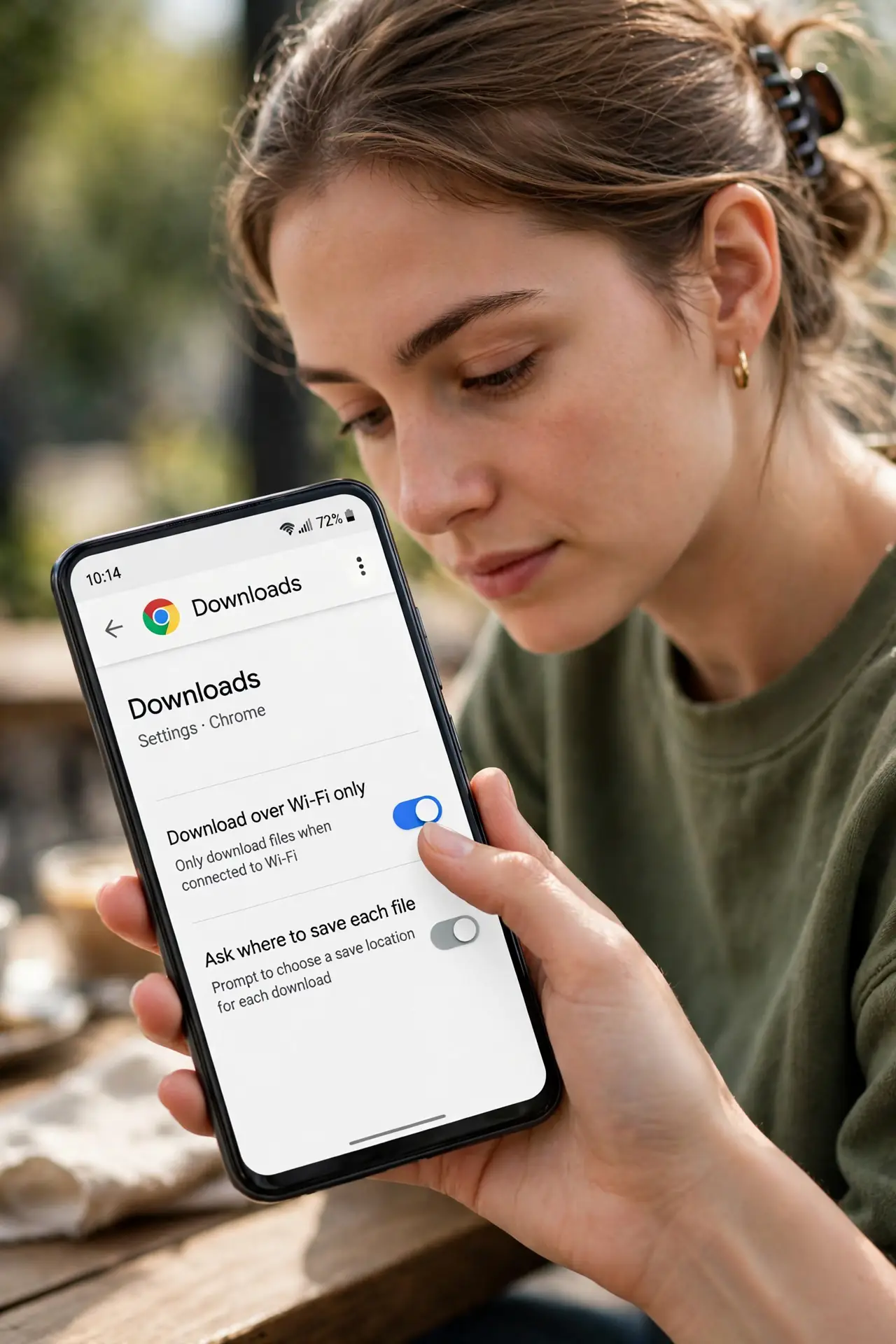
What NOT to do
- Do not hunt for a custom default folder setting. Chrome on Android does not offer one — the per-download prompt is the official answer.
- Do not delete files straight from the Downloads list without checking. The same folder holds attachments other apps saved.
- Do not assume a failed download means a broken site. Full storage is the more common cause — check space first.
- Do not install a download-manager app for basic organizing. The built-in prompt plus the Files app covers it.
Frequently asked questions
Can I change Chrome's default download folder on Android?
Not to a custom path — Chrome only offers the shared Download folder or the ask-every-time prompt. The prompt is the flexible option.
Where do Chrome downloads go on Android?
The device's Download folder, shared across apps. Chrome's own Downloads page lists them with open buttons.
Why did my download disappear?
Check Chrome > three dots > Downloads first. If it is not there, storage may have filled mid-download — free space and retry.