Contacts Duplicated From the SIM? Fix It
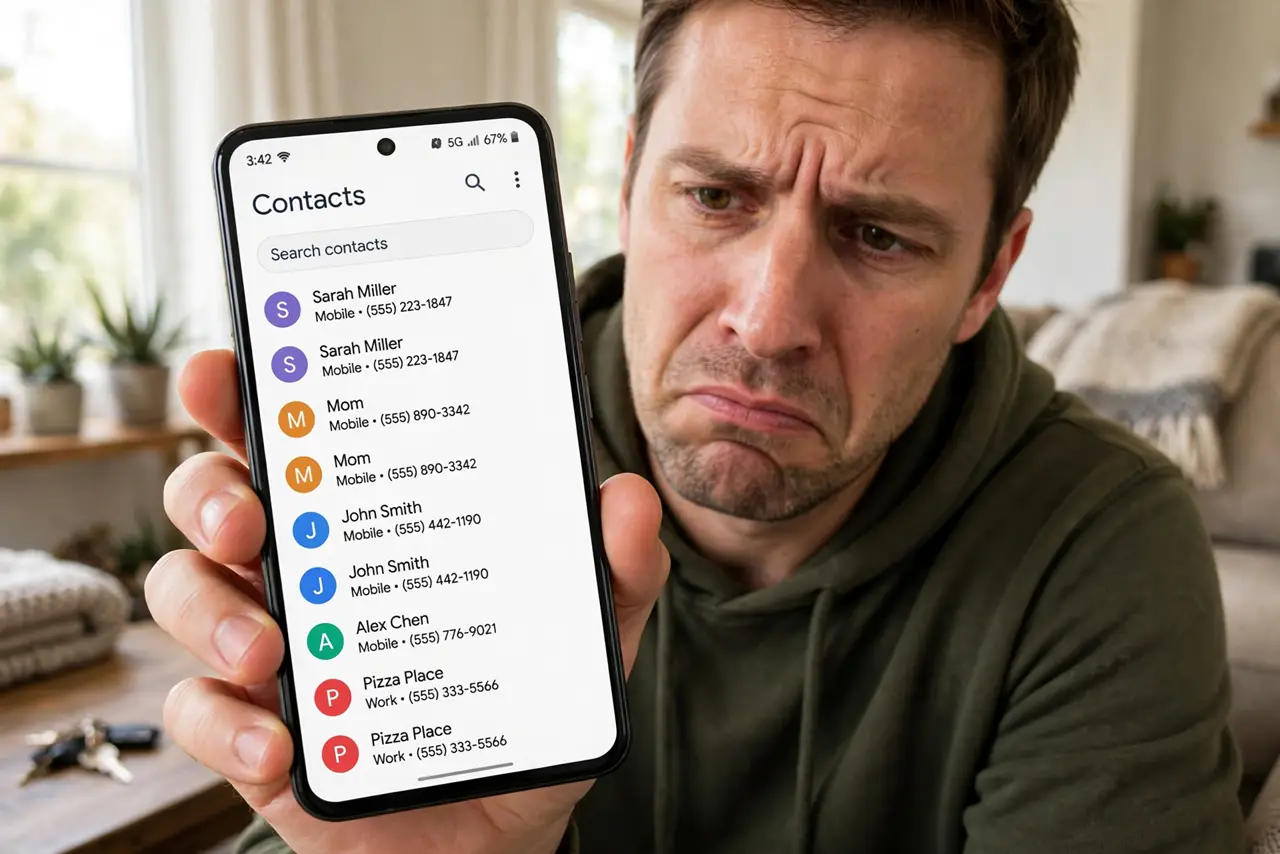
You imported contacts from the SIM and now every person appears twice — once from the SIM, once from Google. The duplicates are not extra data, just the same people shown from two sources. This guide merges them cleanly, the same way sync duplicates get fixed.
TL;DR / Quick Fix
Quick fix: open the contacts app's merge or fix-and-manage tool and merge the duplicates — it combines the entries without losing numbers. Then hide the SIM contacts from view so they don't show twice. For the future, import the SIM once and delete its entries afterward.
Follow these steps
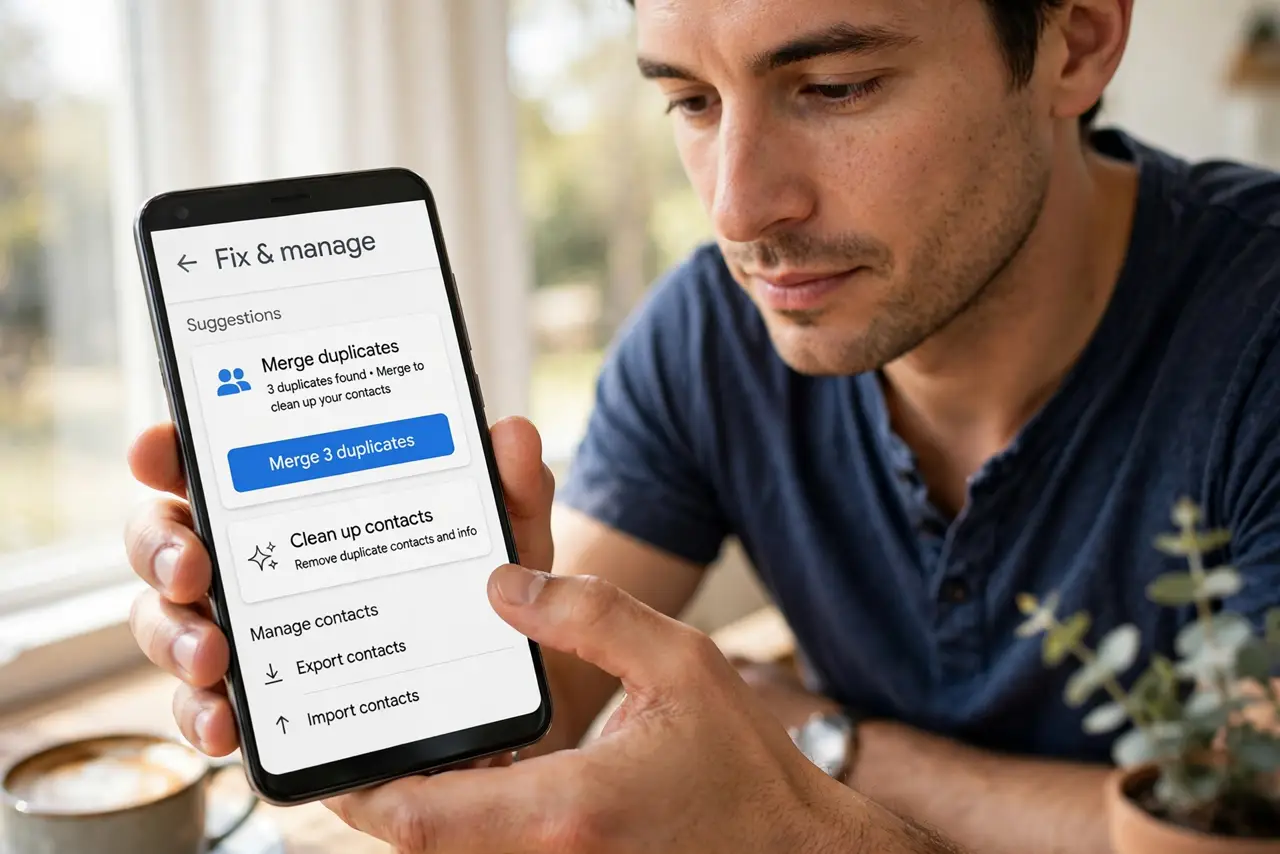
- Open the merge tool. In the contacts app, find 'Merge duplicates' or 'Fix & manage.' Google Contacts and most manufacturer apps include it.
- Review before merging. The tool suggests pairs. Glance through — it is accurate, but a quick review catches the rare wrong match before it merges.
- Merge the duplicates. Confirm the merge. The entries combine into one contact with all numbers kept — nothing is deleted in the process.
- Hide SIM contacts from view. In display settings, uncheck the SIM account. The SIM entries still exist, but they stop doubling your list.
- Delete SIM entries after importing. Once contacts live in Google, delete them from the SIM. The SIM becomes a clean backup instead of a duplicate source.
- Keep one source of truth. Going forward, save new contacts to Google only. One source means no future duplicates.
What NOT to do
- Do not delete duplicates by hand one by one. The merge tool does in seconds what takes an hour manually — and keeps every number.
- Do not merge blindly without reviewing. Two different people with similar names occasionally get suggested as a pair.
- Do not keep saving new contacts to the SIM. The SIM is a legacy store with tiny fields — Google holds more and syncs everywhere.
- Do not panic about 'lost' contacts after merging. Merging combines entries; if a number seems missing, check the merged contact's full details.
Frequently asked questions
Why do I have duplicate contacts?
The same people exist in two sources — typically the SIM and Google — and the contacts app shows both.
Will merging delete any phone numbers?
No. Merging combines all numbers and details from both entries into one contact.
Should I keep contacts on the SIM?
No — import them once to Google, then clear the SIM. Google contacts sync, back up, and hold far more detail.