Emergency Alerts Too Loud? Tame Them
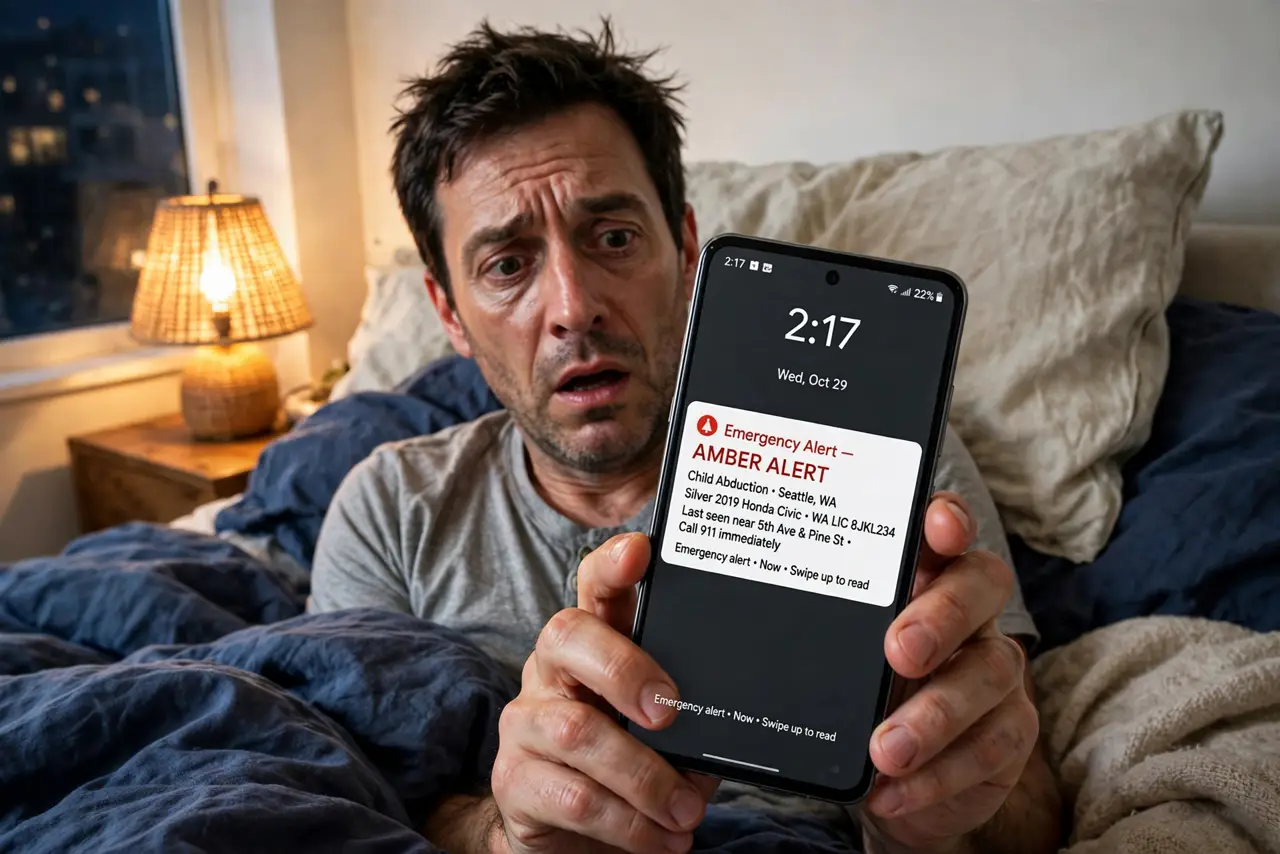
A 3 a.m. blaring alert for a storm two counties away is nobody's idea of a good system. Emergency alerts override silent mode by design — but you can tune which kinds reach you and how loud they feel. Here's how to keep the life-safety ones and quiet the rest.
TL;DR / Quick Fix
Quick fix: on iPhone open Settings > Notifications > Emergency Alerts and switch off test and advisory categories; on Android open Settings > Safety & emergency > Wireless emergency alerts and uncheck the optional ones. Extreme-threat and presidential alerts stay on. These alerts bypass silent mode by design.
Follow these steps
- Find the alert settings on iPhone. Open Settings > Notifications, scroll to the bottom, and tap Emergency Alerts. You will see separate switches per category.
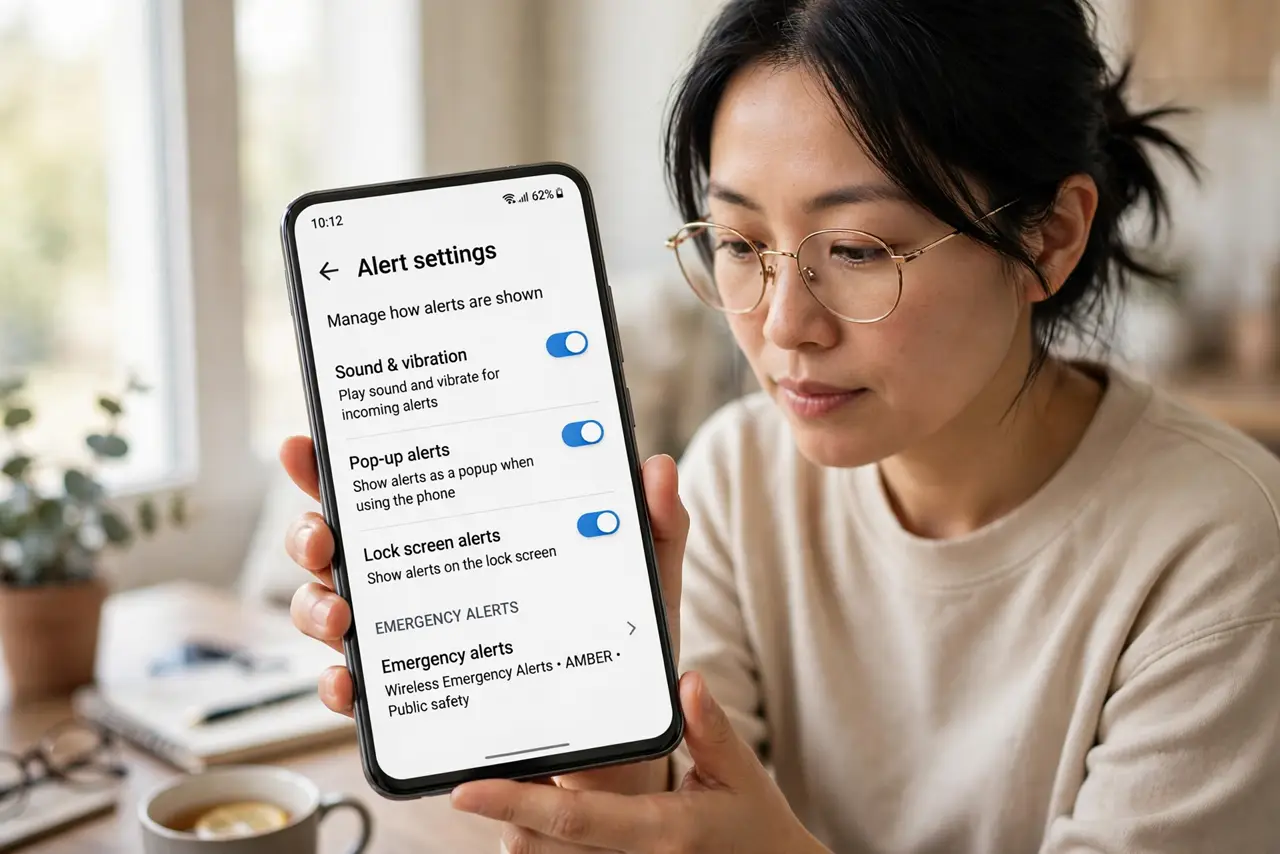
- Find the alert settings on Android. Open Settings > Safety & emergency > Wireless emergency alerts (on Samsung: Settings > Notifications > Advanced settings > Wireless emergency alerts).
- Turn off test and advisory categories. Test alerts and less-urgent advisories are the usual 3 a.m. offenders. Leave extreme threats and presidential alerts on.
- Check for a separate alert volume. Some Android brands have an alert volume distinct from media volume. Lower it one notch — the alert still overrides silent mode, just less violently.
- Confirm Do Not Disturb is not the issue. Emergency alerts bypass Do Not Disturb and silent mode by design. If one woke you, the setting worked as intended — tune the categories instead.
- Re-check after major updates. System updates occasionally reset alert categories. After an update, glance at the switches once to confirm your choices stuck.
What NOT to do
- Do not turn off all emergency alerts. The extreme-threat channel exists for tornadoes, tsunamis, and AMBER-style emergencies near you.
- Do not rely on silent mode to block them. Alerts are engineered to bypass silent and Do Not Disturb — that is the point.
- Do not disable test alerts and then complain you never get tests. That is exactly what the switch does.
- Do not confuse these with app notifications. Tuning an app's notification settings changes nothing about government emergency alerts.
Frequently asked questions
Can I make emergency alerts vibrate instead of blare?
On most phones, no — the loud tone is mandated so it wakes you. Some Android brands let you lower the alert volume, but silent is not an option for the top categories.
Why did I get an alert for somewhere far away?
Alert zones are drawn broadly and your phone uses its last known location. If you commute, you may get alerts for both ends of the route.
Do emergency alerts work without a SIM or service?
Yes, on most modern phones. They arrive over the cell broadcast system, which works even without an active plan, as long as the phone can see a tower.