Lock Screen Widgets Missing? Fix It
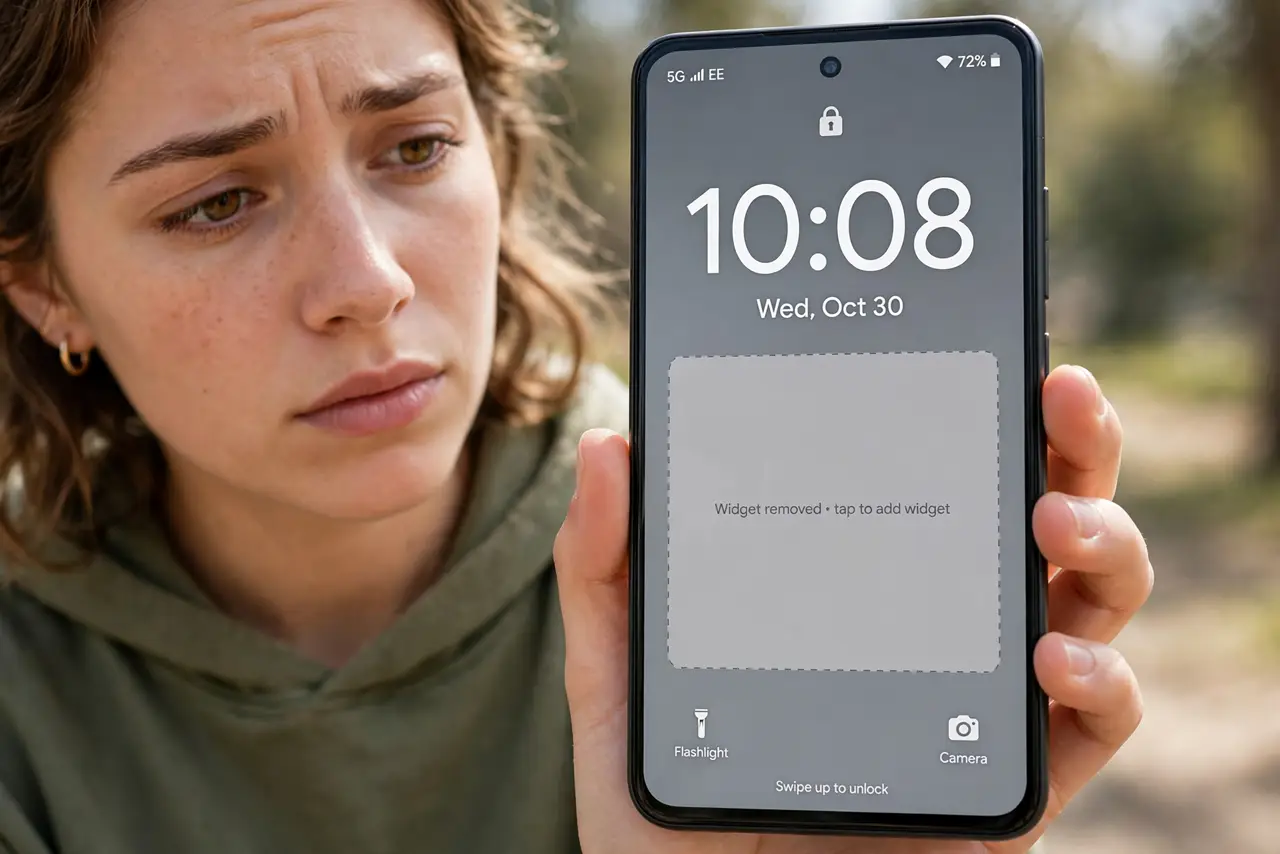
Your weather, calendar, or music widget used to sit right on the lock screen — now it's gone, and the settings look different than the tutorial you found. Widgets disappear after updates, permission changes, or a new launcher. This guide walks through where they hide on current iPhone and Android, and how to bring them back.
TL;DR / Quick Fix
Quick fix: on iPhone long-press the lock screen, tap Customize, and re-add widgets from the tray; on Android check Settings > Wallpaper & style for lock screen widgets. If the tray is empty, the app's notification permission is usually off. Widgets never delete data — they just need re-adding.
Follow these steps
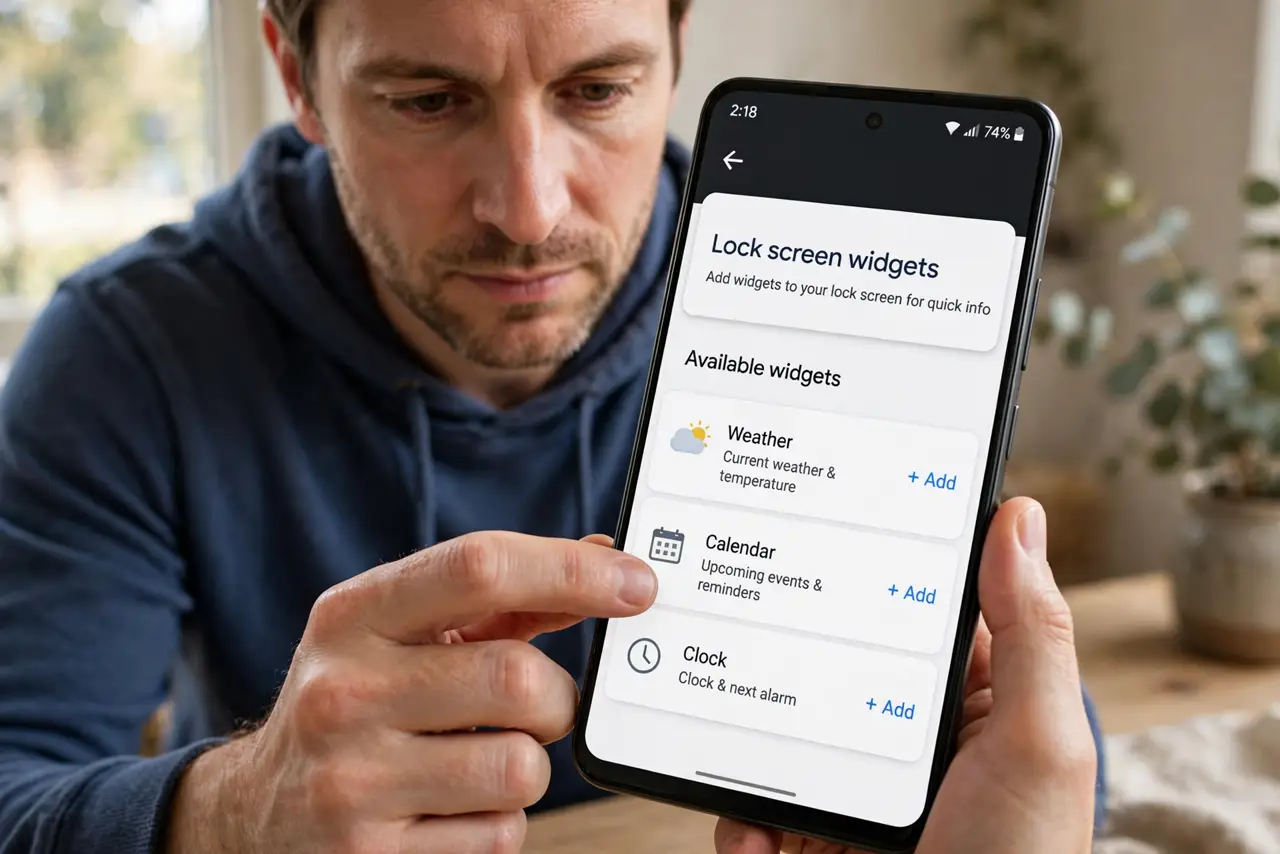
- Re-add widgets on iPhone the current way. Long-press the lock screen, tap Customize, then tap the widget row. If the tray looks empty, the app may need its notification permission back first.
- Re-add widgets on Android the current way. Long-press the lock screen for options, or open Settings > Wallpaper & style and look for lock screen widgets or shortcuts. Paths vary by brand.
- Check the app's notification permission. A widget that cannot show notifications often cannot show on the lock screen either. Open the app's system settings and re-enable notifications, then check the blank widget behavior again.
- Look for a new launcher or theme. Third-party launchers and themes can replace the lock screen entirely. Switch back to the system launcher briefly to see if the widgets return.
- Check Focus, Do Not Disturb, and work profiles. Some modes hide lock screen content by policy. A widget that vanishes only during work hours is usually a profile rule, not a bug.
- Update the app, then re-add. An outdated app can lose its widget after a system update. Update it from the store, remove the widget slot, and add it fresh.
What NOT to do
- Do not factory-reset the phone over a missing widget. This is a settings issue, never a broken phone.
- Do not grant a widget app permissions it does not need. A weather widget does not need your contacts to show the temperature.
- Do not assume the feature was removed. It usually moved — check the lock screen editor before believing a random forum post.
- Do not stack five widgets and blame the battery. Each active widget wakes the phone periodically; keep the ones you actually glance at.
Frequently asked questions
Why did my lock screen widgets disappear after an update?
Updates sometimes reset lock screen layouts and permissions. Re-adding the widget and re-granting notification permission fixes nearly all cases.
Can I put any app's widget on the lock screen?
Only apps that offer a lock screen widget — usually weather, calendar, fitness, and music. If the app is not in the tray, the developer did not build one.
Do lock screen widgets drain the battery?
Slightly. Each widget refreshes on its own schedule, so a screen full of live widgets costs more than a clock. Keep two or three favorites.