Emergency SOS on Android?
Emergency SOS is the feature that calls for help when you cannot — rapid-pressing the power button to dial emergency services and alert your contacts. On Android it is buried in Safety settings, and it behaves differently across Samsung, Pixel, and other makers. Setting it up takes two minutes; knowing it exists matters most. Here is the plain guide.
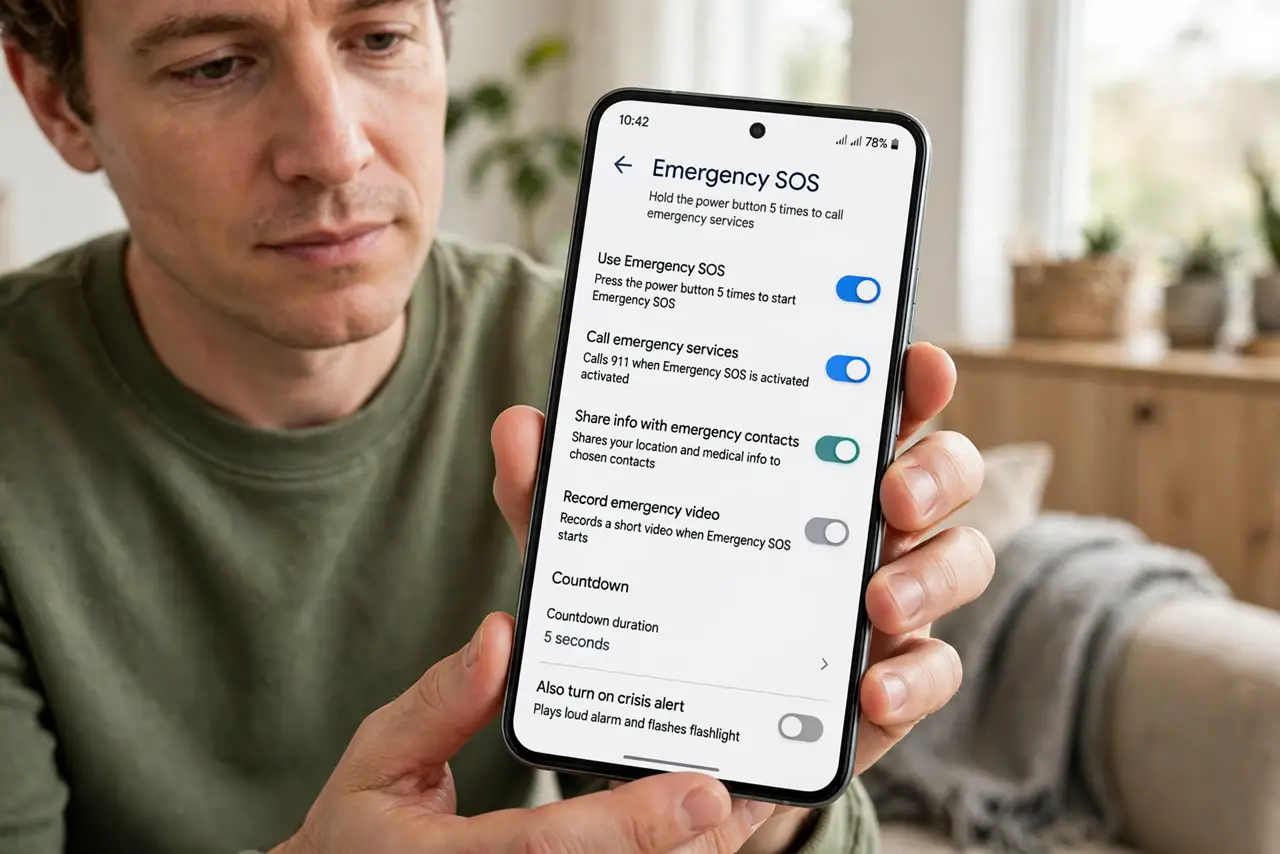
TL;DR / Quick Fix
Quick fix: Android's Emergency SOS, usually triggered by pressing the power button five times, calls emergency services and can alert your contacts with your location. Find it under Settings > Safety & emergency, set your emergency contacts, and test the countdown screen — not the actual call.
Follow these steps
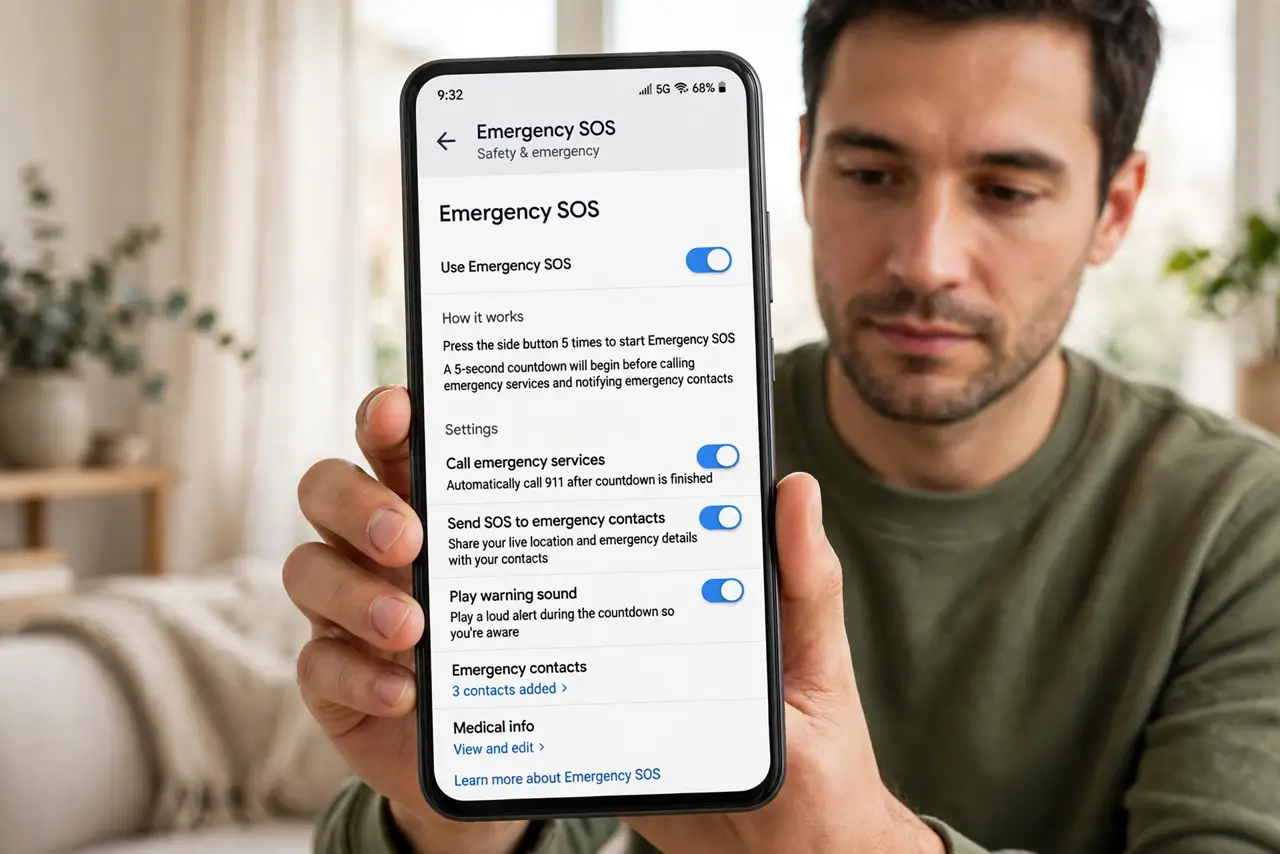
- Find the setting. Open Settings and search for 'SOS' or 'Emergency' — on most Android phones it lives under Safety & emergency. Samsung, Pixel, and others word it slightly differently, but search finds it everywhere.
- Choose your trigger. The common trigger is pressing the power button five times quickly. Some phones let you choose three presses or a long press. Pick the one you can actually do under stress — five rapid presses is the standard.
- Add emergency contacts. Designate who gets the automatic alert with your location. Choose people who answer unknown situations fast — a partner, a parent, a close friend. This is separate from your favorites list.
- Decide on the countdown sound. Most phones play a loud countdown alarm before calling. Keep it on — the noise itself can deter a threat, and it warns you if you triggered it accidentally.
- Test the screen, not the call. Trigger it once to see the countdown screen, then cancel before it dials. You want to recognize the screen under stress, not discover it for the first time in a real emergency.
- Know the accidental-trigger fix. If it pocket-dials emergency services, stay on the line and explain it was accidental — hanging up can trigger a callback or a dispatch. Then adjust the trigger sensitivity or disable the shortcut.
What NOT to do
- Do not test it by letting it call. Trigger the countdown and cancel — a test call wastes responders' time and can bring a callback.
- Do not hang up on an accidental call. Stay on, say it was accidental, and answer their questions — hanging up looks suspicious.
- Do not leave emergency contacts empty. The location alert to nobody helps nobody — set at least one contact who answers.
- Do not disable it because of one pocket-dial. Adjust the trigger or the countdown instead — the feature is worth the occasional false alarm.
Frequently asked questions
Will it work without cell signal?
It needs a cellular connection to call — no signal, no call. The location alert to contacts needs mobile data. It is a phone feature, not magic.
Does iPhone have this too?
Yes — iPhone's Emergency SOS works similarly and can even reach satellites on newer models. See iPhone's accidental SOS for its quirks.
Can it share my medical info?
Pair it with Medical ID on the lock screen — responders who find your phone get your conditions and allergies even if you cannot speak.