Transfer eSIM to New Phone
New phone in hand, old phone wiped and traded in — and then you realize your mobile plan lived on an eSIM inside the old phone. No physical SIM to move. The good news: most carriers and both phone platforms now support transferring the eSIM directly, often in minutes, without a store visit. Here is how it usually works and where it snags.
TL;DR / Quick Fix
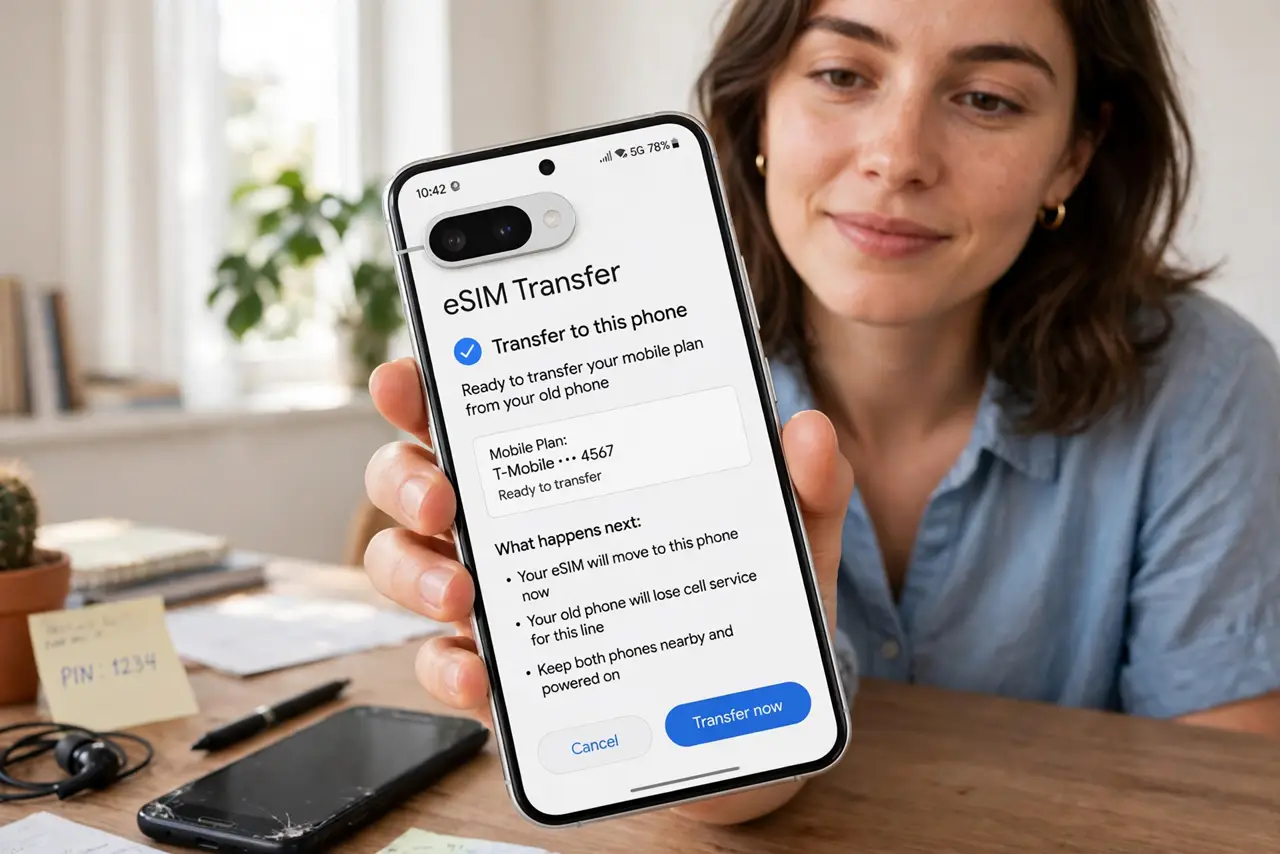
Quick fix: transfer your eSIM during the new phone's setup — both platforms offer a step that moves the plan from the old phone over Bluetooth or Wi-Fi. Keep the old phone powered and nearby, stay on Wi-Fi, and do not wipe it until the new phone shows signal.
Follow these steps
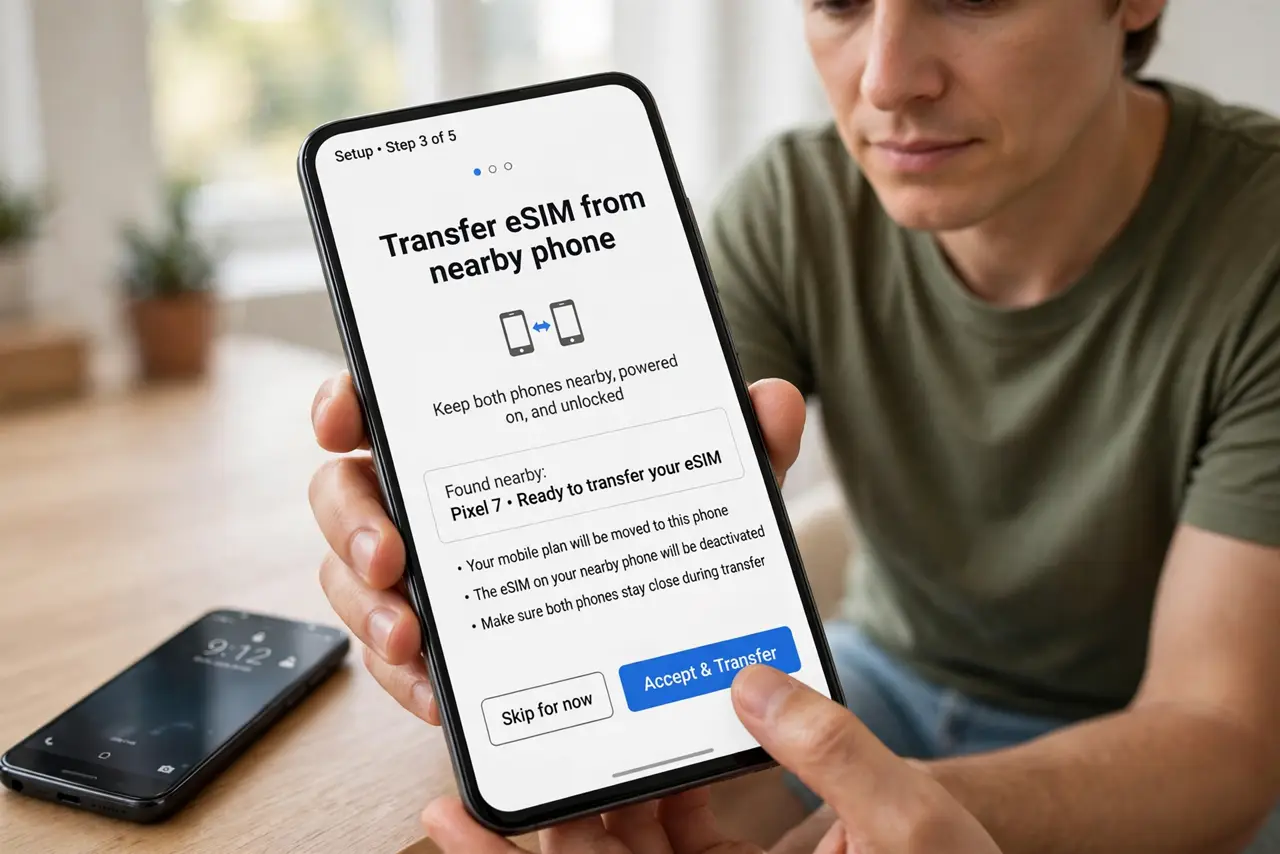
- Start the transfer during setup. The new phone's setup wizard usually offers to transfer the eSIM from the nearby old phone. Accept it there — doing it later through settings also works but the wizard path is smoothest.
- Keep the old phone alive and close. The transfer moves the profile directly between phones. Old phone powered on, unlocked, Bluetooth and Wi-Fi on, sitting next to the new one — remove any of those and it stalls.
- Stay on Wi-Fi. The transfer verifies with your carrier over the internet. Do it on stable Wi-Fi, not on the cellular connection you are in the middle of moving.
- Do not wipe the old phone first. Wiping before the transfer completes can strand the eSIM profile. Confirm the new phone shows signal and can call before you reset the old one.
- Know the carrier fallback. If the automatic transfer fails, every carrier can push a fresh eSIM — usually via a QR code in their app or a support chat. It is routine for them; see the transfer-failure notes for the common snags.
- Test everything after. Calls, texts, and mobile data on the new phone. eSIM transfers occasionally move the plan but drop a feature — a two-minute test catches it while support is still easy to reach.
What NOT to do
- Do not factory-reset the old phone before confirming signal on the new one. The eSIM can get stranded between devices.
- Do not attempt the transfer on a dying battery. A shutdown mid-transfer is the classic way to need carrier support.
- Do not assume dual-SIM setups transfer together. Each eSIM profile moves separately — transfer them one at a time.
- Do not throw away the carrier's QR code email. If the automatic path fails, that code is your instant fallback.
Frequently asked questions
How long does an eSIM transfer take?
Usually a few minutes when both phones cooperate. Carrier reissues take longer — minutes to hours depending on the carrier.
Can I transfer an eSIM between Android and iPhone?
The automatic phone-to-phone path is usually same-platform. Cross-platform moves go through the carrier's reissue instead.
What if I already wiped the old phone?
Contact your carrier — they can issue a fresh eSIM to the new phone. You will need to verify your identity, so have your account details ready.