Type One-Handed
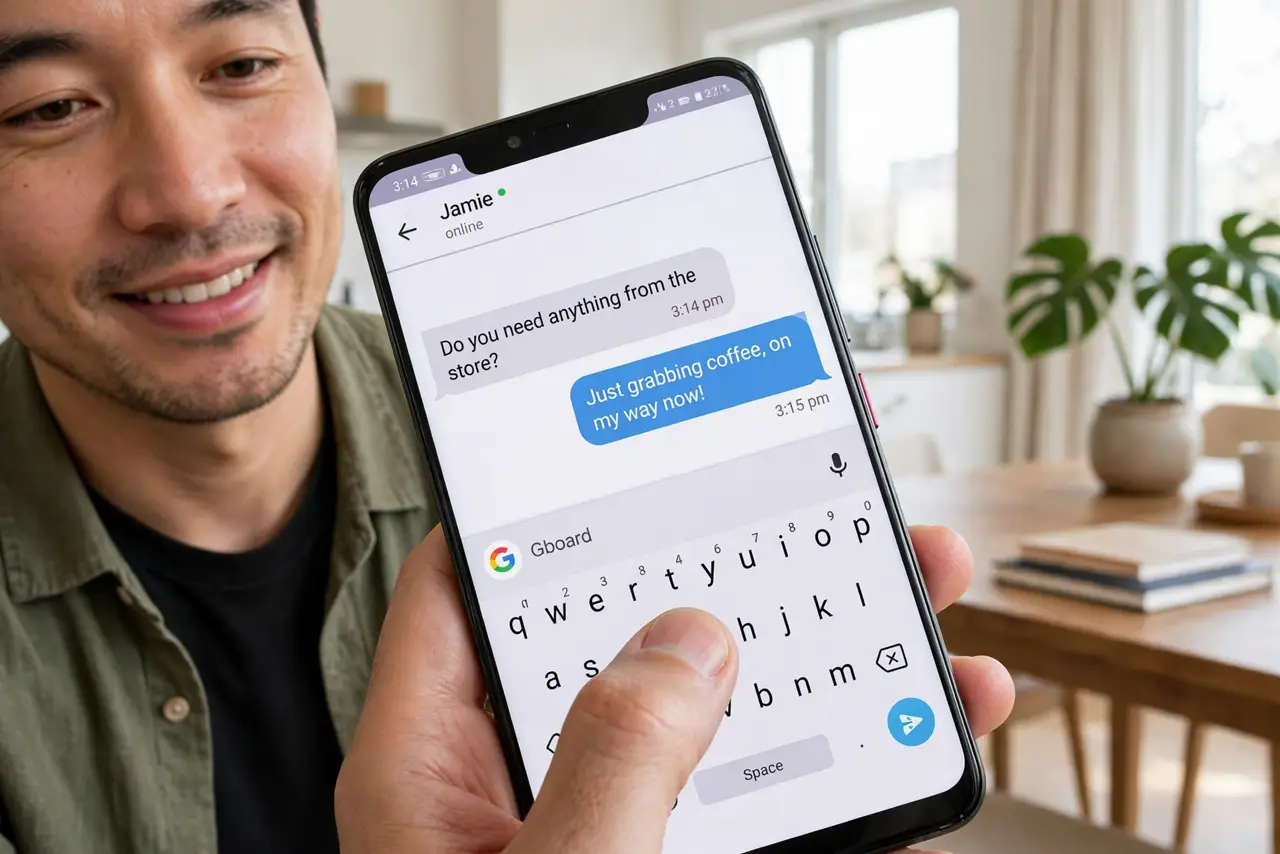
Phones keep getting bigger and your thumb keeps staying the same length. Typing one-handed on a tall screen means risky grips and constant typos. Gboard's one-handed mode shrinks the keyboard to one side so your thumb can actually reach — here is how to use it.
TL;DR / Quick Fix
Quick fix: in Gboard, open the menu and tap One-handed to shrink the keyboard toward your thumb — tap the arrow to switch sides. It is the fastest fix for big phones. For system-wide shrinking, Android's own one-handed mode helps too.
Follow these steps
- Enable one-handed mode. In Gboard, tap the four-squares menu, then One-handed. The keyboard slides to one side immediately.
- Switch sides with the arrow. A small arrow at the keyboard's edge flips it left or right. Set it for your dominant thumb.
- Resize if keys feel cramped. Drag the edge handle to make the shrunken keyboard taller. A slightly larger one-handed layout beats typos.
- Try swipe typing with it. One-handed mode plus glide typing is the speed combo — your thumb never leaves the glass. Enable glide in Gboard settings if it is off.
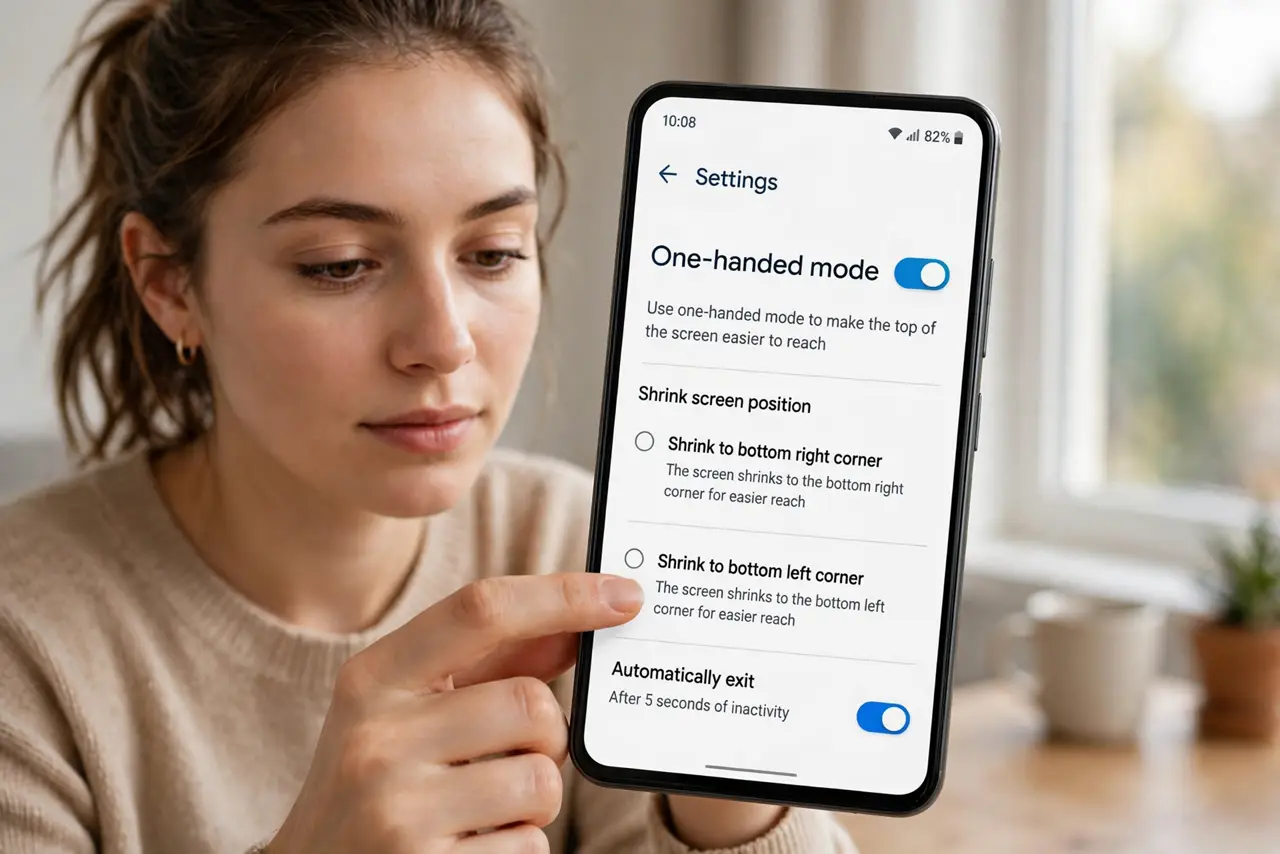
- Use Android's system one-handed mode too. For reaching top-of-screen buttons, enable the system one-handed mode in Settings. Keyboard and system modes stack nicely.
- Go full-screen when it matters. Tap the expand icon to return to full keyboard for long messages. One-handed is for quick replies, not novels.
What NOT to do
- Do not stretch your thumb painfully. If you are straining, the mode is misconfigured — shrink more or switch hands.
- Do not use it for passwords. Shrunken keys plus hidden characters equal typos — go full keyboard for logins.
- Do not forget it is on. Wondering why your keyboard looks small? Check the mode before reinstalling Gboard.
- Do not skip the side switch. A right-side layout for a left thumb defeats the whole purpose.
Frequently asked questions
Does iPhone have this too?
Yes — see the iPhone one-handed keyboard for Apple's version.
Why did my keyboard suddenly shrink?
You likely swiped the gesture that triggers one-handed mode. Tap expand to restore it.
Can I keep it always on?
Yes — Gboard remembers the setting until you change it.