Dictate with Gboard Voice
Pecking out messages on a tiny keyboard is slow and error-prone — but most people never tap the microphone on their keyboard. Gboard's voice typing turns speech into text right in any app, and it is surprisingly accurate. It works much like dictation on iPhone — here is how to turn it on and dictate cleanly.
TL;DR / Quick Fix
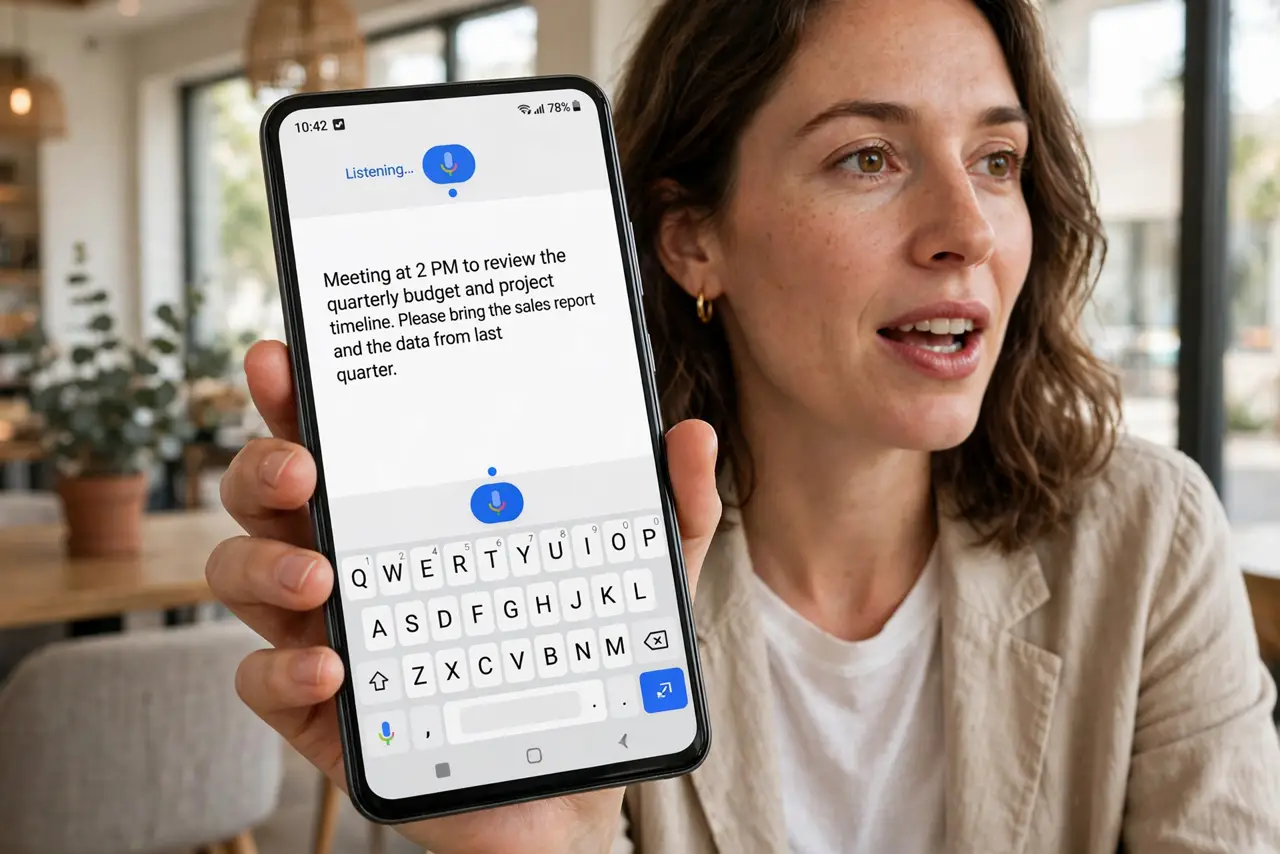
Quick fix: tap the microphone on Gboard to dictate text in any app instead of typing. Speak punctuation like 'comma' and 'period' aloud, and check the result before sending. Enable it in Gboard settings under Voice typing if the mic icon is missing.
Follow these steps
- Find the microphone key. Open any app with a keyboard and look for the mic icon on Gboard. Tap it once — the keyboard switches to listening mode.
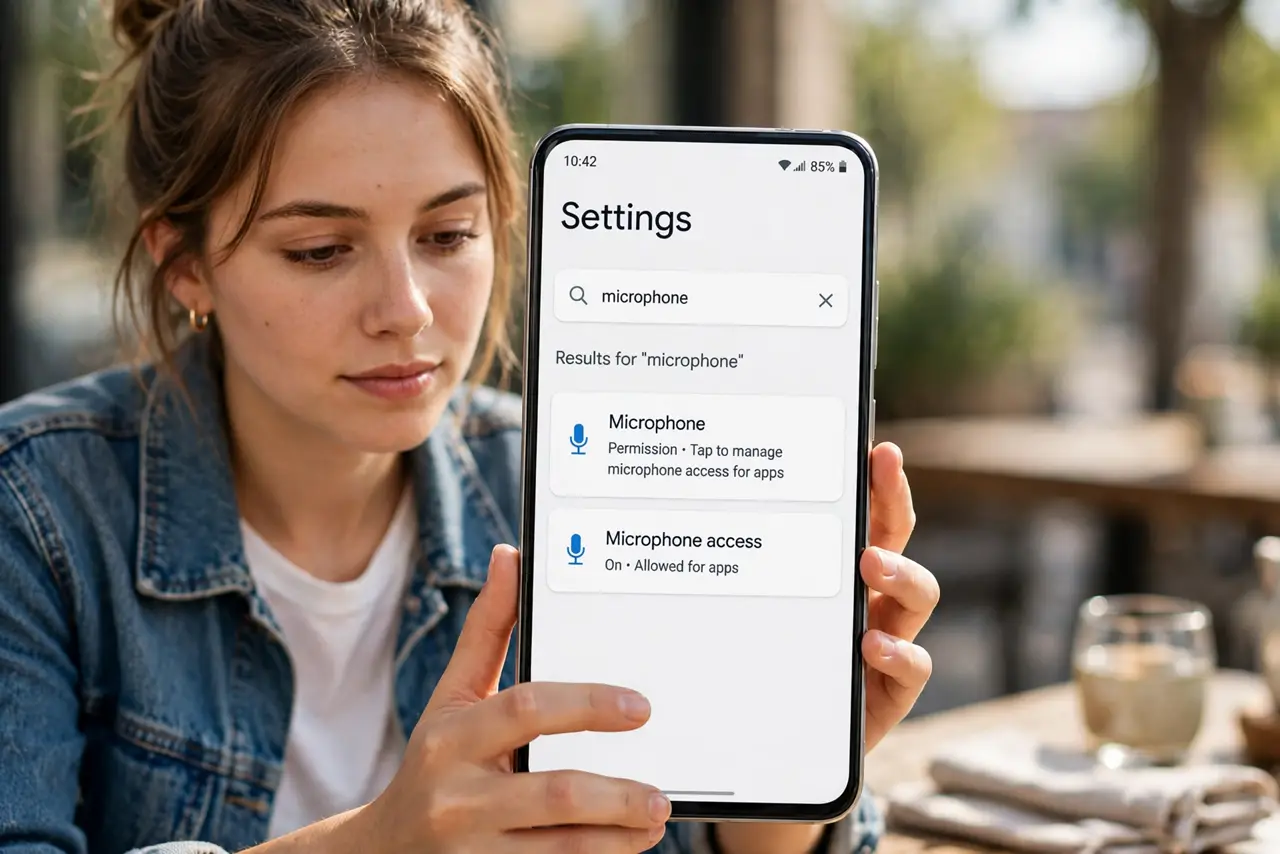
- Enable voice typing if the mic is missing. Go to Gboard settings, then Voice typing, and turn it on. Some phones hide it until you allow microphone permission for Gboard.
- Speak punctuation out loud. Say 'comma,' 'period,' 'question mark,' and 'new line' as you talk. Gboard converts the words into the actual punctuation marks.
- Dictate in short chunks. One or two sentences at a time beats a whole paragraph. Pausing lets the text finalize and keeps errors small and easy to fix.
- Review before you send. Voice typing is good, not perfect — names and homophones trip it up. A two-second glance catches the embarrassing mistakes.
- Try it offline too. Download the offline speech pack in Gboard's voice settings and dictation works without a connection — handy on planes and in dead zones.
What NOT to do
- Do not dictate passwords or bank details aloud. Shoulder-surfers and shared spaces make voice a bad choice for secrets.
- Do not mumble and hope. Clear, steady speech at normal volume gives far better results than whispering.
- Do not skip the punctuation words. A message without spoken punctuation arrives as one breathless blob.
- Do not assume it heard you in noise. Wind and crowds wreck accuracy — step somewhere quieter for important messages.
Frequently asked questions
Is Gboard voice typing free?
Yes — it is built into Gboard at no cost, on both data and Wi-Fi.
Does it work in every app?
Nearly — anywhere Gboard appears as the keyboard, the mic works. Some secure fields like password boxes may disable it.
Why does it stop listening mid-sentence?
It pauses on long silences. Keep talking steadily, or tap the mic again to resume.