Gesture Navigation Conflicts With an App
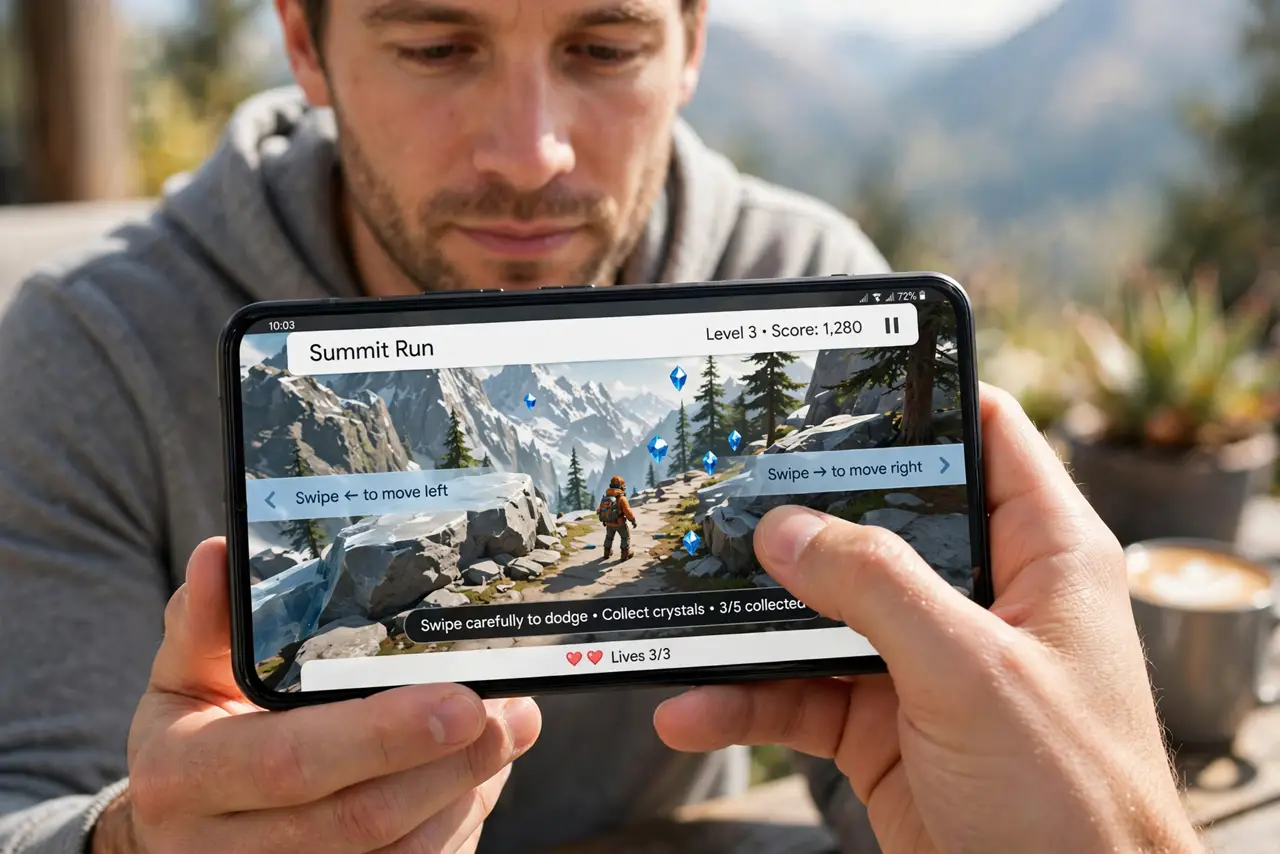
You swipe in a game or drawing app and Android steals the gesture for Back or Home. Full-screen apps and edge gestures fight over the same swipes — and Android lets you call a truce.
TL;DR / Quick Fix
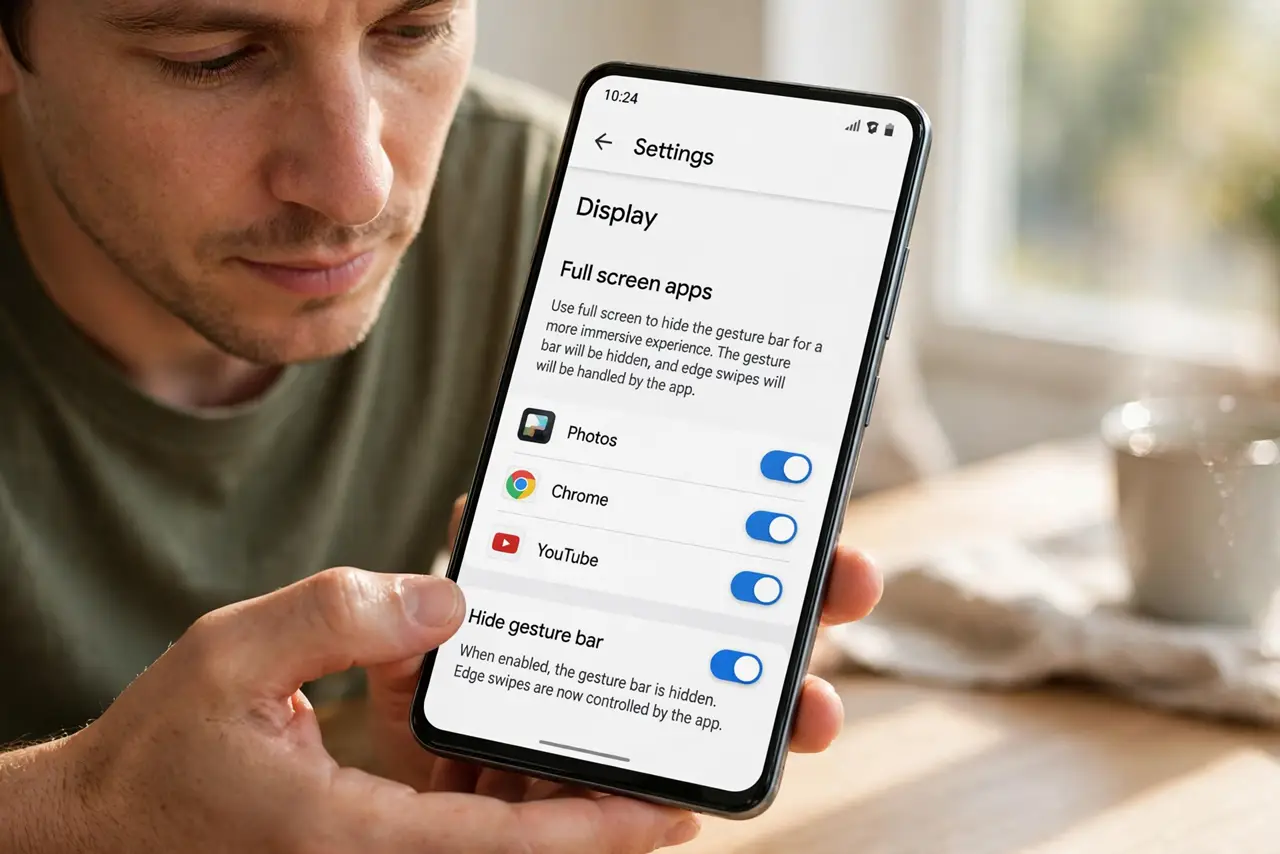
Quick fix: in the conflicting app, look for a full-screen or immersive mode that hides the gesture bar while you play. You can also lower the back-gesture sensitivity in Settings, then Display. For games, a temporary switch to button navigation ends the fight completely.
Follow these steps
- Use the app's full-screen mode. Many games and creative apps offer an immersive mode that hides the gesture bar. With the bar hidden, edge swipes belong to the app again.
- Adjust gesture sensitivity. Open Settings, then Display or System, then Gestures, and look for back-gesture sensitivity. Lowering edge sensitivity gives the app more room before Android claims the swipe.
- Switch to button navigation temporarily. For a long gaming session, switch to 3-button navigation in Settings. Buttons never steal app swipes, and you can switch back afterwards.
- Swipe from higher up the edge. Back gestures trigger near the screen edge; starting your in-app swipe a little inward avoids the system zone while still feeling natural.
- Check the app for gesture settings. Some apps let you remap or disable their edge gestures. Aligning the app's gestures with Android's reduces the collisions.
- Update the app and the system. Both app developers and Android tune gesture conflicts over time. Updates on either side can quietly resolve a fight you have been working around.
What NOT to do
- Do not disable gesture navigation system-wide in anger. A per-session switch to buttons is reversible; nuking the setting is not the same as fixing the conflict.
- Do not assume the app is broken. Gesture conflicts are a known Android behavior, and the app is usually behaving exactly as designed.
- Do not press harder when a swipe is stolen. Pressure does not change gesture routing — starting the swipe in the right zone does.
- Do not install a gesture-remapping app from an unknown source. Accessibility-level gesture tools are powerful, and shady ones abuse that power.
Frequently asked questions
Why do games suffer most from this?
Games use edge swipes for controls, which is exactly where Android's back gesture lives. The two compete for the same screen edge.
Can I turn off just the back gesture?
Not separately on most phones — but lowering edge sensitivity or using immersive mode achieves nearly the same result.
Will buttons really fix it?
Yes. Button navigation has no edge gestures to steal, so app swipes work untouched for the whole session — the same buttons that release a pinned app.