Pair Hearing Aids
Your hearing aids will not connect to your phone, or they pair but the audio still comes from the speaker. Modern hearing aids stream directly to Android and iPhone over Bluetooth — but the pairing path is buried in accessibility settings, not the normal Bluetooth list. Here is the reliable route.
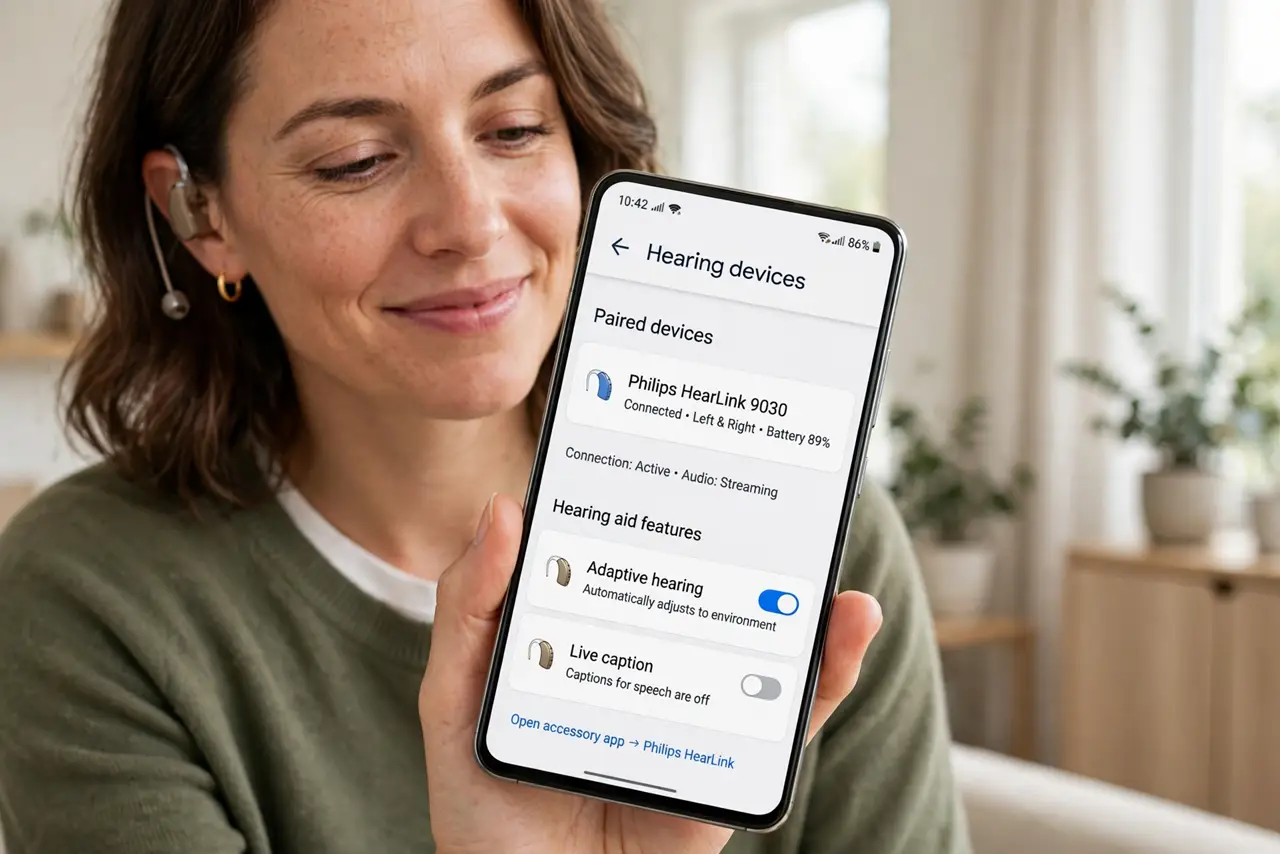
TL;DR / Quick Fix
Quick fix: pair hearing aids through accessibility hearing-device settings, not the regular Bluetooth menu — put the aids in pairing mode first. Once paired, calls and media stream directly. If they drop, forget and re-pair through the same accessibility path.
Follow these steps
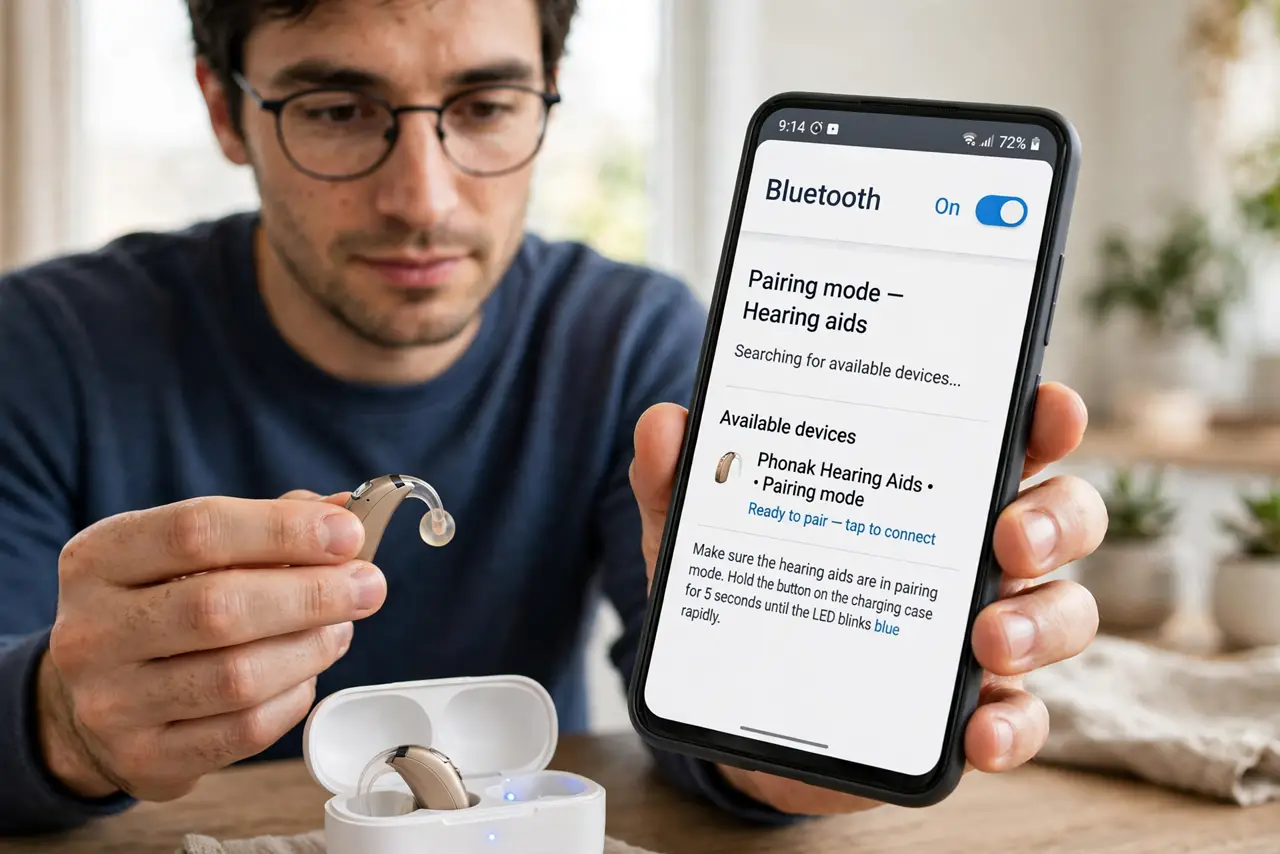
- Put the aids in pairing mode. Usually opening and closing the battery doors, or holding a button — check your model's manual. No pairing mode, no connection.
- Use the accessibility path. On Android: Settings, Accessibility, Hearing devices. On iPhone: Settings, Accessibility, Hearing Devices. The normal Bluetooth list often will not show them.
- Pair each aid. Most pairs connect as two devices — pair both. The phone then treats them as one streaming destination.
- Test calls and media. Play music and make a test call. Audio should route to the aids; if the speaker still plays, check the audio output setting.
- Adjust volume per side. The hearing-device settings offer balance and volume controls. Set them once for your ears.
- Re-pair through the same path when flaky. Dropped connections? Forget the aids in the accessibility settings and pair fresh there — not in the Bluetooth menu.
What NOT to do
- Do not pair from the regular Bluetooth list. Hearing aids use a special protocol — the accessibility path is the correct one.
- Do not assume one aid means both paired. Pair each side; a single-sided connection is a common half-fix.
- Do not skip the manual. Pairing-mode gestures differ by brand — five minutes with the manual saves an hour.
- Do not ignore firmware updates. Aid manufacturers update Bluetooth behavior; the companion app usually handles it.
Frequently asked questions
Do all hearing aids stream to phones?
Most made in recent years do. Very old or basic models may not — check the specs.
Why is there a delay?
Bluetooth audio has inherent latency — noticeable on video. Some aids offer a low-latency mode.
Can I use them as regular earbuds?
For calls and media, effectively yes — that is the point. See sound amplification for the phone-mic alternative.