Amplify Quiet Sounds
You keep asking people to repeat themselves, or the TV dialogue is always too quiet while the action scenes blast. Android's Sound Amplifier boosts quiet sounds and filters noise through your earbuds — like a hearing assist built into the phone. Here is how to set it up.
TL;DR / Quick Fix
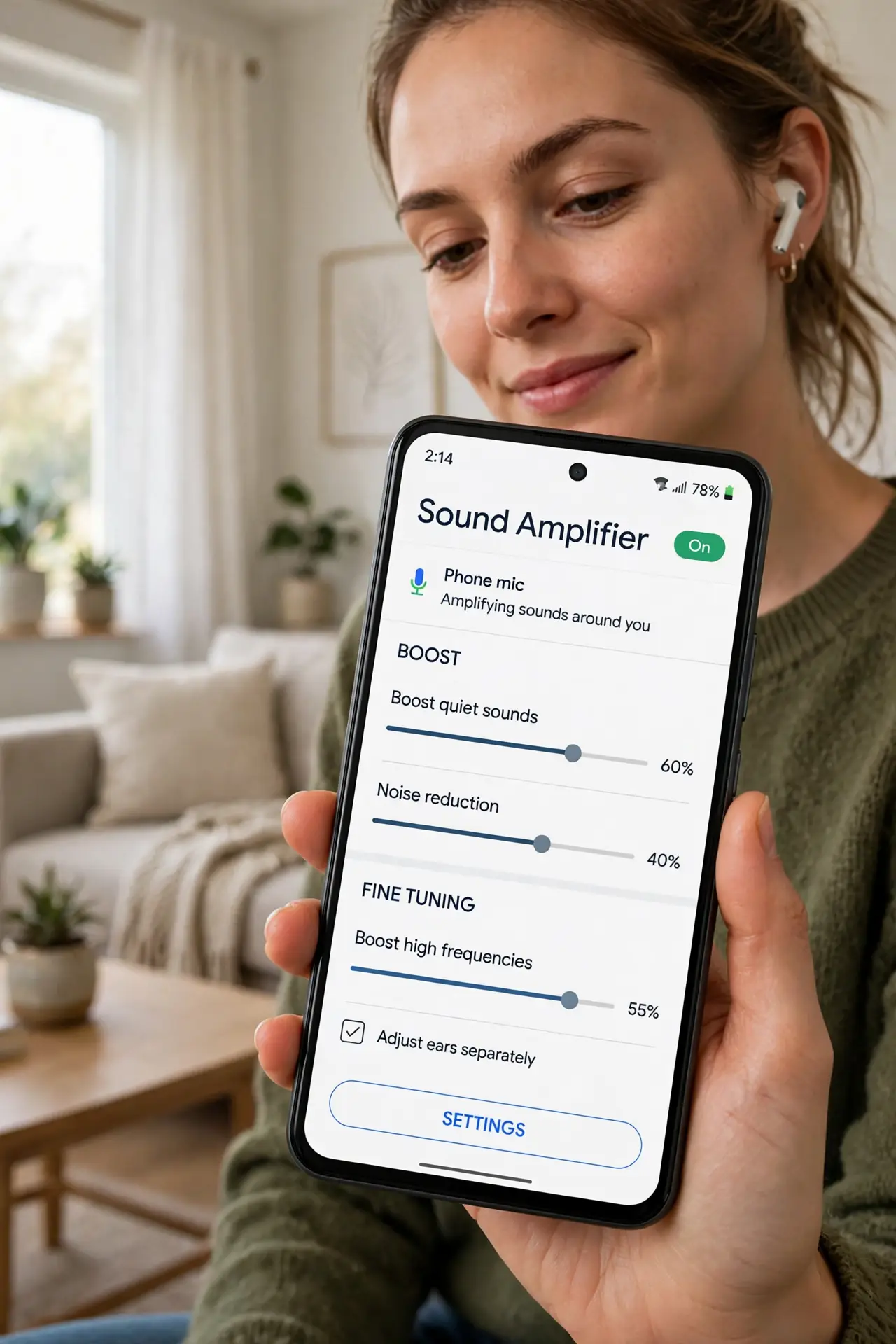
Quick fix: enable Sound Amplifier in Android accessibility settings, plug in earbuds, and boost quiet sounds while cutting background noise. It helps conversations, TV dialogue, and lectures. It is an aid, not a medical hearing device. Pair it with Live Caption when you want both louder audio and on-screen words.
Follow these steps
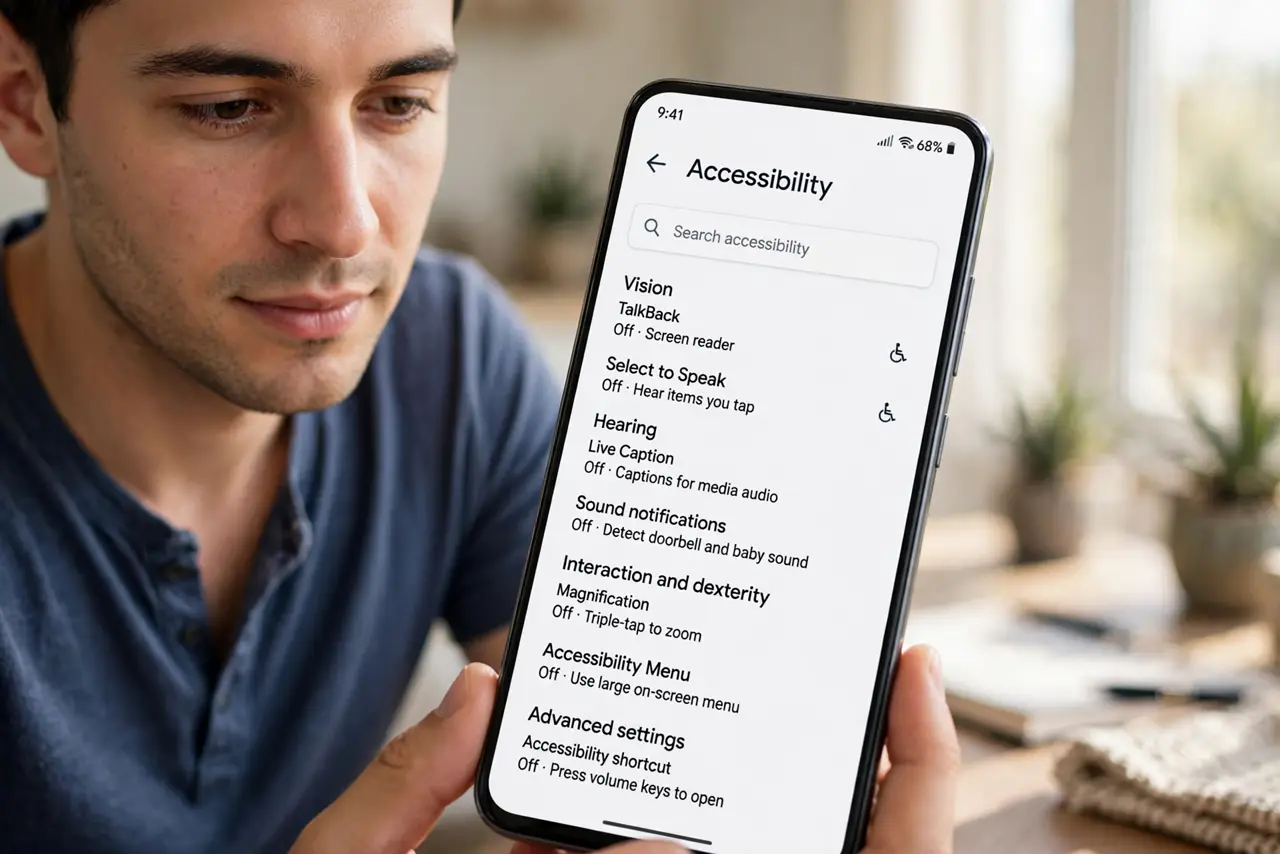
- Find it in accessibility settings. Open Settings, Accessibility, and look for Sound Amplifier. Enable the shortcut so you can launch it fast from anywhere.
- Use wired or Bluetooth earbuds. Sound Amplifier processes the phone's microphone and plays it through your earbuds. Any earbuds work — wired ones add the least delay.
- Tune the boost. Start low and raise the amplification until voices are clear. More is not better — over-boosting just amplifies noise too.
- Cut the background noise. Enable noise reduction in the Amplifier controls. It helps voices stand out in cafes, streets, and echoey rooms.
- Tune per ear if needed. Separate left/right sliders let you compensate if one ear hears worse. Small adjustments make a big difference.
- Combine with captions. For the full assist, run Live Caption at the same time — louder audio plus readable words.
What NOT to do
- Do not crank amplification to maximum. Over-boosting distorts sound and can hurt your ears — start low.
- Do not use it as a medical device. It assists hearing; it does not replace a proper hearing test or hearing aids — see pairing hearing aids.
- Do not forget it is running. An always-on mic drains battery — turn it off when done.
- Do not expect miracles in loud places. It reduces noise; it cannot delete a concert.
Frequently asked questions
Is Sound Amplifier free?
Yes — built into Android's accessibility settings at no cost.
Does it work on phone calls?
It is designed for ambient sound; for call audio issues, check volume and network first.
Wired or Bluetooth earbuds?
Wired has less delay, which matters for lip-sync. Bluetooth works but may lag slightly.