StandBy Shows the Wrong Orientation? Fix It
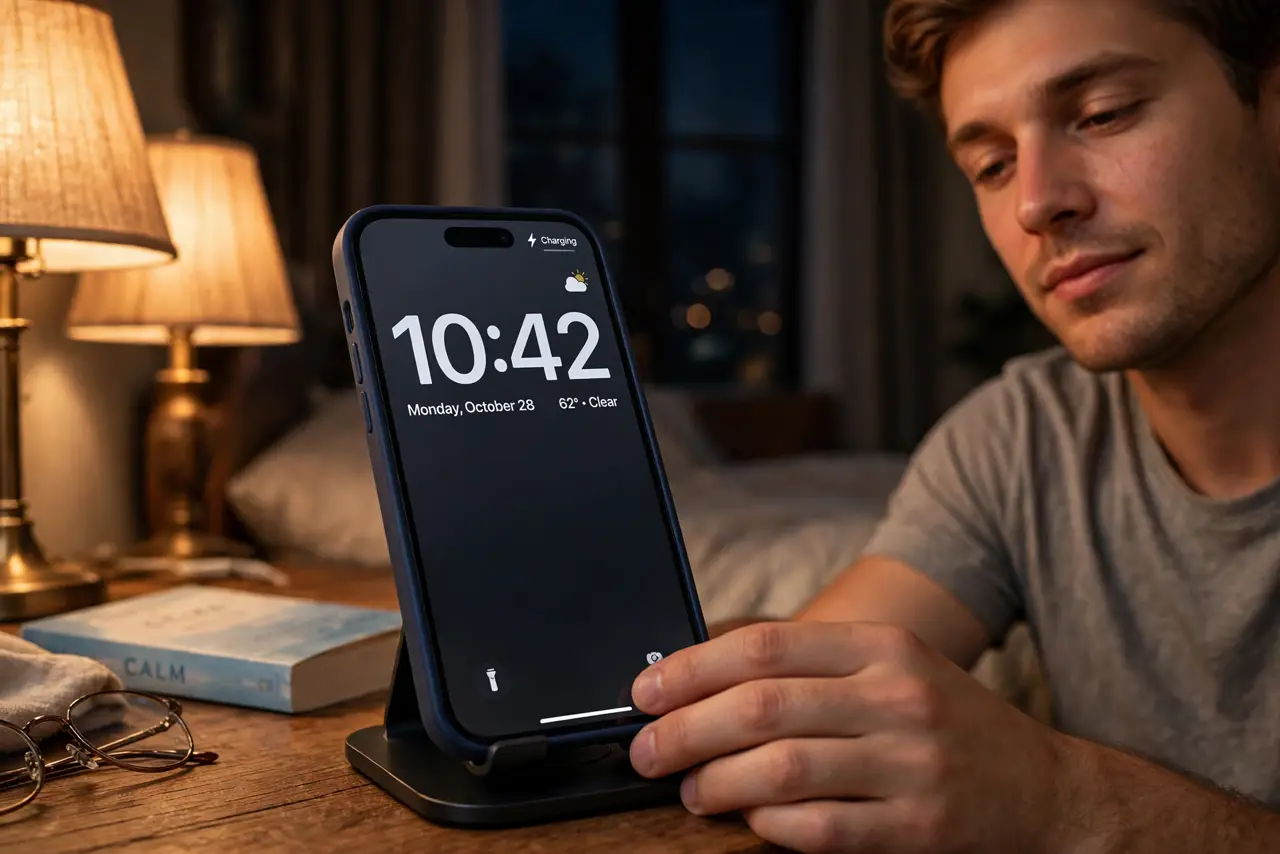
You dock your iPhone sideways on the nightstand expecting the big clock — and StandBy shows up portrait, tiny, or not at all. StandBy only wakes in landscape on a charger, and a few settings decide whether it appears correctly. Here's the checklist that fixes the wrong-orientation problem in a minute.
TL;DR / Quick Fix
Quick fix: StandBy needs the iPhone charging and sideways — tilt it to landscape and wait. Then open Settings > StandBy and confirm it is on. If portrait persists, the case or stand angle is usually the culprit. Wrong widgets are a separate issue.
Follow these steps
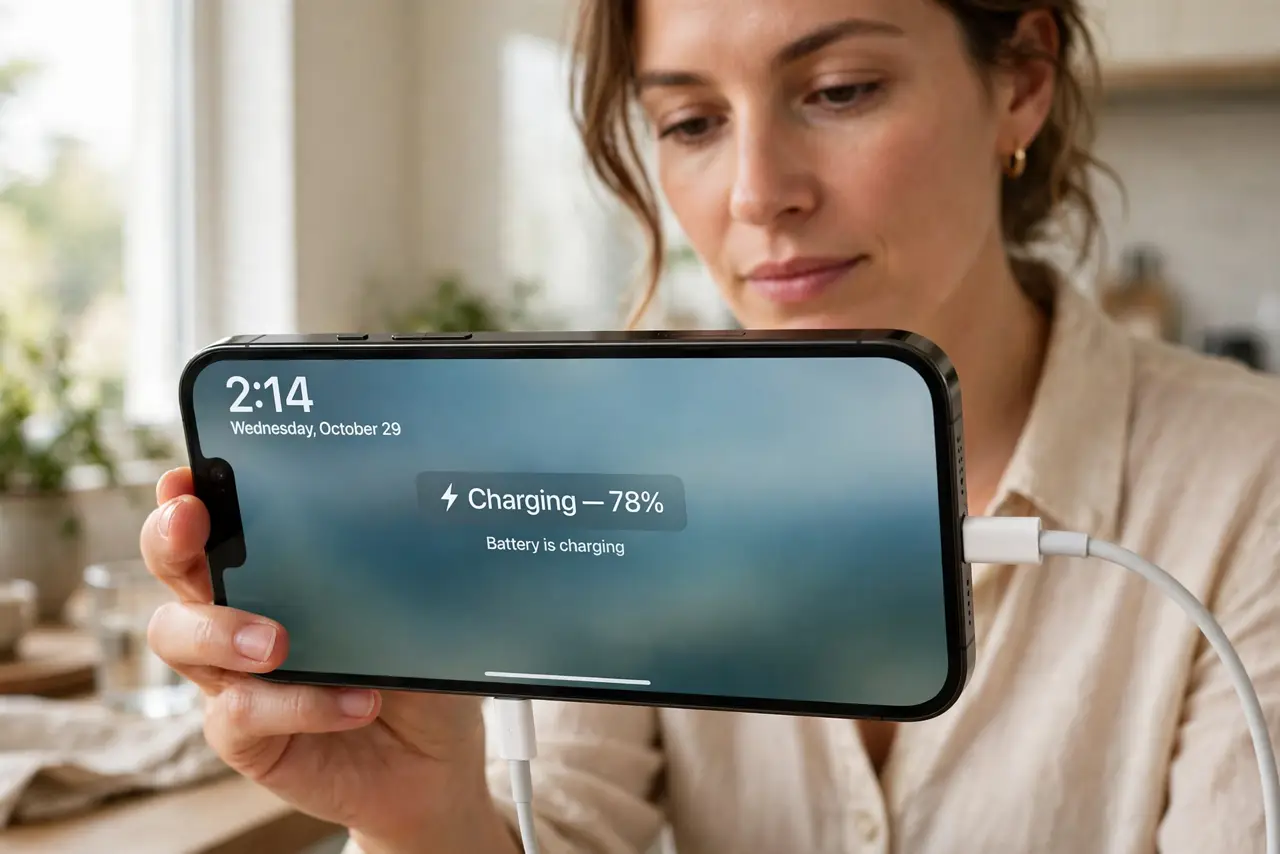
- Charge it and turn it fully sideways. StandBy only triggers while charging in landscape. Lay the phone genuinely horizontal — a slight tilt can keep it in portrait mode.
- Confirm StandBy is enabled. Open Settings > StandBy and make sure the switch is on. Also check Night Mode and Motion to Wake if the screen stays dark.
- Check the case and stand angle. Thick cases and shallow stands can hold the phone a few degrees off true landscape. Remove the case once to test.
- Wake it with a tap if it sleeps. StandBy dims after a while by design. Tap the screen to wake the full display and check the orientation again.
- Try the other orientation. Rotate the phone 180 degrees — charging port on the other side. Some stands only trigger the sensor one way.
- Restart if it is stuck sideways. A stuck orientation sensor clears with a restart. If StandBy worked yesterday and shows portrait today, reboot before changing anything else.
What NOT to do
- Do not assume StandBy is broken when the phone is not charging. No charger, no StandBy — that is by design.
- Do not disable rotation lock hoping it helps. StandBy ignores rotation lock; the charger-plus-landscape trigger is what matters.
- Do not buy a new stand first. Test with the phone lying flat and charging — if StandBy appears, the stand angle was the problem.
- Do not confuse StandBy with the regular lock screen. The big clock only appears in that charging-sideways state.
Frequently asked questions
Does StandBy work without a charger?
No. StandBy requires the iPhone to be charging and in landscape orientation. On battery power you get the normal lock screen.
Why does StandBy show the wrong widgets?
That is a separate widget selection issue — see the guide on StandBy widgets for the fix.
Does StandBy drain the battery overnight?
Barely — the phone is charging the whole time. The display dims aggressively, and Night Mode turns it red in the dark.