See Where You've Been: Timeline
Where was that café last month? Timeline is Google Maps' memory of everywhere you have been — day by day, with routes, stops, and photos. It now lives on your device, not Google's servers, which changes the privacy math. Here is how to read it, edit it, and pause it.
TL;DR / Quick Fix
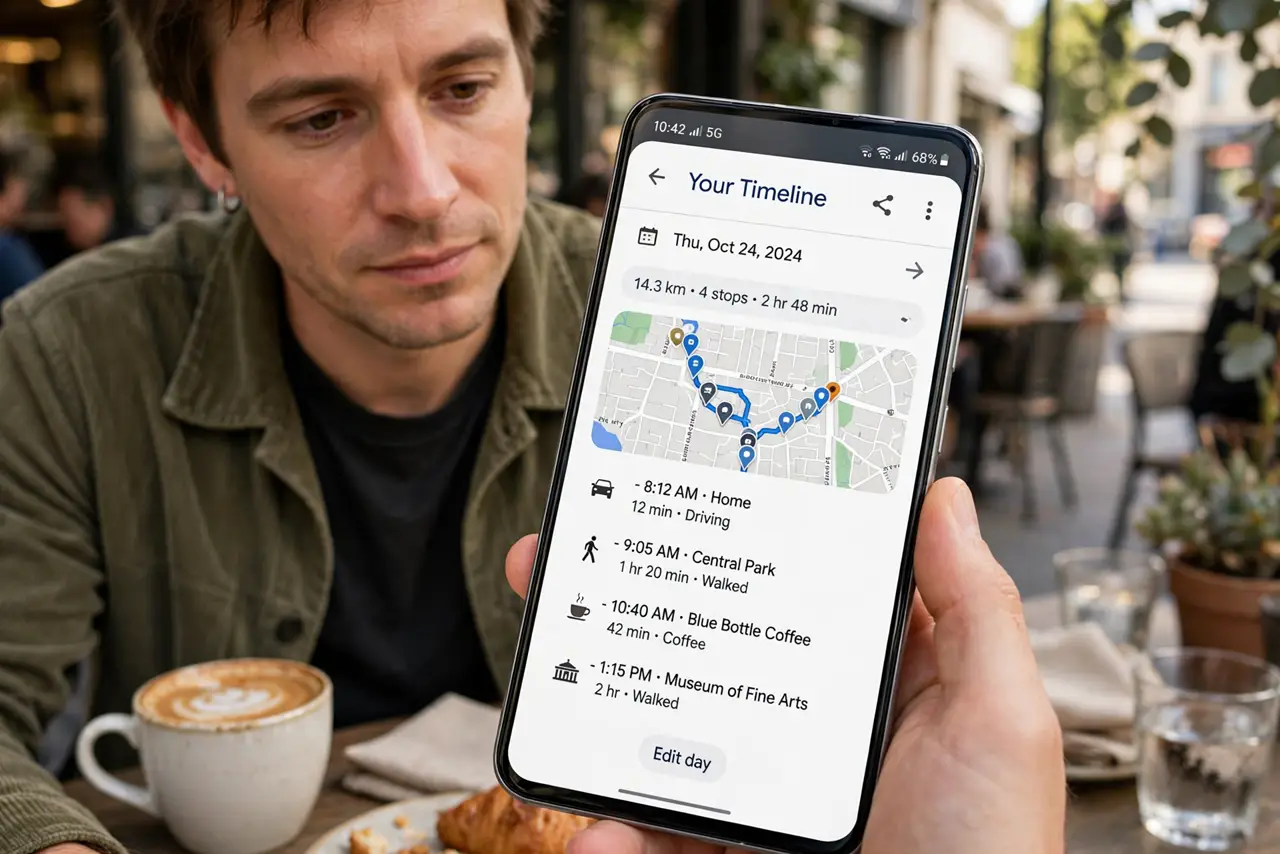
Quick fix: in Google Maps, tap your profile picture and choose Your Timeline to see your visited places by day — it runs on-device with Location History on. Pause it anytime in Timeline settings. Delete a day or place with a tap if a stop shouldn't be remembered.
Follow these steps
- Open Your Timeline. Tap your profile picture in Google Maps, then Your Timeline. Days with movement show routes and stops on the map.
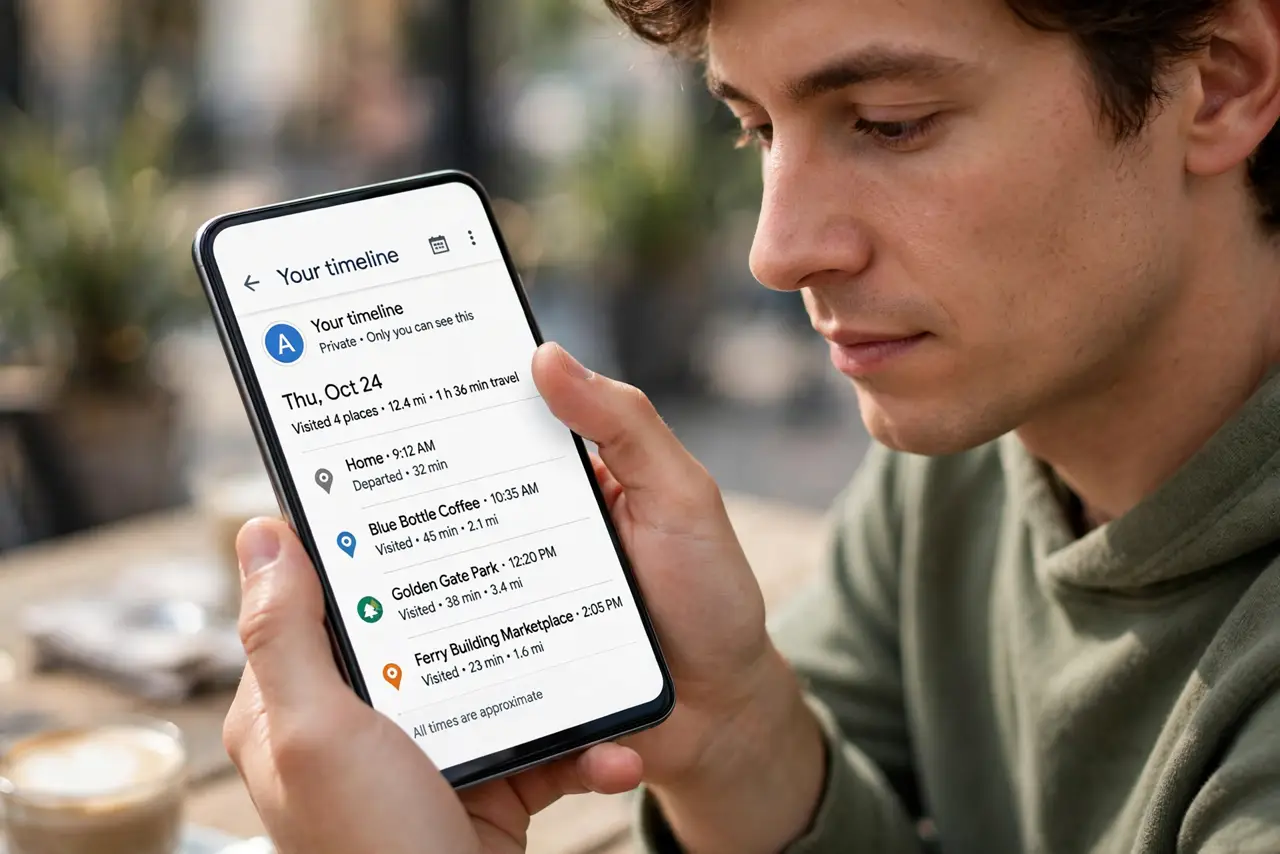
- Browse by day. Swipe through the calendar. Each day lists places visited, time spent, and the route between them — plus photos you took there.
- Understand where it lives now. Timeline data stays on your device, not in Google's cloud. Lose the phone without backup and the history goes with it.
- Edit or delete entries. Tap any stop to correct the place or remove it; delete whole days just as easily. A wrongly labeled 'bar' at 2 a.m. is editable.
- Pause it anytime. Timeline settings offer a master pause. Location History off means no new entries — existing ones stay until you delete them.
- Export before switching phones. Back up Timeline in settings before a phone change, or years of travel memory vanish with the old device.
What NOT to do
- Do not assume Timeline is private by default. It is on-device now, but anyone holding your unlocked phone can open it.
- Do not leave Location History on if it bothers you. The feature is opt-in — pause it and delete history in one sitting.
- Do not use Timeline as your only travel diary. Export the trips that matter — on-device data dies with the device.
- Do not freak out at the accuracy. Timeline infers stops from location pings; a 'visit' can be a traffic jam outside the shop.
Frequently asked questions
Is my Timeline data sent to Google?
No — Timeline now stores on-device. Google's servers do not hold your history; that is why backups matter.
Can I recover deleted Timeline days?
No. Deletion is permanent — there is no trash for Timeline. Export first if you might want it.
Why is my Timeline empty?
Location History is off, or you are on a new device. Enable it in Timeline settings and give it a few days.