Nearby Share Finds No Android Device
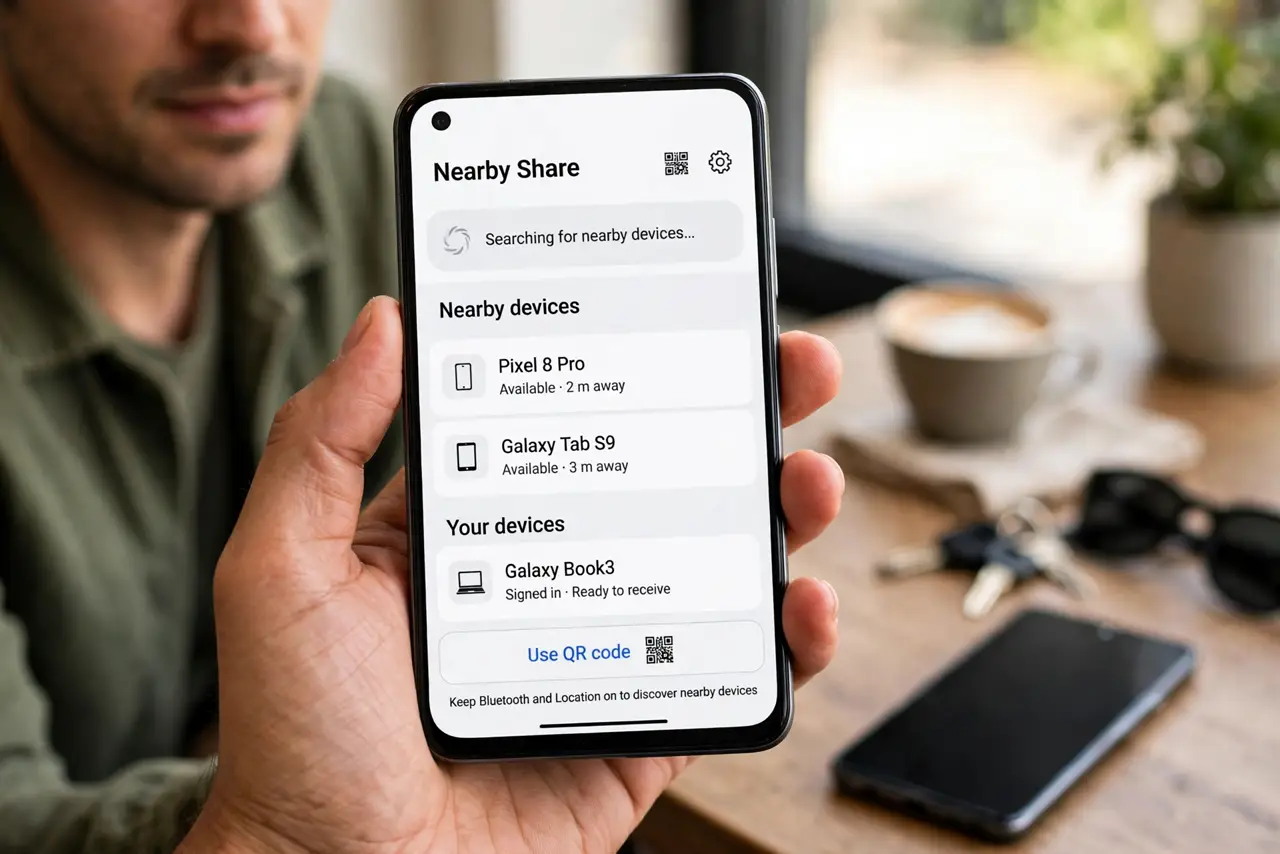
You open Nearby Share and the other Android never appears. The feature needs Bluetooth, location, and visibility on both phones — miss one and the list stays empty.
TL;DR / Quick Fix
Quick fix: on both phones, turn on Bluetooth, Wi-Fi, and Location, and set Nearby Share visibility to Everyone for the transfer. Bring the phones within a few feet. If the device still does not appear, restart both phones and try again.
Follow these steps
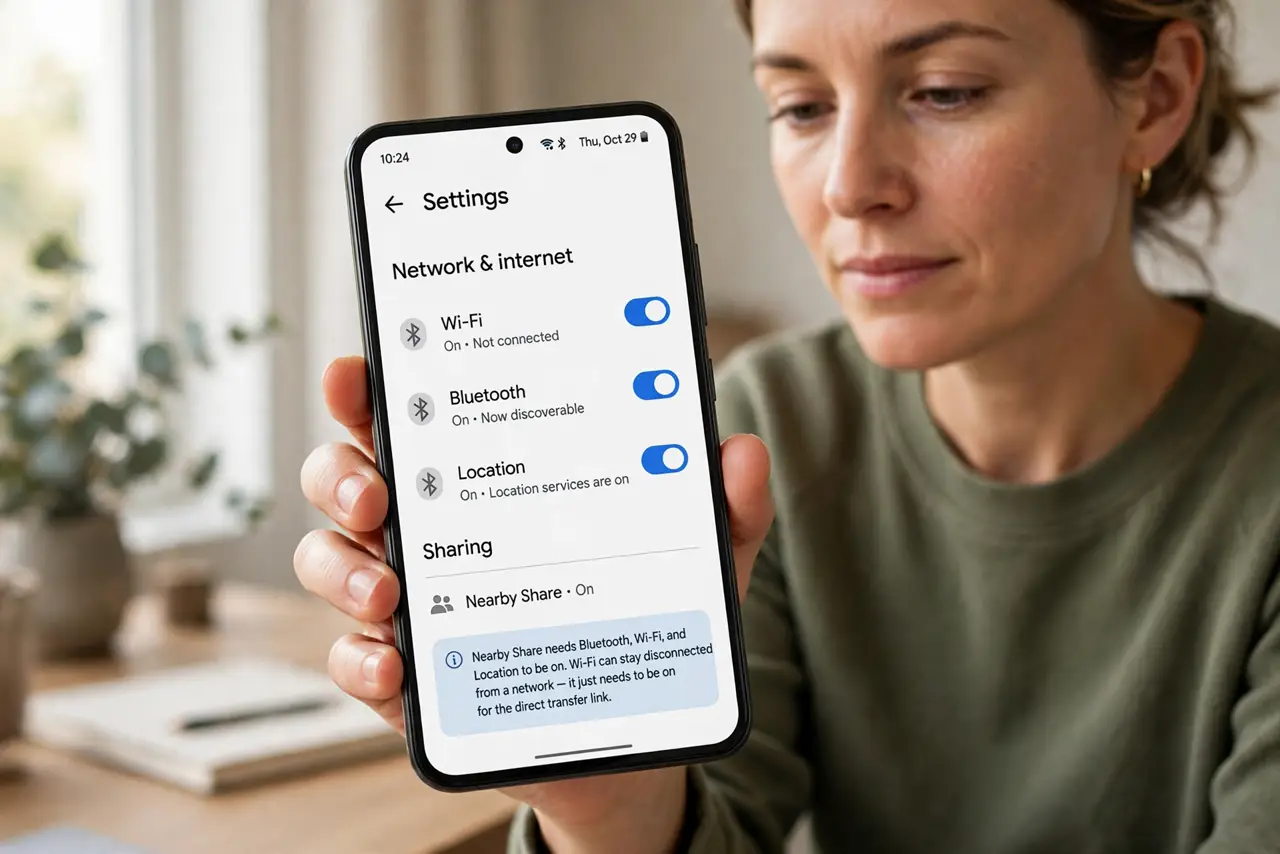
- Turn on Bluetooth, Wi-Fi, and Location on both phones. Nearby Share needs all three. Wi-Fi can stay disconnected from a network — it just needs to be switched on for the direct transfer link.
- Set visibility to Everyone temporarily. Open Nearby Share settings and set device visibility to Everyone. Contacts-only mode misses phones not in your contacts, which is the most common empty-list cause.
- Bring the phones close together. Keep the phones within a few feet during discovery. Nearby Share's initial handshake is short-range even though the transfer itself can go farther.
- Check the receiving phone is unlocked. A locked phone may not advertise itself. Wake the receiving phone and open its Nearby Share screen so it actively listens.
- Restart both phones if discovery stalls. Restart the sender and the receiver. Stuck Bluetooth stacks are a classic cause — check the Bluetooth icon is actually present and on — and a restart clears both ends at once.
- Switch visibility back after the transfer. Once the file arrives, set visibility back to Contacts or hidden. Leaving it on Everyone invites transfer requests from strangers nearby.
What NOT to do
- Do not turn off mobile data hoping it helps. Nearby Share does not use mobile data — it needs Bluetooth, Wi-Fi, and Location instead.
- Do not factory-reset network settings as a first step. The checklist above fixes discovery in nearly every case without wiping saved networks.
- Do not accept Nearby Share requests from strangers. An unexpected file from an unknown phone is a classic malware delivery trick.
- Do not leave visibility on Everyone permanently. It is a temporary transfer setting, not a mode to live in.
Frequently asked questions
Why does my own phone not see the other one?
Usually visibility is set to contacts-only, or Bluetooth or Location is off on one of the phones.
Does Nearby Share use mobile data?
No. It transfers directly over Bluetooth and Wi-Fi, so it works even in airplane mode with those radios on.
How close do the phones need to be?
Within a few feet for discovery. Once connected, the transfer tolerates a bit more distance.