Set Language per App
You want your phone in English but one app in Spanish — maybe a banking app from home, a chat app for family, or a learning app you are practicing with. Changing the whole phone's language for one app is overkill. Both Android and iPhone let you set language per app, and here is how.
TL;DR / Quick Fix
Quick fix: on Android go to Settings, System, Languages, App languages, pick the app, and choose its language. On iPhone open Settings, scroll to the app itself, tap Language, and pick one. The app restarts in the new language while the phone stays as-is.
Follow these steps
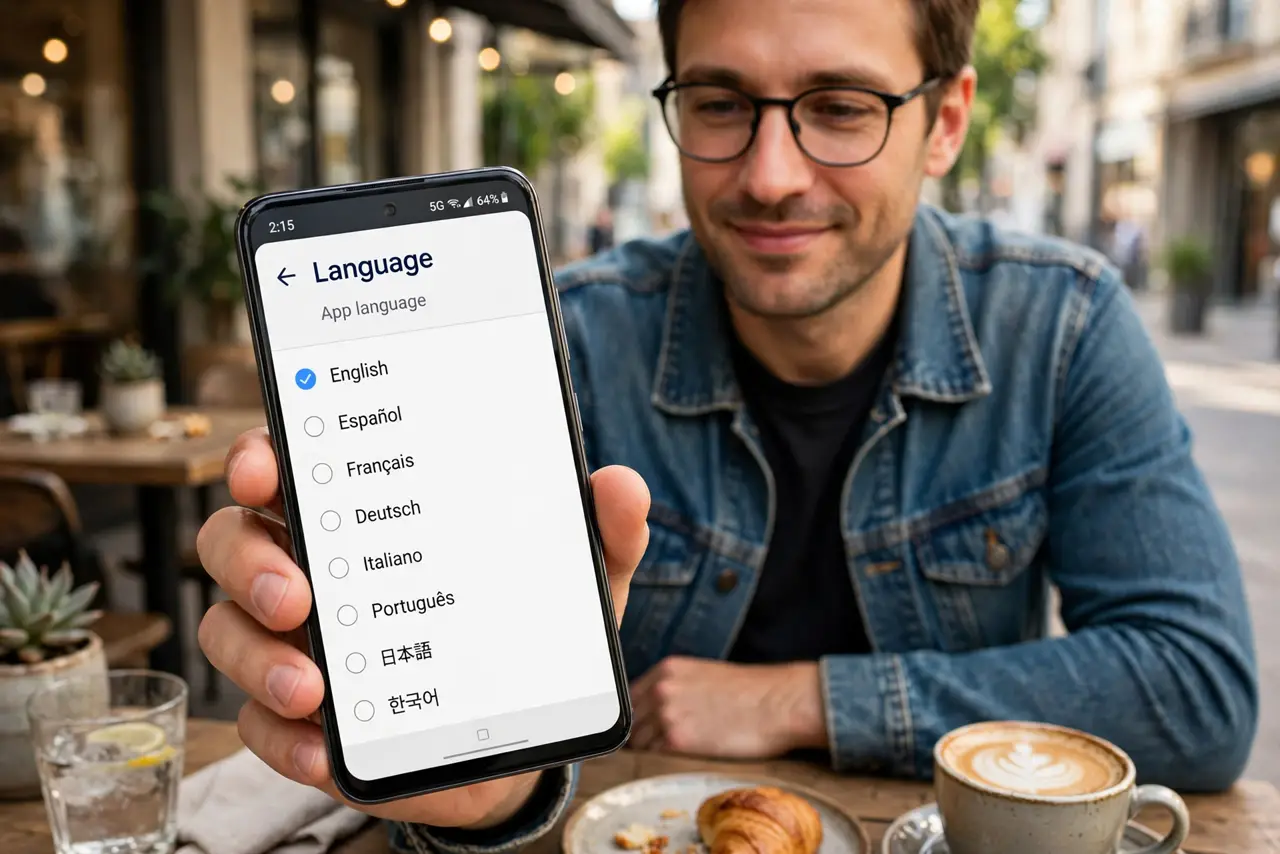
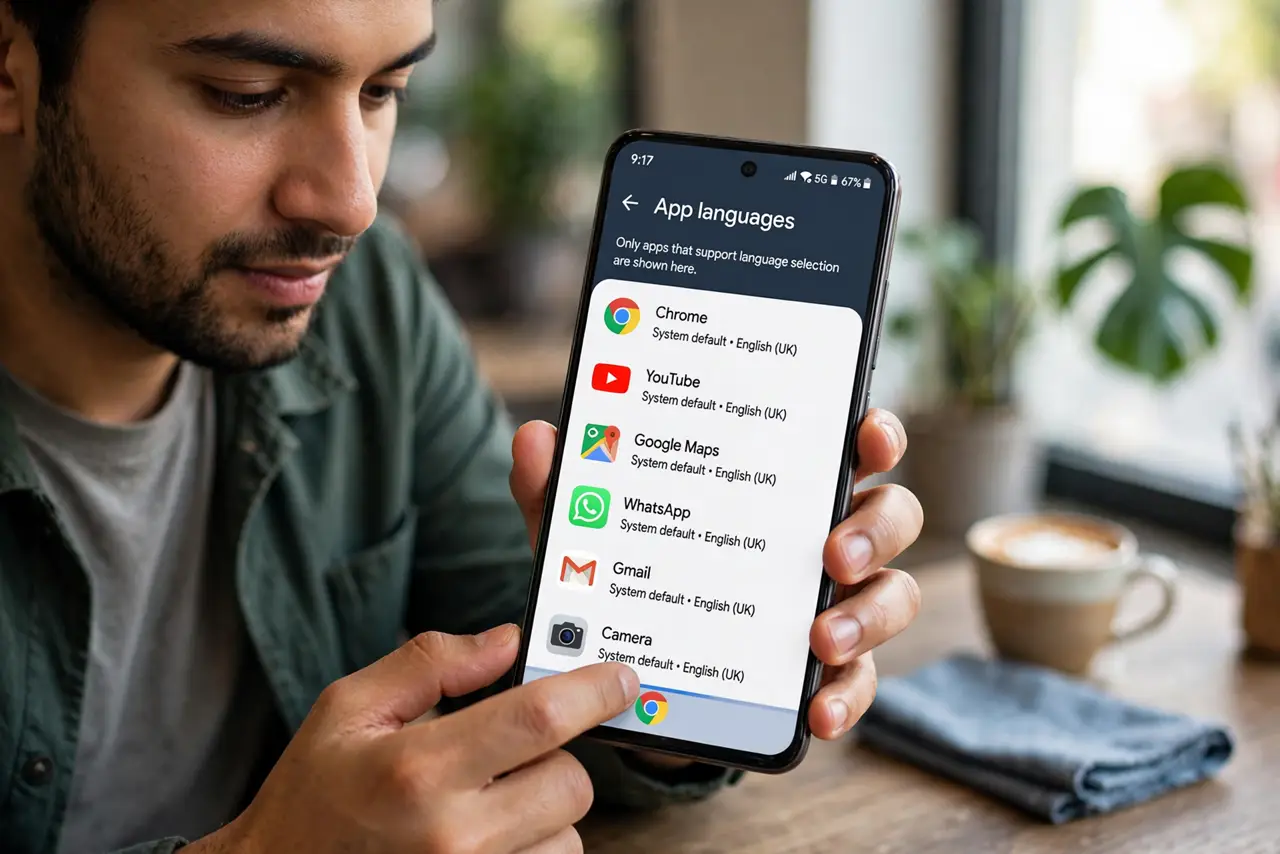
- Open the per-app language settings on Android. Go to Settings, System, Languages, then App languages. The list shows installed apps — tap one and choose from the languages it supports. Not every app offers every language.
- Find it on iPhone inside the app's settings. On iOS, scroll down in the main Settings list to the app itself and tap it — if the developer enabled it, a Language row appears. This is separate from the system language.
- Know the app must support the language. Per-app language only offers languages the app actually ships with. If your choice is missing, the app does not include it — no setting can add a translation that does not exist.
- Restart the app after changing. Most apps apply the new language on next launch. If text looks mixed, force-close and reopen — cached screens sometimes linger in the old language.
- Do not confuse with keyboard language. This changes the app's interface, not your keyboard. Keyboard languages are separate — see the keyboard language fix if your keyboard keeps switching on its own.
- Check after app updates. Major updates occasionally reset per-app language to the system default. If an app suddenly speaks the wrong language, this setting is the first place to look.
What to avoid
- Do not change the whole system language for one app. Per-app settings exist precisely so you do not have to — system-wide changes confuse everything else.
- Do not expect every app to offer it. Small or old apps often ship one language only; the setting simply will not appear for them.
- Do not confuse interface language with content language. A Spanish-interface app still shows your English-titled playlists — interface and content are separate.
- Do not panic if some screens stay in the old language. Partially translated apps mix languages on untranslated screens — that is the app's translation gap, not your setting.
Frequently asked questions
Why can't I find the language option for an app?
The developer has to enable per-app language support. If the row is missing on iPhone or the app is absent from Android's list, the app does not support it.
Does this affect the app's content?
Only the interface — menus, buttons, settings. Your data, messages, and media stay exactly as they were.
Can I set different languages for many apps?
Yes, each app is independent. Multilingual users commonly run a messaging app, a banking app, and a news app in three different languages.