iPhone Keyboard Language Switches by Itself? Fix It
Your keyboard flips to another language mid-sentence, and autocorrect follows it. Extra keyboards, the globe key, and per-app language settings all switch languages without asking clearly. The missing-keyboard cousin is an iPhone keyboard that does not appear, which is the same keyboard system failing differently.
TL;DR / Quick Fix
Quick fix: check the keyboard list, remove keyboards you do not use, avoid accidental globe taps, check per-app language, restart the phone, and reset the keyboard dictionary only if needed. If it still fails, note when it happens, since that pattern reveals the real cause.
Follow these steps
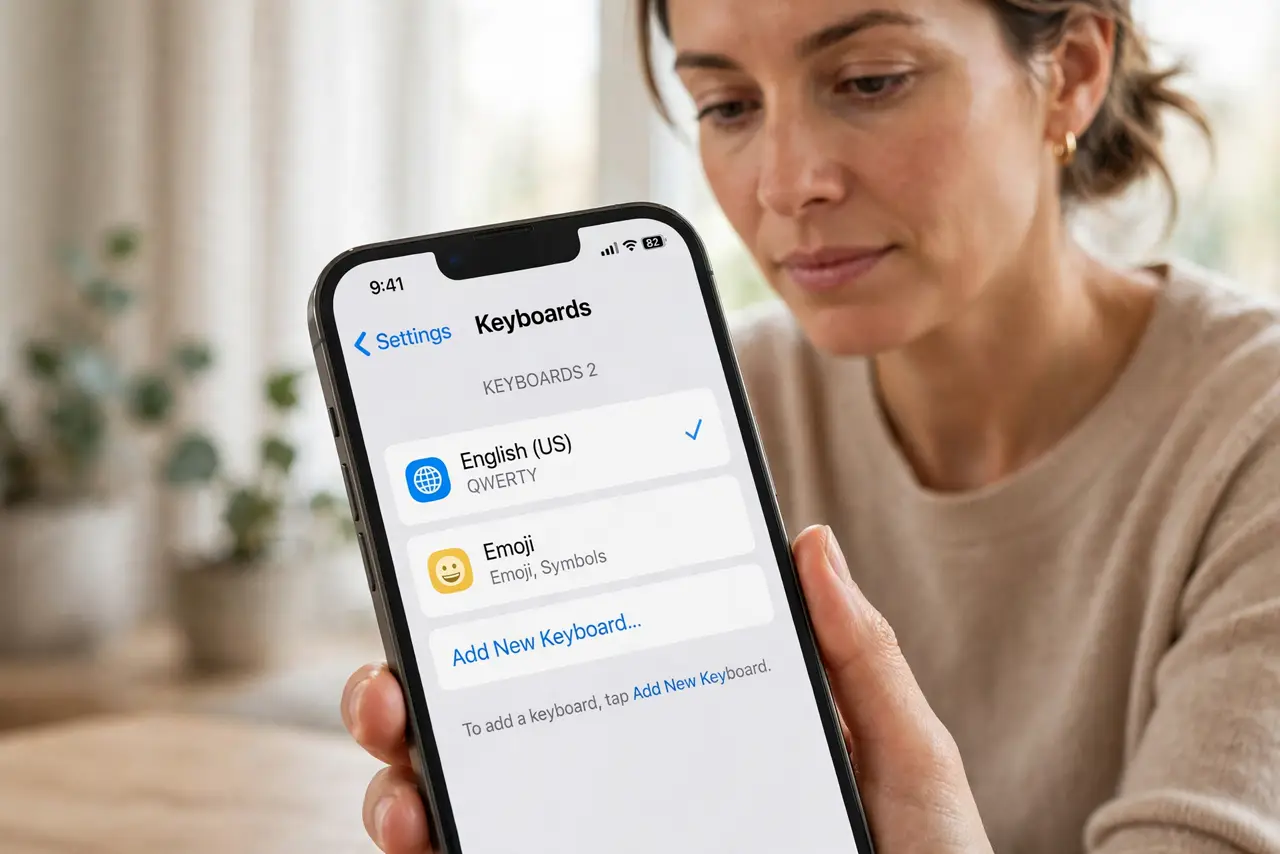
- Check the keyboard list. Open Settings, then General, then Keyboard, then Keyboards, and look at the list. Every keyboard there is one the globe key can switch to.
- Remove keyboards you do not use. In the same list, swipe away or edit out languages you never type in. Fewer keyboards means fewer accidental switches.
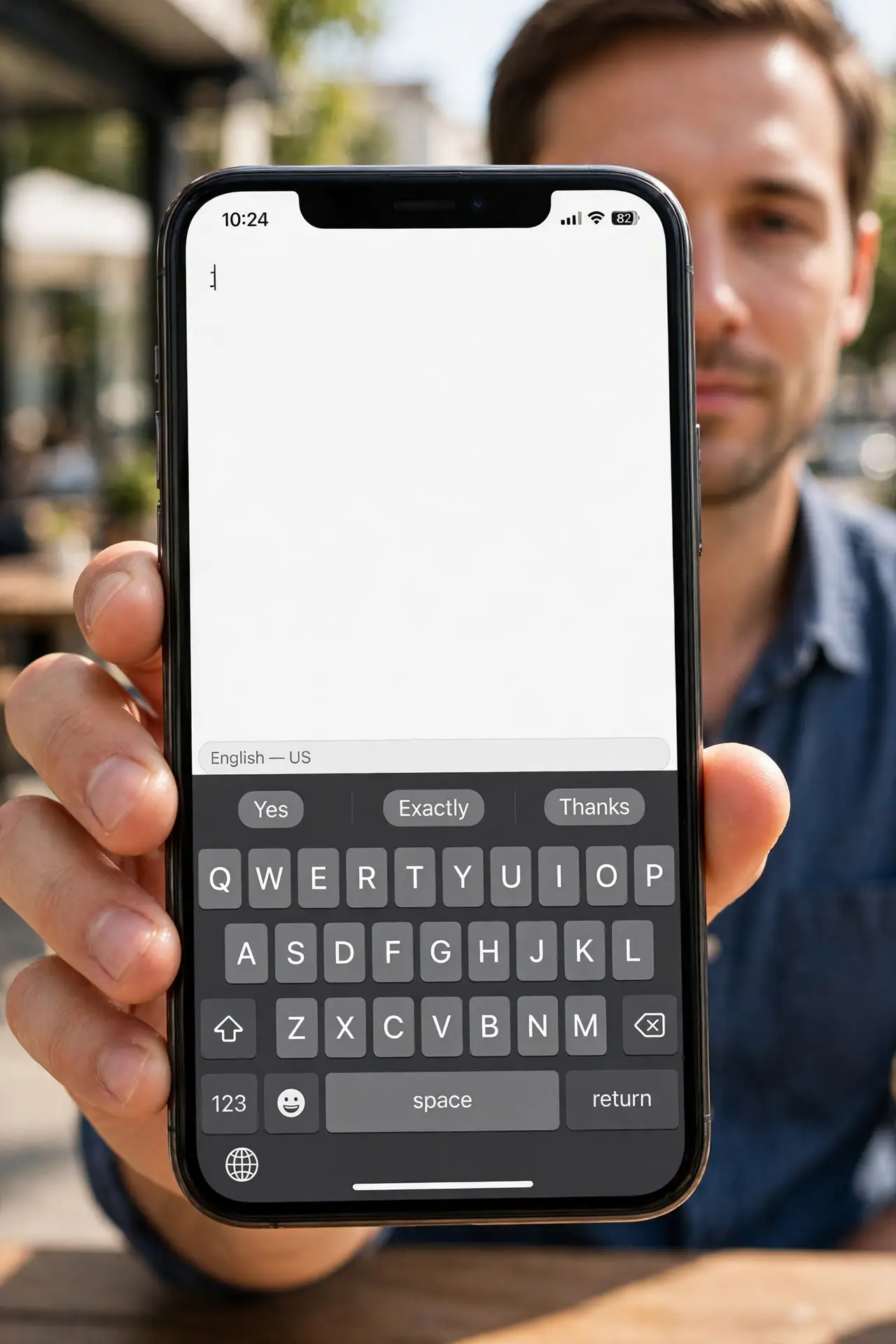
- Avoid accidental globe key taps. Notice the globe key at the bottom of the keyboard. A stray tap switches language, so tap it deliberately or remove extra keyboards to prevent it.
- Check per-app language settings. Open Settings, then General, then Language and Region, and check preferred languages. Some apps remember their own language, which can look like a random switch.
- Restart the phone. Restart the iPhone and test typing in one app. A stuck keyboard state after an update sometimes needs a restart to settle.
- Reset the keyboard dictionary only if needed. If switching persists with one keyboard left, reset the keyboard dictionary in Settings, then General, then Transfer or Reset. Note this erases learned words.
What NOT to do
- Do not keep adding keyboards you rarely use. Each extra keyboard is another accidental switch waiting to happen.
- Do not reset the whole phone for a language switch. The keyboard list and globe key explain nearly every case.
- Do not blame autocorrect alone. Autocorrect follows the active keyboard language, so fix the language first.
- Do not ignore a keyboard that switches in one app only. That app may have its own language setting, so check it separately.
Frequently asked questions
Why does my keyboard switch languages?
Because extra keyboards are installed and the globe key, or an app setting, switches between them.
How do I stop accidental switches?
Remove keyboards you do not use. With one keyboard, there is nothing to switch to.
Will resetting the dictionary fix switching?
Only if a learned word or stuck state causes it. Remove extra keyboards first.