Private Space for Sensitive Apps
Some apps — banking, health, dating — deserve more than a locked phone; they deserve invisibility. Android's Private Space (Android 15+) is a locked vault inside your phone: separate apps, separate data, hidden from the app list until you unlock it. Here is how to set it up right.
TL;DR / Quick Fix
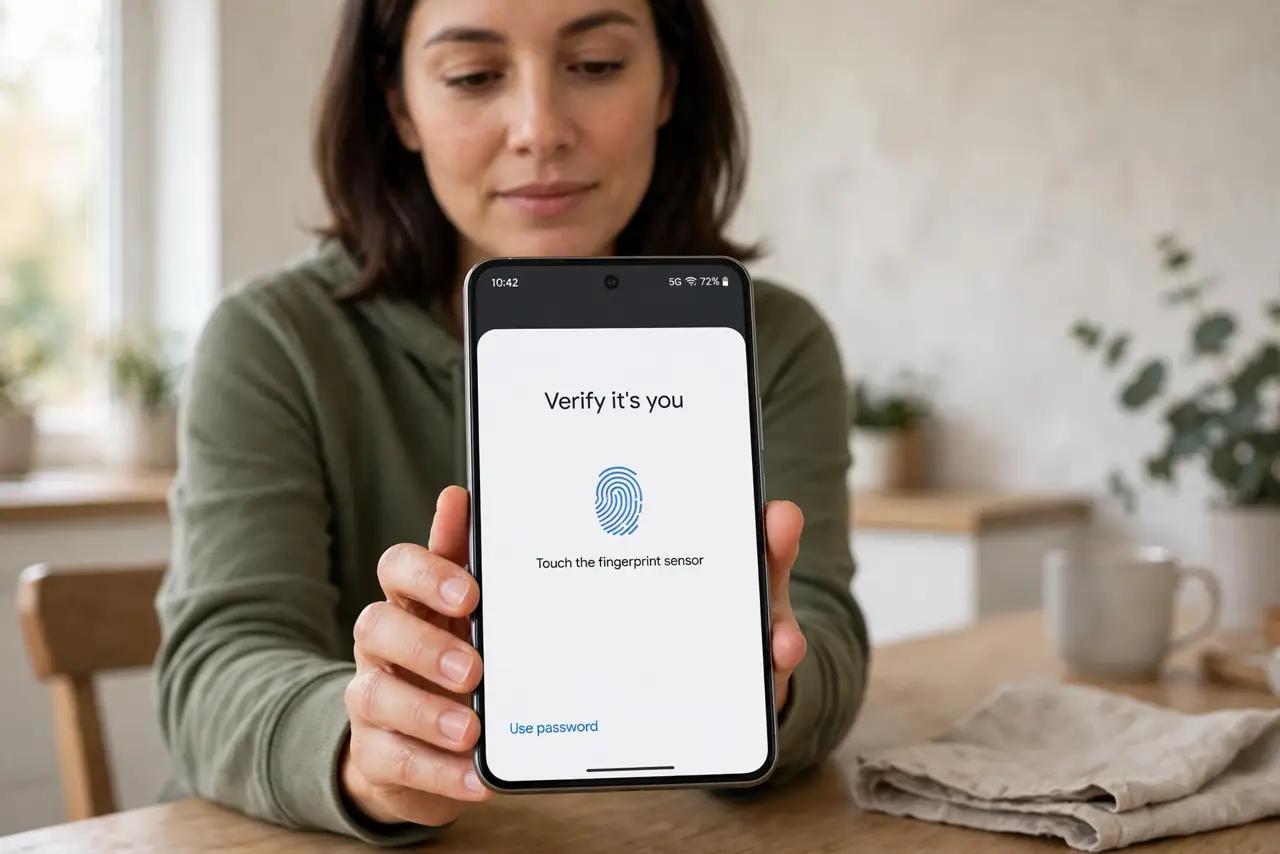
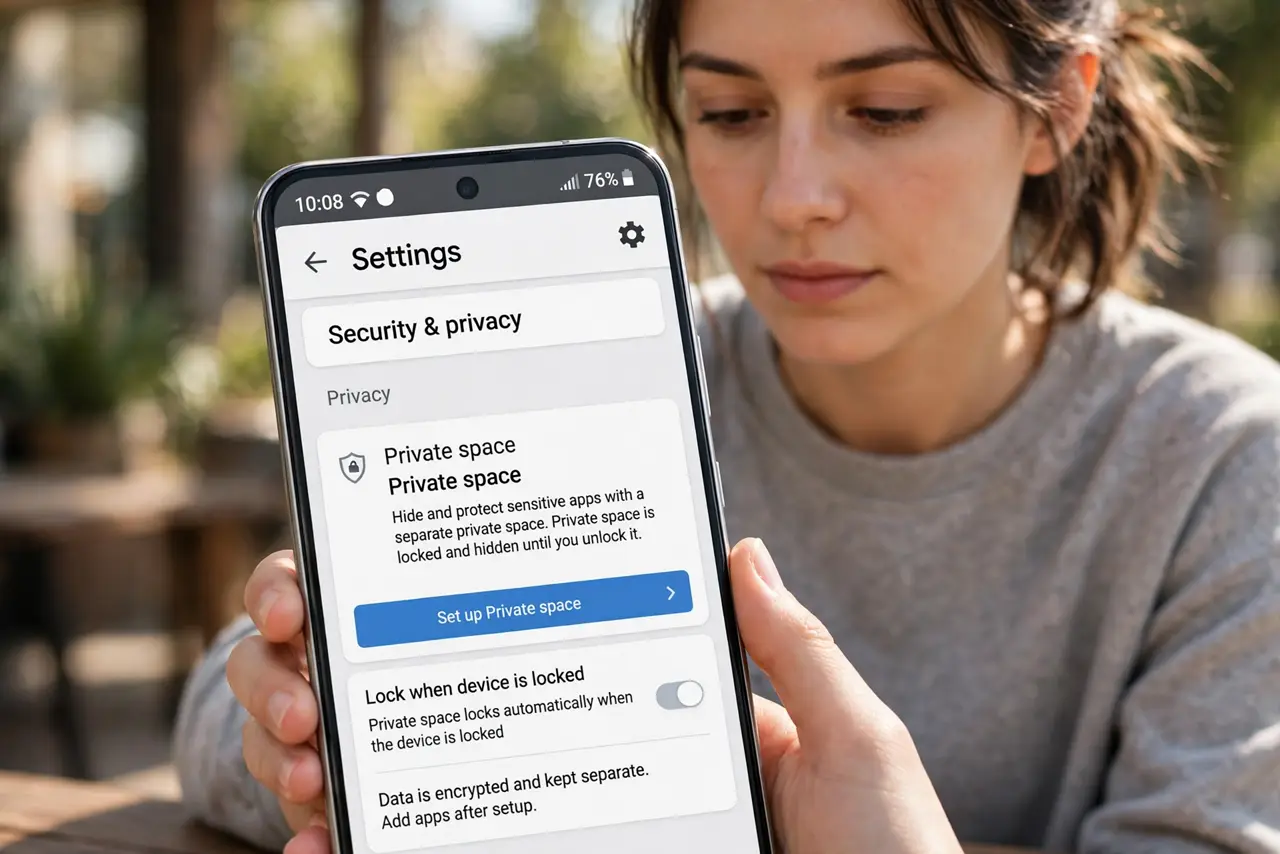
Quick fix: on Android 15 and later, open Settings > Security & privacy > Private space and set it up with a separate Google account or lock. Move sensitive apps inside; the space locks with its own PIN or fingerprint. Hidden apps vanish from the app list.
Follow these steps
- Open the Private Space settings. Go to Settings > Security & privacy > Private space. If your brand renamed it, search Settings for ‘private space’.
- Choose the account and lock. You can use your main Google account or a separate one, and set a dedicated PIN, pattern, or fingerprint — different from the phone lock is best.
- Install or move apps inside. Open the space, tap install, and add apps from the Play Store directly into it. Their data stays separate from the main profile.
- Verify they vanished outside. Lock the space and check: its apps should not appear in the main app list, search, or share sheets. That invisibility is the feature.
- Set auto-lock timing. Choose how quickly the space re-locks — immediately is safest. An unlocked space on a borrowed phone defeats the purpose.
- Understand the work-profile cousin. Private Space is the personal version; companies use work profiles for the same separation idea.
What NOT to do
- Do not use your only Google account's password as the space lock and then forget it. Recovery of a locked private space is deliberately hard.
- Do not assume hidden means encrypted from everyone. It hides apps from casual snoopers, not from a full forensic examination.
- Do not install apps inside that need the main profile's data. The separation is real — files and logins do not cross over.
- Do not forget where you put things. People lose track of which apps live in the space and reinstall duplicates outside.
Frequently asked questions
Which Android versions have Private Space?
Android 15 and later, on Pixel and many other brands. Some manufacturers shipped similar vaults earlier under their own names.
Can notifications leak what's inside?
Locked-space notifications are hidden by default. Check notification settings if you customized them — a preview could betray the contents.
What happens if I forget the space lock?
You may need to delete and recreate the space, losing its apps and data. Write the lock down somewhere safe, separate from the phone.