Text During Phone Calls
You cannot hear well on calls — a noisy street, hearing loss, or just a bad connection — and shouting 'what?' is not a strategy. RTT (real-time text) lets you type during a phone call while the other person reads your words as you type them. Here is how to turn it on.
TL;DR / Quick Fix
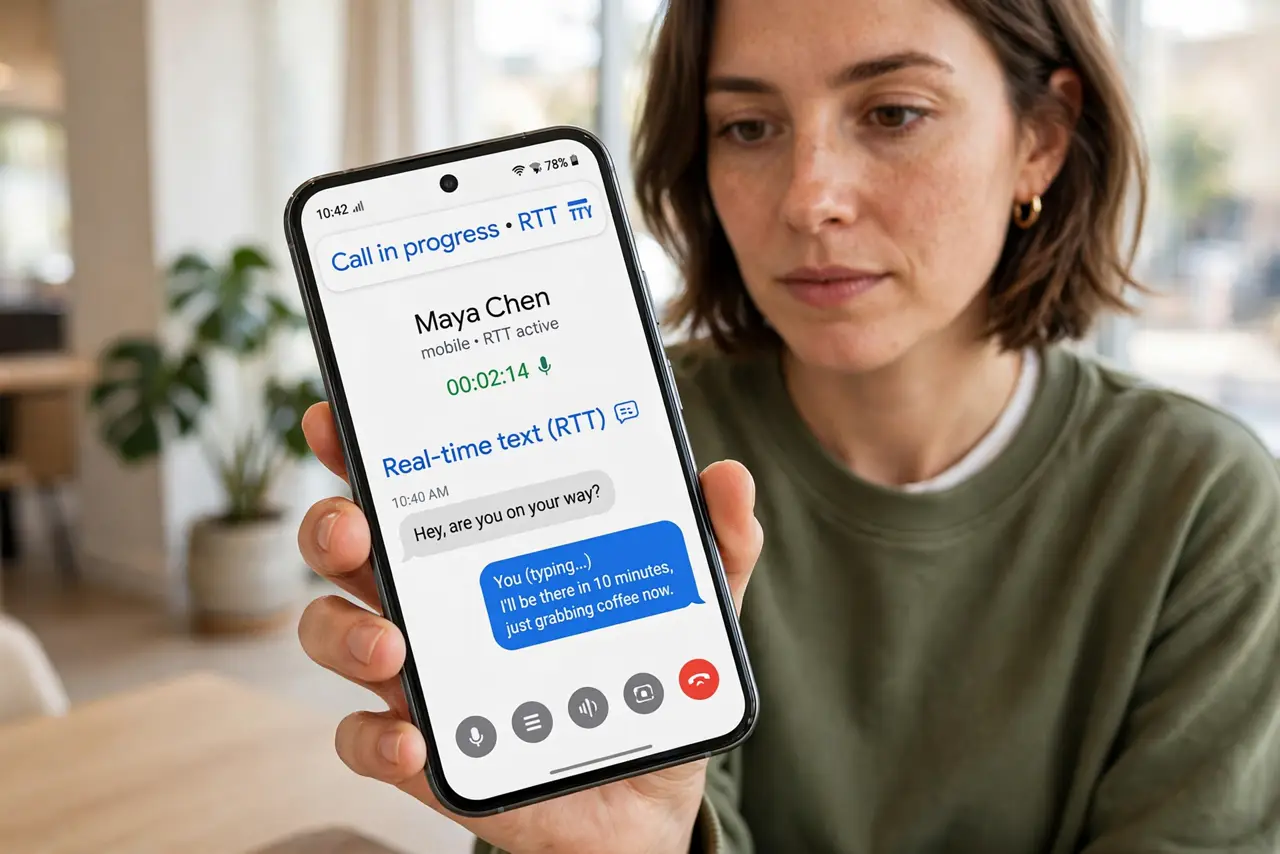
Quick fix: enable RTT in your phone's accessibility or call settings, then tap the RTT button during any call to type in real time. The other person reads your words as you type. It works on most carriers and needs no extra app.
Follow these steps
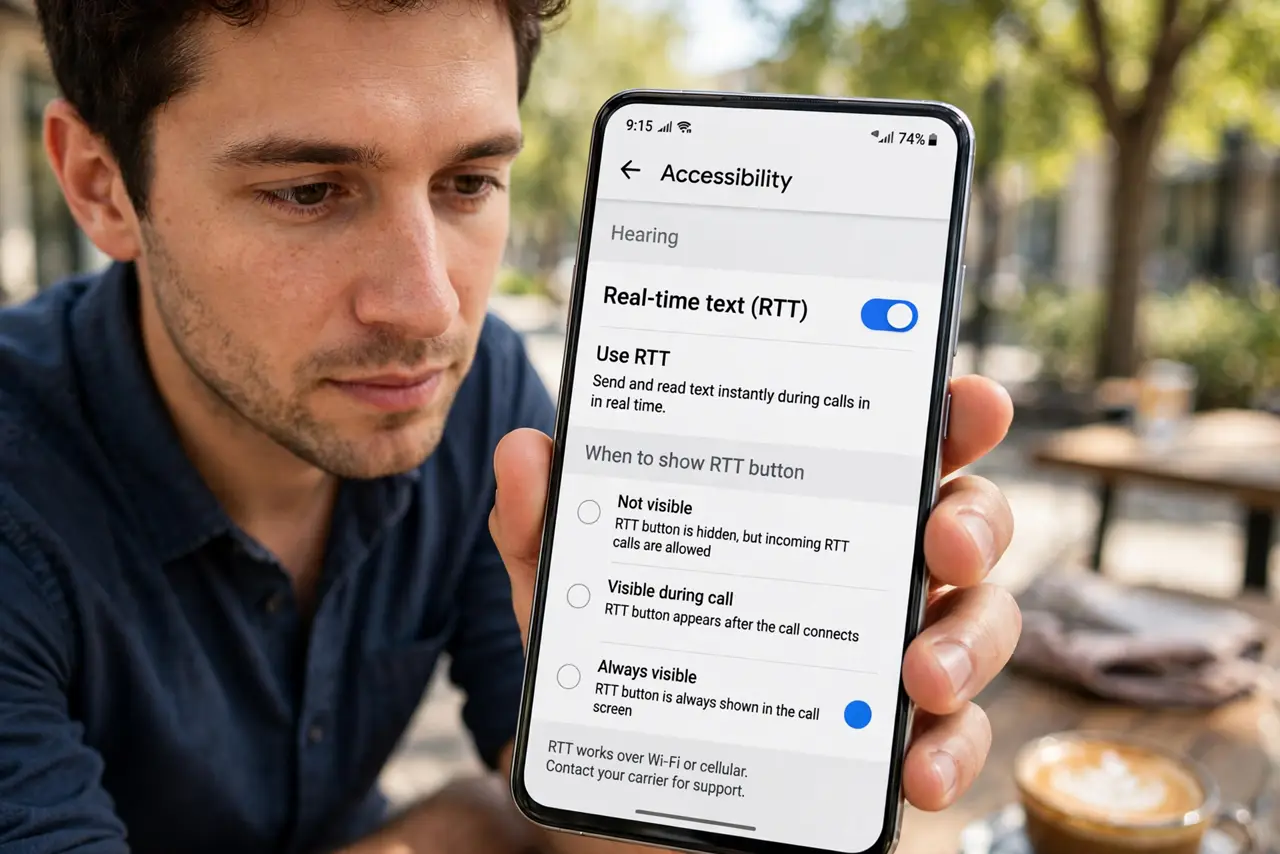
- Enable RTT. On Android, look in Settings, Accessibility for RTT or real-time text. On iPhone, it lives under Accessibility, RTT. Enable it once.
- Start or answer a call normally. RTT works on regular voice calls — dial or answer as usual. No special app or number needed.
- Tap the RTT button. During the call, tap the RTT or keyboard icon. A text field opens alongside the call audio.
- Type — they read as you go. Your words appear on the other person's screen character by character, like live captions you control. No need to hit send.
- Combine with captions. If hearing the reply is the hard part, run Live Caption too — you type, you read, nobody shouts.
- Know the limits. Both carriers need to support RTT for the full experience, and very old phones may lack it. Most modern phones and carriers do.
What NOT to do
- Do not assume the other side sees it automatically. Tell them you are typing — otherwise your silence confuses them.
- Do not use RTT for emergency calls without checking. Coverage varies; know your local emergency text options.
- Do not type passwords or codes over RTT. Like any call, assume it could be overheard or logged.
- Do not forget to end the text session. Hanging up ends the call; the RTT pane usually closes with it — verify.
Frequently asked questions
Is RTT free?
Yes — it is a standard call feature, billed as a normal voice call.
Does the other person need RTT too?
They just need a phone that displays it — most modern phones do, even without the setting enabled.
RTT vs. just texting?
RTT happens inside a live call — tone, timing, and turn-taking of a call, with text instead of voice.