Screen Flickers at Low Brightness? Fix It
At low brightness your Android screen flickers or shimmers, but looks fine when bright. This is usually the display's dimming method struggling at the bottom of its range — common on OLED screens. This guide covers the settings that calm it down, and when flicker means a hardware problem instead.
TL;DR / Quick Fix
Quick fix: raise brightness just above the flicker point and turn on any DC dimming or anti-flicker option in display settings. Turn off adaptive brightness temporarily to test. If the screen flickers at all brightness levels or in only one app, the cause is different — likely software or hardware.
Follow these steps
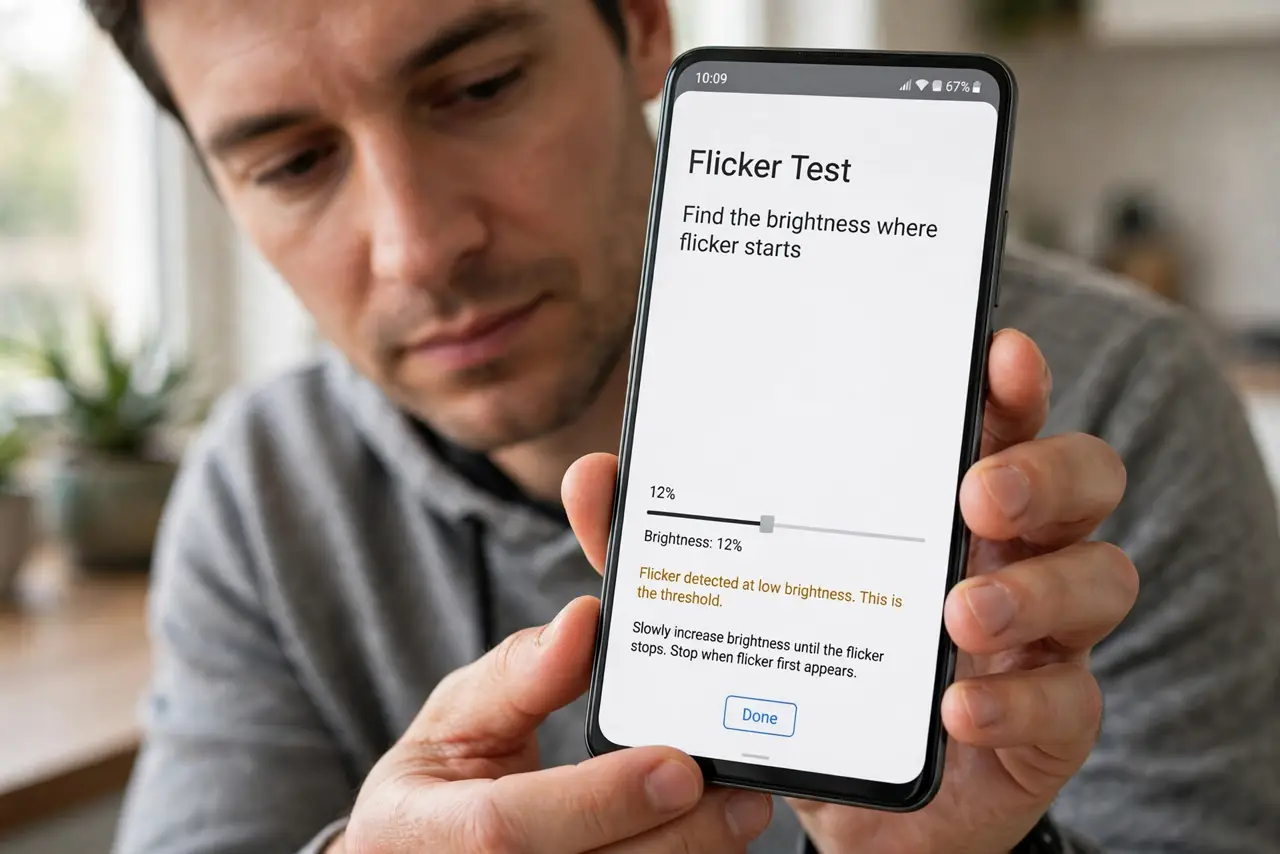
- Find the brightness where flicker starts. Slowly lower brightness and note where flickering begins. If it only happens at the very bottom of the range, it is a dimming-method issue, not a broken screen.
- Raise brightness just above that point. Keep brightness one or two notches above the flicker threshold. You lose almost no battery and gain a stable image.
- Enable DC dimming or anti-flicker mode. Many Android phones offer DC dimming, eye-comfort dimming, or an anti-flicker toggle in display settings. Turn it on — it replaces the flicker-prone dimming method.
- Test with adaptive brightness off. Disable adaptive brightness and set a fixed level. If flicker stops, the automatic adjustments were dipping into the unstable range.
- Check whether one app triggers it. If flicker happens only in a specific app, update or reinstall that app. App-level flicker is software — see the guide on flicker in one app.
- Consider a repair if it spreads. Flicker that worsens, appears at all brightness levels, or comes with discoloration points to the display panel or its cable — time for a professional check.
What NOT to do
- Do not ignore flicker that is getting worse. Stable low-brightness shimmer is one thing; spreading flicker with lines or color shifts is another.
- Do not max out brightness permanently to avoid it. That just trades flicker for fast battery drain.
- Do not install screen-filter apps as a fix. They dim by overlaying gray, which does not stop the underlying flicker.
- Do not press on the screen to stop flicker. Pressure can damage an OLED panel and will not fix a dimming issue.
Frequently asked questions
Why does my screen flicker at low brightness?
Most phone screens dim by rapidly pulsing the backlight or pixels. At very low brightness that pulsing becomes visible as flicker, especially on OLED displays.
Is screen flicker harmful to my eyes?
For sensitive people, visible flicker can cause eye strain or headaches. Raising brightness or enabling DC dimming usually resolves it.
Will a software update fix it?
Sometimes — manufacturers do tune dimming behavior in updates. But if the flicker is a hardware trait of the panel, settings are the fix, not updates.