Make a Tile Tracker Ring
Your keys are somewhere in the house and the Tile that's supposed to find them won't make a sound. A silent Tile is usually out of Bluetooth range, has a dead battery, or lost its connection — all fixable. Here's how to make it ring and what to check when it won't.
TL;DR / Quick Fix
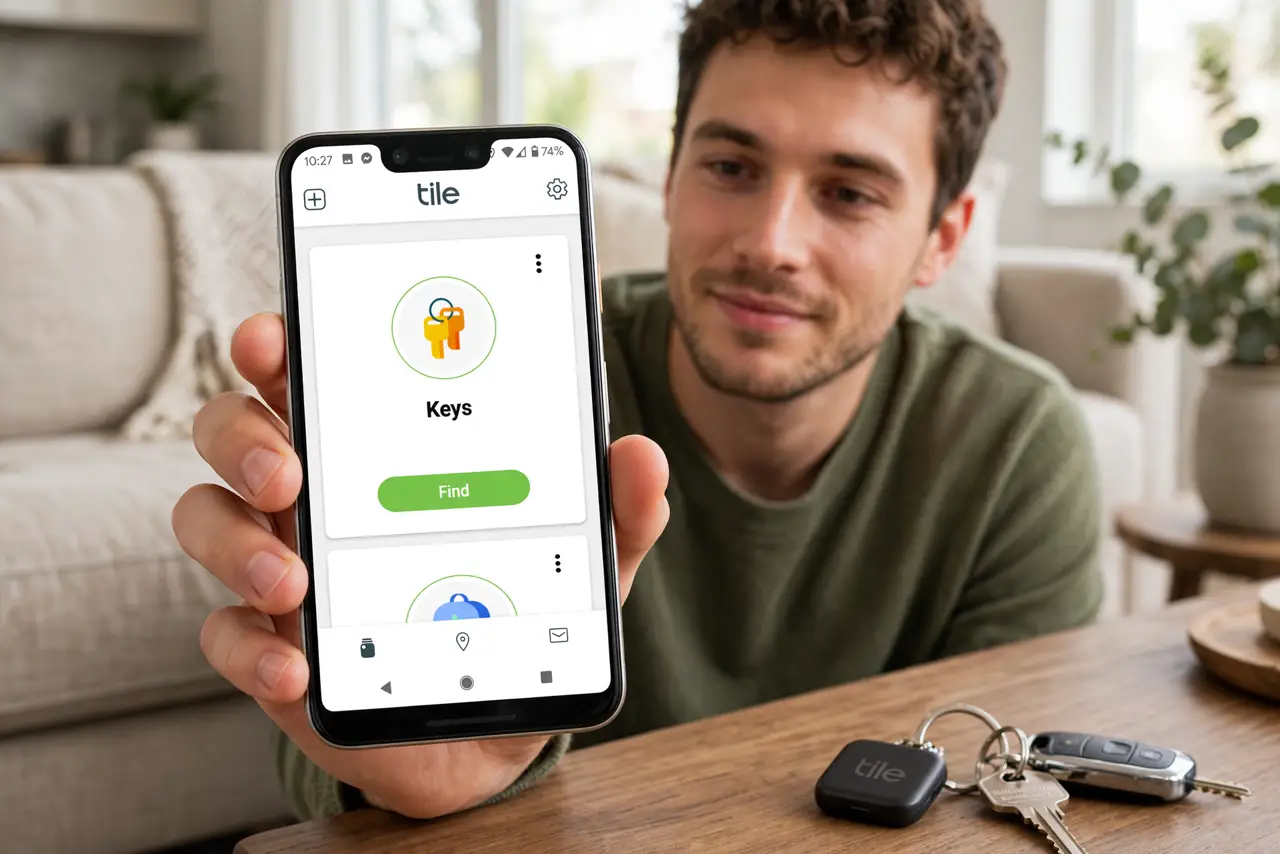
Quick fix: open the Tile app, tap the tracker, and hit Find — it rings if Bluetooth is on and the tracker is in range. If it's silent, check the tracker's battery, confirm Bluetooth is enabled, and look at its last location on the map. Move closer and try again.
Follow these steps
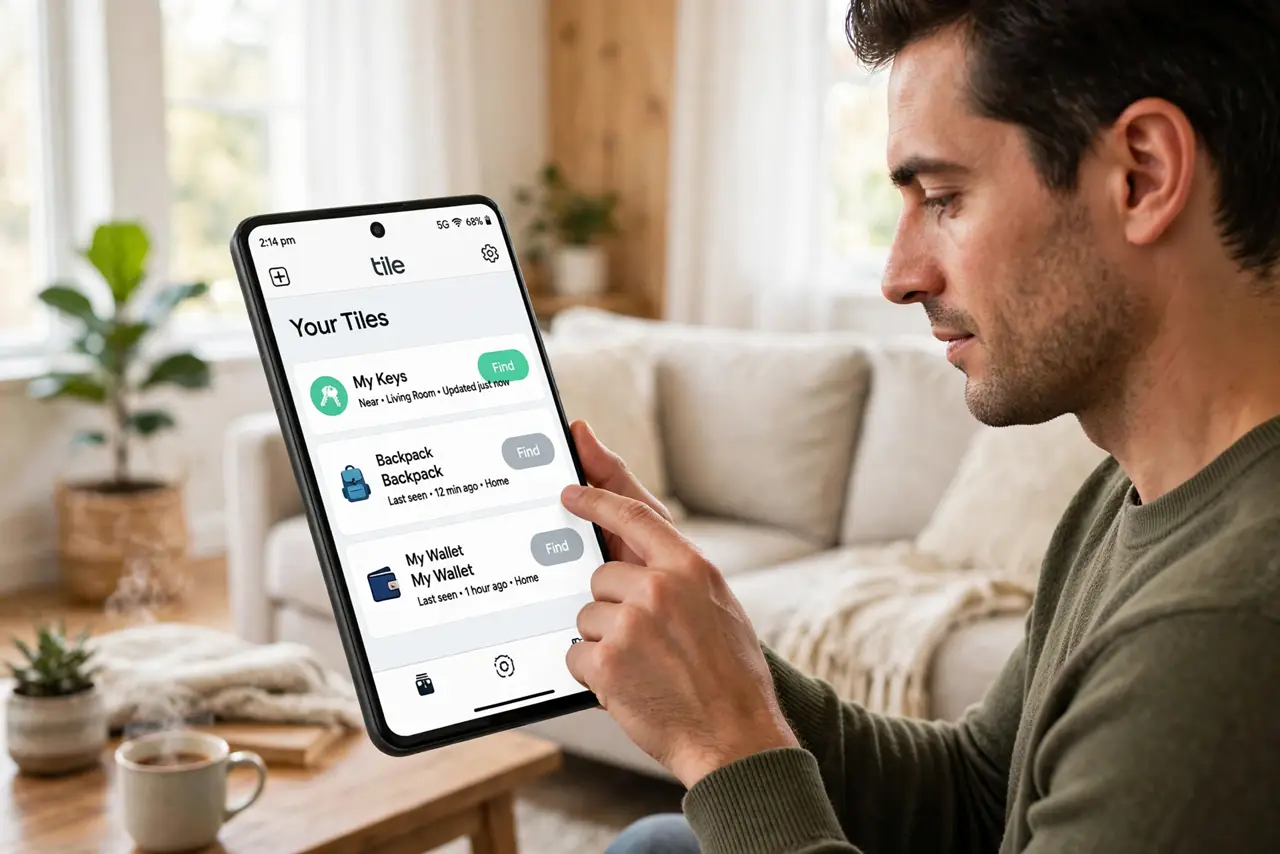
- Open the Tile app and select your tracker. Launch the official Tile app and tap the Tile you're hunting. Each Tile has its own page with the Find button — make sure it's the right one.
- Tap Find and listen. Hit the Find button. If Bluetooth is on and the Tile is within range (roughly 100 feet, less through walls), it plays its ringtone. Walk the house slowly while it rings.
- Check Bluetooth is actually on. The number one silent-Tile cause: Bluetooth got switched off. Confirm it's enabled in your phone's settings — the Tile can't ring without the connection.
- Check the tracker's battery. A dead battery means total silence. Replaceable-battery models take a coin cell; rechargeable ones need a charge. The app shows battery status on the Tile's page.
- Look at the last known location. The app's map shows where your phone last saw the Tile. Head there first — 'lost' Tiles are usually exactly where the map says.
- Re-pair if it stays silent nearby. If you're standing next to it and it won't ring, remove and re-add the Tile in the app. Re-pairing fixes the corrupted connections that survive everything else.
What NOT to do
- Do not expect it to ring with Bluetooth off or out of range. The Tile is a Bluetooth device, not GPS — no connection, no ring.
- Do not pry open a rechargeable Tile to 'replace the battery.' Sealed models charge via cable; forcing them open destroys them.
- Do not rely on a Tile to recover stolen items. It's a lost-keys finder, not a theft tracker — that's what police reports are for.
- Do not ignore the app's location permission. On modern phones, Bluetooth scanning needs location permission — denying it breaks finding.
Frequently asked questions
What battery does my Tile take?
Replaceable models use a standard coin cell; the app tells you which. Rechargeable models just need their cable every few months.
How far away can it ring?
Roughly 100 feet with clear line of sight — much less through walls and floors. The map's last location narrows the search.
Can someone else's phone find my Tile?
The Tile network can update its last known location via other users' phones, but only you can make it ring from your account.