Set Up an AirTag
An AirTag is a coin-sized tracker that helps you find keys, bags, and luggage through Apple's Find My network. Setup takes about a minute — if your iPhone can't find the tag, it's usually the battery tab still in place or Bluetooth being off. Here's the smooth setup and the honest limits.
TL;DR / Quick Fix
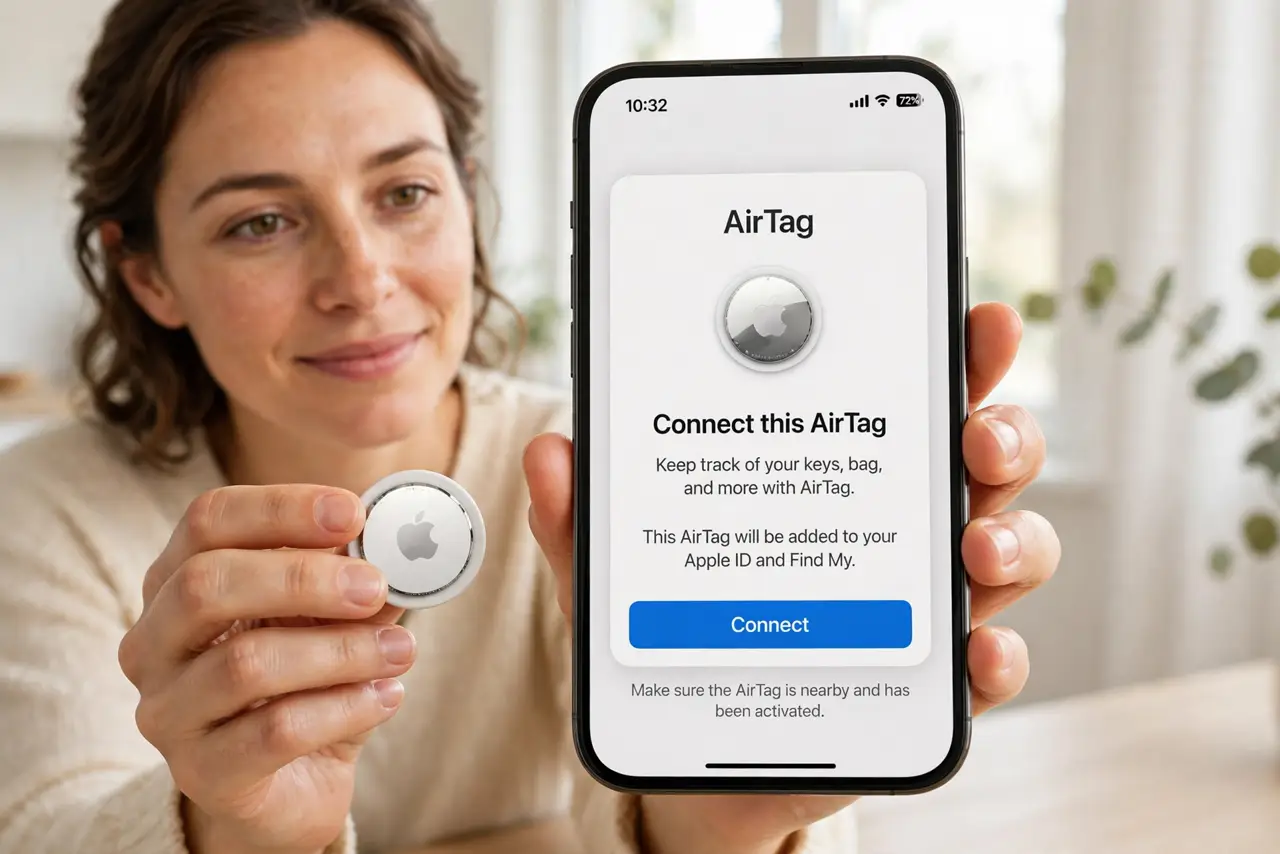
Quick fix: pull the battery tab, hold the AirTag by your iPhone, and tap Connect. Name it, register it to your Apple Account, and attach it to the item. Find it in the Find My app — and never use one to track a person without their knowledge.
Follow these steps
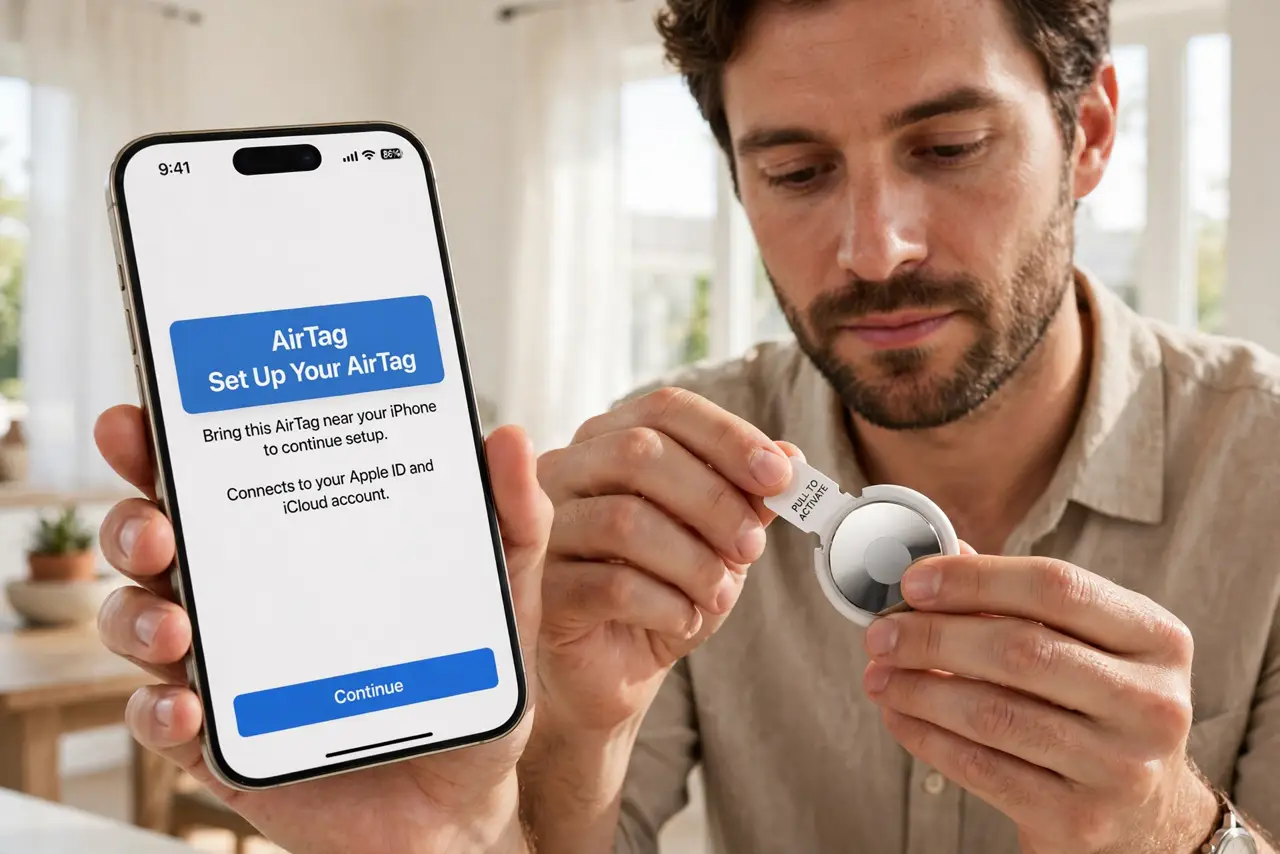
- Pull the battery tab. New AirTags ship with a plastic tab blocking the battery. Pull it out until you hear the chime — no chime means no power, and the iPhone will never see it.
- Hold the AirTag next to your iPhone. With Bluetooth on, hold the tag within a few inches of the phone. The setup card should pop up automatically within seconds.
- Tap Connect and give it a name. Choose a name like 'Keys' or 'Backpack' and an emoji so it's recognizable in the Find My list. This is also when it registers to your Apple Account.
- Register it to your Apple Account. The tag locks to your Apple Account during setup — that's what lets only you track it, and why a used AirTag must be removed by its previous owner first.
- Attach it to the item securely. Use a holder or keyring — the AirTag has no hole. A tag rattling loose at the bottom of a bag still works, but a holder keeps it findable and protected.
- Find it anytime in the Find My app. Open Find My, tap Items, and play a sound or get directions. For nearby searches, Precision Finding on supported iPhones points you to it.
What NOT to do
- Do not use an AirTag to track a person without their knowledge. That's stalking, it's illegal in most places, and Apple's anti-stalking alerts will expose it.
- Do not expect real-time GPS tracking. AirTags locate via nearby Apple devices over Bluetooth — great for lost keys, useless for tracking a moving car precisely.
- Do not skip pulling the battery tab. 'iPhone can't find my AirTag' is the unpulled tab more often than anything else.
- Do not buy a used AirTag that's still registered. Only the previous owner can remove it from their account — a locked tag is a shiny coin.
Frequently asked questions
Can Android phones find an AirTag?
Android can detect unknown AirTags moving with you via tracker-detection apps, but full setup and Precision Finding need an iPhone.
How long does the battery last?
About a year with normal use, and it's a replaceable coin battery. The Find My app warns you when it runs low.
What if I hear an AirTag beeping that isn't mine?
That's the anti-stalking alert. Your phone can help identify it — follow the on-screen steps to find it and disable it.