Antivirus Pop-Ups After You Cancelled? Stop Them
You cancelled your antivirus subscription, but the pop-ups begging you to renew will not stop. These nag screens are aggressive marketing, not security alerts — and they often come from leftover software still running. This guide silences them for good and makes sure you still have real protection underneath.
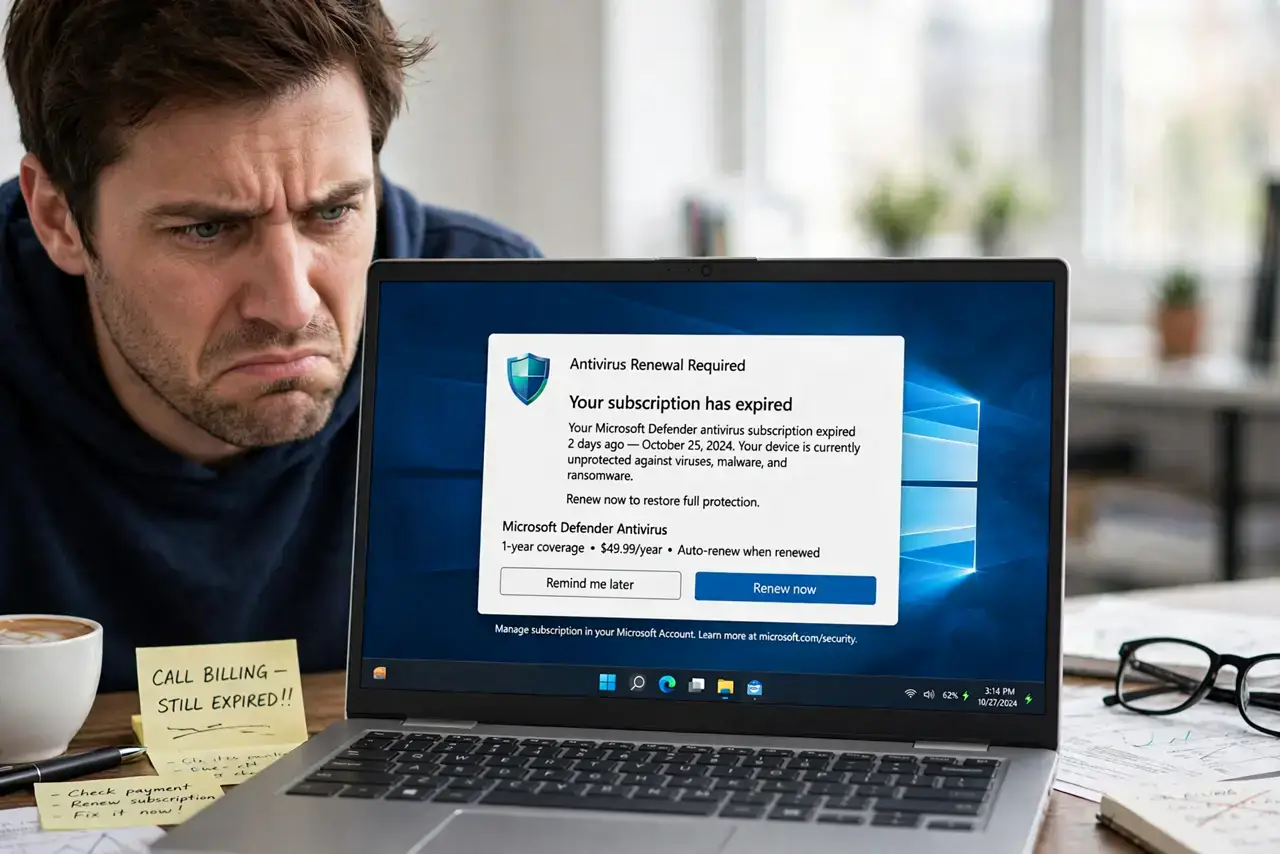
TL;DR / Quick Fix
Quick fix: fully uninstall the cancelled antivirus with its official removal tool — leftovers keep nagging. Then confirm Windows Security or your chosen replacement shows active protection. Never click 'renew' in a nag popup out of annoyance; decide calmly on the vendor's real website if you actually want it back.
Follow these steps
- Confirm the subscription is really cancelled. Log into the vendor's website and check your account status. Some 'cancellations' only stop auto-renew billing while the software keeps nagging.
- Uninstall with the official removal tool. Use the vendor's dedicated uninstaller to remove every leftover service and tray icon. The standard Windows uninstall often leaves the nagging components behind.
- Verify your replacement protection. Open Windows Security (or your new antivirus) and confirm real-time protection is on and up to date. You should never have a gap with no active shield.
- Turn off marketing notifications. In your remaining security software, find notification settings and disable promotional and upsell messages while keeping threat alerts on.
- Check startup programs. Open Task Manager's Startup tab and disable any leftover entries from the old vendor. Nag popups often launch from a forgotten startup item.
- Decide calmly if you want it back. If you actually liked the product, re-subscribe through the vendor's official site — never through a popup, which is also how scam popups try to reach you.
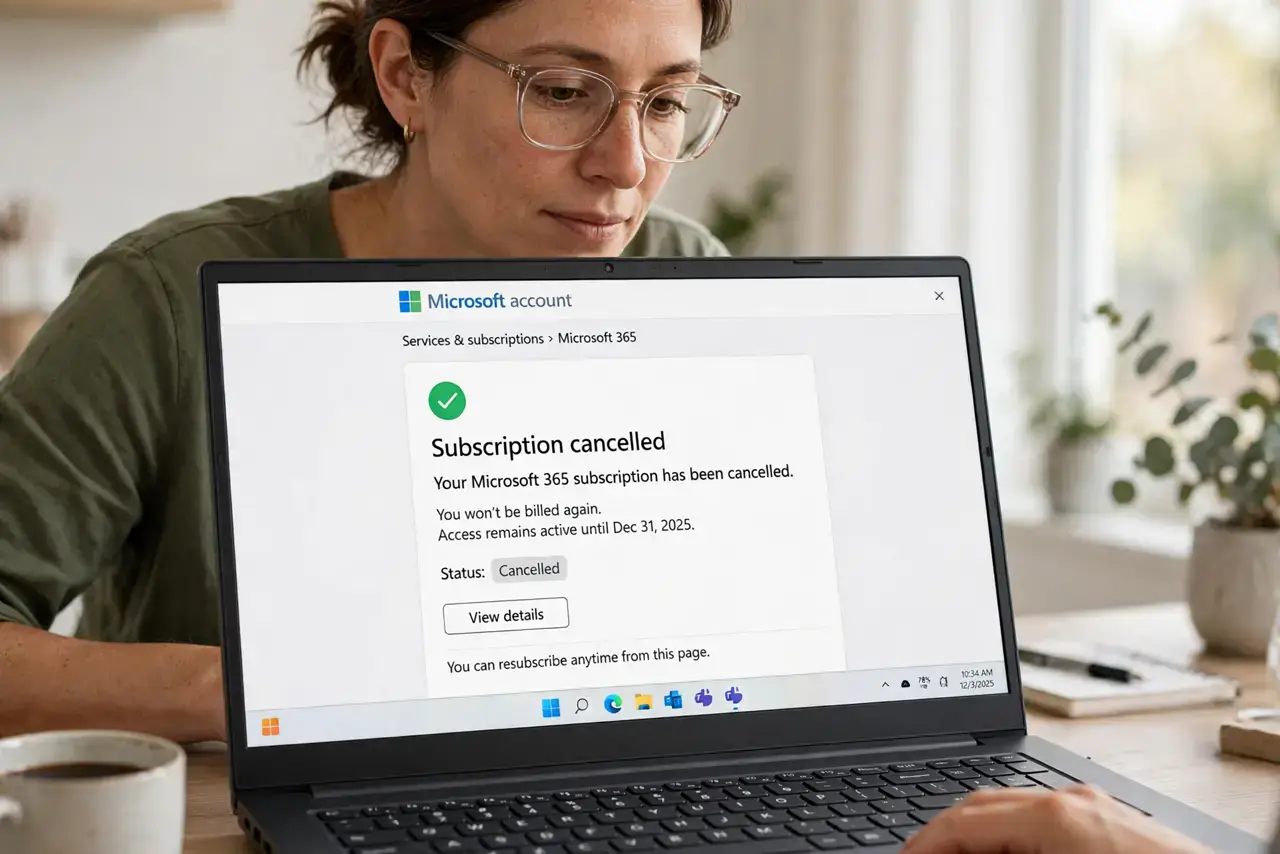
What NOT to do
- Do not click 'renew' inside a nag popup. Decide on the vendor's real website, where you can see the actual price without pressure tactics.
- Do not ignore the gap in protection. Uninstalling without confirming a replacement leaves you with zero real-time defense.
- Do not pay a 'cancellation fee' a popup demands. Legitimate cancellations do not ransom you through pop-ups — that demand is a scam.
- Do not reinstall from a popup's download button. If you want the product back, get the installer from the vendor's official site only.
Frequently asked questions
Why do the pop-ups continue after cancelling?
Leftover software components keep running and marketing to you. Only a complete removal with the official tool silences them.
Is Windows Security enough after I uninstall?
For most users, yes — it is free, built in, and competent. Just verify it shows active protection after the old product is gone.
The popup says my computer is at risk — is it?
Only if you have no active antivirus at all. The popup's job is to scare you into renewing, not to report your real protection status.