Fake Virus Warning Blocks Browser? Close It Safely
A full-screen warning claiming your computer is infected, with a loud alarm and a phone number, is almost always a fake. It is a web page pretending to be a system alert. Do not call the number and do not download what it offers.
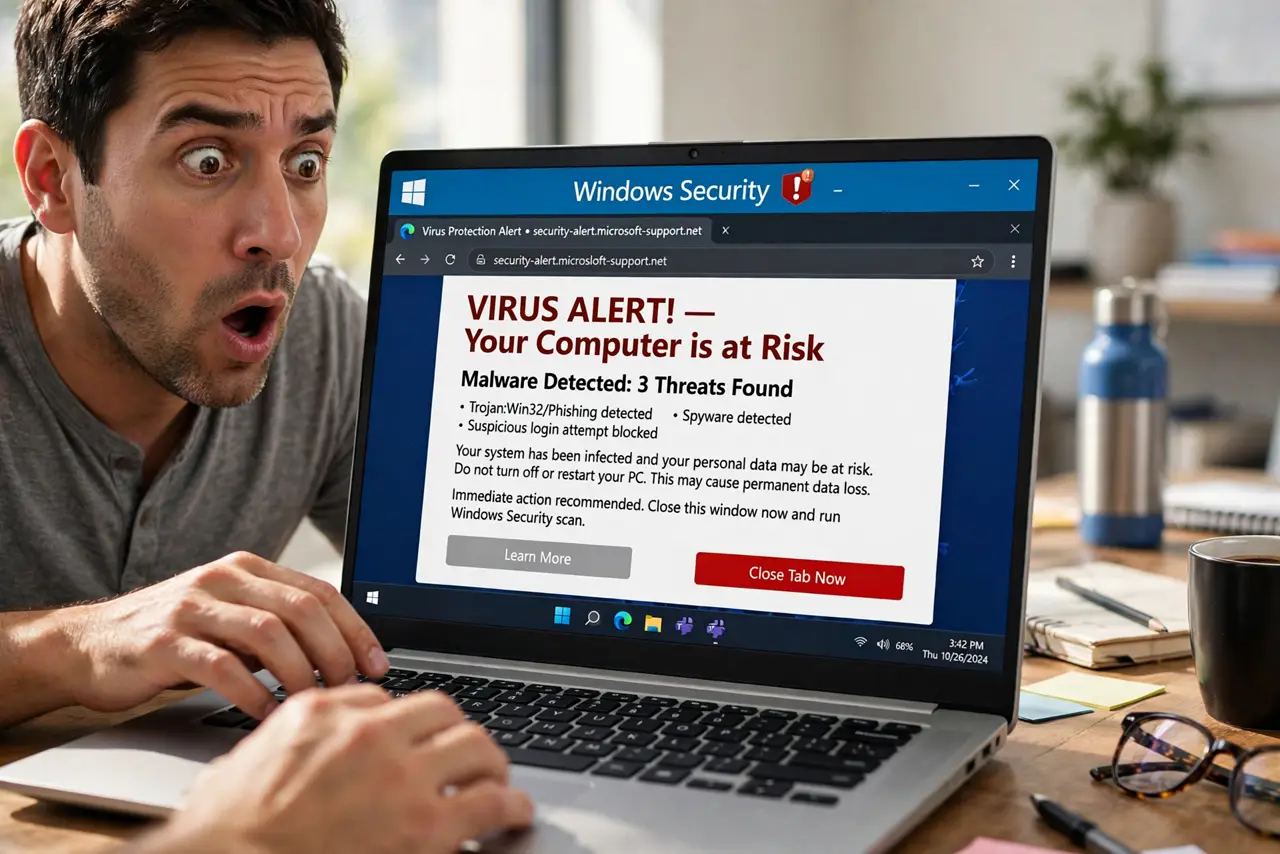
TL;DR / Quick Fix
Quick fix: do not call the number or download anything. Close the browser tab, or force-close the browser if the page traps you. Reopen the browser without restoring the page, then run a full security scan to confirm nothing was installed.
Follow these steps
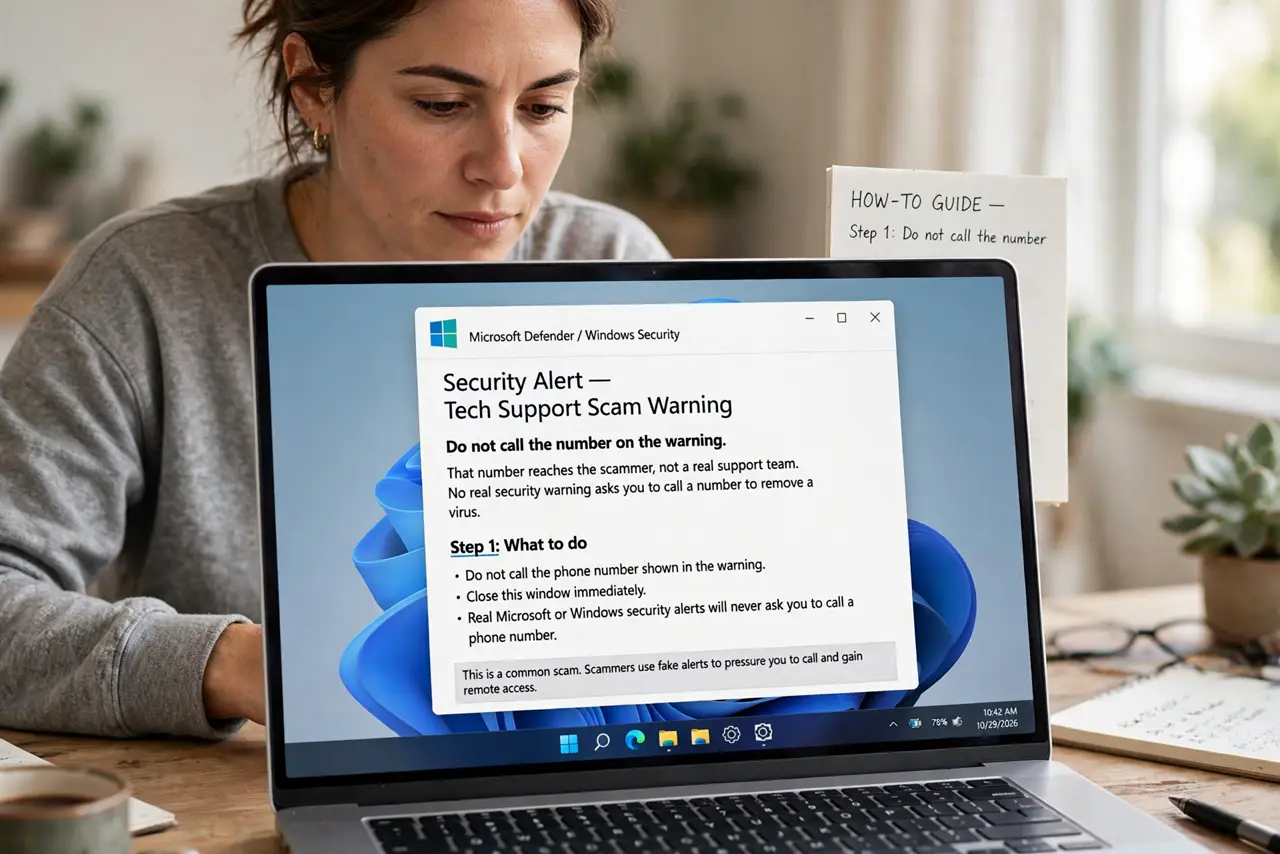
- Do not call the number on the warning. That number reaches the scammer, not a real support team. No real security warning asks you to call a number to remove a virus.
- Close the trapped tab. Try closing the tab first. If the page blocks closing, force-close the whole browser from your task manager or by holding the power options, as your system allows.
- Reopen without restoring the page. When the browser asks whether to restore previous tabs, choose not to restore, or close the bad tab before it loads. Restoring brings the fake warning straight back.
- Do not download the offered cleaner. The warning may offer a tool that claims to fix the infection. It is usually the harmful program itself, so decline it and close the page.
- Run a full security scan. Run a full scan with your built-in security software. A clean result after a fake warning is normal, because the warning itself was only a web page.
- Clear the browser data for that site if it returns. If the warning keeps coming back, clear cookies and site data for that site in browser settings, and avoid returning to the page that showed it.
What NOT to do
- Do not call the number, even to check whether it is real. The call itself is the trap.
- Do not install a cleaner, antivirus, or remote tool offered by the warning page.
- Do not enter payment details to unlock your computer. A browser page cannot lock your whole computer this way.
- Do not keep clicking through pop-ups to dismiss the warning. Close the tab or the browser instead.
Frequently asked questions
Is my computer actually infected?
Usually not. The warning is a web page made to look like a system alert. A full security scan will confirm whether anything real is present.
What if I called the number?
Hang up, do not follow further instructions, and do not pay. If you installed anything they asked for, remove it and run a full scan.
Why does the alarm sound keep playing?
The page plays a sound to panic you. Closing the tab or the browser stops it, because the sound comes from the page, not your system.