App Permissions Creep After an Update
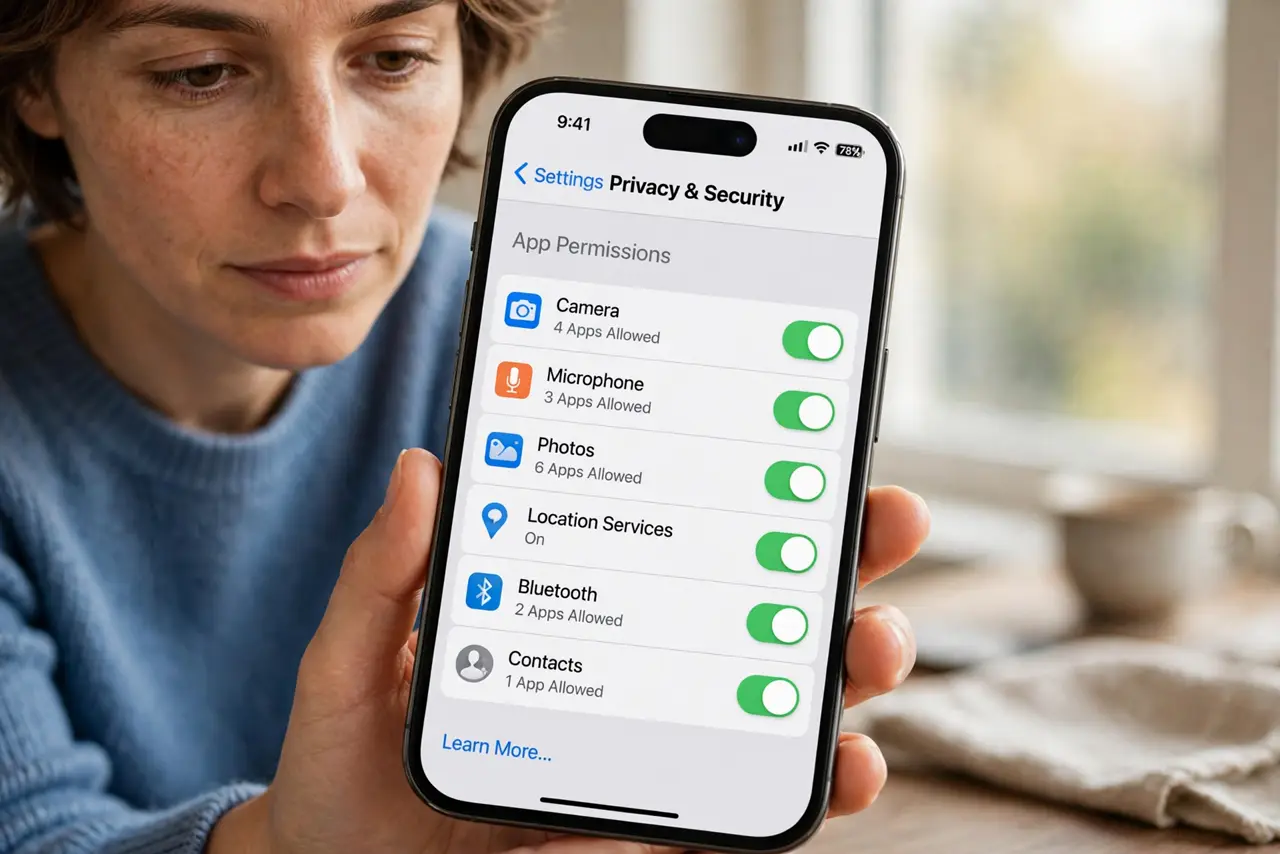
An app update can quietly add new permission requests — location, contacts, microphone — that the original install never asked for. A quick permissions review after updates keeps apps at the access they actually need.
TL;DR / Quick Fix
Quick fix: after any major app update today, open the app's full permissions list and turn off anything extra it does not need. Then check location, camera, and microphone access specifically and carefully, and repeat the review every few months without fail.
Follow these steps
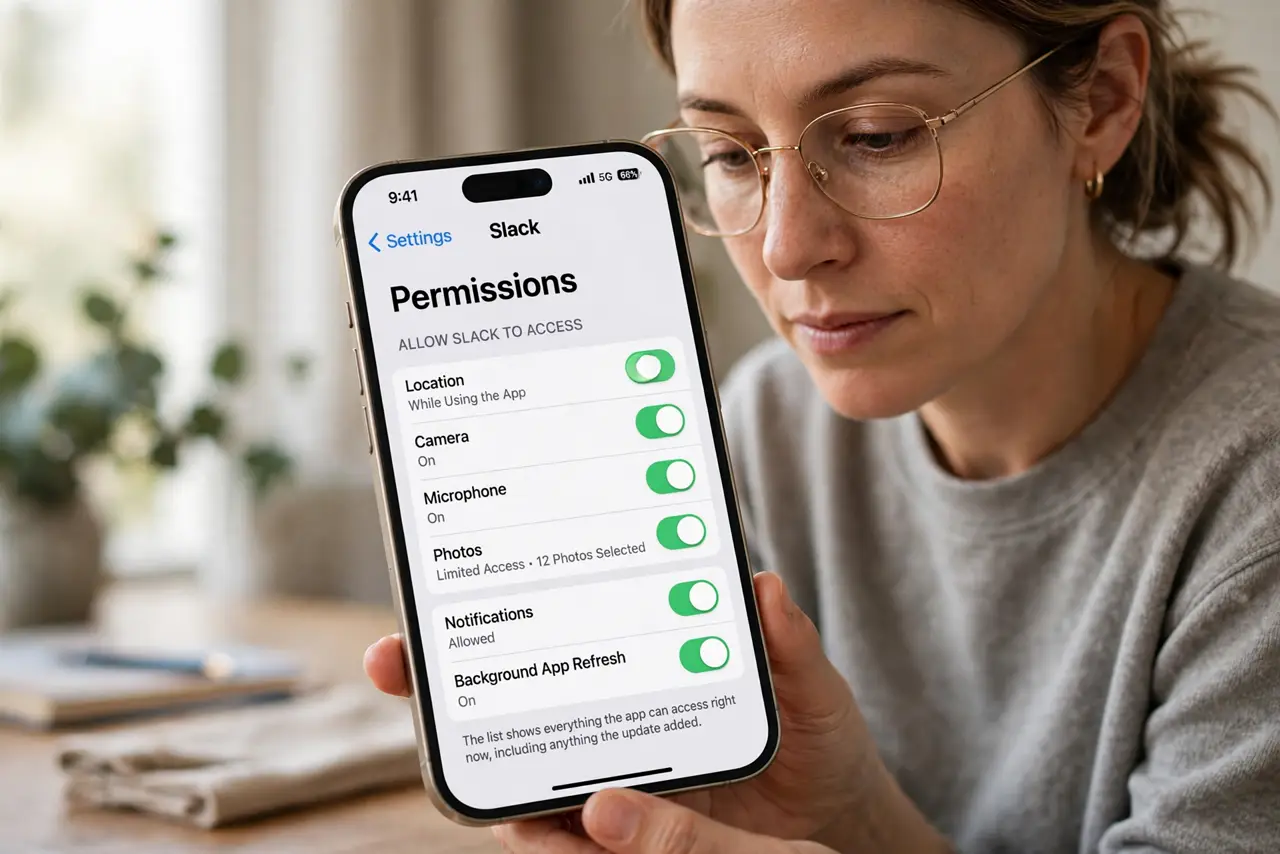
- Open the app's permission list. Find the app in your phone's settings and open its permissions. The list shows everything the app can access right now, including anything the update added.
- Turn off what the app does not need. Disable location, contacts, or microphone for apps with no good reason to have them. A flashlight app needs none of those, whatever its update claims.
- Set location to only while using. For apps that genuinely need location, choose only-while-using instead of always. That one choice blocks most background tracking.
- Check camera and microphone separately. Review which apps hold camera and microphone access after the update. Those two sensors deserve stricter scrutiny than storage or notifications.
- Remove apps you no longer use. Delete apps you have not opened in months. An unused app with full permissions is pure risk with zero benefit, update or not.
- Repeat the review every few months. Set a recurring reminder to recheck permissions. Creep is gradual, so a periodic review catches what any single update sneaks in.
What NOT to do
- Do not tap allow on every prompt after an update. Each yes is permanent until you revoke it, so read what the update is asking for.
- Do not assume the old permissions still apply. Updates can add new requests, which is exactly why the post-update review exists.
- Do not grant always-on location to be helpful. Almost no app needs your location around the clock, so only-while-using is the sane default.
- Do not keep apps you never open. Every installed app is a permission holder, so deleting the unused ones shrinks your exposure.
Frequently asked questions
Why do apps ask for more after an update?
Because new features need new data, or because the business model shifted toward collecting more. Either way, the new requests deserve your review.
Which permissions matter most?
Location, camera, microphone, and contacts. Those reveal where you are, what you see and say, and who you know.
Can an app work if I deny permissions?
Usually yes for the core features. Deny first and re-allow only what the app genuinely needs to function.