Read Privacy Labels
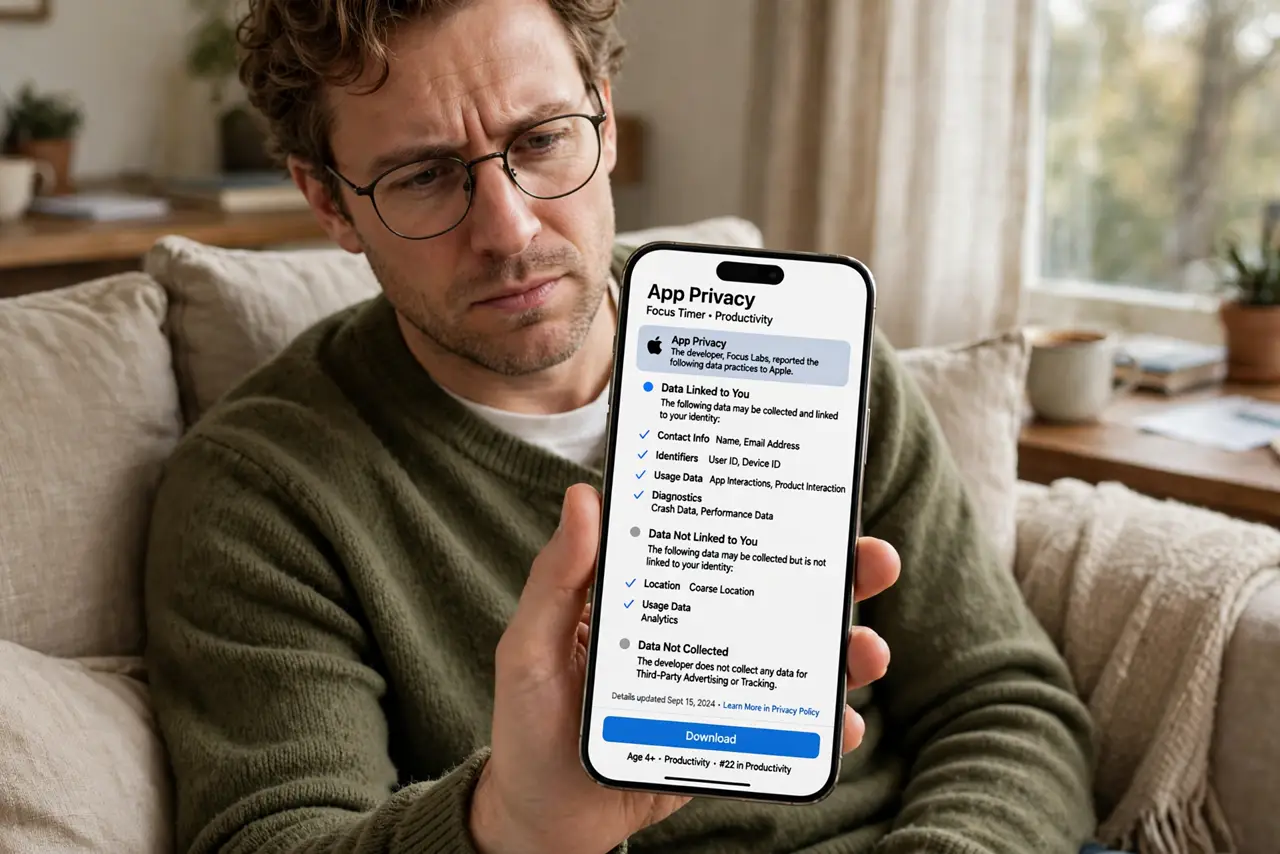
Before you tap install, the App Store shows a privacy label — a plain-English summary of what the app collects, from location to browsing history. Two minutes of reading reveals whether that flashlight app really needs your contacts. Make it a habit and the worst data harvesters never reach your phone. Then watch them in action with the App Privacy Report.
TL;DR / Quick Fix
Quick fix: App Store privacy labels show what data an app collects — read the Data Used to Track You and Data Linked to You sections before installing. If a flashlight wants your location and contacts, walk away. Two minutes of reading beats months of silent data harvesting.
Follow these steps
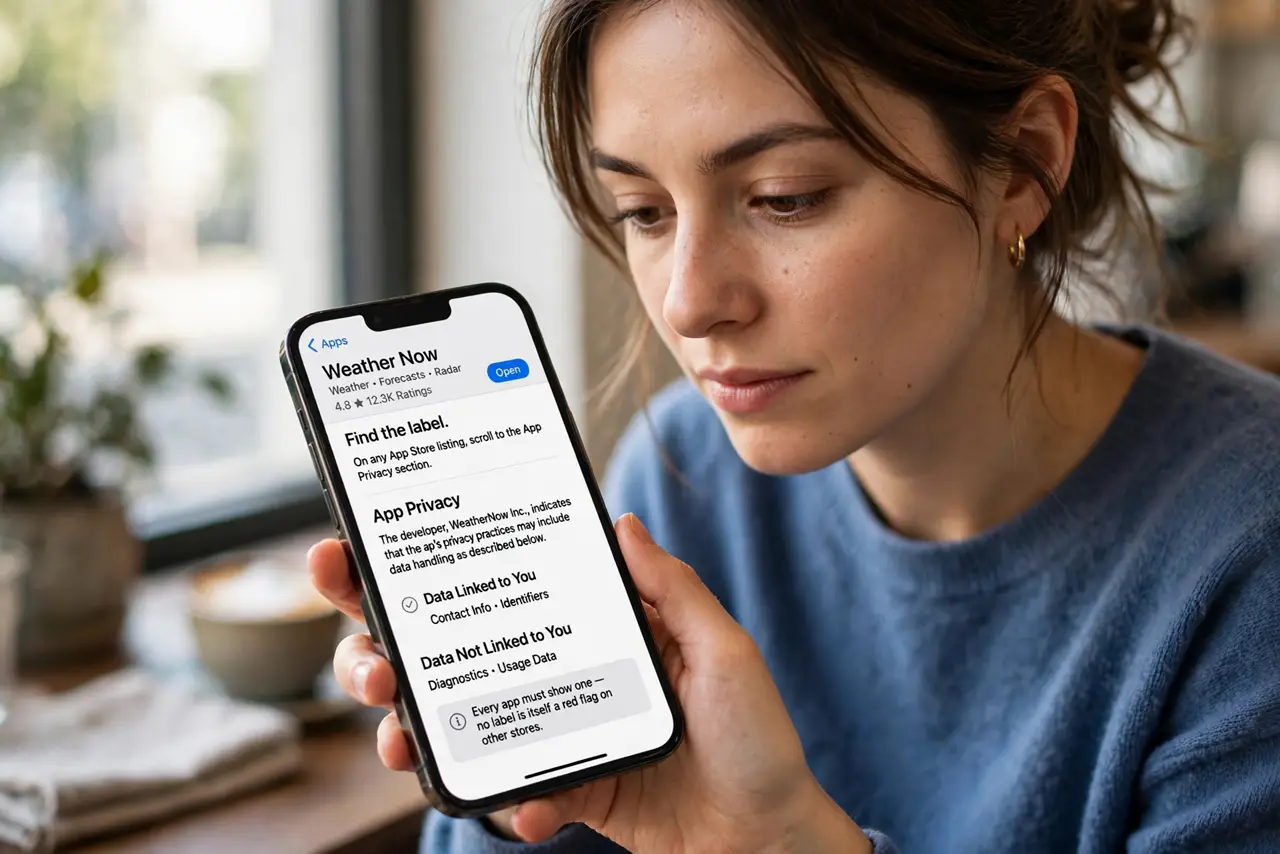
- Find the label. On any App Store listing, scroll to the App Privacy section. Every app must show one — no label is itself a red flag on other stores.
- Read Data Used to Track You. This lists data shared with other companies for ads or brokers. A long list here means the app's business is your data.
- Read Data Linked to You. This is data tied to your identity: name, location, contacts. Compare it against what the app actually does.
- Apply the flashlight test. Does the app's job justify its data? A maps app needs location; a flashlight does not. Mismatch means walk away.
- Check Data Not Collected. Some apps proudly collect nothing. Prefer them when the choice exists — privacy is a feature worth choosing.
- Recheck after updates. Labels can change with app updates. A quick glance when updating keeps surprises away.
What NOT to do
- Do not install on ratings alone. Five stars say nothing about data collection — the label does.
- Do not ignore a long tracking list. If the tracking section scrolls forever, the app monetizes you, not the app.
- Do not assume paid means private. Paid apps can harvest too — read every label regardless of price.
- Do not forget Android. Google Play has its own data-safety section with the same job — read it there too.
Frequently asked questions
Are privacy labels accurate?
Mostly — Apple requires them and spot-checks, though some apps under-report. Treat the label as a minimum, not a guarantee.
What is the difference between tracking and linked data?
Tracking follows you across other companies' apps and sites; linked data is tied to your identity within the app. Both deserve scrutiny.
Can an app collect data not on the label?
It should not. If you catch one doing it, report it — mislabeled apps do get pulled.