Apple Notes? Plain Basics
Apple Notes is already on your iPhone, iPad, and Mac — free, synced through iCloud, and far more capable than its plain icon suggests. Checklists, document scanning, tags, shared notes, and locked notes cover most people's needs without installing anything. If you live in Apple's world, start here before downloading another notes app.
TL;DR / Quick Fix
Quick fix: Apple Notes is the free, built-in notes app on iPhone, iPad, and Mac, syncing through iCloud. Use folders lightly, pin key notes, try document scanning, and share lists with family. For most Apple users it replaces any basic notes app.
Follow these steps
- Check iCloud sync is on. Notes sync through iCloud — verify in Settings > [your name] > iCloud that Notes is enabled on every device. Notes stuck 'On My iPhone' instead of iCloud will never reach your Mac.
- Use folders, lightly. A few folders — Personal, Work, Ideas — beat both chaos and deep hierarchies. Notes also supports tags (#receipts) for cross-folder finding; pick one system, not both at once.
- Pin and lock the important ones. Pin current notes to the top; lock sensitive ones with Face ID (a locked note needs its own password the first time). Everyday notes stay convenient, private ones stay private.
- Scan documents with the camera. The camera button in a note scans paper documents into clean PDFs — receipts, contracts, whiteboards. It is genuinely excellent and replaces a scanner for most people.
- Share notes with family. Shared notes and folders update live for everyone invited — grocery lists, trip plans, household info. Collaboration is simple and reliable within Apple devices.
- Search everything. Search looks inside note text, scanned documents, and even handwriting. Before building an organization system, try searching — it usually wins. Compare with Google Keep's approach if you straddle both ecosystems.
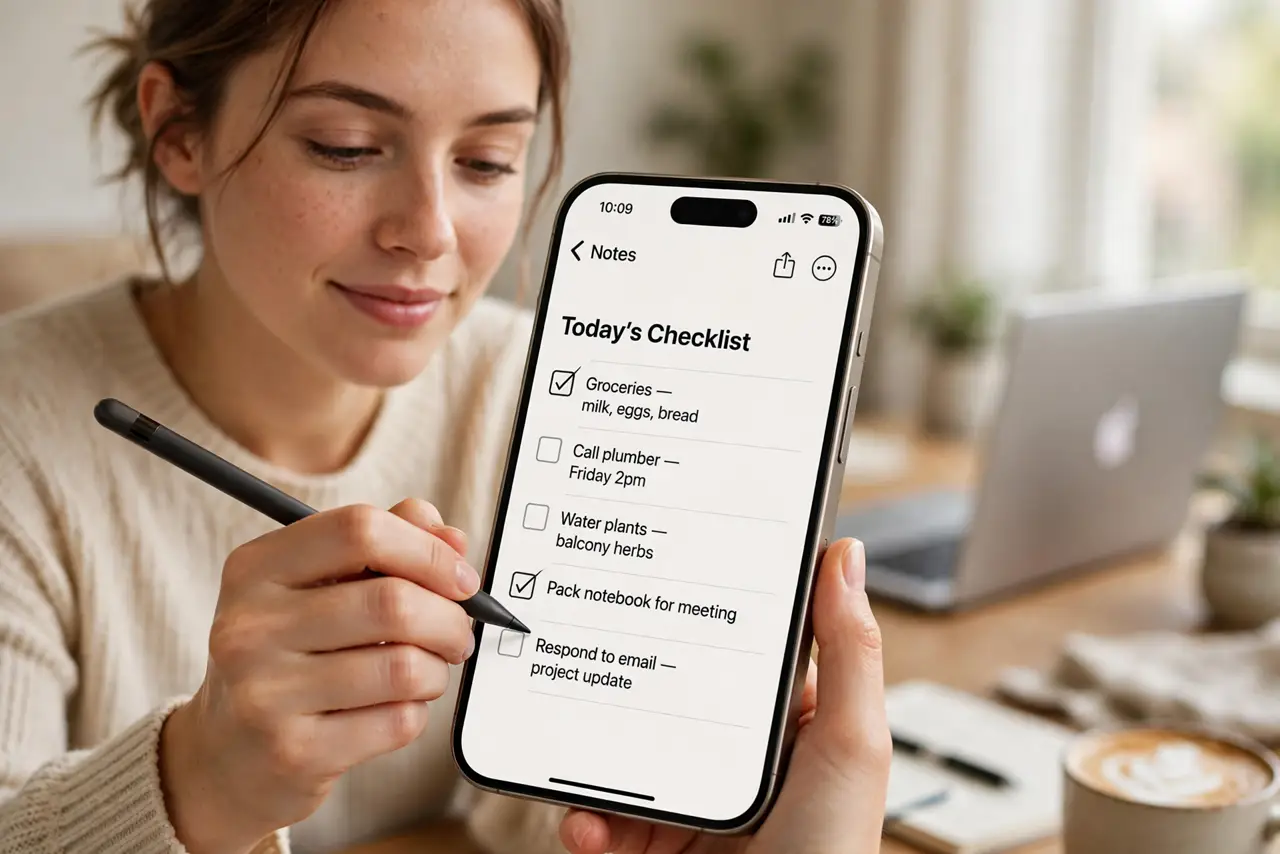
![Photoreal photo of a person performing the first step: Check iCloud sync is on. Notes sync through iCloud — verify in Settings > [your name] > iCloud that Notes is enabled on every device. Notes stuck 'On ...](../assets/illustrations/apple-notes-basics-guide.webp)
What NOT to do
- Do not leave notes 'On My iPhone.' Local-only notes never sync and die with the device — use iCloud folders.
- Do not skip the lock on sensitive notes. A shared iPad shows all unlocked notes — financial and medical notes deserve the lock.
- Do not over-folder. Ten nested folders for thirty notes is procrastination disguised as organization.
- Do not assume Windows access is full. iCloud.com gives basic Notes access on Windows, but the experience is Apple-first.
Frequently asked questions
Apple Notes vs Google Keep?
Apple Notes is deeper — scanning, locking, formatting — but Apple-centric. Google Keep is simpler and truly cross-platform. Apple households: Notes. Mixed households: Keep.
Can I recover a deleted note?
Yes — deleted notes sit in Recently Deleted for 30 days. After that they are gone, so rescue promptly.
Why are my notes not syncing?
Almost always iCloud Notes toggled off on one device, or notes saved 'On My iPhone' instead of iCloud. Check both, then wait a minute — sync is not instant.