Add a Recovery Contact
Locked out of your Apple account, no trusted device, no recovery key — and Apple's automated recovery says wait days. A recovery contact is the human way back: someone you trust who can verify your identity and hand you a code. Setting one up takes minutes, and it is the kindest backup you can arrange.
TL;DR / Quick Fix
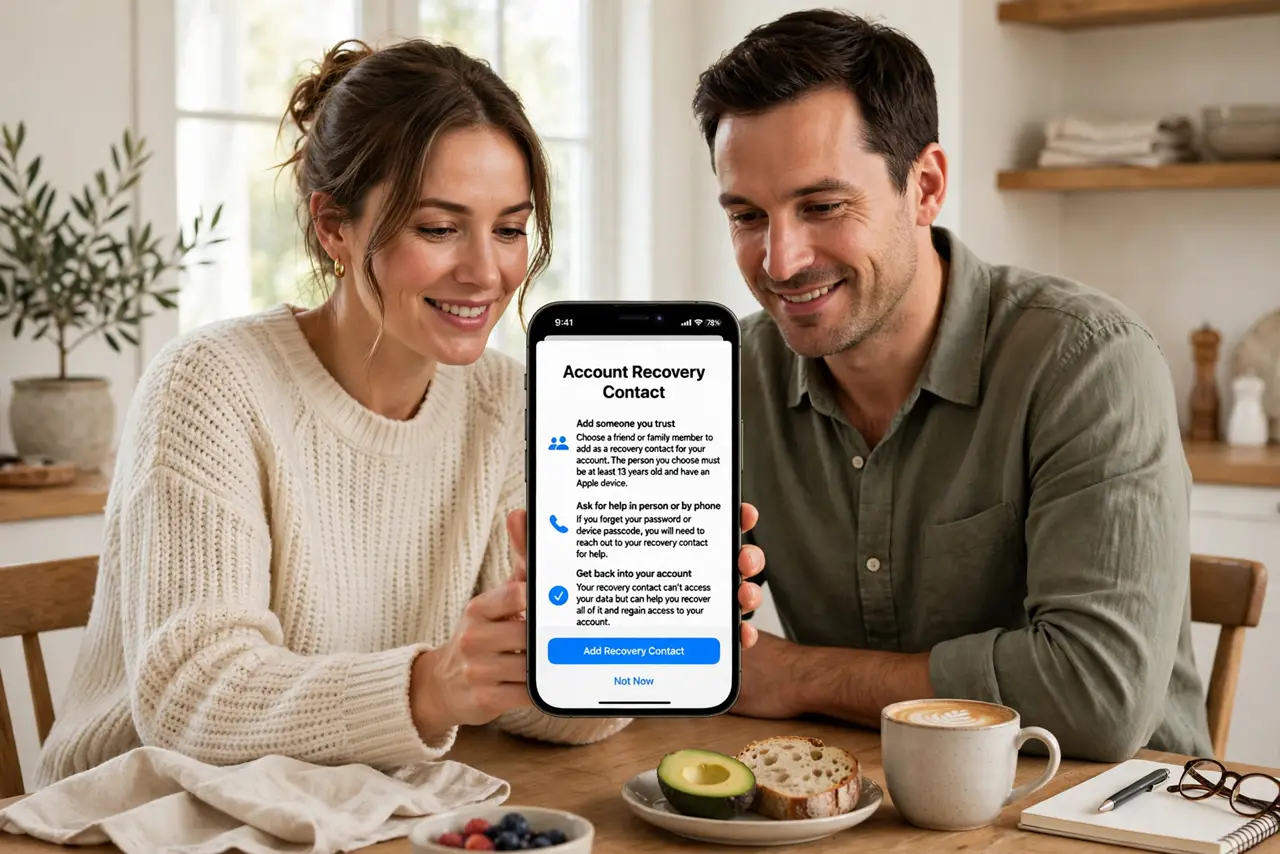
Quick fix: on iPhone, open Settings, your name, Sign-In and Security, and add a recovery contact — a trusted person who can verify your identity if you are locked out. They never see your data; they just confirm it is you. Pick someone reachable and tech-comfortable.
Follow these steps
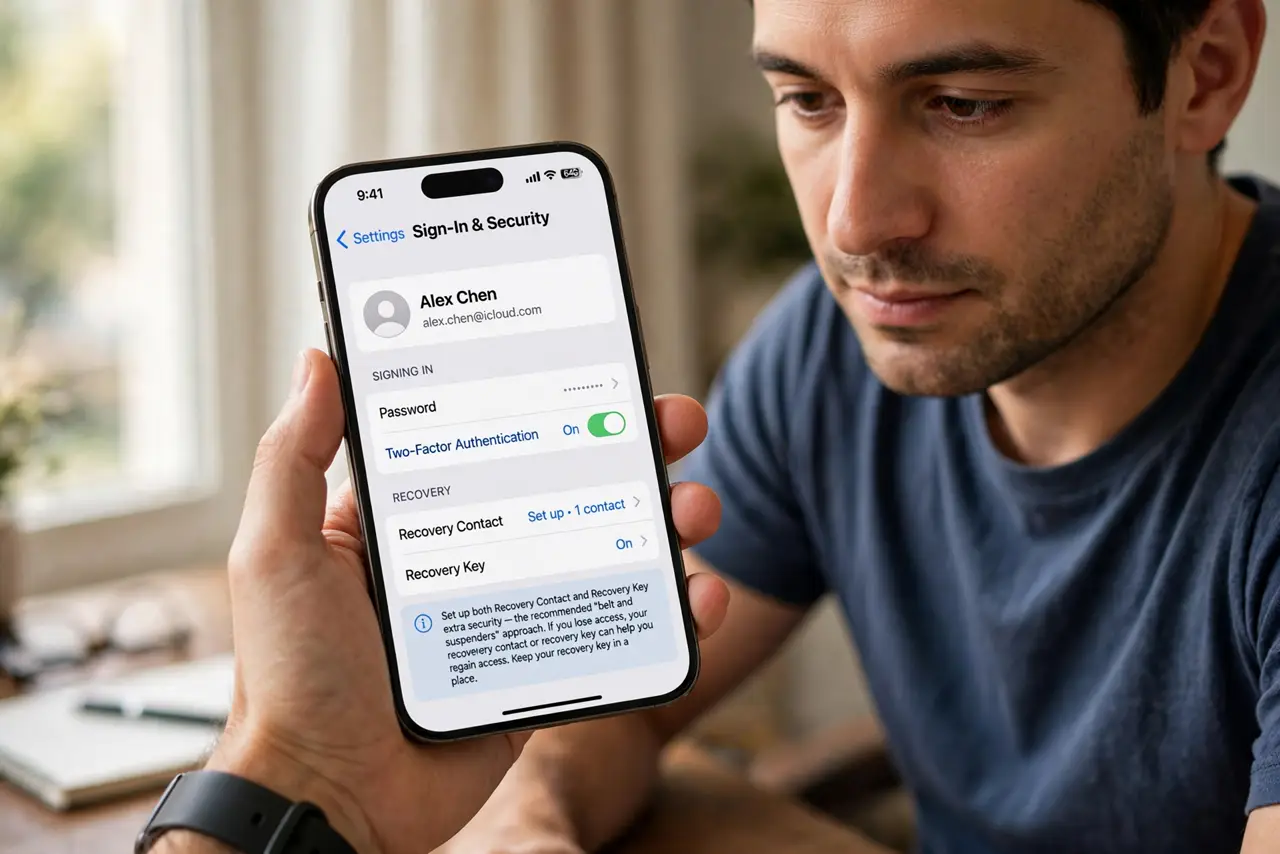
- Open Sign-In and Security. On iPhone, go to Settings, your name, Sign-In and Security. The recovery contact option sits alongside the recovery key — set up both for belt and suspenders.
- Choose your person. Pick someone tech-comfortable, reachable, and over eighteen with their own Apple device. A spouse, sibling, or close friend — not someone who loses their phone monthly.
- Send the invitation. They get a request to be your recovery contact and must accept. Talk to them first — surprising someone with security responsibilities is bad form.
- Explain what it means. They cannot see your data, ever. If you are locked out, they generate a code on their device and read it to you — that is the entire job.
- Pair it with the digital afterlife. Recovery contacts help the living; see the legacy contact setup for what happens to your account after death. Different feature, same trusted person often.
- Review yearly. People move, relationships change, phones get replaced. Once a year, confirm your recovery contact is still the right person and still reachable.
What NOT to do
- Do not pick someone unreachable. A recovery contact on a month-long offline retreat cannot help you during a lockout.
- Do not skip the conversation. They need to know what being your recovery contact means before the stressful moment arrives.
- Do not assume they can see your data. They cannot — and telling them so upfront prevents awkward misunderstandings later.
- Do not set it and forget the key. Recovery contact plus recovery key is the resilient pair — one human, one code.
Frequently asked questions
What exactly can a recovery contact do?
Generate a recovery code on their device when you are locked out. They cannot access your account, data, or passwords.
Do they need an Apple device?
Yes — the feature works between Apple devices. Your contact needs their own iPhone, iPad, or Mac.
Can I have more than one?
Yes, and for important accounts you should — redundancy applies to people too.
What to read next
- Set an Apple Recovery Key
- Set a Legacy Contact