AR Glasses Explained
AR glasses promise the sci-fi dream — directions floating on the road, translations hovering under foreign signs, notifications in the corner of your eye. The reality in 2026 is messier: impressive demos, real limitations, and a market split between simple display glasses and true augmented reality. Here's a clear-eyed look at what they actually do today.
TL;DR / Quick Fix
Quick fix: AR glasses overlay digital images onto the real world through transparent lenses — think notifications, navigation arrows, or captions floating in view. Today's models are early: limited battery, narrow field of view, and phone-tethered. Try before buying, and skip first-generation hardware unless you're an enthusiast.
Follow these steps
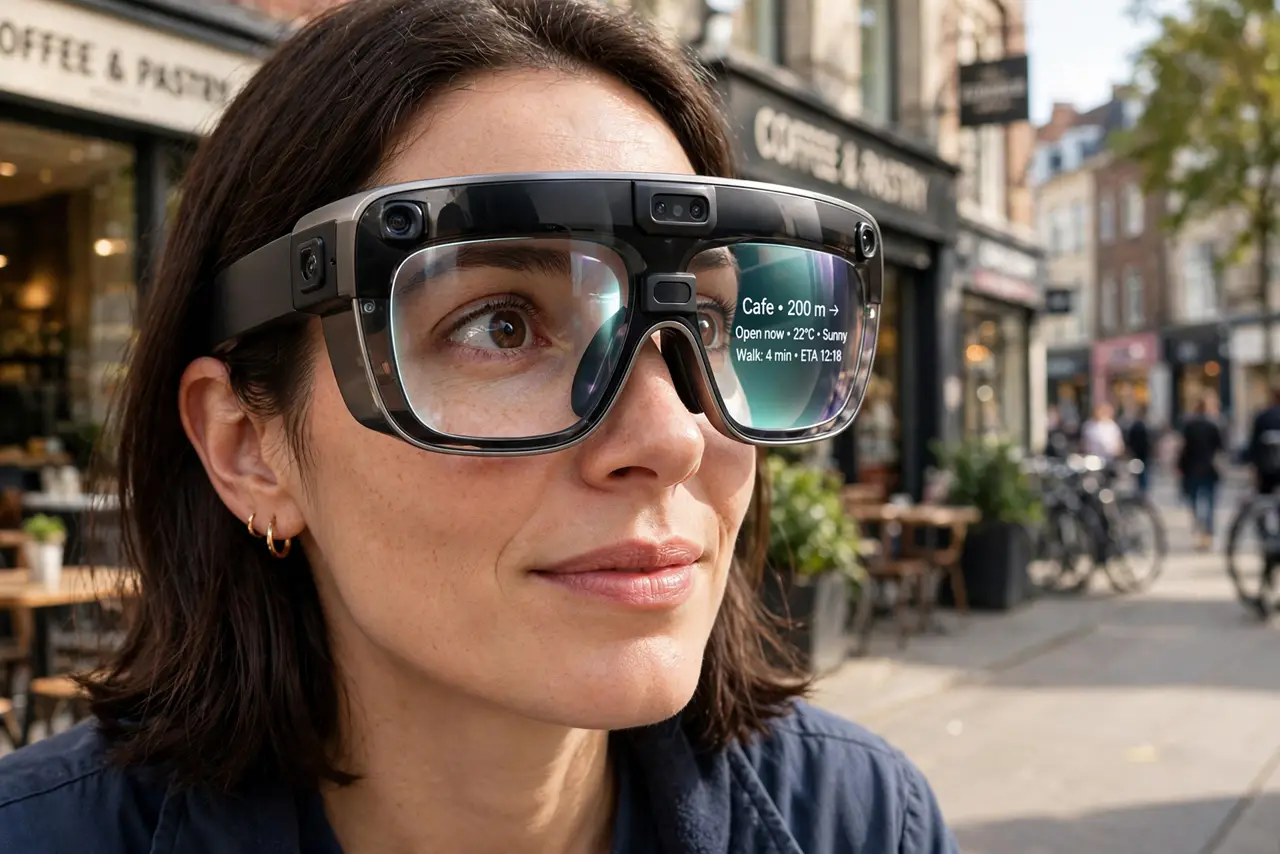
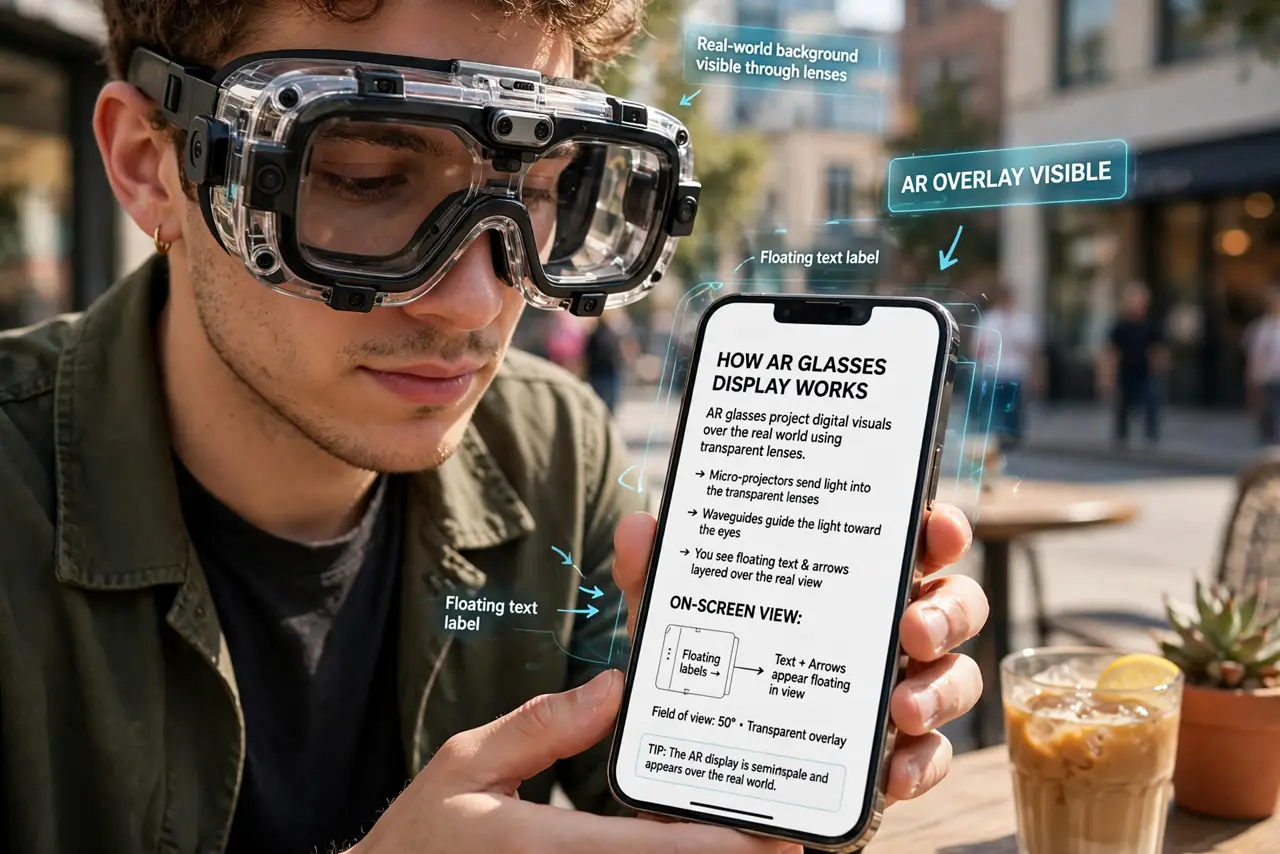
- Learn what AR glasses actually display. Transparent lenses project images — text, arrows, simple graphics — that appear to float in your view of the real world. Unlike VR headsets, you still see everything around you; the digital layer is an addition, not a replacement.
- Know the two categories. Simple display glasses show notifications and captions via a paired phone — basically a private monitor on your face. True AR glasses add spatial awareness: anchoring objects to real locations and tracking your hands. The price and capability gap between them is enormous.
- Understand today's limits. Battery life is measured in hours, the field of view is a narrow window rather than full vision, and most models need your phone nearby doing the heavy lifting. Demos show the dream; the spec sheet shows the compromise.
- Match use cases to reality. Genuine wins today: discreet notifications, navigation prompts while walking or cycling, live captions for the hard of hearing, and teleprompter-style reading. Gaming and all-day wear are still aspirational for most models.
- Try before you buy. Fit, display clarity, and brightness vary wildly — and comfort is personal. A demo at a store or a friend's pair tells you more than any review. Glasses you won't wear are expensive paperweights.
- Wait if you're not an enthusiast. This category is moving fast — each generation roughly doubles capability. Unless you have a specific job for them now, waiting a year buys you a much better device for similar money.
What NOT to do
- Do not expect the sci-fi demo. Marketing shows full-field holograms; current hardware shows a modest floating rectangle — calibrate expectations to the spec sheet.
- Do not buy for all-day wear yet. Battery and comfort aren't there for most models — they're session devices, not eyeglasses replacements.
- Do not ignore the privacy conversation. A camera on your face in public spaces makes others uncomfortable and is restricted in some venues — know the norms.
- Do not pay flagship prices for phone-tethered basics. If the phone does all the work, you're buying a display — price it like one.
Frequently asked questions
What's the difference between AR and VR glasses?
AR adds digital images to your view of the real world through transparent lenses. VR replaces your view entirely with a virtual world via opaque displays. Different devices, different purposes.
Do AR glasses work without a phone?
Most current models need a paired phone for processing and connectivity. Fully standalone AR glasses exist but cost far more and do less per dollar today.
Are AR glasses safe for driving?
No — anything overlaying your vision while driving is a distraction risk, and several jurisdictions restrict display glasses behind the wheel. Navigation audio exists for a reason.