Ask Apps Not to Track
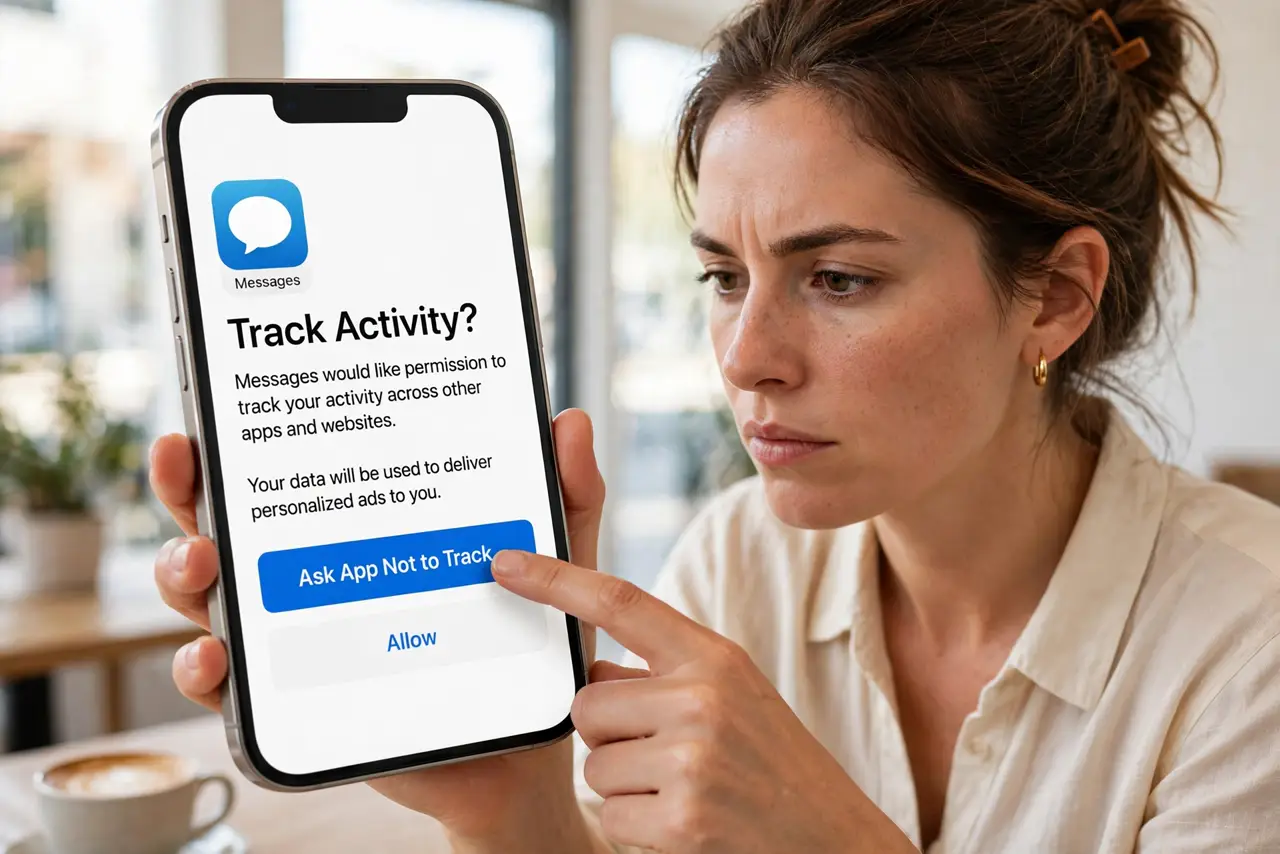
'Allow this app to track your activity across other companies' apps and websites?' — that prompt is your main weapon against cross-app profiling. This guide answers it correctly everywhere, sets the global default, and cleans up the trackers already inside.
TL;DR / Quick Fix
Quick fix: on iPhone, go to Settings, Privacy and Security, Tracking, and turn off Allow Apps to Request to Track — apps stop asking and get a silent no. On Android, limit ad personalization in Google settings. Existing tracking does not vanish, but new cross-app tracking stops.
Follow these steps
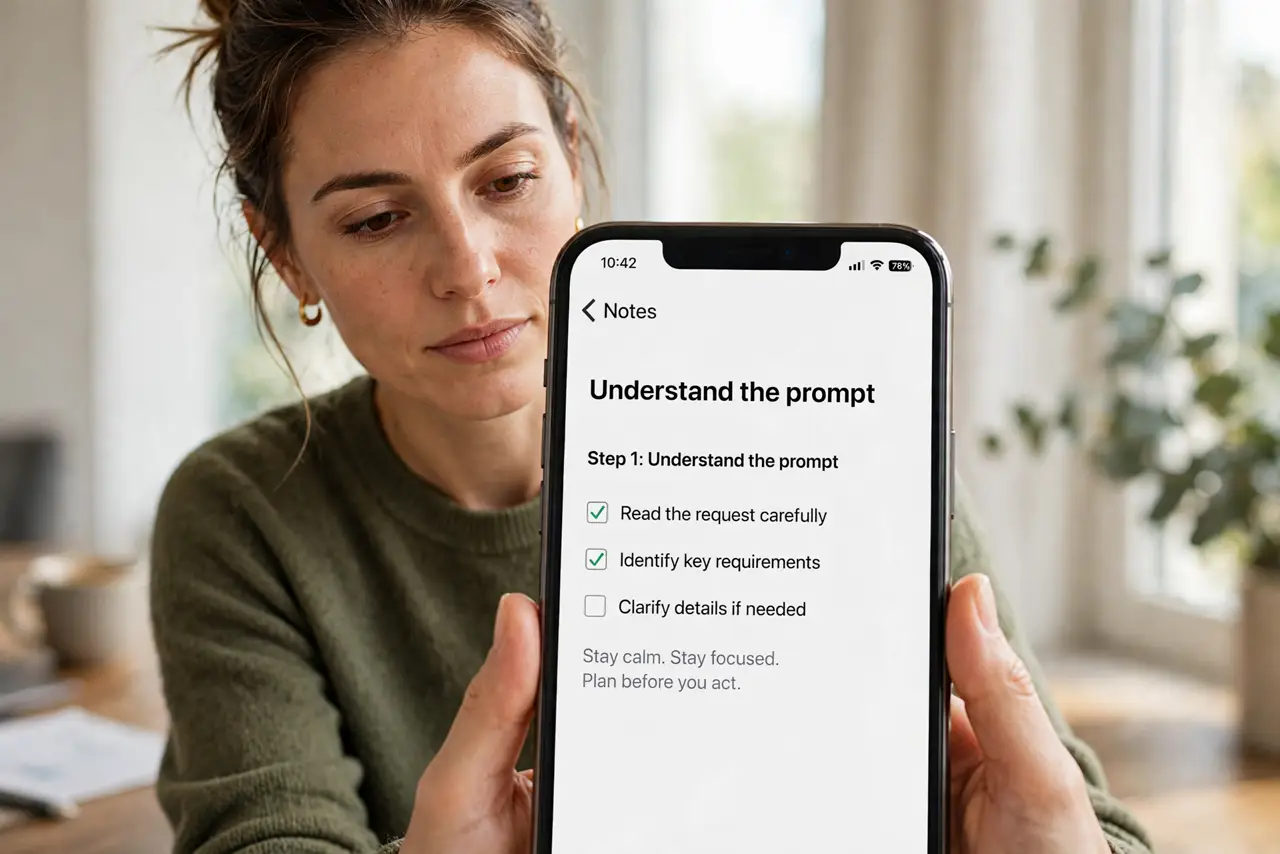
- Understand the prompt. iPhone apps must ask before tracking you across other apps and sites. 'Ask App Not to Track' denies it — the app still works, it just cannot follow you around.
- Answer 'not to track' by default. Unless an app gives a compelling reason, deny. Legit apps function fine without cross-app tracking — the request is about ad profiling, not features.
- Set the global default. Settings, Privacy and Security, Tracking — turn off 'Allow Apps to Request to Track'. New apps get an automatic no without even asking.
- Audit past answers. The same settings page lists apps you previously allowed. Revoke the ones that did not earn it — past yeses are reversible.
- Handle Android separately. Android has no identical prompt — instead limit ad personalization in Google settings and reset the advertising ID. Different system, same goal: less cross-app profiling.
- Layer with ad personalization off. Tracking permission plus ad personalization plus the location history review — the three together meaningfully shrink your ad profile.
What NOT to do
- Do not tap 'Allow' reflexively. The prompt is designed to be dismissed quickly — slow down and choose deliberately.
- Do not assume denying breaks apps. Apps must function without tracking permission — it is the law behind the prompt.
- Do not forget the global toggle. Answering per-app forever is tedious; the master switch ends the parade.
- Do not ignore Android. No prompt does not mean no tracking — Android needs its own settings attention.
Frequently asked questions
What does 'tracking' actually mean here?
Linking your activity across different companies' apps and websites for ad profiling — not analytics within one app.
Will apps punish me for denying?
They cannot — core features must work regardless. Some may nag; none may break.
Does this stop all ads?
No — it stops cross-app tracking. You will still see ads, just less personally targeted ones.