Check Google Location History
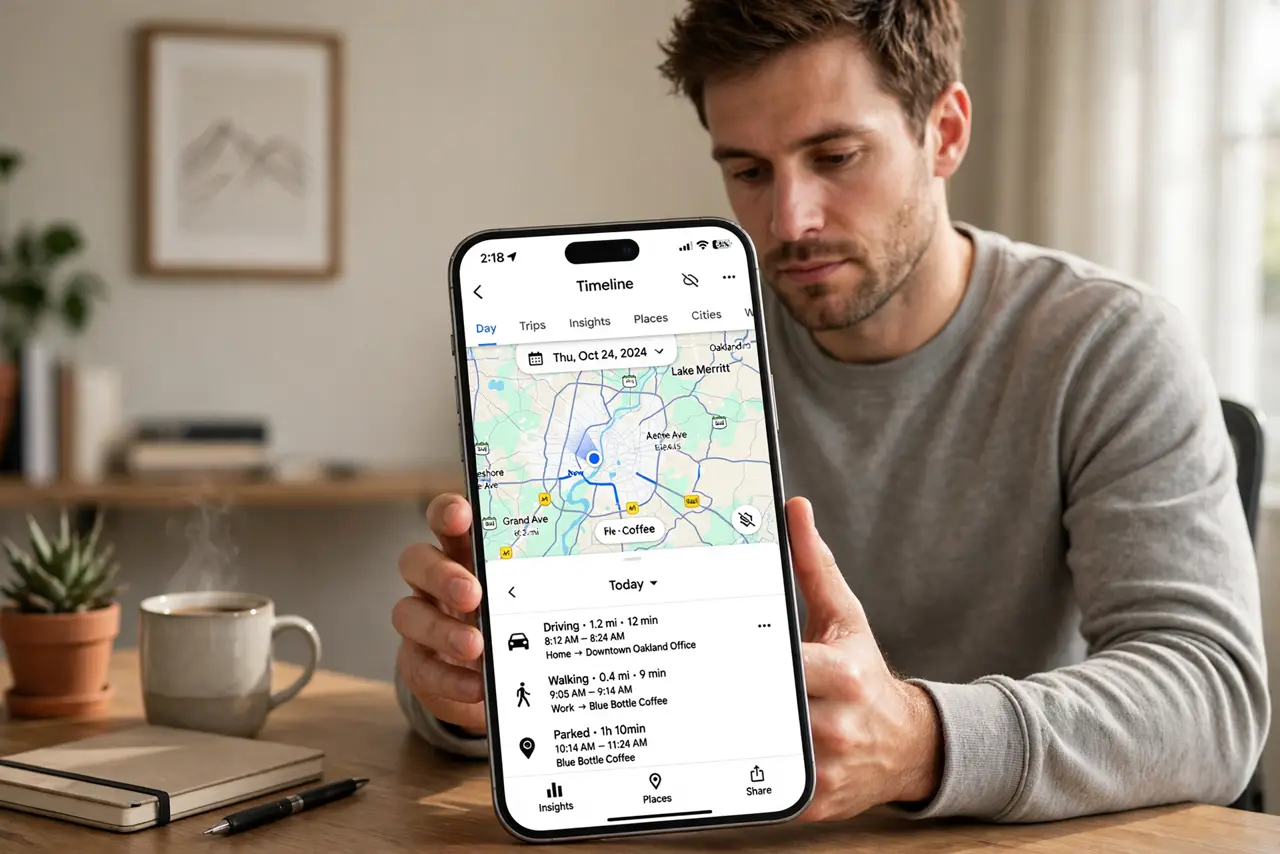
Your Google Timeline knows the restaurant you visited last March, the route you took, the hotel you stayed at — a perfect memory you never asked for. Location History is useful and unsettling in equal measure. This guide finds it, reviews it, and puts you back in control.
TL;DR / Quick Fix
Quick fix: Google's Location History (Timeline) logs everywhere your phone goes — review it at timeline.google.com, delete days or the whole history, and turn it off in Google account settings under Data and Privacy. Auto-delete every 3 months is the sane middle ground if you like the memories.
Follow these steps
- Open your Timeline. Visit timeline.google.com or open Google Maps, Your Timeline. Every recorded day appears on the map — the scope surprises most people.
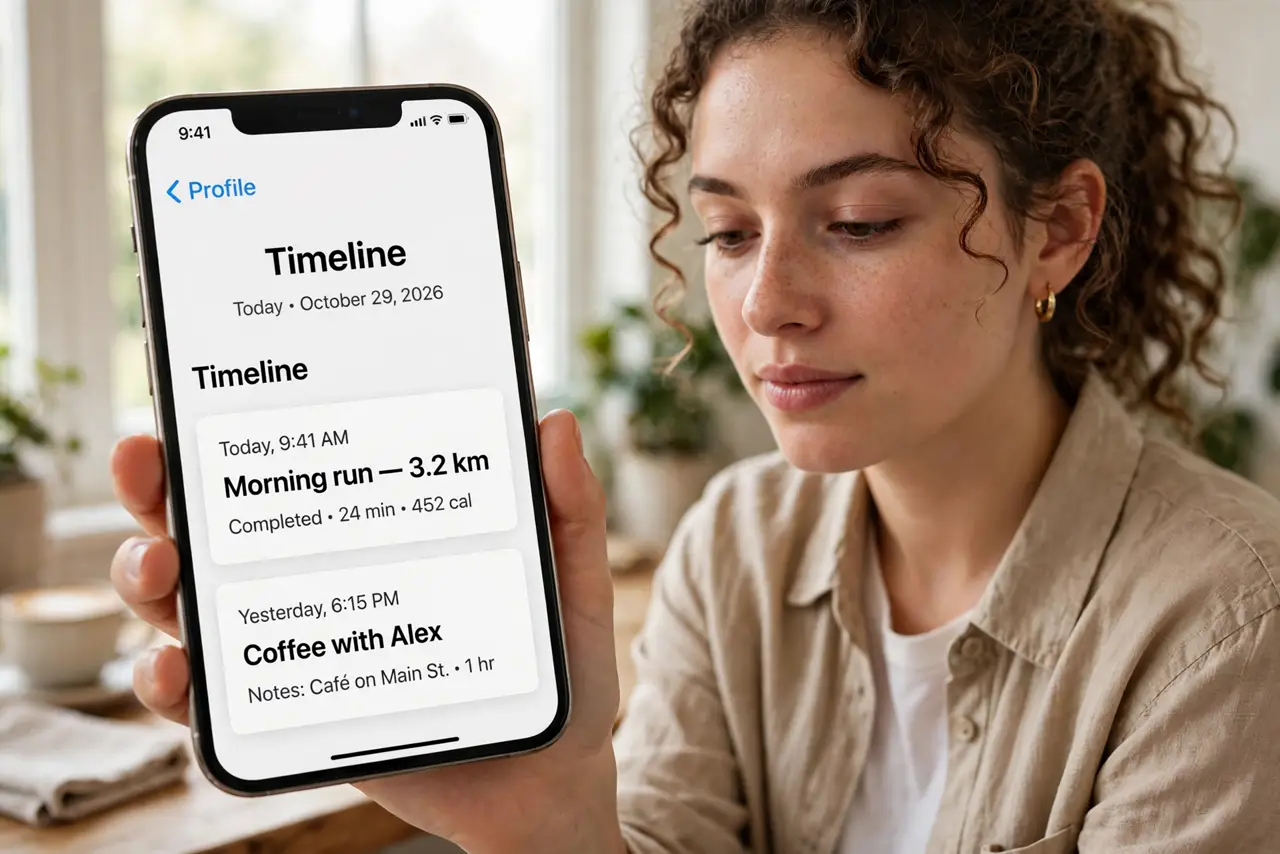
- Review what is stored. Browse a few months. The detail — arrival times, routes, photos attached to places — shows exactly what 'location history' means in practice.
- Delete selectively or entirely. Delete individual days, date ranges, or the whole history. Deletion is real but allow processing time across Google's systems.
- Set auto-delete. In Google account settings, Data and Privacy, Location History — choose auto-delete every 3 or 18 months. The sane default for most people.
- Turn it off entirely. Same settings page, toggle off. New location history stops; existing data follows your auto-delete choice.
- Audit the siblings. Location History is one of several trackers — Web and App Activity and ad personalization deserve the same review. Tighten ad personalization next while you are in these settings.
What NOT to do
- Do not assume 'paused' means deleted. Pausing stops collection; existing history remains until deleted or auto-deleted.
- Do not forget Timeline powers features. Commute predictions and 'your places' degrade without history — a real tradeoff.
- Do not ignore the legal angle. Location history has been subpoenaed — less stored means less exposed, whatever your threat model.
- Do not confuse it with Find My Device. Disabling history does not disable device location for finding a lost phone.
Frequently asked questions
Can Google still track me with it off?
Other services (IP location, app activity) still locate you roughly. History-off stops the precise timeline, not all location awareness.
Does deleting history affect Maps?
Saved places and favorites stay. Only the automatic timeline of movements goes.
Is Timeline the same on iPhone and Android?
The data is account-level — same timeline regardless of which phone recorded it.