Stop Background Tracking
That app knows where you were at 2 AM — because you granted location access once, and it has been following you in the background ever since. Background location is the quietest privacy leak and the sneakiest battery drain on your phone. A five-minute sweep fixes the worst offenders. See the accuracy tradeoff and the camera mic dots.
TL;DR / Quick Fix
Quick fix: stop apps from tracking your location in the background — set location access to While Using the App and demote precise to approximate. Your battery lasts longer and your movements stay yours. A five-minute settings sweep fixes the worst offenders.
Follow these steps
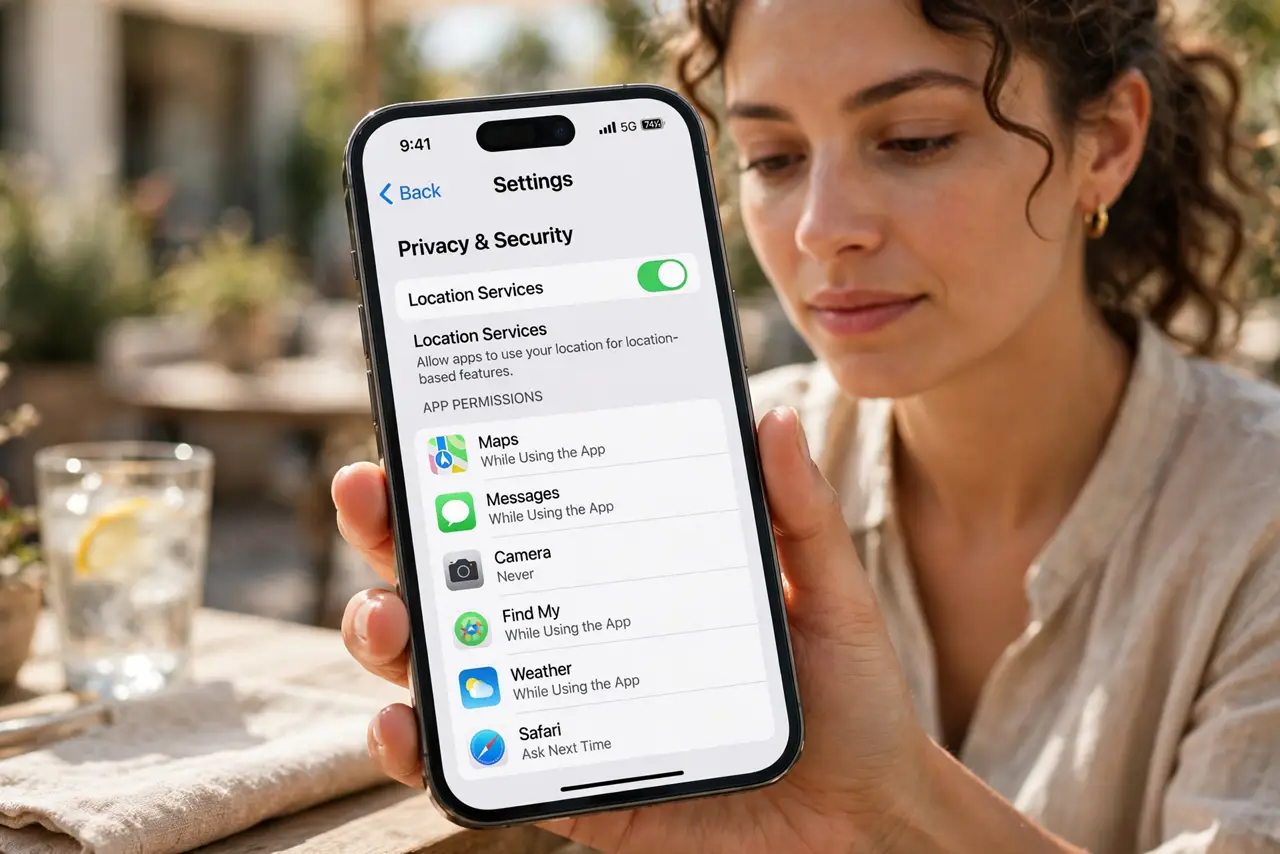
- Open location settings. On iPhone: Settings, Privacy and Security, Location Services. On Android: Settings, Location, App permissions. Every app's access is listed.
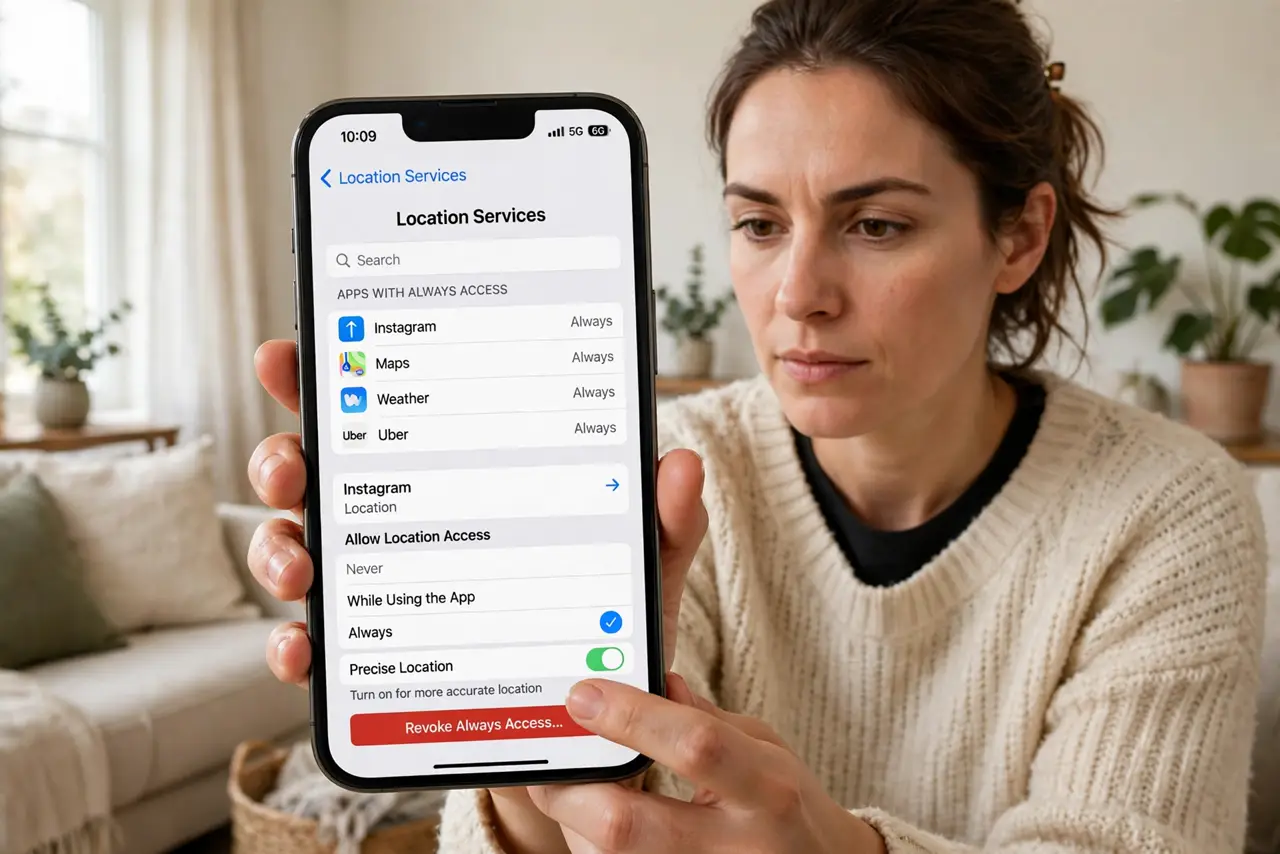
- Find the Always offenders. Sort by the apps with Always or Allow all the time access. These track you in the background — the list is usually longer than expected.
- Demote to While Using. Change background trackers to While Using the App or Ask Every Time. Almost no app genuinely needs to follow you around the clock.
- Demote precise to approximate. While you are there, switch non-navigation apps to approximate location. Less precision, less battery, more privacy.
- Watch the battery bonus. Background location is a top silent battery drain. After the sweep, many phones gain noticeable standby time.
- Repeat twice a year. Updates and new installs re-grant permissions quietly. A quick review every six months keeps the trackers trimmed.
What NOT to do
- Do not grant Always on first ask. Almost nothing needs background location immediately — start restrictive and loosen only with reason.
- Do not assume the icon means active tracking. Some apps hold the permission without using it; the setting still deserves the demotion.
- Do not forget system services. Your phone's own services also use location — review those toggles too, not just apps.
- Do not leave navigation on Always. Maps needs it during trips, not forever — demote it back afterwards.
Frequently asked questions
Which apps truly need background location?
Almost none for most people. Navigation during a trip and family safety apps are the rare legitimate cases.
Will this break my apps?
No — apps fall back to asking when open. If one genuinely needs background access, it will tell you.
How much battery does this save?
It varies, but background location is consistently among the top hidden drains. Users often notice the difference within days.