Follow the 3-2-1 Rule
One copy of your photos on one laptop is not a backup — it is a hope. The 3-2-1 rule is the simplest backup strategy that actually works: three copies of your data, on two different kinds of storage, with one copy somewhere else. It sounds like overkill until the day a drive dies. Here is a plain home setup.
TL;DR / Quick Fix
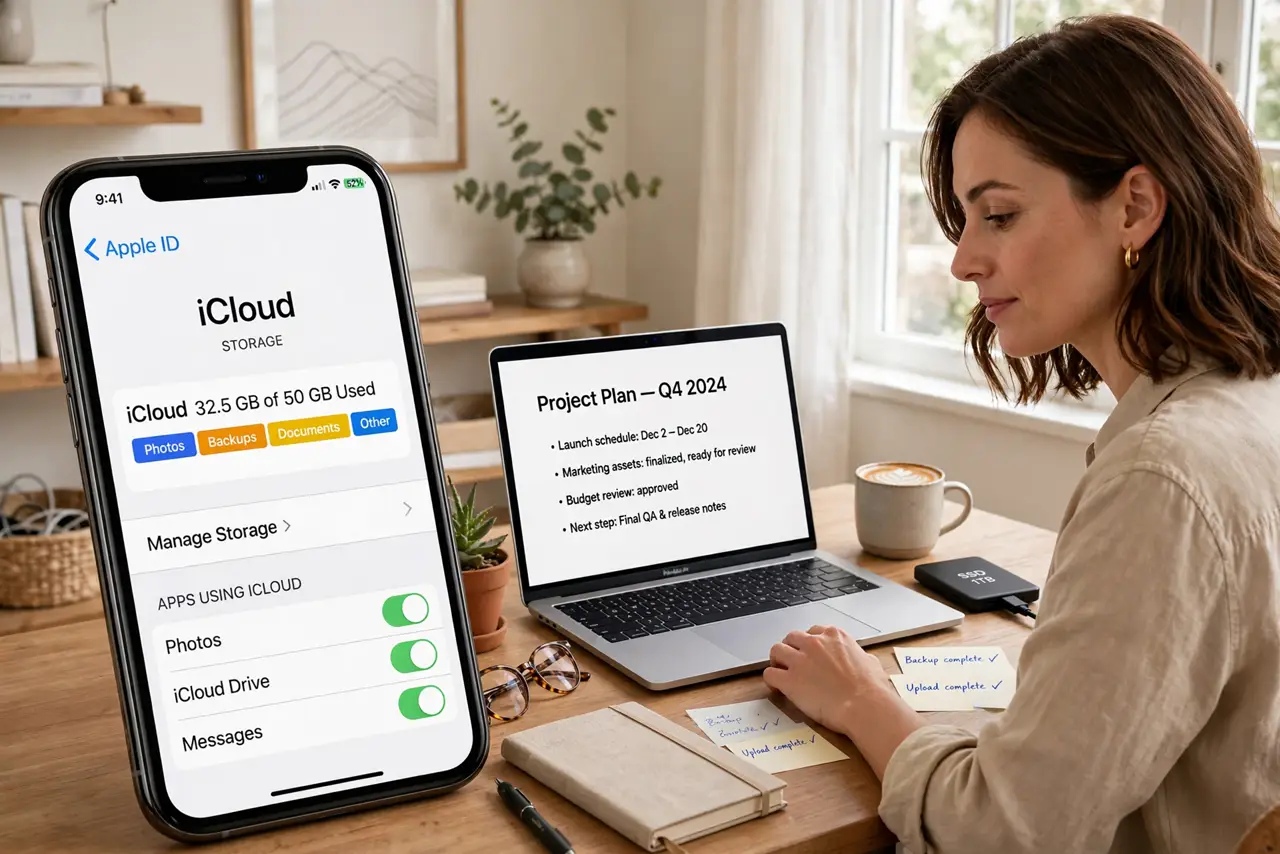
Quick fix: keep three copies of your files on two different kinds of storage, with one copy offsite — that is the 3-2-1 rule. An external drive plus a cloud backup covers most people. Automate both. One copy is not a backup; three copies is peace of mind.
Follow these steps
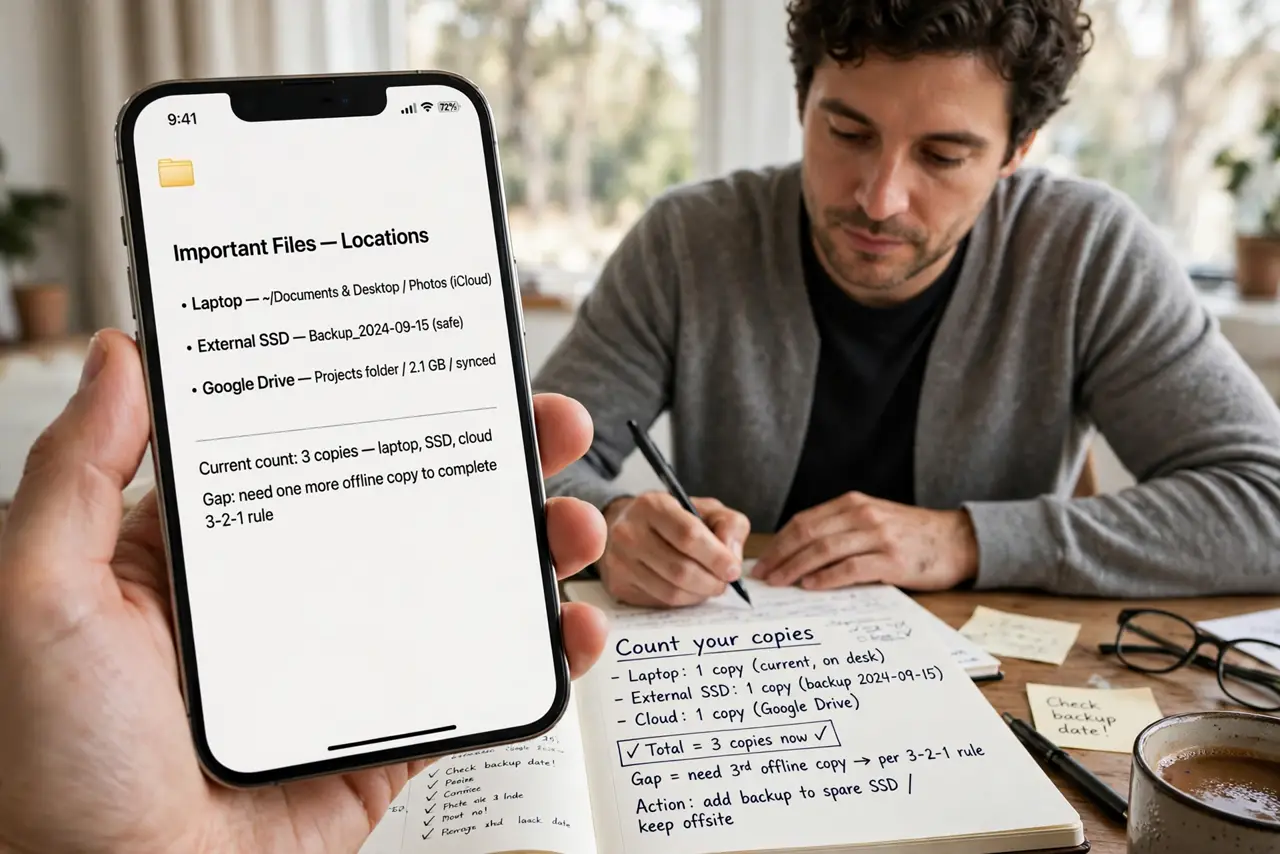
- Count your copies. List where your important files live right now. Most people find one copy — the laptop — and maybe a partial second. That gap is what the rule fixes.
- Get copy two on different media. An external hard drive is the classic second copy — different device, different failure modes than your laptop's drive. See external drive vs ready drive if you are shopping.
- Get copy three offsite. Cloud storage or a drive at a relative's house covers fire, flood, and theft — the disasters that take all your local copies at once.
- Automate everything. Manual backups die within weeks. Turn on automatic backups for both the drive and the cloud — see how to automate your backups so it happens without willpower.
- Test a restore. Once a quarter, restore one file from each backup and open it. A backup you have never tested is a theory, not a plan.
- Revisit yearly. Storage fills, plans change, new devices arrive. Once a year, check that all three copies still exist and still include everything that matters.
What NOT to do
- Do not count a sync service as a backup. Sync mirrors deletions and ransomware instantly — you need versioned copies, not mirrors.
- Do not keep all three copies in one house. Fire and theft take everything local; the offsite copy is the one that saves you from disasters.
- Do not buy the drive and never plug it in. An unconnected backup that never runs is decoration — automate it or schedule it.
- Do not back up everything equally. Prioritize photos, documents, and anything irreplaceable; you can reinstall apps and redownload media.
Frequently asked questions
Is cloud backup enough by itself?
It is one good copy, but the rule wants three. Pair cloud with a local external drive for the full setup.
How much storage do I need?
Enough for your files plus room to grow — most homes fit comfortably on a 1-2 TB drive. Start with what you have today.
What counts as offsite?
Anywhere not in your house: cloud storage, a drive at family, a safe deposit box. Distance is the point.