Battery Percentage Jumps Suddenly? Fix It
When the percentage jumps from half to empty, or back up again, the battery meter is confused or the battery is worn. A report and a careful full cycle can tell you which, before you spend money on a replacement.
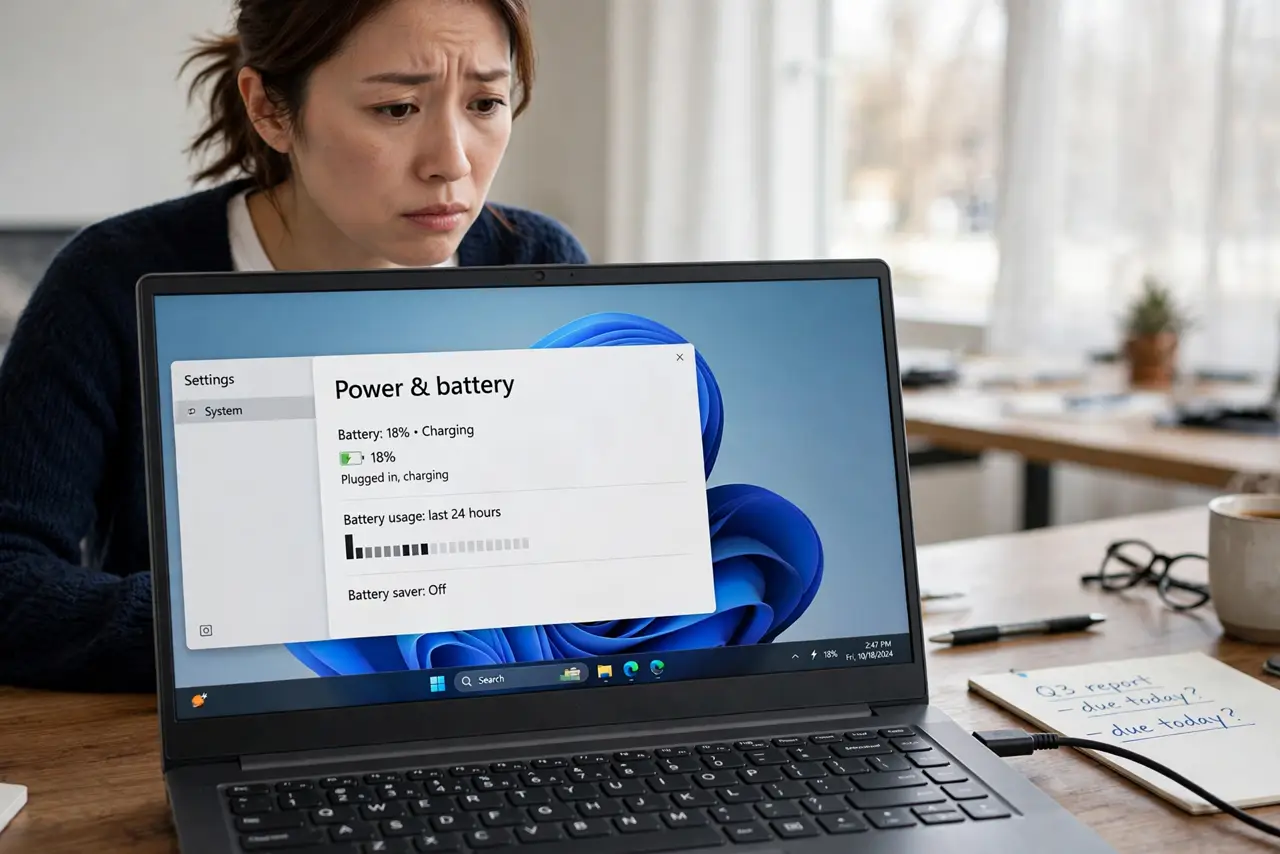
TL;DR / Quick Fix
Quick fix: use the laptop until it warns of low battery, then charge it fully without interruption and use it normally. If the percentage still jumps after that full cycle, open a battery report and check the wear level before deciding on a replacement.
Follow these steps
- Do one careful full cycle. Use the laptop on battery until it warns of low battery, then charge it fully to one hundred percent without unplugging. This helps the meter relearn the true range.
- Check the battery report. Open Terminal and generate a battery report, then open it in a browser. Look at design capacity versus full charge capacity to judge wear.
- Watch when the jumps happen. Note whether jumps happen near empty, near full, or at random. Jumps near empty point to wear, while random jumps can point to a meter or driver issue.
- Update the battery driver. In Device Manager, find Batteries, and update the driver for the battery device. Restart after the update, then do another normal day of use before judging.
- Test with the charger unplugged and plugged in. Use the laptop unplugged for a while, then plugged in, and compare the readings. A reading that only jumps on battery points to the battery, not the charger.
- Ask a repair shop if wear is high. If the report shows much lower full charge capacity than design capacity, and jumps continue, take the laptop to a repair shop for a battery check.
What NOT to do
- Do not drain the battery to zero repeatedly to fix the meter. One careful cycle is enough, and repeated deep drains wear the battery faster.
- Do not replace the battery yourself on a sealed laptop unless you know the model and safe steps. A wrong battery or a damaged connector is a bigger problem.
- Do not trust a single jump as proof the battery is dead. One odd reading can come from a driver glitch, so watch a full day of use first.
- Do not leave the laptop plugged in at full charge for weeks and expect the meter to stay accurate. Normal use, with regular unplugged time, keeps readings truer.
Frequently asked questions
Why does the percentage jump up after I plug in?
Charging changes the voltage the meter reads, so a small jump on plugging in can be normal. Large jumps point to wear or a meter error.
Will a full cycle fix a worn battery?
No. A cycle recalibrates the meter, but it cannot restore lost capacity. If wear is high, the battery still needs replacing.
Is it safe to use a jumping battery?
Usually yes for normal use, but back up your work often. A battery that drops suddenly can shut the laptop down without warning.